manuals.online logo
Brands
  1. Home
  2. •
  3. Brands
  4. •
  5. LG
  6. •
  7. Touchscreen
  8. •
  9. LG ART10 Series User manual

LG ART10 Series User manual

Other LG Touchscreen manuals

LG LD230EKS-FPN1 User manual

LG

LG LD230EKS-FPN1 User manual

LG KT-P430 User manual

LG

LG KT-P430 User manual

LG 23DST1 User manual

LG

LG 23DST1 User manual

LG 27ART10AKPL User manual

LG

LG 27ART10AKPL User manual

LG 84WT70PS User manual

LG

LG 84WT70PS User manual

LG WK9 Specification sheet

LG

LG WK9 Specification sheet

Popular Touchscreen manuals by other brands

HAI OmniTouch 10p user manual

HAI

HAI OmniTouch 10p user manual

NEXIO HID Touch-screen user guide

NEXIO

NEXIO HID Touch-screen user guide

Elo TouchSystems E534869 user manual

Elo TouchSystems

Elo TouchSystems E534869 user manual

Dell C8618QT user guide

Dell

Dell C8618QT user guide

InTouch INDT156 user manual

InTouch

InTouch INDT156 user manual

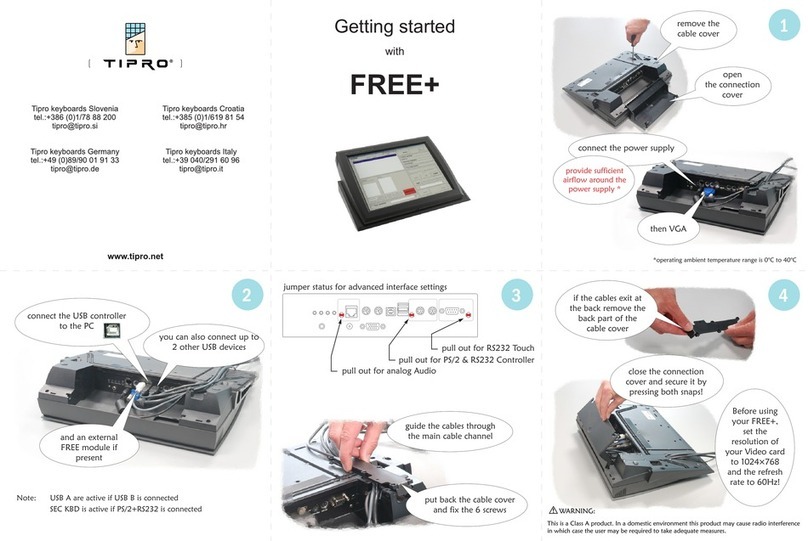
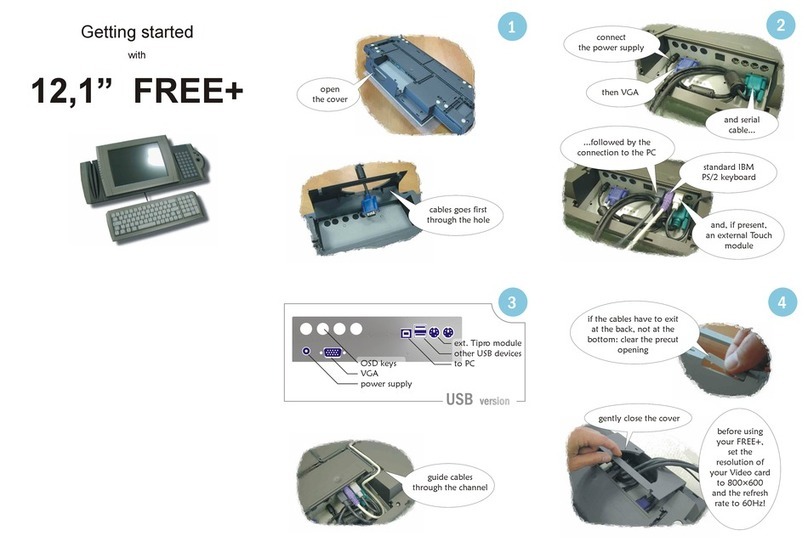
Tipro FREE+ 12.1" Getting started

Tipro

Tipro FREE+ 12.1" Getting started

Advantech IDP31-215W Series user manual
Advantech

Advantech IDP31-215W Series user manual

Element VK Series user manual

Element

Element VK Series user manual

Johnson Controls Advanced Graphic Touchscreen Display Installation and operation manual

Johnson Controls

Johnson Controls Advanced Graphic Touchscreen Display Installation and operation manual
Elo TouchSystems 2799L user manual

Elo TouchSystems

Elo TouchSystems 2799L user manual
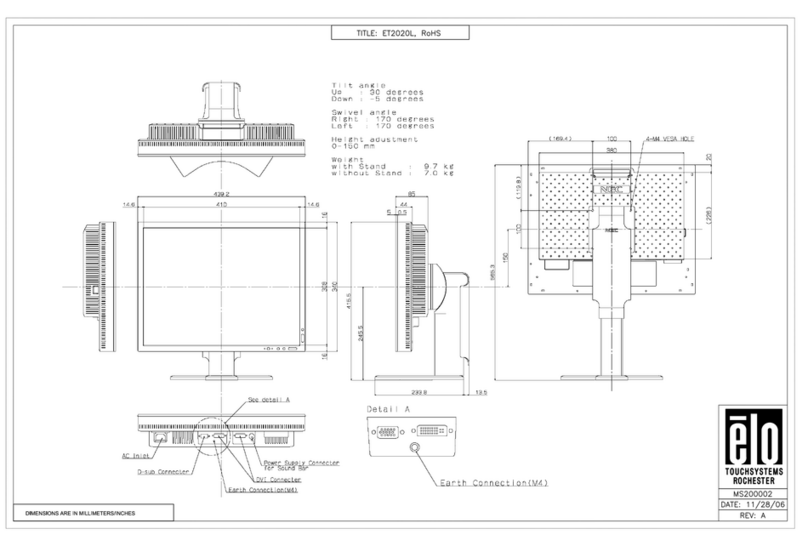
Elo TouchSystems 2020L Product dimensions

Elo TouchSystems

Elo TouchSystems 2020L Product dimensions

Wiggly-Amps Engage installation instructions

Wiggly-Amps

Wiggly-Amps Engage installation instructions

gefran G-Vision 67-070 Operating instructions manual

gefran

gefran G-Vision 67-070 Operating instructions manual

Sinocan T06-15 user manual

Sinocan

Sinocan T06-15 user manual

COMFILE CUTOUCH CT1820 user manual

COMFILE

COMFILE CUTOUCH CT1820 user manual

Future Design ELI101-IPHW user manual

Future Design

Future Design ELI101-IPHW user manual

InTouch KIO-LITE-215L-WM user manual

InTouch

InTouch KIO-LITE-215L-WM user manual

Elo TouchSystems 1739L user guide

Elo TouchSystems

Elo TouchSystems 1739L user guide

manuals.online logo
manuals.online logoBrands
  • About & Mission
  • Contact us
  • Privacy Policy
  • Terms and Conditions

Copyright 2025 Manuals.Online. All Rights Reserved.

ART10*
1
4
Disassembly
Position the screen vertically. 2Push the top of the screen lightly in the
direction of the arrow to disassemble
a part of the cover space. 3Use a wedge or pull it with your hand
to completely disassemble the cover.
Position the screen horizontally and
disassemble the cable holder screw. 5Lower the rear lever and push the bottom
of the screen forward, as shown in the figure. 6Lift the screen, separate the top
of the screen, and hold the screen.
7Press the plug lock, push it in the direction of the arrow,
and then disassemble the screen completely. 8Lay the stand on the box packaging, remove the four screws,
and then disassemble the stand bar.
※ Caution
Avoid pushing it hard.
There is a risk of damage.
※ Do not lift the plug or pull it downward
when disassembling the screen.
Keep the disassembled screen
close to the stand at a distance
of 10 cm or less.
M4L10
1X
M4L34
4X
Plug lock
*MFL718019022307REV00*
Kg
AB C D E F F G
27ART10AKPL 621 1077 ~ 1277 397 361 29.9 17.5 4.8
Power requirement 19V 4.0A
Head
washer
ղࢶQU
৮ࢿػ޷૑ࠂઁೞৈ
1BUIGJOEFS6OJUF৻ࢶઁ
QU"MJHOTUSPLFPVUTJEF
90°
1
M4L34
M4L10
Head
washer
AA
1X4X
Installation
A Insert the stand base into the styrofoam groove as shown in the gure.
B Insert the bar into the hole of the stand base along the groove until it reaches the parting line.
C Secure the four screws.
>10 kg A
M4L34
4X
B
C
www.lg.com
User Install Guide
*MFL718845022201rev01*
4
M4L10
1X
B
A
B
A
A B
Power cable
Power plug
Cable holder
3Hold the screen and secure the power plug.
ACheck the position of the power plug on the back cover of the screen.
BSecure it tightly to the back cover side.
2Check the orientation of the power cable and cable holder.
Secure the screen to the stand.
AInsert the stand hook into the back cover groove and tighten
while pushing the lower part, as shown in the gure.
(Push it until you hear a [click] sound.)
BSecure one screw to the cable holder.
5Secure the ring cover of the stand.
AAlign the screen back cover and ring cover [●mark] and install them.
BCheck if it sits tightly as shown in the gure.