TrainMaster Command operations
10
0Stops and resets the NW-2. Resets the
NW-2’s direction to FORWARD. Resets
Railsounds to automatic RPM operation.
Horn blows. RPMs return to auto-
matic.
1Raises the volume of Railsounds.
Sound volume increases.
2CrewTalk™is the sound of unintelliga-
ble walkie-talkie communication.
Crewtalk announcement.
3Raises Railsounds RPM level. Starts up
Railsounds. RPMs increase.
Startup sequence commences.
4Lowers the volume of Railsounds.
Sound volume decreases.
5Activates the Railsounds shutdown
sequence. Just like the real thing, your
NW-2’s RPMs must be at idle for shutdown
to occur. Press 6 repeatedly to lower RPMs
until they won’t descend further. Your loco-
motive is now at idle. Press 5 to initiate the
shutdown sequence. Crewtalk
announcement / Diesel shutdown
commences. Remember, the horn, bell,
and RPMs will not sound until you restart
Railsounds.
6Lowers Railsounds RPM level. RPMs
decrease.
7TowerCom™is an audible announce-
ment that includes that engine’s road
number and/or name. Your locomotive fea-
tures the NEW TWO PART TowerCom
announcement. By following these simple
steps you will trigger a unique standby or
departure message. There will be a 4 second
delay before the message plays. This allows
for interactive audio between two TowerCom
equipped units. After pressing AUX-1, press-
ing 7 produces the standby announcement.
If you press 7 a second time, you will get the
departure announcement. Also, by inserting
any command between AUX-1 and 7, you
will get the departure announcement. We
suggest BRAKE, since while stationary, this
has no function.
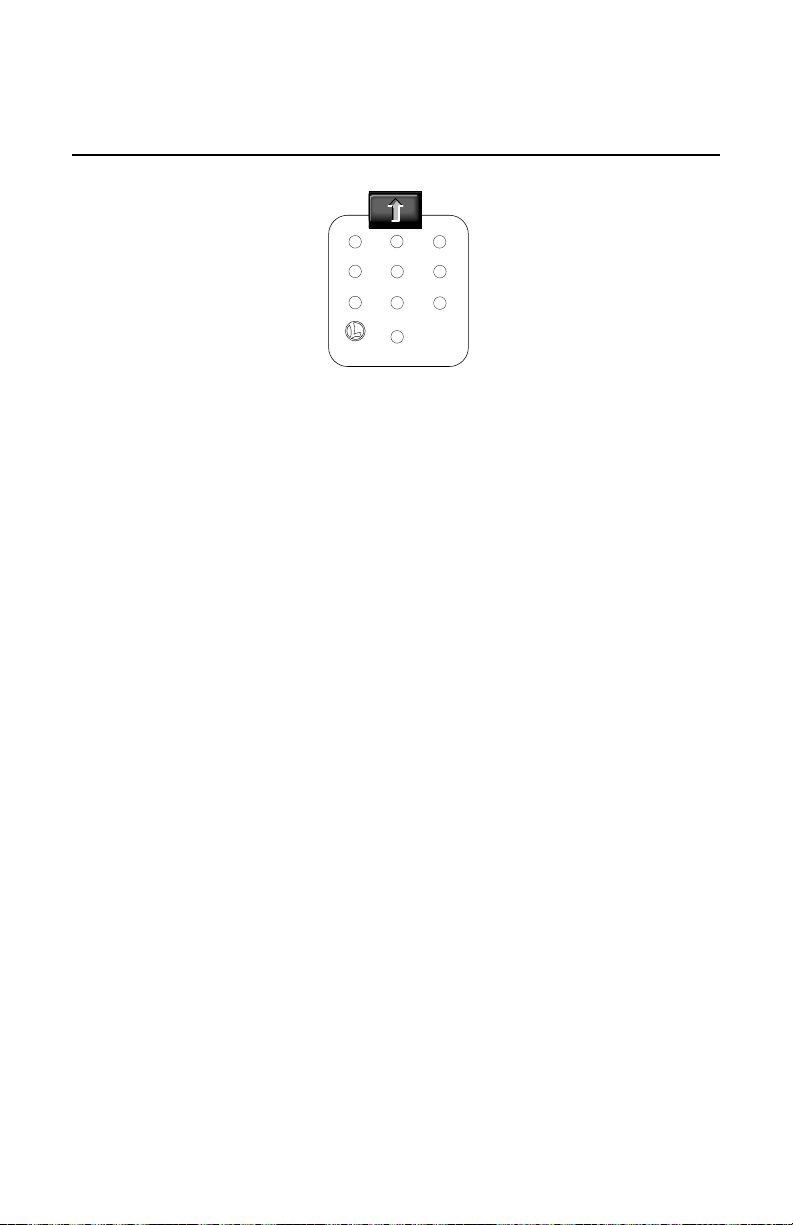
When you press AUX1 on CAB-1,
you turn the numeric keypad
into 10 command buttons. The
keypad lets you control extra com-
mand features (until you press any
top-row button like SW, ACC, RTE,
TR, or ENG). The CAB-1 keypad
overlays included with your NW-2 are
designed to help you learn the aux-
iliary features specific to this loco-
motive. Railsounds sounds
in bold italic.
CAB-1 numeric keypad commands for your NW-2