5
Hold the button for 3 seconds until you hear the power on
voice prompt and the indicator light turns on.
Power On/O
Hold the button for 3 seconds until you hear the power o
voice prompt and the indicator light turns o.
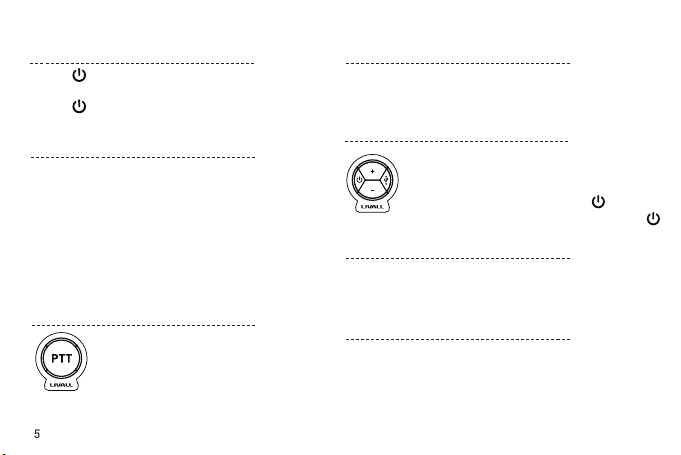
Push to Talk
(Through App)
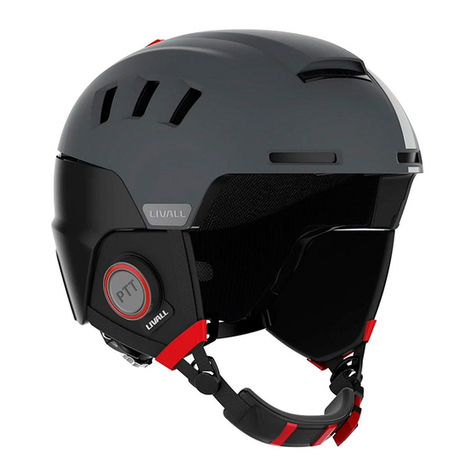
Log in to the LIVALL Skiing App and enter the Group
interface, hold down the PPT button until you hear
the ‘DING’ voice prompt, press and hold the PPT
button to talk, release the button to stop.
Note: There will be “DING” voice prompt when
press or release the PPT button.
1. Run the LIVALL Skiing App on your phone, register and log in.
Click to connect the helmet, then connect Bluetooth according
to the Quick Connect Guide. The Bluetooth device name is
Helmetphone-RS.
2. Once paired, return to the LIVALL Skiing App. Functions such as
Bluetooh phone, Walkie-Talkie, Anti-Loss alarm and SOS alert are
all enabled.
Note: Once the helmet is connected, it is recommended to
rename it for identication.
Once the Bluetooth Headset is connected to your mobile
phone, press any button on the helmet to answer the
phone call.
Answer Phone Call: press any key (+/-/ )
Decline/End Call: hold down any key for >1.3s (+/-/ )
Bluetooth Paring One Button Answer
Plug the USB charger in. The indicator light will blink when
charging. The indicator light will turn o automatically when
fully charged.
Charging
When the distance between your phone and the helmet is
greater than 15 meters (open space), the LIVALL Skiing App and
the helmet will alarm simultaneously.
1. Set your emergency contacts in the interface part of the LIVALL
Skiing App.
2. When the APP is running, the system will automatically trigger
the SOS alert and notify your emergency contacts when there is
an accident.
Anti-Loss Alarm
SOS Alert