manuals.online logo
Brands
  1. Home
  2. •
  3. Brands
  4. •
  5. Livall
  6. •
  7. Motorcycle Accessories
  8. •
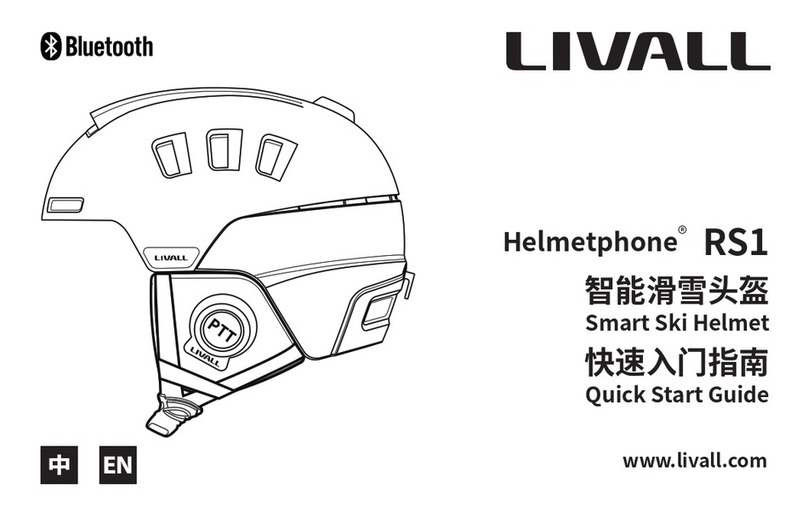
  9. Livall Helmetphone RS1 User manual

Livall Helmetphone RS1 User manual

Other manuals for Helmetphone RS1

1

Other Livall Motorcycle Accessories manuals

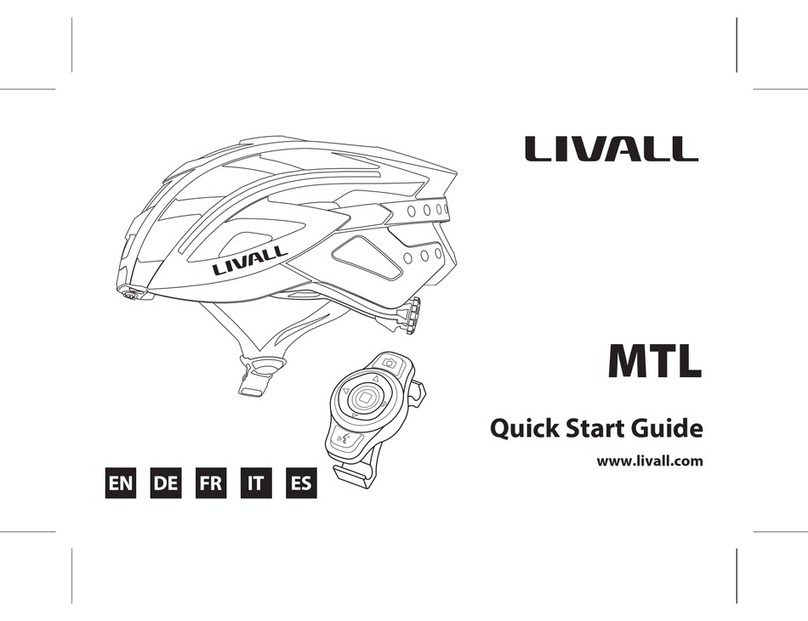
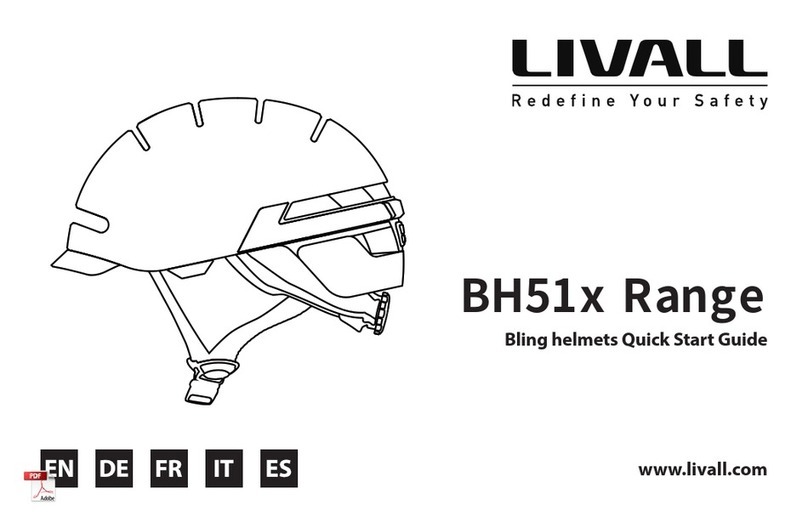
Livall MTL User manual

Livall

Livall MTL User manual

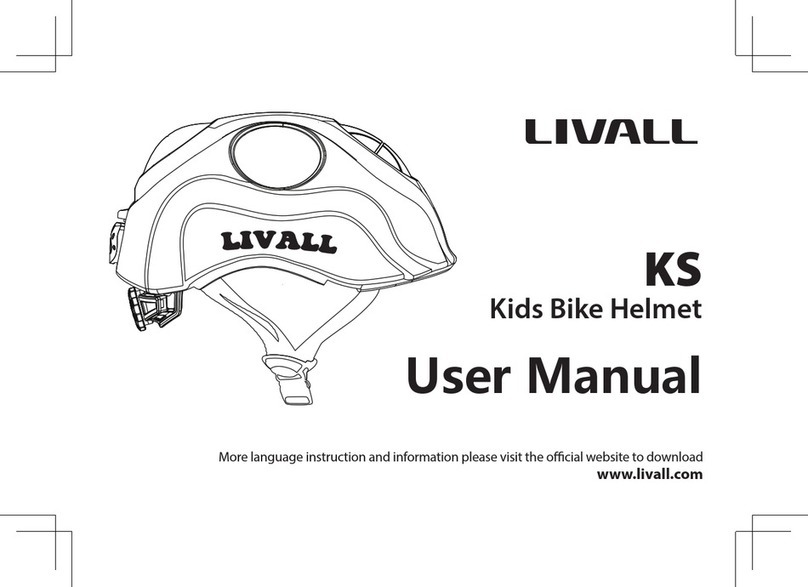
Livall KS User manual

Livall

Livall KS User manual

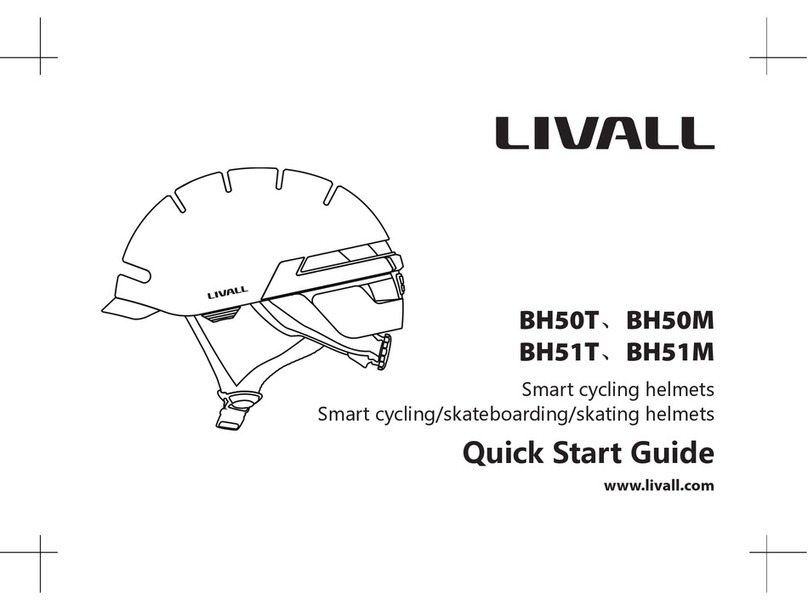
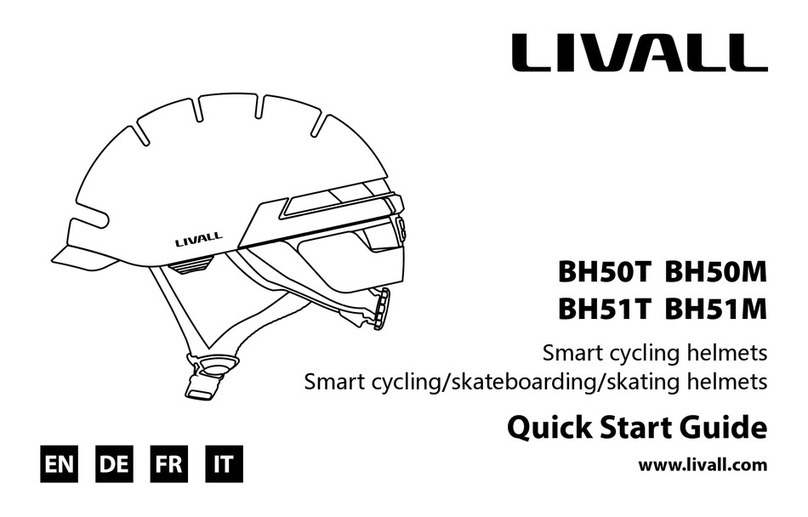
Livall BH50T User manual

Livall

Livall BH50T User manual

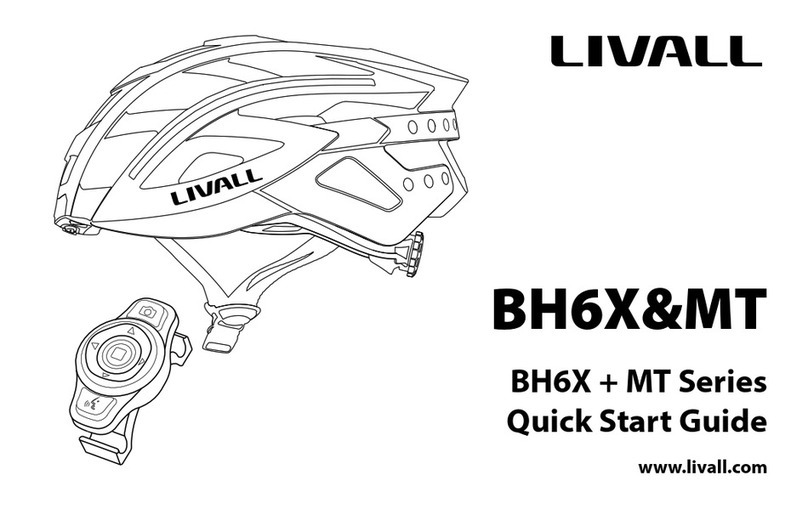
Livall BH6X Series User manual

Livall

Livall BH6X Series User manual

Livall BH6X Series User manual

Livall

Livall BH6X Series User manual

Livall Helmetphone RS1 User manual

Livall

Livall Helmetphone RS1 User manual

Livall BH User manual

Livall

Livall BH User manual

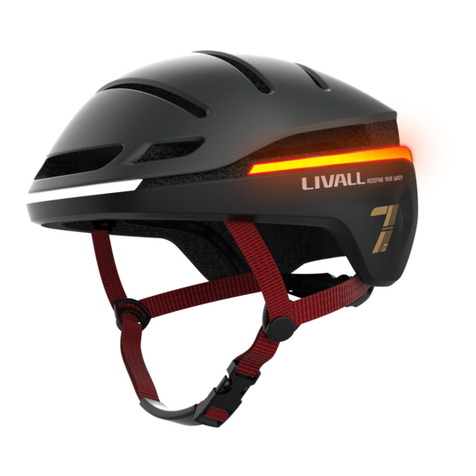
Livall EVO21 User manual

Livall

Livall EVO21 User manual

Livall NH51M NSO User manual

Livall

Livall NH51M NSO User manual

Livall BH50T User manual

Livall

Livall BH50T User manual

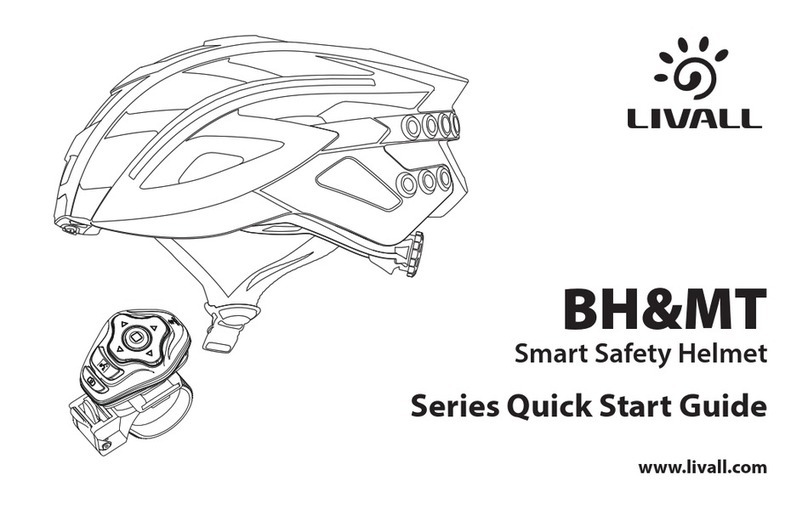
Livall BH&MT Series User manual

Livall

Livall BH&MT Series User manual

Livall EVO21 User manual

Livall

Livall EVO21 User manual

Livall C20 User manual

Livall

Livall C20 User manual

Livall BH6X Neo User manual

Livall

Livall BH6X Neo User manual

Livall BH6X Series User manual

Livall

Livall BH6X Series User manual

Popular Motorcycle Accessories manuals by other brands

SRC H-ADV150-04-01AL quick start guide

SRC

SRC H-ADV150-04-01AL quick start guide

DMD P1 owner's manual

DMD

DMD P1 owner's manual

GIVI Airflow AF1110 manual

GIVI

GIVI Airflow AF1110 manual

Suzuki 99143-00A1 000 Series installation instructions

Suzuki

Suzuki 99143-00A1 000 Series installation instructions

Cardo Systems FREECOM 4+ Pocket guide

Cardo Systems

Cardo Systems FREECOM 4+ Pocket guide

Shark S 700 user manual

Shark

Shark S 700 user manual

R&G CR0081 Fitting instructions

R&G

R&G CR0081 Fitting instructions

SRC B-TRK502-01-01-SL quick start guide

SRC

SRC B-TRK502-01-01-SL quick start guide

hepco & becker 6307520 00 01 manual

hepco & becker

hepco & becker 6307520 00 01 manual

HOMCOM AA0-077 user manual

HOMCOM

HOMCOM AA0-077 user manual

hepco & becker 6307558 00 01 manual

hepco & becker

hepco & becker 6307558 00 01 manual

SHOEI JO Instructions for use

SHOEI

SHOEI JO Instructions for use

Wunderkind Custom 106503-F15 Installation and safety

Wunderkind Custom

Wunderkind Custom 106503-F15 Installation and safety

Suzuki 57100-05881 installation instructions

Suzuki

Suzuki 57100-05881 installation instructions

SIKH HELMETS Y-61 quick start guide

SIKH HELMETS

SIKH HELMETS Y-61 quick start guide

Dräger HPS 3500 Instructions for use

Dräger

Dräger HPS 3500 Instructions for use

M-WAVE SKI manual

M-WAVE

M-WAVE SKI manual

Kuryakyn 6212 installation instructions

Kuryakyn

Kuryakyn 6212 installation instructions

manuals.online logo
manuals.online logoBrands
  • About & Mission
  • Contact us
  • Privacy Policy
  • Terms and Conditions

Copyright 2025 Manuals.Online. All Rights Reserved.

Helmetphone RS1
智能滑雪头盔
Smart Ski Helmet
快速入门指南
Quick Start Guide
www.livall.no
www.livall.eu
EN DE FI NO SE DK
1
1
欢迎使用 LIVALL 智能滑雪头盔,本指南会指引您如何更好地使用本产品。随着本公司产品的持续完善,本指南将会
不定期更新,您可以在 LIVALL 官方网站(www.livall.com)上获取最新版本及了解头盔的更多信息。
注:
( * ) 防丢提示音 ; (**) 按任意键(+ / - / )均可接听电话
扫描二维码或手
机应用市场搜寻
“来啊滑雪”APP,
下载并安装
包装清单:
头盔:1 个
USB 充电线:1 条
快速入门指南:1 份
重要信息和保修卡:1 份
温度调节
“+”键(**)
防雾化通风口
耳罩组件(*)
(含喇叭&MIC)
充电插口
“-”键(**)
PTT键
开关机键 (**)
喇叭
MIC
通风口
2
开/ 关机
[ 开机 ] 长按开关机键 (约 3s),直至听到开机语音提示 ,
指示灯亮起,开机成功。
[ 关机 ] 长按开关机键 (约 3s),直至听到关机语音提
示, 指示灯熄灭,关机成功。
蓝牙连接
1. 在手机上打开“来啊滑雪”APP,注册并登陆APP,按照
APP 提示点击连接雪盔,并完成蓝牙连接;蓝牙名称为
“Helmetphone-RS”。
2. 蓝牙连接成功后返回 APP,蓝牙电话、群组对讲、双向防
丢及 SOS 功能全部开启。
注:雪盔连接成功后,建议修改设备名称便于识别。
对讲
连接 APP 后进入组队,长按 PTT 键, 听到“叮”
提示音,进入语音发送状态, 即可按住开始说
话,松开 PTT 键是语音结束状态。
注:
PTT
按下有
“
叮
”
提示音,松开有
“
叮
”
的结束提示音。
充电
插上 USB 电源,指示灯 闪烁,进入充电状态;充满后指
示灯 自动熄灭。
注:为了维持电池的使用寿命,建议头盔每次长期(半年到一
年)储存前需充满电。
电话
在蓝牙耳机连接上手机时,即可通过头盔主控的任意键
接听电话。
接听电话:短按任意键 (+/-/ )
拒接 / 挂断电话:
长按任意键 >1.3 秒(+/-/ )
双向防丢
当手机与雪盔距离过大时(空旷环境下> 15 米),手机 APP
和雪盔会发出报警声。
SOS
1. 在APP 的“我”界面设置紧急联系人。
2. 在使用 APP 的条件下,如遇意外摔倒,系统自动触发
SOS 报警功能。
注:可能因网络异常等问题导致无法成功发送或接收 SOS 信
息。
3
技术规格
充电接口:Micro USB 电池:3.7V/1000mAh,充电约 2 小时
电气参数:DC 5V/1A 对讲距离:参考手机网络
声音:麦克风 -35dB、D27mmx2 32Ω,高保真扬声器
续航时间:对讲最长 16 小时,通话最长 13 小时,待机时长约 48 小时
温度:储存温度 -20℃~45℃,使用温度 -20℃~40℃,充电温度 0℃~40℃
注:以上数据由 LIVALL 实验室在室温 25℃、手机音量 60% 环境下测得,实际使用时因客观环境的变化或有
误差。
电子功能故障排除
在使用过程中,如果出现以下功能异常,请按各型号快速指南的充电时长进行充电操作(充电时可对头盔进行复位)。
如果还是无法排除,请联系售后服务中心。(售后邮箱:[email protected])
故障现象:
1、无法正常充电和开机;
2、开机时,灯光、麦克风、喇叭等功能异常或无法使用;
3、开机后,使用较短时间出现自动关机。
注:各型号具体功能请参考对应的快速指南。
LIVALL 官方网站: www.livall.com
4
Welcome to the User Guide for LIVALL smart ski helmets. This guide will help you better use this product. With continuous
improvements of our products, this guide will be updated from time to time. You can access the latest version and learn more
about the helmet at. www.livall.com.
( * ) Anti-loss alarm.
(**) Press any button “+ / - / ”to answer the phone.
Download the LIVALL Ski APP
Packing List :
Helmet x 1
USB charging cable x 1
Quick Start Guide x 1
Important Information and Warranty Card x 1
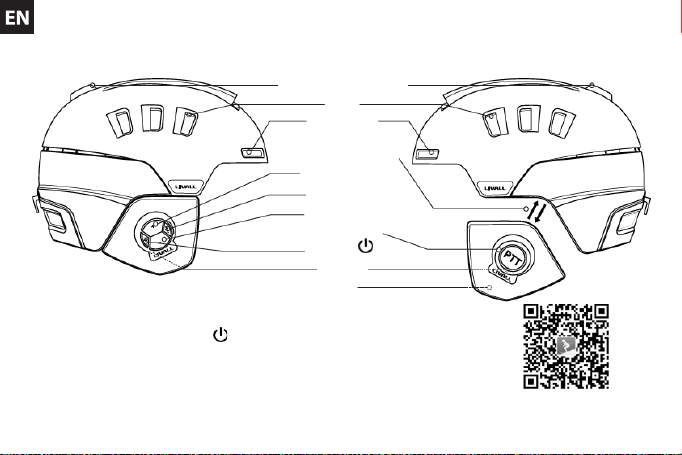
Temperature Adjustment
Vents
Anti-fog Vents
Earpads(*)
“+”button(**)
Micro USB
“-”button(**)
Push to Talk
ON/OFF (**)
Speaker
MIC
(Speaker & MIC inside)
5
Power On/Off
Hold the button for 3 seconds until you hear the power on voice
prompt and the indicator light turns on.
Hold the button for 3 seconds until you hear the power off voice
prompt and the indicator light turns off.
Bluetooth Paring
1. Run the LIVALL Skiing App on your phone, register and log in.
Click to connect the helmet, then connect Bluetooth according to the
Quick Connect Guide. The Bluetooth device name is Helmetphone-
RS.
2. Once paired, return to the LIVALL Skiing App. Functions such as
Bluetooh phone, Walkie-Talkie, Anti-Loss alarm and SOS alert are all
enabled.
Note: Once the helmet is connected, it is recommended to
rename it for identification.
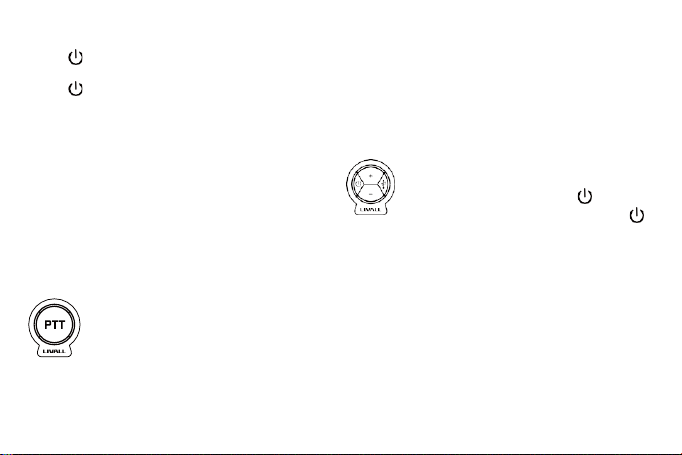
Push to Talk (Through App)
Log in to the LIVALL Skiing App and enter the Group
interface, hold down the PPT button until you hear the
‘DING’ voice prompt, press and hold the PPT button to
talk, release the button to stop.
Note: There will be “DING” voice prompt when
press or release the PPT button.
Charging
Plug the USB charger in. The indicator light will blink when charging.
The indicator light will turn off automatically when fully charged.
Note: To maintain efficient battery life, it is recommended that
the helmet be fully charged before any long-term storage (six
months to one year).
One Button Answer
Once the Bluetooth Headset is connected to your mobile
phone, press any button on the helmet to answer the
phone call.
Answer Phone Call: press any key (+/-/ )
Decline/End Call: hold down any key for >1.3s (+/-/ )
Anti-Loss Alarm
When the distance between your phone and the helmet is
greater than 15 meters (open space), the LIVALL Skiing App and
the helmet will alarm simultaneously.
SOS Alert
1. Set your emergency contacts in the interface part of the LIVALL
Skiing App.
2. When the APP is running, the system will automatically trigger the
SOS alert and notify your emergency contacts when there is an
accident.
Note: Problems such as network anomalies, may result in the
failure to successfully send or receive SOS messages.

6
Technical Specifications
Voice:Mic-35dB, D27mm x2 32Ω
Intercom range: No distance limit by mobile data
Charging port: Micro USB, DC 5V/1A, charging time Approx. 2hrs
Battery capacity:3.7V/1000mAh, 16 hours for walkie-talkie, 48 hours for standby only
Temperature: Storage Temperature: -20° C ~45° C. Temperature for use: -20 C ~40. Temperature while charging: 0° C~40° C.
Notes: The above data is measured by LIVALL in a controlled environment, with room temperature at 25
℃
and smartphone volume
at 60%. The data may vary according to the environment.
NOTE
This equipment has been tested and found to comply with the limits for a Class B digital device, pursuant to part 15 of the FCC Rules.
These limits are designed to provide reasonable protection against harmful interference in a residential installation. This equipment
generates uses and can radiate radio frequency energy and, if not installed and used in accordance with the instructions, may cause harmful
interference to radio communications. However, there is no guarantee that interference will not occur in a particular installation. If this
equipment does cause harmful interference to radio or television reception, which can be determined by turning the equipment off and on,
the user is encouraged to try to correct the interference by one or more of the following measures:
-
Reorient or relocate the receiving antenna.
-
Increase the separation between the equipment and receiver.
-
Connect the equipment into an outlet on a circuit different from that to whichthe receiver is onnected.
-
Consult the dealer or an experienced radio/TV technician for help.
Changes or modifications not expressly approved by the party responsible for compliance could void the user's authority to operate the
equipment. This device complies with Part 15 of the FCC Rules. Operation is subject to the following two conditions:
(1)this device may not cause harmful interference, and
(2)this device must accept any interference received, including interference that may cause undesired operation.