EnglishDeutsch
 logo
Brands
  1. Home
  2. •
  3. Brands
  4. •
  5. Logic
  6. •
  7. Cell Phone
  8. •
  9. Logic X4M User manual

Logic X4M User manual

Other manuals for X4M

1

Other Logic Cell Phone manuals

Logic 182217 User manual

Logic

Logic 182217 User manual

Logic L5.5E User manual

Logic

Logic L5.5E User manual
Logic X3 LO-X3141G User manual

Logic

Logic X3 LO-X3141G User manual
Logic X5.5 SuperSlim Quad Core User manual
Logic

Logic X5.5 SuperSlim Quad Core User manual

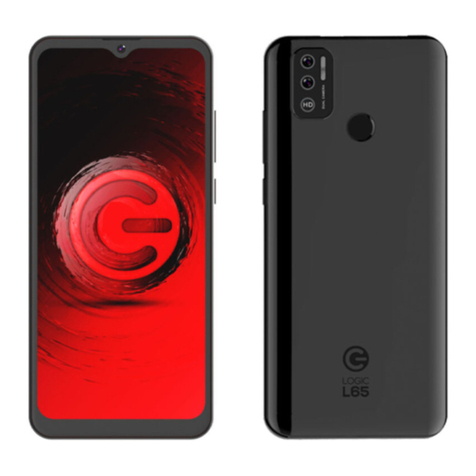
Logic L65 User manual

Logic

Logic L65 User manual
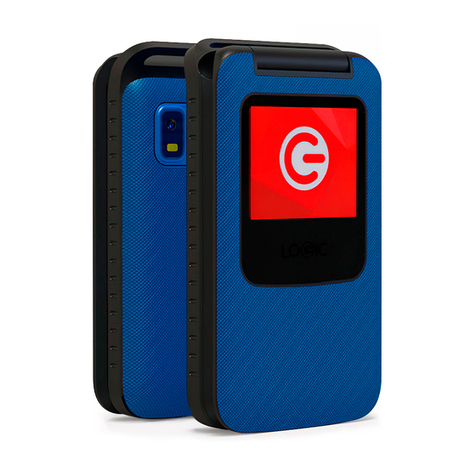
Logic F5 User manual

Logic

Logic F5 User manual
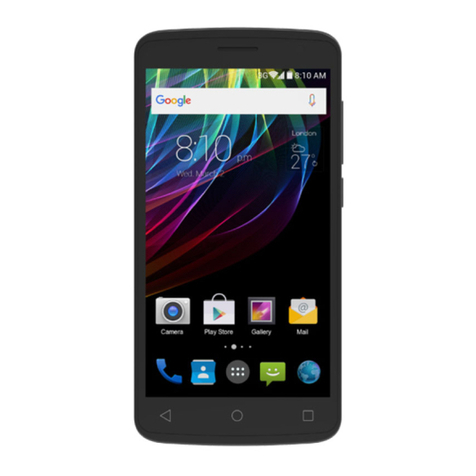
Logic X4.5 Lite User manual

Logic

Logic X4.5 Lite User manual
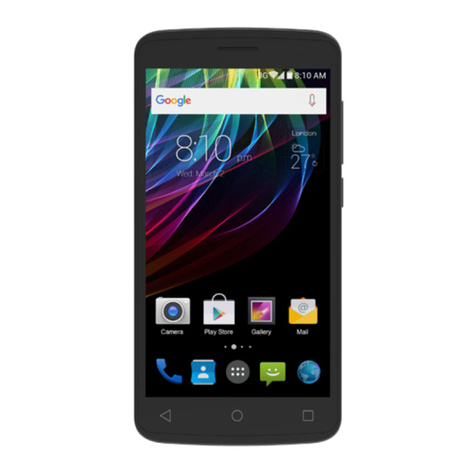
Logic X4.5 Lite User manual

Logic

Logic X4.5 Lite User manual
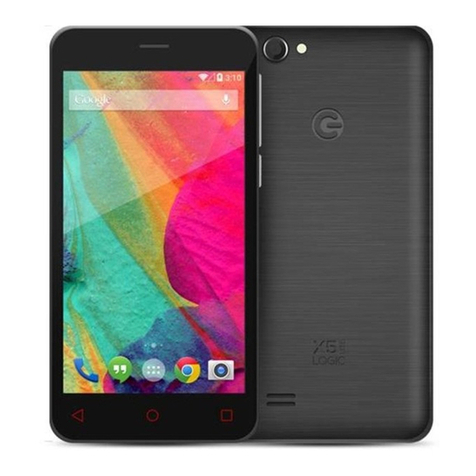
Logic X5 Lite User manual

Logic

Logic X5 Lite User manual
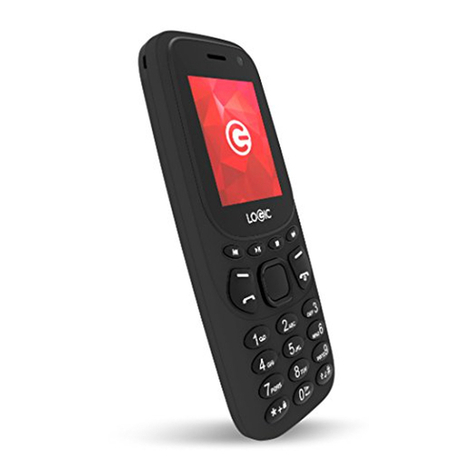
Logic B3G User manual

Logic

Logic B3G User manual
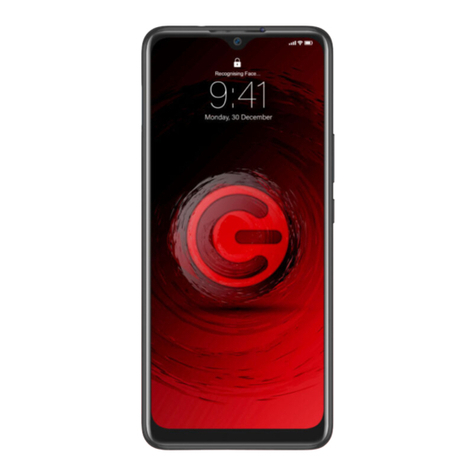
Logic L68 User manual

Logic

Logic L68 User manual

Logic X4.5 Lite User manual

Logic

Logic X4.5 Lite User manual

Logic L55B User manual

Logic

Logic L55B User manual

Logic X3 User manual

Logic

Logic X3 User manual

Logic X4M User manual

Logic

Logic X4M User manual

Logic A8 User manual

Logic

Logic A8 User manual

Logic X4.5 Lite User manual

Logic

Logic X4.5 Lite User manual

Logic L5.5E User manual

Logic

Logic L5.5E User manual

Logic X1 User manual

Logic

Logic X1 User manual

Logic X4.5 Lite User manual

Logic

Logic X4.5 Lite User manual

Logic X5.5 SuperSlim Quad Core User manual

Logic

Logic X5.5 SuperSlim Quad Core User manual

Logic X4 User manual

Logic

Logic X4 User manual

Logic M1 User manual

Logic

Logic M1 User manual

Popular Cell Phone manuals by other brands

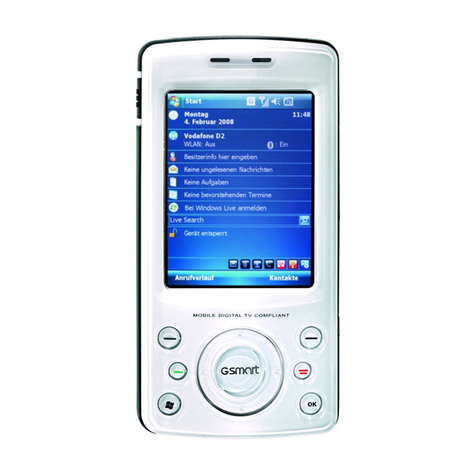
Gigabyte GSmart t600 null

Gigabyte

Gigabyte GSmart t600 null

Sony Ericsson Z200 null

Sony Ericsson

Sony Ericsson Z200 null

Gigabyte GSmart t600 null

Gigabyte

Gigabyte GSmart t600 null

Gigabyte GSmart t600 null

Gigabyte

Gigabyte GSmart t600 null

Sony Ericsson K700i null

Sony Ericsson

Sony Ericsson K700i null

Zte BLADE A520 quick start guide

Zte

Zte BLADE A520 quick start guide

Nokia Lumia 620 user guide

Nokia

Nokia Lumia 620 user guide

Blackbe;rry KEYone Safety and product information

Blackbe;rry

Blackbe;rry KEYone Safety and product information

Bea-fon X5 Premium quick guide

Bea-fon

Bea-fon X5 Premium quick guide

Blackbe;rry 8707 Series user guide

Blackbe;rry

Blackbe;rry 8707 Series user guide

Blackbe;rry Storm Troubleshooting

Blackbe;rry

Blackbe;rry Storm Troubleshooting

LG LM-X420QN user guide

LG

LG LM-X420QN user guide

LifeWatch V user guide

LifeWatch

LifeWatch V user guide

Bea-fon SILVER LINE SL860 user guide

Bea-fon

Bea-fon SILVER LINE SL860 user guide

IKI Mobile KF4.5i user manual

IKI Mobile

IKI Mobile KF4.5i user manual

Hitech HT-850 user guide

Hitech

Hitech HT-850 user guide

Yezz Fashion F10 user manual

Yezz

Yezz Fashion F10 user manual

Point Mobile PM60 user manual

Point Mobile

Point Mobile PM60 user manual

https://manuals.online logo
https://manuals.online logoBrands
  • About & Mission
  • Contact us
  • Privacy Policy
  • Terms and Conditions

Copyright 2026 Manuals.Online. All Rights Reserved.




Welcome
Thank yo
u
invite you
manual s
o
your new
visit us at
:
General I
n
The speci
f
without p
r
interpret
t
utmost c
compiled
nor any
o
for any
m
document
.
Screen c
a
presented
actual sc
r
software
v
Device for
Logic and
Logic, Inc.
respective
u
for purchasin
g
to read the in
s
o
you can confi
g
Device has to o
:
logicmobility.c
o
n
formatio
n
f
ications in th
i
r
ior notice. Lo
g
t
he performan
c
are was tak
e
in the product
o
ther affiliated
m
istakes or err
o
.
a
ptures, imag
e
in this manua
l
r
eens or funct
i
v
ersions or ot
h
the correct de
t
the Logic logo
a
Other trade
m
owners.

g
this innovativ
e
s
tructions cont
a
g
ure and utilize
ffer. For addit
i
o
m.
i
s manual are
g
ic, Inc. reserv
e
c
e of this mobil
e
e
n and the
l
ion of this ma
n
company, ass
u
o
rs that may b
e
e
s, diagrams
o
l
are for refere
i
ons may var
y
h
er factors. Pl
e
t
ails.
a
re registered
t
m
arks are the p
r
e
Logic Device.
a
ined in this us
e
all the functio
n
i
onal informati
o
subject to ch
a
e
s the final righ
t
e
device. While
l
atest informa
t
n
ual neither L
o
u
mes responsib
e
contained in
o
r representat
nce purposes.
y
due to diffe
r
e
ase refer to
y
t
rademarks of
r
operty of their
We
e
r
n
s
o
n
a
nge
t
to
the
t
ion
o
gic,
ility
this
ions
The
r
ent
y
our

Safety Inf
o
If your D
e
your SIM
operator).
unauthori
z
Please t
a
unauthori
z
· Set P
I
· Set D
e

Warnings
Safety wa
r

SAFE
O
Do not us
e
hands-fre
e
states an
d
driving is

SWITC
H
Wireless
d
Using a
D
sure your

SWITC
H
Strictly o
b
regarding
require yo
any area
o
rmatio
n
e
vice is lost or
s
card can be di
s
This can
z
ed
a
ke the fol
l
z
ed use of your
I
N code for SIM
e
vice password
and Precautio
n
r
ning
O
PERATION IN
A
e
a hand-held
D
e
kit to make/
t
d
countries,
m
illegal!
H
OFF WHEN O
d
evices can ca
D
evice in flight
Device is turne
d
H
OFF BEFORE
b
serve the rele
v
the use of Dev
i
u to do so. Tu
r
with a potenti
a

s
tolen, notify y
o
s
abled (must b
e
avoid econo
m
l
owing preca
u
Device:
card
n
s
A
VEHICLE
D
evice while d
r
t
ake calls whe
n
m
aking or re
c
N
AN AIRCRA
F
use interferen
c
is illegal and
r
d
off while in fl
i
ENTERING PO
S
v
ant laws, cod
e
i
ces in areas w
h
r
n off your De
v
a
lly explosive a
t
o
ur carrier so
t
e
done by net
w
m
ic loss due
u
tions to a
v
r
iving. Always u
s
n
driving. In s
o
c
eiving calls
w
F
T
c
e in an airc
r
r
isky. Please
m
i
ght.
S
TED FACILITI
E
e
s, and regulat
h
ere posted no
t
v
ice before ente
r
t
mosphere, suc
h
t
hat
w
ork
to
use.
v
oid
s
e a
o
me
w
hile
r
aft.
m
ake
E
S
ions
t
ices
r
ing
h
as

a gas stat
blasting p
r

OBSER
V
Follow a
n
locations
s
whenever
interferen
c
Device ne
a
aids and
o
interferen
c
properly.

INTER
F
The conve
radio int
e
and is lo
c
antenna
a
the conve
r

QUALI
F
Only qual
i
Installing
o
harm and

A
CCES
S
Use only
a

USE C
O
This devic
e
manner.

EMERG
ion, oil tank, c
h
r
ocess is under
V
E ALL SPECI
A
n
y special re
g
s
uch as hospita
l
Device use is
c
e or danger.
a
r medical dev
i
o
ther electroni
c
c
e and not
a
F
ERENCE
rsation quality
e
rference. An
a
c
ated below th
e
a
rea during a c
o
r
sation quality
t
F
IED SERVICE
i
fied personnel
o
r repairing th
e
it violates the
p
S
ORIES AND B
A
a
pproved access
o
O
RRECTLY
e
is designed t
o
ENCY CALLS

h
emical plant
o
way.
A
L REGULATIO
N
g
ulations that
l
s. Always swi
t
f
orbidden or
w
Use caution
i
ces, such as p
a
c
medical devic
e
a
llow these d
e
of any Device
m
a
ntenna is buil
t
e
microphone.
o
nversation bec
a
t
o deteriorate.
may install or
e
Device yours
e
p
roduct warra
n
A
TTERIES
o
ries and batte
r
o
be used in a
n
o
r location whe
r
N
S
are enforced
t
ch off your De
w
hen it may c
a
when using
y
a
cemakers, hea
r
e
s, as it may c
a
e
vices to perf
o
m
ay be affecte
d
t
-in to the D
e
Do not touch
a
use this will c
a
repair the De
v
e
lf may cause g
r
n
ty.
r
ies.
n
ormal and pr
o
r
e a
in
vice
a
use
y
our
r
ing
a
use
o
rm
d
by
e
vice
the
a
use
v
ice.
r
eat
o
per

Ensure th
e
emergenc
y
your loca
t
the call u
n
Note:
Jus
necessaril
y
manual
du
networks
Therefore
,
communi
c
network
op
Precautio
n
This Devi
c
special ca
r
help you
maximum

Keep t
h
of childre
n

Keep t
h
liquid or
o
circuits.

Do not
avoid da
m

Excessi
v
permane
n
e
Device is swi
t
y
number, e.g.
1
t
ion and state
y
n
til told to do s
o
us
t like all ot
he
y
support all
du
e to network
o
may not sup
p
,
do not rely
s
c
ations such as
op
erator.
n
s
c
e is an advan
c
r
e when using
use your D
e
benefit from i
t
h
e Device and
a
n
.
h
e Device dry.
o
ther substance
s
use or store th
e
m
aging its mech
a
v
e use of head
p
n
t hearing dam
a

t
ched on and i
n
1
12, then pres
s
y
our situation
b
o
.
he
r Devices, th
is
the features
o
r radio trans
m
p
ort the em
e
rg
s
olely on this
first aid. Pleas
e
c
ed digital dev
i
it. The followi
n
e
vice properly
t
:
a
ll its accessori
e
Keep away fr
o
s
that may cor
e
Device in dus
t
a
nical parts.
p
hones at high
a
ge.
n
service, enter
s
the Dial key.
G
b
riefly. Do not
is
Device may
described in
m
ission issues. S
o
rg
ency call se
rv
Device for cr
it
e
consult your
lo
i
ce. Please exe
r
n
g suggestions
and obtain
e
s out of the r
e
o
m rain, moist
u
rode the electr
o
t
y environmen
t
volume may c
a
the
G
ive
end
not
this
o
me
rv
ice.
it
ical
lo
cal
r
cise
will
the
e
ach
u
re,
o
nic
t
s to
a
use


Do not
temperat
u
damage t
h

Do no
temperat
u
and dam
a
moved to

Do not
damage o
r
compone
n
Getting t
o
Power/Lo
c
your Dev
i
on/off the
Menu Ke
y
you can e
x
Home Ke
y
store the Devi
c
u
res will shorte
n
h
e battery and
t store the
u
res. Condensa
t
a
ge the electr
o
a higher temp
e
throw, knock
r
destroy the i
n
n
ts.
o
Know Your Lo
g
c
k Key:Press a
n
i
ce. In standb
y
screen.
y
:Press this key
x
ecute the acti
o
y
:Press this key

c
e under high-
t
n
the life of the
some plastic p
a
Device unde
r
t
ion will form
o
nic circuits
w
e
rature.
or shock the
D
n
ternal circuits
g
ic X4M
n
d hold this
k
y
mode, press
to open the
a
o
n in current in
t
to return to t
h
t
emperatures.
H
electronic circ
u
a
rts.
r
extremely
inside the D
e
w
hen the Devic
e
D
evice, as that
and high-preci
s
k
ey to turn o
n
this key to
t
a
ction list, so
t
t
erface or men
u
h
e home page f
r
H
igh
u
its;
low
e
vice
e
is
will
s
ion
n
/off
t
urn
t
hat
u
.
r
om

any appli
c
Back Key:
close the
d
keypad.
Volume +
/
Installatio
n
By settin
g
the SIM c
a
operation.
Installing
S
This Devi
c
This confi
g
the Devic
e
into the sl
SIM Card
By settin
g
the SIM c
a
operation.
the valid
c
ation or interf
a
Press this key
t
d
ialog box, men
/
-:Press this ke
y
n
and Care of
t
g
PIN (person
a
a
rd, you can p
S
IM Card
c
e can come c
o
g
uration will h
a
e
first, remov
e
ot and replace
Precautions
g
a PIN (person
a
a
rd, you can p
If the PIN c
o
PIN code whe
n

a
ce.
t
o return to pr
e
u, notification
p
y
to adjust volu
m
t
he SIM Card
a
l identificatio
n
rotect your SI
M
o
nfigured for d
a
ve two SIM sl
o
e
the cover, in
s
the cover.
a
l identificatio
n
rotect your SI
M
o
de is enabled,
n
you turn on
t
e
vious interface
p
anel or the sc
r
m
e
n
number) cod
e
M
card from ill
e
ual SIM opera
t
o
ts. Please tur
n
s
ert the SIM
c
n
number) code
M
card from ill
e
you need to e
n
t
he Device. If
, or
r
een
e
of
e
gal
t
ion.
n
off
c
ard
for
e
gal
n
ter
you

input the
will be loc
k
Note:Yo
u
PIN code
with your
Connectin
g
When the
registered
automatic
name will
With the
D
calls. Plea
s
card is no
t
SIM Card
· Keep the
· Please
u
because t
h
being scra
t
· Do not
moist env
i
wrong code th
r
k
ed and you n
e
u
r network se
r
(4-8 digits) fo
r
private passw
o
g
to Network
SIM card is de
c
networks or a
v
ally. Once con
n
be displayed a
t
D
evice in stand
b
s
e contact your
t
working prop
e
Warnings
SIM card out
o
u
se, insert and
h
e SIM card a
n
t
ched or dama
g
expose the SI
M
i
ronment.

r
ee times in a
r
e
ed to input th
e
r
vice provider
w
r
your SIM car
d
o
rd as soon as y
c
rypted, the De
v
ailable local ne
t
n
ected, the net
w
t
the bottom o
f
b
y mode you c
a
network opera
e
rly.
o
f the reach of
c
remove the
S
n
d its con
t
g
ed from bendi
n
M
card to elec
t
r
ow, your SIM
c
e
PUK code.
w
ill set a stan
d
d
. Please chan
g
ou get the Dev
i
vice will search
t
works
w
ork operator
f
the lock scree
n
a
n make or ans
w
tor if the SIM
c
hildren.
S
IM card care
f
t
acts are pron
e
n
g.
t
rostatic, dust
y
c
ard
d
ard
g
e it
i
ce.
for
n
.
w
er
f
ully
e
to
y
or

Micro SD
C
A
Micro
S
inside the
space of t
h
1.
To inst
a
cover o
f
2.
Remov
e
3.
Locate
with th
4.
To re
m
carefull
y
5.
Replac
e
Charging
t
1.
Connec
t
2.
Connec
t
3.
Connec
t
this icon
4. The
b
changes
t
power ou
t
5. Disc
o
Note:If
t
or the ba
like norm
a
for a whil
e
C
ard Installatio
S
D card is a
Device used f
o
h
e Device.
a
ll the Micro
S
f
your Device.
e
the Device’s b
a
the Micro SD
c
e gold contacts
m
ove the Micr
o
y
to remove.
the battery a
n
t
he Battery
t
the wall char
g
t
the charger p
l
t
the USB cab
l
indicates the
b
attery is full
y
t
o;pleased
i
t
let.
o
nnect the char
g
t
he battery isn
t
tery is deplet
e
a
l while chargi
e
before turnin
g

n and Operati
o
removable mo
o
r extending t
h
S
D card, caref
u
a
ttery.
c
ard slot and
j
facing down.
o
SD card, jus
t
n
d the back cov
e
g
er to the inclu
d
l
ug to the pow
e
l
e to the Devi
c
charging statu
s
y
charged wh
e
i
sconnect the
g
er from the D
e
’t used for a l
o
e
d, the Device
n
g. This is nor
m
g
on the Device
.
on
bile memory
c
h
e internal sto
r
u
lly remove th
e
j
ust slide-in th
e
t
slide-out th
e
e
r.
d
ed USB cable.
e
r outlet.
c
e; once conne
c
s
.
e
n the status
i
charger from
e
vice.
o
ng period of
t
may not tur
n
m
al. Please ch
a
.
c
ard
r
age
e
back
e
card
e
card
c
ted
i
con
the
t
ime
n
-on
a
rge

The batte
r
consumab
l
the notice
Using dat
a
reduce th
e
affected b
y
Device wil
The Devic
e
drops bel
o
Unlocking
Device Op
t
In standb
y
turn off
t
Press and
list.
r
y can be char
g
l
e product. Ple
a
a significant r
e
a
se
r
vices consu
e
standby time.
y
the temperat
l show a prom
p
e
will power of
f
o
w a certain lev
e
Your Device
t
ions Lis
t
y
mode, you ca
n
t
he screen. Pre
s
hold the Pow
e

ed repeatedly;
h
a
se purchase a
e
duction in the
mes more batt
e
The charging
t
ure and batter
y
p
t if the batter
y
f
automatically
e
l.
n
press the Po
w
s
s it again to t
e
r key to open
h
owever, it is
a
new battery if
y
standby time.
e
ry power and
t
ime may be
y
usage. The
y
level is too lo
w
if the battery l
e
w
er key to lock
urn the screen
the Device op
t
a
y
ou
will
w
.
e
vel
and
on.
t
ion