manuals.online logo
Brands
  1. Home
  2. •
  3. Brands
  4. •
  5. Louvolite
  6. •
  7. Window Blind
  8. •
  9. Louvolite R1705 Manual instruction

Louvolite R1705 Manual instruction

This manual suits for next models

1

Other Louvolite Window Blind manuals

Louvolite SC Series Manual

Louvolite

Louvolite SC Series Manual

Louvolite Vision 32 Open Cassette Operating instructions

Louvolite

Louvolite Vision 32 Open Cassette Operating instructions

Louvolite Perfect Fit User manual

Louvolite

Louvolite Perfect Fit User manual

Louvolite Perfect Fit User manual

Louvolite

Louvolite Perfect Fit User manual

Louvolite One Touch 1100 Series User manual

Louvolite

Louvolite One Touch 1100 Series User manual

Louvolite Roller Duo Roll Manual

Louvolite

Louvolite Roller Duo Roll Manual

Louvolite Roller System 32 Manual

Louvolite

Louvolite Roller System 32 Manual

Louvolite R4045 User manual

Louvolite

Louvolite R4045 User manual

Popular Window Blind manuals by other brands

Windhager PLUS 100x120 cm quick start guide

Windhager

Windhager PLUS 100x120 cm quick start guide

Rollos S-Nanorollo V2 Assembly and operating instruction

Rollos

Rollos S-Nanorollo V2 Assembly and operating instruction

IKEA KADRILJ manual

IKEA

IKEA KADRILJ manual

Teptron Move user manual

Teptron

Teptron Move user manual

Renson Outdoor Loggia Manual Installation

Renson

Renson Outdoor Loggia Manual Installation

rollease acmeda Easy Spring Air Assembly and installation manual

rollease acmeda

rollease acmeda Easy Spring Air Assembly and installation manual

Hallis Hudson Rolls Super glide instructions

Hallis Hudson

Hallis Hudson Rolls Super glide instructions

Jysk ROGEN manual

Jysk

Jysk ROGEN manual

SOMFY 1241752 instructions

SOMFY

SOMFY 1241752 instructions

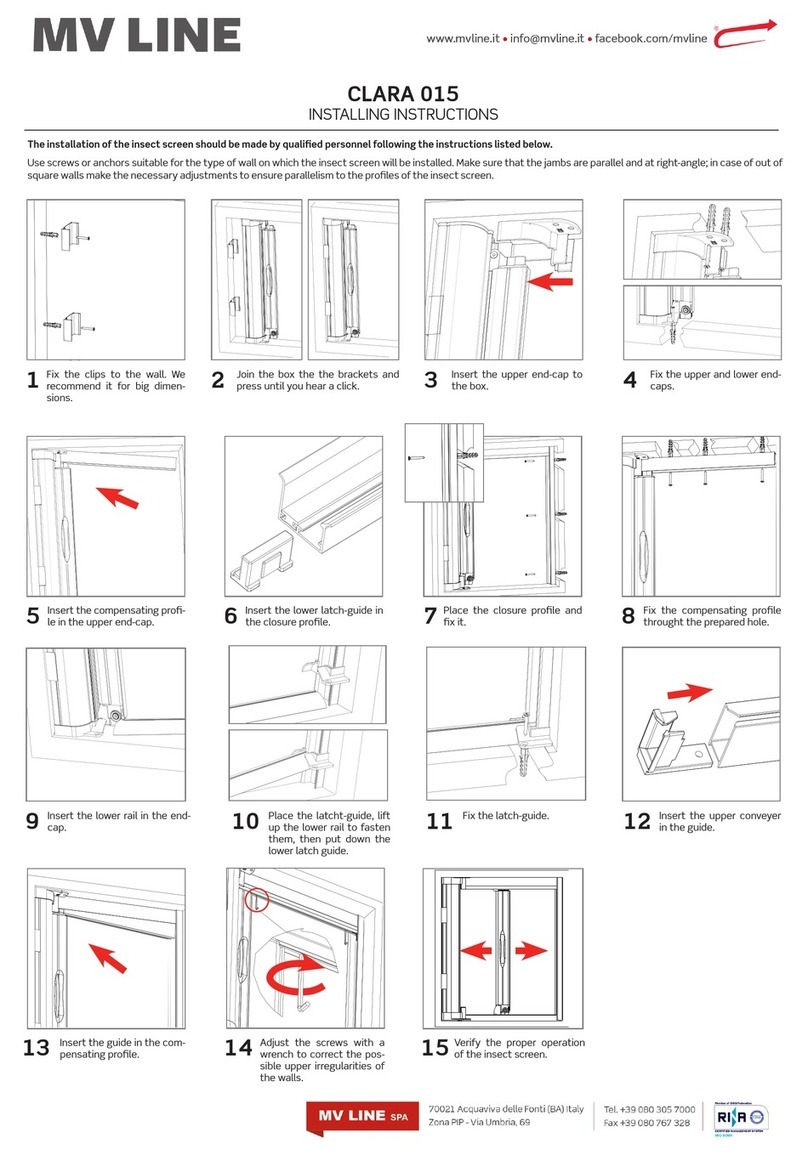
MV LINE CLARA 015 Installing instructions

MV LINE

MV LINE CLARA 015 Installing instructions

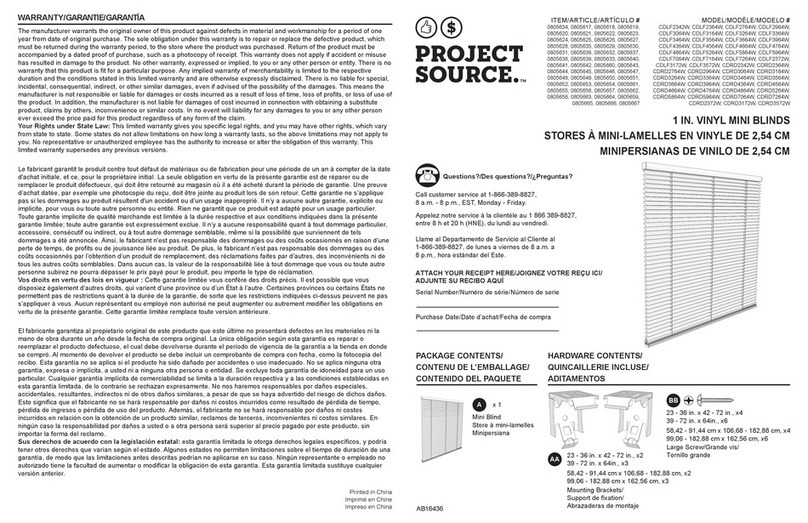
Project Source CDLF2342W quick start guide

Project Source

Project Source CDLF2342W quick start guide

Current E-WAND Installation manual and user's guide

Current

Current E-WAND Installation manual and user's guide

weinor VertiTex ZipR Maintenance Instructions and Directions for use for the end user

weinor

weinor VertiTex ZipR Maintenance Instructions and Directions for use for the end user

Roto ZAR M R4/R7 Mounting instructions

Roto

Roto ZAR M R4/R7 Mounting instructions

Benthin P1614 quick start guide

Benthin

Benthin P1614 quick start guide

MDT KNX Smart 55 BE-JTA5504.01 Technical manual

MDT

MDT KNX Smart 55 BE-JTA5504.01 Technical manual

Victoria M SYSTEM VS 1 Original instructions

Victoria M

Victoria M SYSTEM VS 1 Original instructions

SOMFY Movelite WT Series instructions

SOMFY

SOMFY Movelite WT Series instructions

manuals.online logo
manuals.online logoBrands
  • About & Mission
  • Contact us
  • Privacy Policy
  • Terms and Conditions

Copyright 2025 Manuals.Online. All Rights Reserved.

MOTOR TORQUE/SPEED: 0.7NM/34RPM
•
Motor is combined with a wired switch and powered by a battery wand.
•
The side of the motor mount with the SETTING button should face you.
• Please replace batteries when the motor alarm sounds
OPERATION
1. Press the red setting button on the motor until the motor beeps 6 times
2.
Check the motor direction by pressing UP or DOWN on the switch
3. If correct then proceed to set-up lower limit, if incorrect change the motor direction by pressing the CONFIRM button 6 times on the
wand control and the motor will beep 2 times changing the direction of the blind
SET-UP LOWER LIMIT
1.
Press DOWN button on the wand control to lower the blind to the
desired level and then press DOWN button again to stop the blind.
2.
Press DOWN button repeatedly to adjust the blind level more
accurately, then press CONFIRM button and the motor will beep
once to set the lower limit.
SET-UP UPPER LIMIT
1.
Press UP button on the wand control to lower the blind to
the desired level and then press UP button again to stop the
blind.
2.
Press UP button repeatedly to adjust the blind level more
accurately, then press CONFIRM button and the motor will
beep
once to set the lower limit.
Up Button
Setting Button (Red)
Conrm
Button
Down Button
SET-UP AND OPERATION
R1705/R1706
programming instuctions

SET-UP AND OPERATION
R1705/R1706
CHANGE MOTOR DIRECTION
1.
Press CONFIRM button on the wand control 6
times the motor will beep twice to indicate the
direction of the blind has changed.
RESET
1.
Press and hold UP and Down button together on the
wand control for 10
seconds and the motor will jog.
TO RAISE THE BLIND
1.
Press UP button once on the wand control to raise the
blind to the upper limit.
2.
Press the DOWN button on the wand control to stop the
blind at desired position.
TO LOWER THE BLIND
1.
Press DOWN button once on the wand control to
lower the blind to the lower limit.
2.
Press the UP button on the wand control to stop
the blind at desired position.
Oct 2017