Medeli sp 5100 User manual

STAGE PIANO
0
5
25
75
95
100
aw_SP5100erp_manual_G06_140210
2014210 17:27:51

INFORMATION FOR YOUR SAFETY!
THE FCC REGULATION WARNING (for USA)
This equipment has been tested and found to comply with
the limits for a Class B digital device, pursuant to Part 15 of
the FCC Rules.
These limits are designed to provide reasonable protection
against harmful interference in a residential installation. This
equipment generates, uses, and can radiate radio frequency
energy and, if not installed and used in accordance with the
instructions, may cause harmful interference to radio
communications. However, there is no guarantee that
interference will not occur in a particular installation.
If this equipment does cause harmful interference to radio or
television reception, which can be determined by turning the
equipment off and on, the user is encouraged to try to
correct the interference by one or more of the following
measures:
Reorient or relocate the receiving antenna.
Increase the separation between the equipment and
receiver.
Connect the equipment into an outlet on a circuit different
from that to which the receiver is connected.
Consult the dealer or an experienced radio/TV technician
for help.
Unauthorized changes or modification to this system can
void the user’s authority to operate this equipment.
CAUTION
The normal function of the product may be disturbed by
Strong Electro Magnetic Interference. If so, simply reset
the product to resume normal operation by following the
owner’s manual. In case the function could not resume,
please use the product in other location.
PRECAUTIONS
PLEASE READ CAREFULLY BEFORE PROCEEDING
Please keep this manual in a safe place for future reference.
Power Supply
Please connect the designated AC adaptor to an AC outlet
of the correct voltage.
Do not connect it to an AC outlet of voltage other than that
for which your instrument is intended.
Unplug the AC power adaptor when not using the
instrument, or during electrical storms.
Connections
Before connecting the instrument to other devices, turn off
the power to all units. This will help prevent malfunction and
/ or damage to other devices.
Location
Do not expose the instrument to the following conditions to
avoid deformation, discoloration, or more serious damage:
Direct sunlight
Extreme temperature or humidity
Excessive dusty or dirty location
Strong vibrations or shocks
Close to magnetic fields
Interference with other electrical devices
Radios and televisions placed nearby may experience
reception interference. Operate this unit at a suitable
distance from radios and televisions.
Cleaning
Clean only with a soft, dry cloth.
Do not use paint thinners, solvents, cleaning fluids, or
chemical-impregnated wiping cloths.
Handling
Do not apply excessive force to the switches or controls.
Do not let paper, metallic, or other objects into the
instrument. If this happens, unplug the AC adaptor from the
wall outlet. Then have the instrument inspected by qualified
service personnel.
Disconnect all cables before moving the instrument.
2
0
5
25
75
95
100
aw_SP5100erp_manual_G06_140210
2014210 17:27:52

Contents
Panel Description
Front Panel..................................................................4
Rear Panel..................................................................5
Setup
Power Jack..................................................................6
Setting Music Rest......................................................6
Connections
Headphones Jack.......................................................7
AUX OUT Jack............................................................7
AUX IN Jack................................................................7
Sustain Jack................................................................8
Soft Jack.....................................................................8
MIDI IN/OUT Jack.......................................................8
USB Jack....................................................................8
Operation
Power on & Master Volume.........................................9
Voices and Effects.......................................................9
Dual...........................................................................10
Split Point..................................................................10
Transpose.................................................................10
Touch.........................................................................11
Reverb/Chorus..........................................................11
Brilliance....................................................................11
Scale.........................................................................12
Metronome................................................................12
Style Control..............................................................12
Start/Stop The Style..................................................13
FILL IN A/B................................................................13
Accomp Volume........................................................13
Tempo.......................................................................14
Song..........................................................................14
Lesson.......................................................................15
Record.......................................................................15
Record Song.............................................................15
Playback Song..........................................................16
SD Card....................................................................16
3
MIDI
What is MIDI..............................................................18
MIDI Connection........................................................18
Major Application.......................................................18
MIDI Controller...........................................................19
Command..................................................................19
Channel.....................................................................21
Value..........................................................................21
MIDI OUT...................................................................22
Specifications......................................................23
Appendices
Voice List...................................................................24
Style List....................................................................25
Song List....................................................................26
MIDI Implementation Chart........................................27
0
5
25
75
95
100
aw_SP5100erp_manual_G06_140210
2014210 17:27:52

Panel Description
Front Panel
4
1
2
3456789
10
11 12 13
1. POWER SWITCH
2. BRILLANCE
3. MASTER VOLUME
4. START/STOP
5. ACC.VOL
6. FILL A/FILL B
7. RECORD
8. PLAY/STOP
9. TRACK 1/SONG MELODY OFF
10.TRACK 2
11. TRANSPOSE +/-
12. TEMPO +/-
13. MIDI CONTROL
MIDI OUT
COMMAND
VALUE
CHANNEL
14. VOICE DIRECT SELECT BUTTONS
15. LED DISPLAY
( VOICE, STYLE, SONG)
14
15
0
5
25
75
95
100
aw_SP5100erp_manual_G06_140210
2014210 17:27:53

Panel Description
Rear Panel
5
Rear View
28. POWER JACK
29. AUX OUT L / MONO
30. AUX OUT R
31. AUX IN
L/MONO RSOFTSUSTAIN
USBAUX OUT AUX IN PEDAL MIDI IN MIDI OUT
12V
L/MONO RSOFTSUSTAIN
USBAUX OUT AUX IN PEDAL MIDI IN MIDI OUT
12V
28 29 30 31 32 33 35
34
32. SUSTAIN PEDAL JACK
33. SOFT PEDAL JACK
34. MIDI IN/OUT JACKS
35. USB JACK
16 19
20 21 22 23 24 25 26 27
16. STYLE
17. VOICE
18. SONG
19. + & -
20. SCALE
21. DUAL
18
22. SPLIT
23. REVERB/CHORUS
24. TOUCH
25. METRONOME
26. SD CONTROL
PLAY
STORE
27 SD SLOT
0
5
25
75
95
100
aw_SP5100erp_manual_G06_140210
2014210 17:27:53

Setup
Power Jack
This piano can be powered from a standard household wall
outlet by using the specified AC adaptor. The power jack is
located on the rear panel of the piano body.
Make sure that only the AC adaptor specified for this piano is
used. The adaptor shall be 12V DC output, and center positive
type. Make sure to turn off the piano before you connect the
adaptor into the AC wall outlet and the cord into the unit.
Notes:
Use of another type of adaptor creates a danger of fire and
electrical shock. For safety sake, make sure to unplug the AC
adaptor from the wall outlet whenever leaving the piano
unattended for a long time or during a thunderstorm.
6
L/MONO RSOFTSUSTAIN
AUX OUT AUX IN PEDAL MIDI IN MIDI OUT
12V USB
Setting Music Rest
The piano is supplied with a music rest that can be
attached to the instrument by inserting it into slot at the
rear of the control panel.
Please set up the music rest as shown.
0
5
25
75
95
100
aw_SP5100erp_manual_G06_140210
2014210 17:27:53

Connections
Headphones Jack
Headphones
Jack 1
Headphones
Jack 2
1. When an optional set of stereo headphones is connected
with the headphones jack 2, the sound from speakers will
switch off automatically resulting in only the sound from
headphone to be heard.
2. When jack 1 is connected with the stereo headphones, the
sound can be heard from both headphones and speakers of
the piano.
Note:
Never use the headphone with high volume, as it may hurt
your sense of hearing.
To prevent the damage of the speakers, ensure that the
volume is set to the minimum level before connecting the
power and other devices.
AUX OUT Jack
When you want to listen to the voice with an amplifier, connect
amplifiers to the AUX OUT L/MONO and R jacks on the rear
panel. The volume is adjusted with the VOLUME button. (For
monaural playback, use the L/MONO jack. For stereo playback,
connect both L/MONO and R jacks.)
To avoid damaging the speakers, please ensure that volume
has set to the minimum level before connecting the power and
other devices.
L/MONO RSOFTSUSTAIN
AUX OUT AUX IN PEDAL MIDI IN MIDI OUT
12V USB
AUX IN Jack
L/MONO RSOFTSUSTAIN
AUX OUT AUX IN PEDAL MIDI IN MIDI OUT
12V USB
The audio output from a CD player/iPod connected to the AUX
IN jack on the rear panel can be mixed with the sound of the
piano brain. This function is convenient when you want to play
along with a favorite song. The volume of the externa signal is
adjusted with the VOLUME button.
7
0
5
25
75
95
100
aw_SP5100erp_manual_G06_140210
2014210 17:27:54

Connections
8
Sustain Jack
L/MONO RSOFTSUSTAIN
AUX OUT AUX IN PEDAL MIDI IN MIDI OUT
12V USB
An optional footswitch can be plugged into the SUSTAIN jack
for sustain control. The foots witch function is like the sustain
pedal on a piano.
Step the sustain pedal on to open the SUSTAIN
function, it will apply SUSTAIN effect to the piano,
then release the sustain pedal to turn off the effect.
Soft Jack
L/MONO RSOFTSUSTAIN
AUX OUT AUX IN PEDAL MIDI IN MIDI OUT
12V USB
An optional foot switch can be plugged into the SOFT jack for
soft control. Step on the soft pedal, all notes played on the
keyboard have a soft effect.
MIDI IN/OUT Jack
L/MONO RSOFTSUSTAIN
AUX OUT AUX IN PEDAL MIDI IN MIDI OUT
12V USB
MIDI stand for Musical Instrument Digital Interface.
MIDI is a world wide standard that makes it possible for various
electronic musical instruments and other devices.
MIDI IN:
Data transmitted from other MIDI instrument via MIDI is
received by this terminal.
MIDI OUT:
Data produced by the Digital Piano is to other MIDI
instruments via MIDI from this terminal.
transmitted
USB Jack
Connect PC or other USB host devices that support USB Audio.
You can simply connect the PC and the piano with a USB cable.
For PC that has installed Windows XP, the USB driver for the
piano would be automatically installed as a USB Audio Device.
After the PC informed you that the driver for the piano has been
properly installed, you can choose the USB Audio Device in the
audio device menu of the control panel or the MIDI software
you are using to transfer MIDI data to the piano.
Note:
USB connection can only be detected with Windows XP and
Vista.
0
5
25
75
95
100
aw_SP5100erp_manual_G06_140210
2014210 17:27:54

Operation
Power on & Master Volume
9
The level decreases The level increases
VOICE STYLE SONG
+
Press together
VOLUME
MAX MIN
1. Press the [POWER] switch. The LED display lightens up.
2. Slide the [VOLUME] bar rightwards, the whole volume
increase, slide it leftwards, the whole volume decreases.
3. Press the [+] and the [-] button synchronously, and then
power on the piano. It can reset all the setting to the default
value and erase the record data.
Note:
If the LED display has not lightened up after you power on the
piano, please check the power supply.
If the piano is silent, the volume may be set to its minimum
level.
When the piano is not in use or during thunderstorm, please
disconnect the power for safety purpose.
Voices and Effects
There are 20 voices in total (See Appendix 1).
1. Voice Select
When power is on, LED lightens the VOICE flag and displays
the 001 voice number.
2. Press the [VOICE] button to enter the voice mode, LED
displays the VOICE R1 number.
3. Press the [DUAL] button to enter the dual voice mode, LED
displays the VOICE R2 number.
4. You can select other voice by pressing the [+] and the [-] or
voice Direct Select buttons.
Use Direct Select buttons to select
There are 10 voices Direct Select buttons to select 20 voices. Each
Direct Select button can be used to choose 2 different voices.
Press the first time to select upper layer voice, press the second time
to select the lower layer voice.
When you select the upper layer voice, the upper layer indicator turns
on.
When you select the lower layer voice, the lower layer indicator turns
on and the upper layer indicator turns off.
STYLE
SONG
VOICE
VOICE
VOICE
STYLE
STYLE
SONG
SONG
Display VOICE R1
Display VOICE R2
Select a voice
Press the first time to select GRD.PIANO
Press the second time to select BRT.PIANO
In order to save energy, we have designed the “Automatic
Shutdown” function to the piano. With this function, the piano
will shutdown automatically when you have left it idle for
more than 30 minutes. If you don’t need this feature, just
press and hold the [A0] key (the 1st key) and turn it on.
0
5
25
75
95
100
aw_SP5100erp_manual_G06_140210
2014210 17:27:55

10
Operation
Turn on the DUAL voice
Select a dual voice
VOICE STYLE SONG
Voice flag is lightened
Two voices will sound
at the same time.
Eg. Piano
STR. TRIO
VOICE STYLE SONG
1. Press the [DUAL] button to turn on the DUAL mode, the
VOICE flag on the LED and the indicator are both lightened.
The dual voice number is also displayed on the LED.
2. Then, you can get two different sounds at the same time
when you press one key on the keyboard.
3. Use the [+] / [-] button and voice Direct Select buttons to
select your desired voice. The default voice number is 007.
4. Press the [DUAL] button again to turn off the DUAL mode,
the indicator goes off.
Note:
While the keyboard is in split mode, only the right hand area
can respond the dual voice, the left hand not below split point
would respond.
Split Point
You can split the keyboard to melody and chord area by
turning on the Split mode.
1. Press the [SPLIT] button, LED displays the current split
parameter XXX .
2. Use the [+] / [-] button or Keyboard to change it, after exit the
setting mode the new value becomes to the new split point,
the split default value is 34.
3. The new split point belongs to the left area of the keyboard.
VOICE STYLE SONG
Display split parameter
Change split point
The indicator is flashing.
VOICE STYLE SONG
Melody
area
Chord
area
Default split
point F#3
Transpose
- TRANSPOSE +
- TRANSPOSE + - TEMPO +
VOICE STYLE SONG
Display current transpose value
increase the value Decrease the value
1. You can change the pitch of the entire keyboard by semitone
steps with TRANSPOSE function.
2. Press the [TRANSPOSE +] or [TRANSPOSE -] button for
the first time, LED displays current transpose value
temporarily.
3. Press [TRANSPOSE +] to increase the value and Press
[TRANSPOSE -] to decrease the value, the maximal range
to be adjusted is from -12 to +12 semitones, the default value
is 000.
- TRANSPOSE +
Dual
You can have a second layer of sound by turning on the
Dual voice.
0
5
25
75
95
100
aw_SP5100erp_manual_G06_140210
2014210 17:27:55
Other manuals for sp 5100
2
Table of contents
Other Medeli Musical Instrument manuals
Medeli
Medeli CDP6200 User manual
Medeli
Medeli DP263 Operating instructions
Medeli
Medeli DP 100 User manual
Medeli
Medeli CDP5200-BK User manual
Medeli
Medeli KURTZMAN K700 User manual
Medeli
Medeli CDP5200B User manual
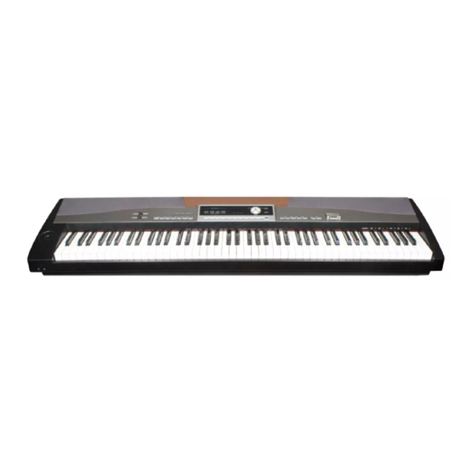
Medeli
Medeli sp 5100 User manual
Medeli
Medeli SP4200/WH User manual
Medeli
Medeli Grand 510 User manual
Medeli
Medeli St430 User manual
Medeli
Medeli DP460K User manual

Medeli
Medeli Sp5500S User manual
Medeli
Medeli DP760K User manual
Medeli
Medeli sp 5100 User manual
Medeli
Medeli DP660 User manual

Medeli
Medeli Grand200 User manual
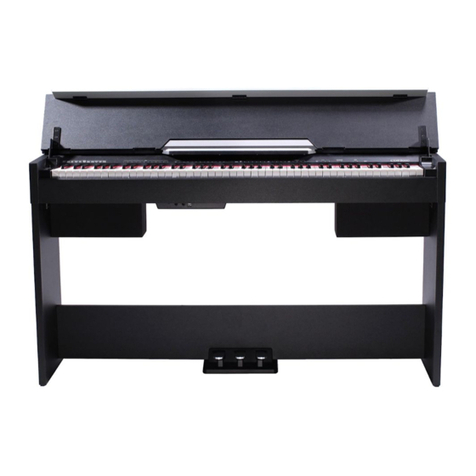
Medeli
Medeli CDP5000 User manual
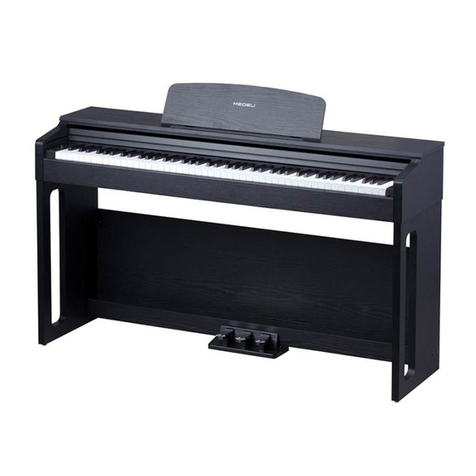
Medeli
Medeli UP81 User manual
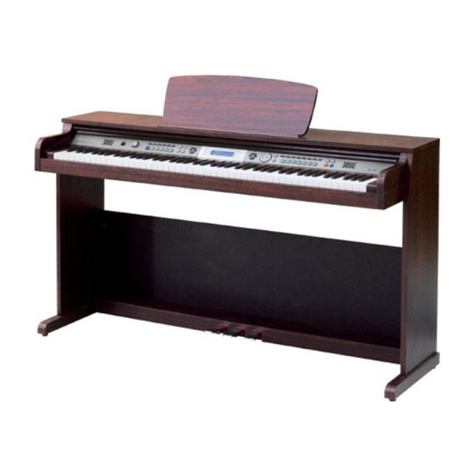
Medeli
Medeli DP268 User manual
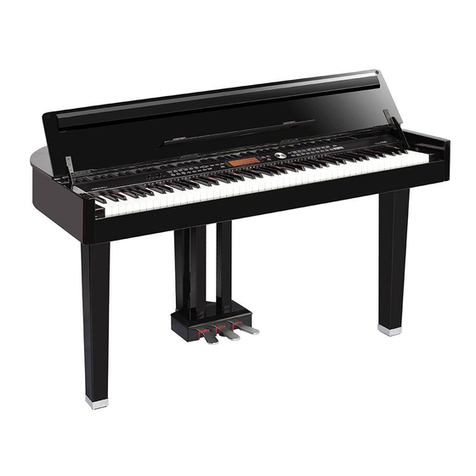
Medeli
Medeli AW GRAND 300 User manual