Lock:
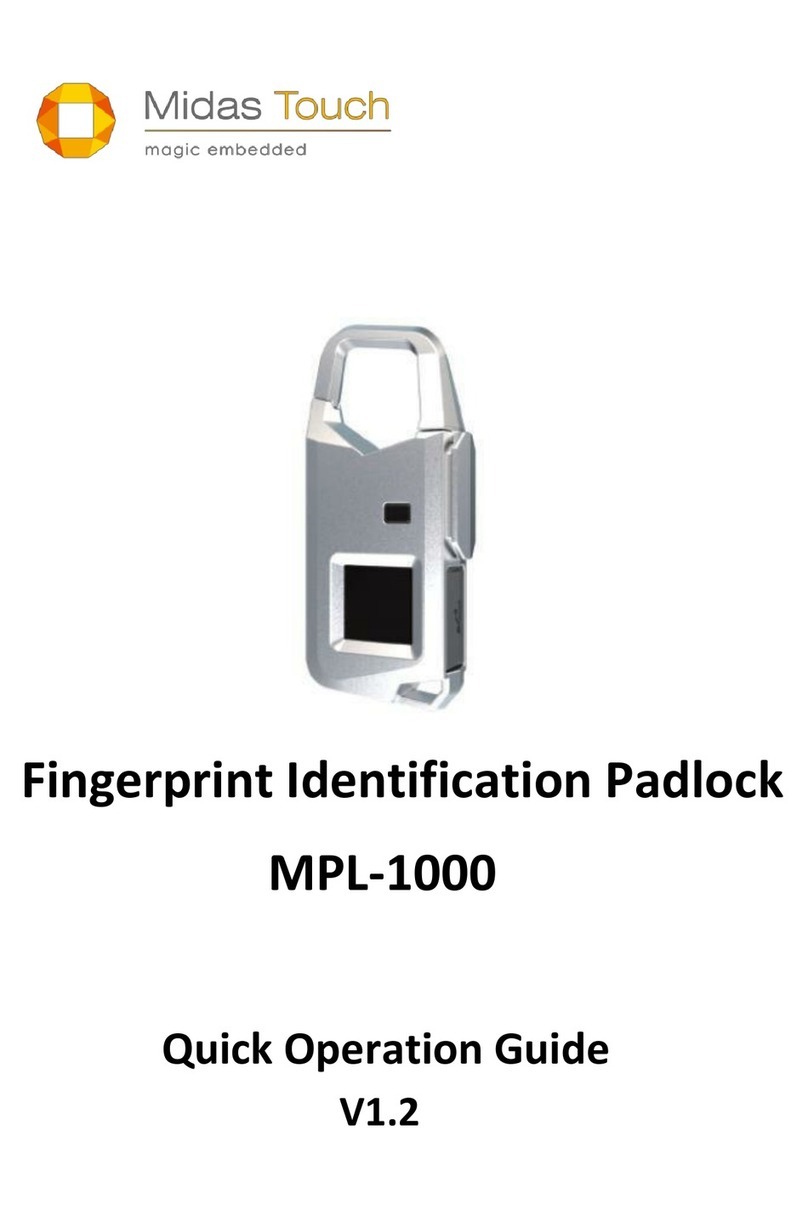
In unlocked state, pressing the shackle once (as Figure 3) to lock PL-1000 immediately,
the red LED lights up for about 2 seconds and two beeps sound at the same time. And
then PL-1000 will be powered off automatically.
Unlock: green LED lights up for about 5 seconds a beep sounds
lock: red LED lights up for about 2 seconds two beeps sound
All procedures have the time constraints, please follow the provisions
in operation guide
Fingerprint enrollment:
(1) Please follow the unlock procedures to enter unlock state, (green LED will
continuously lights up for approximately 5 seconds, which is the important period
for entering fingerprint enrollment) at the moment, continuously press and hold
shackle until the red and green LED interactive flash and heard a beep sound.
(2) Now, you can press your finger onto the fingerprint sensor to scan your fingerprints
before the red, green LED interactive flashing turn off (this available time is
approximately 5 seconds, as Figure 6). When your fingerprint is successfully scanned,
PL-1000 will sound a beep and green LED light up once, you can remove your finger.
(3) Repeat step (2) until you hear a long beep, this means your fingerprint has
successfully been enrolled into PL-1000. Each finger must be done at least 7 times for
the input of the fingerprint characteristics.
(4) Each finger enrolled completely and successfully, and then the red and green flash
interactively again; repeat steps (2) ~ (3) to register other fingerprints. If you wanna