EnglishDeutsch
 logo
Brands
  1. Home
  2. •
  3. Brands
  4. •
  5. Motorola
  6. •
  7. Cell Phone
  8. •
  9. Motorola Moto G9 Plus User manual

Motorola Moto G9 Plus User manual

Other manuals for Moto G9 Plus

2

Other Motorola Cell Phone manuals

Motorola ATRIX HD LTE User manual

Motorola

Motorola ATRIX HD LTE User manual

Motorola Moto G7 Play User manual

Motorola

Motorola Moto G7 Play User manual

Motorola CD930 User manual

Motorola

Motorola CD930 User manual

Motorola ELECTRIFY 2 User manual

Motorola

Motorola ELECTRIFY 2 User manual

Motorola moto X User manual

Motorola

Motorola moto X User manual

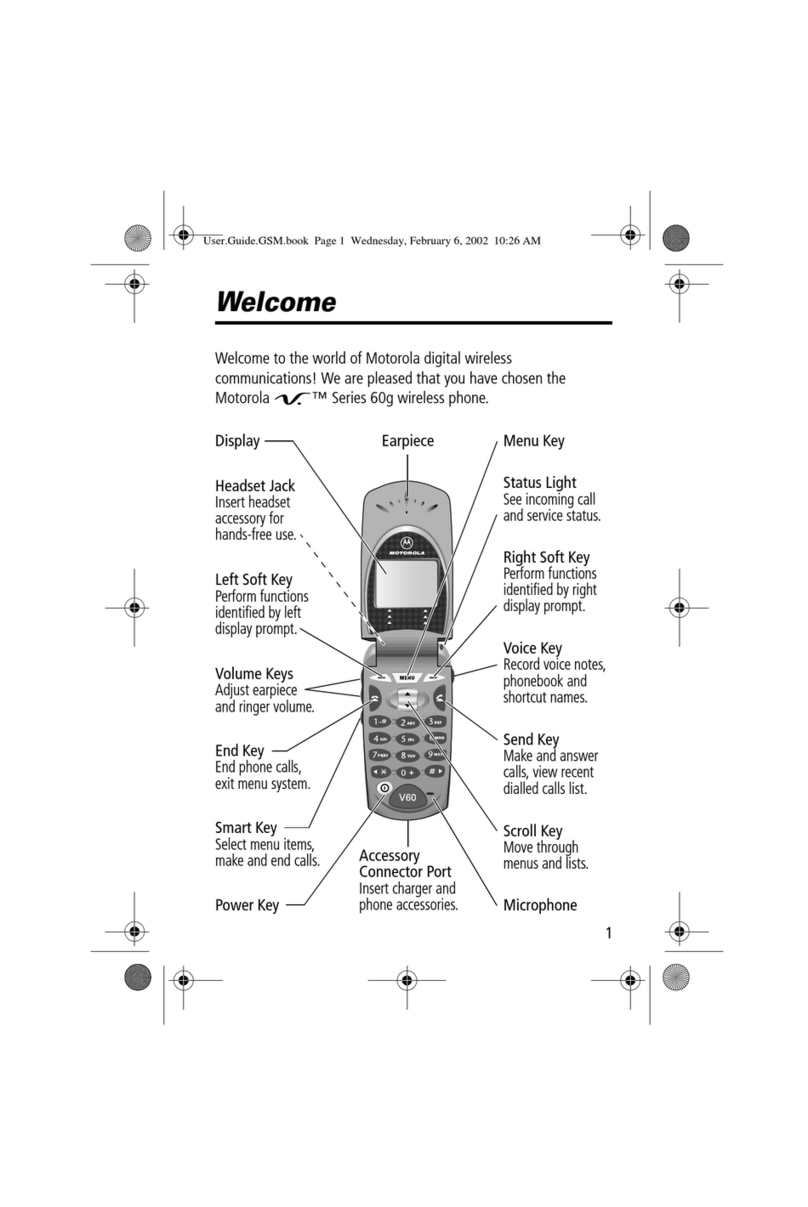
Motorola V60 User manual

Motorola

Motorola V60 User manual

Motorola MOTOROKR 68000201702-B User manual

Motorola

Motorola MOTOROKR 68000201702-B User manual

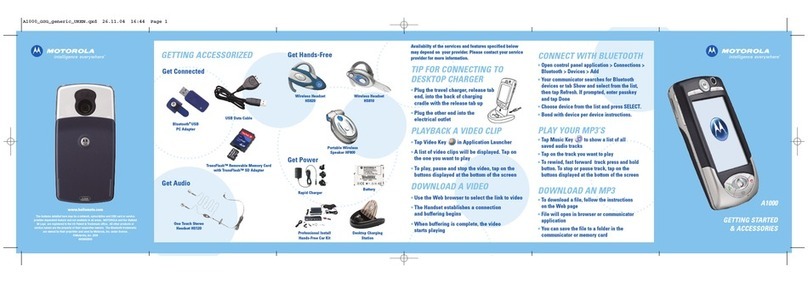
Motorola A1000 User manual

Motorola

Motorola A1000 User manual

Motorola i485 User manual

Motorola

Motorola i485 User manual

Motorola 621EB User manual

Motorola

Motorola 621EB User manual

Motorola MOTORAZR VE20 User manual

Motorola

Motorola MOTORAZR VE20 User manual

Motorola i860 User manual

Motorola

Motorola i860 User manual

Motorola Rapture VU30 User manual

Motorola

Motorola Rapture VU30 User manual

Motorola DEXT User manual

Motorola

Motorola DEXT User manual

Motorola Inpulse verizon MOTORAZR V3c User manual

Motorola

Motorola Inpulse verizon MOTORAZR V3c User manual

Motorola i205 - Cell Phone - iDEN User manual

Motorola

Motorola i205 - Cell Phone - iDEN User manual

Motorola motoluxe mc User manual

Motorola

Motorola motoluxe mc User manual

Motorola MOTOROKR E8 - LEGAL AND Installation and operating manual

Motorola

Motorola MOTOROKR E8 - LEGAL AND Installation and operating manual

Motorola StarTAC User manual

Motorola

Motorola StarTAC User manual

Motorola BRUTE NNTN7794B User manual

Motorola

Motorola BRUTE NNTN7794B User manual

Motorola DEVOUR Assembly instructions

Motorola

Motorola DEVOUR Assembly instructions

Motorola MOTO RAZR V3m User manual

Motorola

Motorola MOTO RAZR V3m User manual

Motorola moto X User manual

Motorola

Motorola moto X User manual

Motorola Clutch i465 Specification sheet

Motorola

Motorola Clutch i465 Specification sheet

Popular Cell Phone manuals by other brands

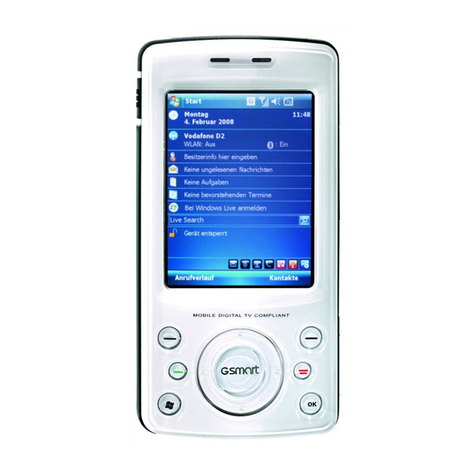
Gigabyte GSmart t600 null

Gigabyte

Gigabyte GSmart t600 null

Sony Ericsson Z200 null

Sony Ericsson

Sony Ericsson Z200 null

Gigabyte GSmart t600 null

Gigabyte

Gigabyte GSmart t600 null

Gigabyte GSmart t600 null

Gigabyte

Gigabyte GSmart t600 null

Sony Ericsson K700i null

Sony Ericsson

Sony Ericsson K700i null

Zte BLADE A520 quick start guide

Zte

Zte BLADE A520 quick start guide

Nokia Lumia 620 user guide

Nokia

Nokia Lumia 620 user guide

Blackbe;rry KEYone Safety and product information

Blackbe;rry

Blackbe;rry KEYone Safety and product information

Bea-fon X5 Premium quick guide

Bea-fon

Bea-fon X5 Premium quick guide

Blackbe;rry 8707 Series user guide

Blackbe;rry

Blackbe;rry 8707 Series user guide

Blackbe;rry Storm Troubleshooting

Blackbe;rry

Blackbe;rry Storm Troubleshooting

LG LM-X420QN user guide

LG

LG LM-X420QN user guide

LifeWatch V user guide

LifeWatch

LifeWatch V user guide

Bea-fon SILVER LINE SL860 user guide

Bea-fon

Bea-fon SILVER LINE SL860 user guide

IKI Mobile KF4.5i user manual

IKI Mobile

IKI Mobile KF4.5i user manual

Hitech HT-850 user guide

Hitech

Hitech HT-850 user guide

Yezz Fashion F10 user manual

Yezz

Yezz Fashion F10 user manual

Point Mobile PM60 user manual

Point Mobile

Point Mobile PM60 user manual

https://manuals.online logo
https://manuals.online logoBrands
  • About & Mission
  • Contact us
  • Privacy Policy
  • Terms and Conditions

Copyright 2026 Manuals.Online. All Rights Reserved.

Let’s get started
Before using your phone, please read the legal,
safety, and regulatory information provided with your
product.
Note: The Power button/Fingerprint sensor is located
on the right side of your phone.
Headset
Jack
Front
Camera
USB-C/Charger
Microphone
SIM & micr
oSD
Card Tray
Google
Assistant
Button
Proximity
Sensor
Volume
Buttons
Speaker
Main
Camera
Ultra-wide
Camera
Depth
Camera
Macro Camera
Power Button/
Fingerprint
Sensor
Flash
Press:
Display on/o.
Press & hold:
Phone on/o.
Tap:
Unlock with
fingerprint
sensor.
Earpiece
(see the later
section)
Put in the cards & power on
Nano SIM
1 Insert the SIM tool into
the tray hole to pop out
the tray.
Make sure you use the
correct size SIM card
and don’t cut the SIM
card.
SIM
or
SIM1
SIM2
One SIM model
Two SIM model
2 Insert the SIM card(s)
with the gold contacts
down, then gently push
the tray into the slot.
Add a microSD card for
additional storage.*
3 Press and hold the
Power button to turn on
your phone, then follow
the prompts to get
started.
*microSD card is optional, sold separately.
read me
en-US
motorola.com
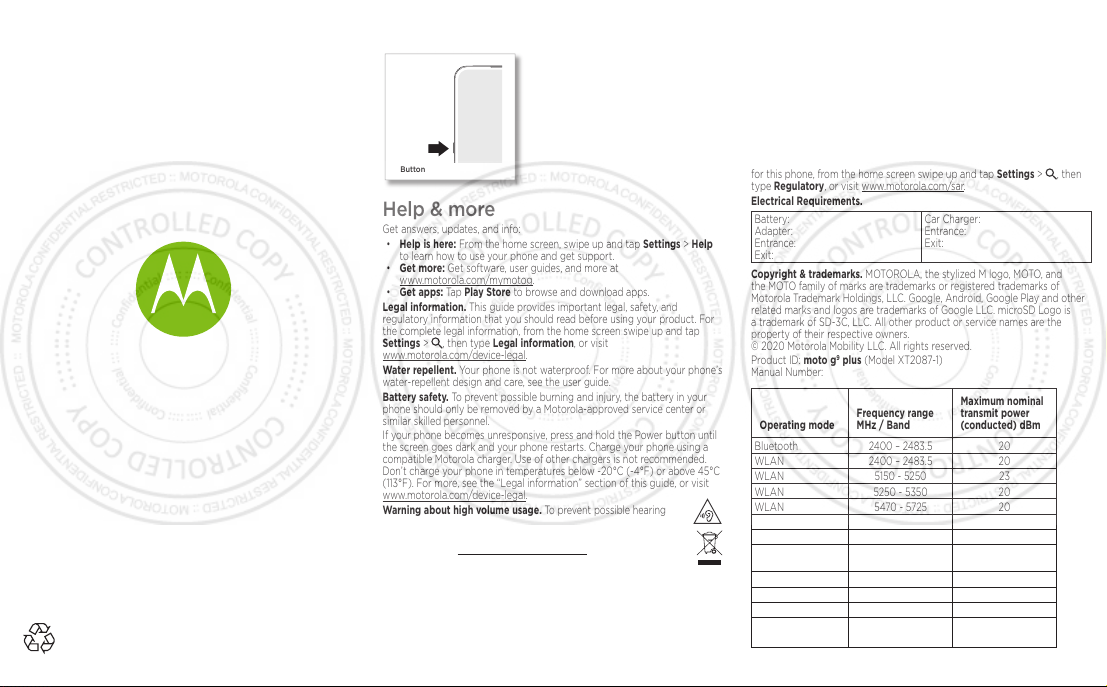
Google Assistant button
Help & more
Get answers, updates, and info:
• Help is here: From the home screen, swipe up and tap Settings > Help
to learn how to use your phone and get support.
• Get more: Get software, user guides, and more at
www.motorola.com/mymotog.
• Get apps: Tap Play Store to browse and download apps.

Legal information. This guide provides important legal, safety, and

regulatory information that you should read before using your product. For
the complete legal information, from the home screen swipe up and tap
Settings > , then type Legal information, or visit
www.motorola.com/device-legal.
Water repellent. Your phone is not waterproof. For more about your phone’s
water-repellent design and care, see the user guide.
Battery safety. To prevent possible burning and injury, the battery in your
phone should only be removed by a Motorola-approved service center or
similar skilled personnel.
If your phone becomes unresponsive, press and hold the Power button until
the screen goes dark and your phone restarts. Charge your phone using a
compatible Motorola charger. Use of other chargers is not recommended.
Don’t charge your phone in temperatures below -20°C (-4°F) or above 45°C
(113°F). For more, see the “Legal information” section of this guide, or visit
www.motorola.com/device-legal.
Warning about high volume usage. To prevent possible hearing
damage, do not listen at high volume levels for long periods.
Disposal & recycling. For help recycling products and packaging
responsibly, visit www.motorola.com/recycling.
Extreme heat or cold. Don’t use your phone in temperatures below
-20°C (-4°F) or above 45°C (113°F). Don’t store/transport your phone in
temperatures below -20°C (-4°F) or above 60°C (140°F).
Legal disclaimers. Features, services and applications are network
dependent and may not be available in all areas; additional terms/charges
may apply. Features, functionality, and other product specifications, as
well as the information contained in this guide, are based upon the latest
available information and believed to be accurate at the time of printing.
Motorola reserves the right to correct or change any information without
notice.
Arbitration. Your purchase is governed by a binding arbitration clause. For
more information and how to opt-out, see the legal guide that came with
your phone.
Specific Absorption Rate (SAR)(ICNIRP). YOUR PHONE MEETS
INTERNATIONAL GUIDELINES FOR EXPOSURE TO RADIO WAVES. The
highest SAR values under the ICNIRP guidelines for your phone model are:
Head SAR 0.76W/kg
Body-worn SAR 1.72W/kg
SAR information (on e-label). To view specific absorption rate (SAR) values
for this phone, from the home screen swipe up and tap Settings > , then
type Regulatory, or visit www.motorola.com/sar.
Electrical Requirements.
Battery:
Adapter:
Entrance:
Exit:
Car Charger:
Entrance:
Exit:
Copyright & trademarks. MOTOROLA, the stylized M logo, MOTO, and
the MOTO family of marks are trademarks or registered trademarks of
Motorola Trademark Holdings, LLC. Google, Android, Google Play and other
related marks and logos are trademarks of Google LLC. microSD Logo is
a trademark of SD-3C, LLC. All other product or service names are the
property of their respective owners.
© 2020 Motorola Mobility LLC. All rights reserved.
Product ID: moto g9plus (Model XT2087-1)
Manual Number:
Operating mode
Frequency range
MHz / Band
Maximum nominal
transmit power
(conducted) dBm
Bluetooth 2400 – 2483.5 20
WLAN 2400 – 2483.5 20
WLAN 5150 - 5250 23
WLAN 5250 - 5350 20
WLAN 5470 - 5725 20
WLAN 5725 - 5850 14
GPS 1559 - 1610 N/A
NFC 13.56 -17.69 dBuA/m
FM Receive 87.5 - 108 N/A
GSM 2/3/5/8 33
UMTS 1/2/4/5/8 24
LTE 1/2/3/4/5/7/8/12/
17/28/66
23
Google
Assistant
Button
Press to open the Google
Assistant. Press and hold to
say a command or question.
Note: This feature may not
be available in all languages.