manuals.online logo
Brands
  1. Home
  2. •
  3. Brands
  4. •
  5. MULTISPAN
  6. •
  7. Controllers
  8. •
  9. MULTISPAN WLC 22 User manual

MULTISPAN WLC 22 User manual

Other MULTISPAN Controllers manuals
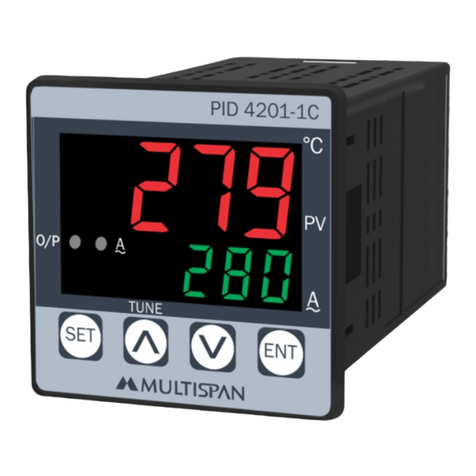
MULTISPAN OC 99 User manual

MULTISPAN

MULTISPAN OC 99 User manual

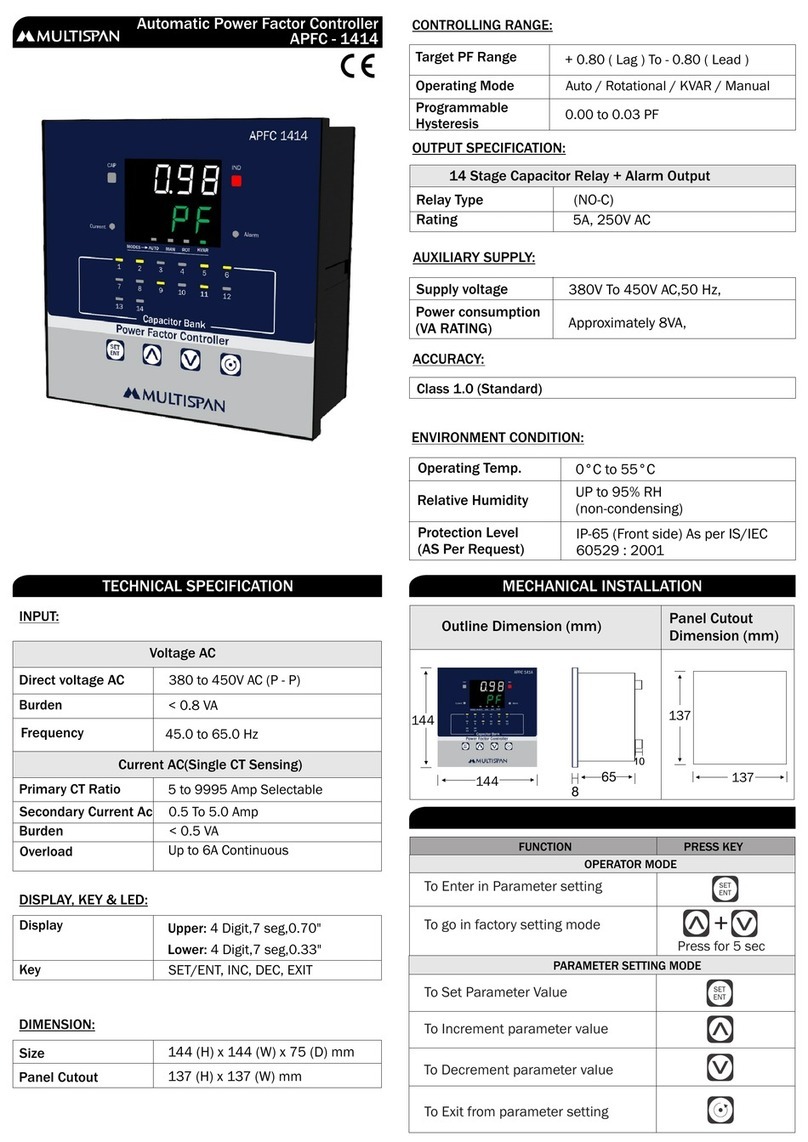
MULTISPAN APFC-1414 User manual

MULTISPAN

MULTISPAN APFC-1414 User manual

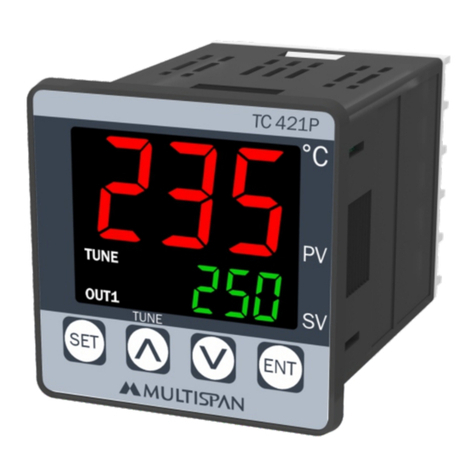
MULTISPAN TC-421P User manual

MULTISPAN

MULTISPAN TC-421P User manual

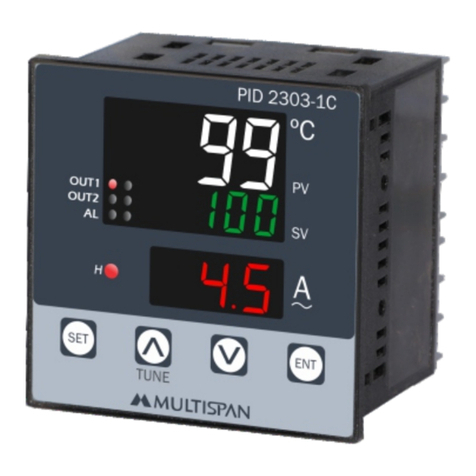
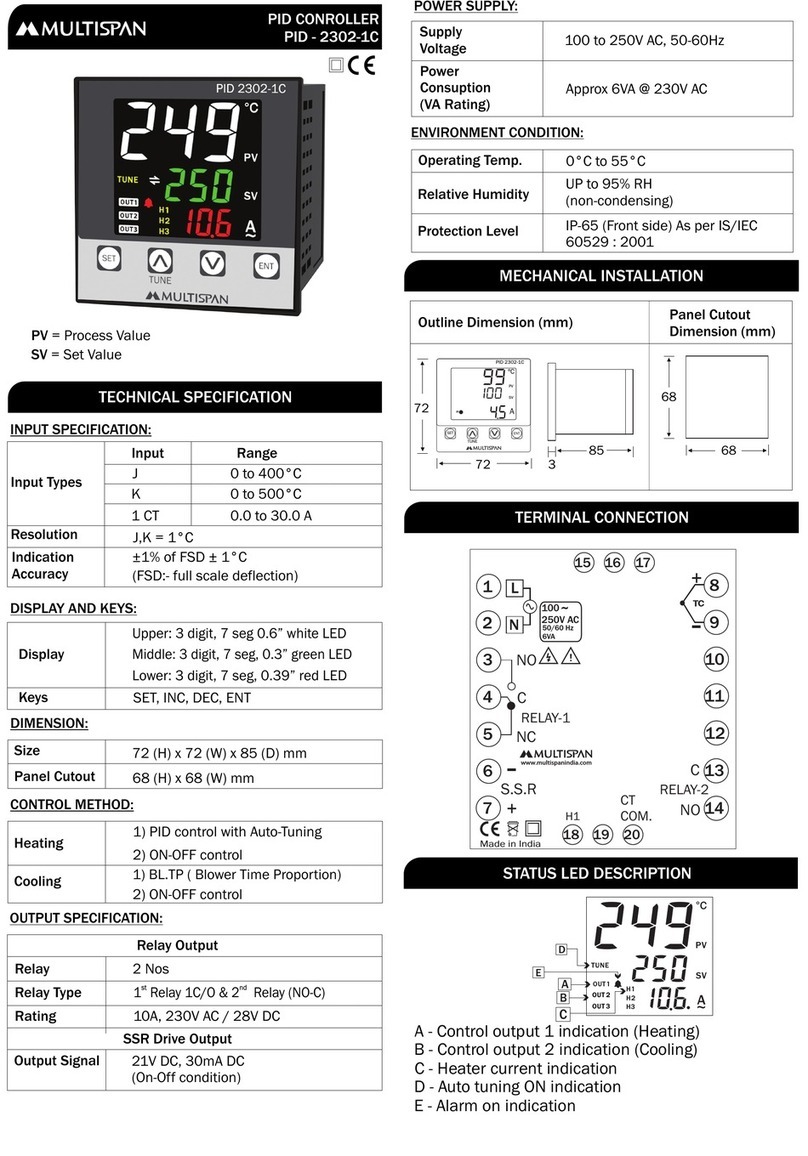
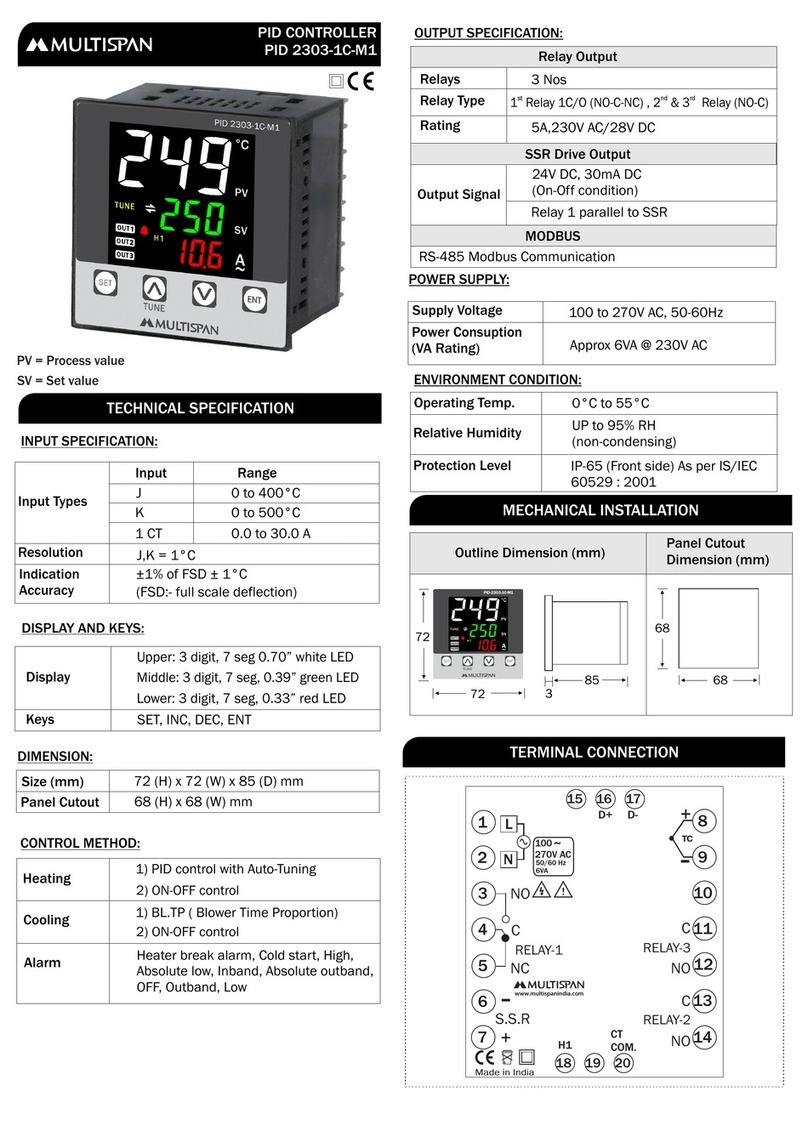
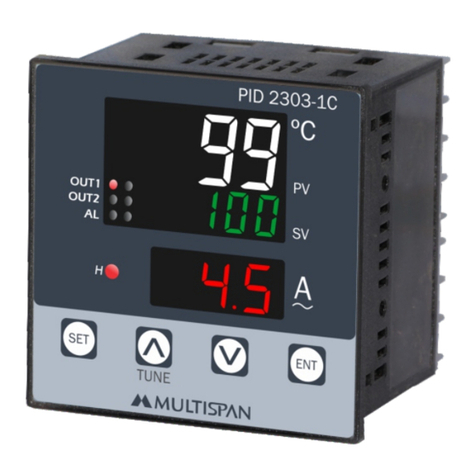
MULTISPAN PID 2303-1C User manual

MULTISPAN

MULTISPAN PID 2303-1C User manual

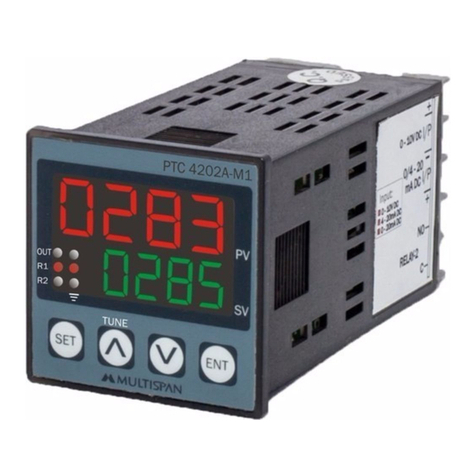
MULTISPAN PTC-4202A-M1 User manual

MULTISPAN

MULTISPAN PTC-4202A-M1 User manual

MULTISPAN PID-2303-1C User manual

MULTISPAN

MULTISPAN PID-2303-1C User manual

MULTISPAN UTC-4201A User manual

MULTISPAN

MULTISPAN UTC-4201A User manual

MULTISPAN PID 2303-1C-M1 Instruction sheet

MULTISPAN

MULTISPAN PID 2303-1C-M1 Instruction sheet

MULTISPAN PID-2302-1C Instruction sheet

MULTISPAN

MULTISPAN PID-2302-1C Instruction sheet

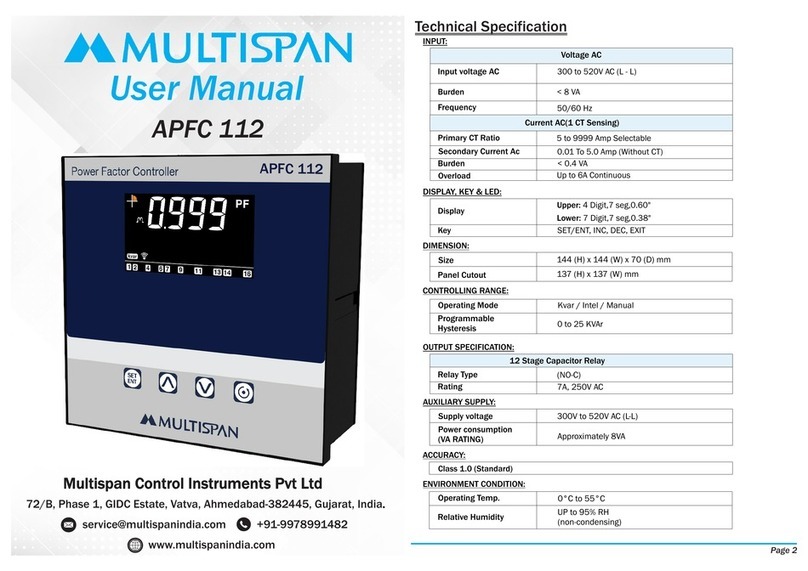
MULTISPAN APFC 112 User manual

MULTISPAN

MULTISPAN APFC 112 User manual

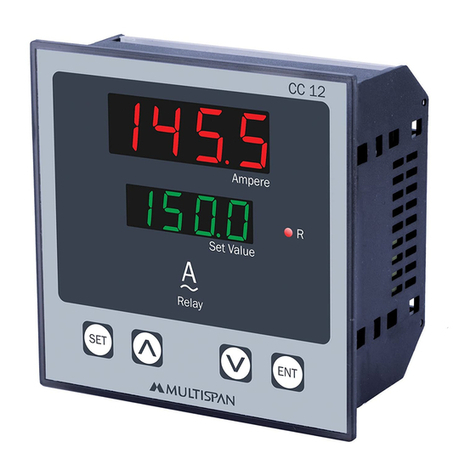
MULTISPAN CC-12 User manual

MULTISPAN

MULTISPAN CC-12 User manual

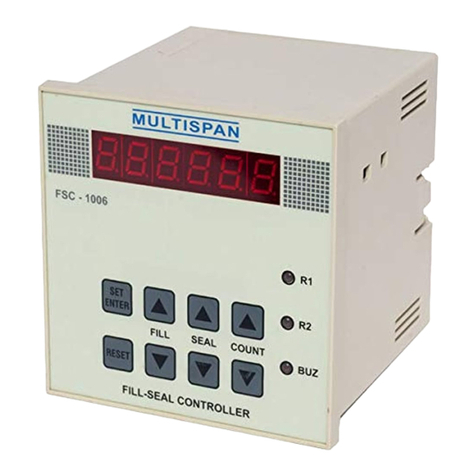
MULTISPAN FSC-1006 User manual

MULTISPAN

MULTISPAN FSC-1006 User manual

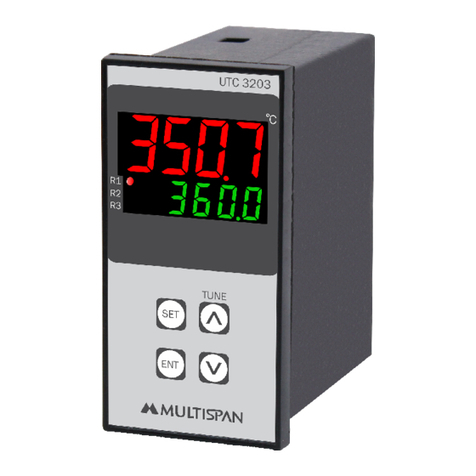
MULTISPAN UTC-3203 User manual

MULTISPAN

MULTISPAN UTC-3203 User manual

MULTISPAN PIC-4202 User manual

MULTISPAN

MULTISPAN PIC-4202 User manual

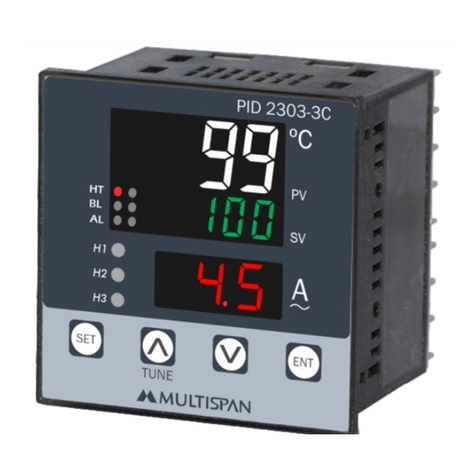
MULTISPAN PID 2303-3C User manual

MULTISPAN

MULTISPAN PID 2303-3C User manual

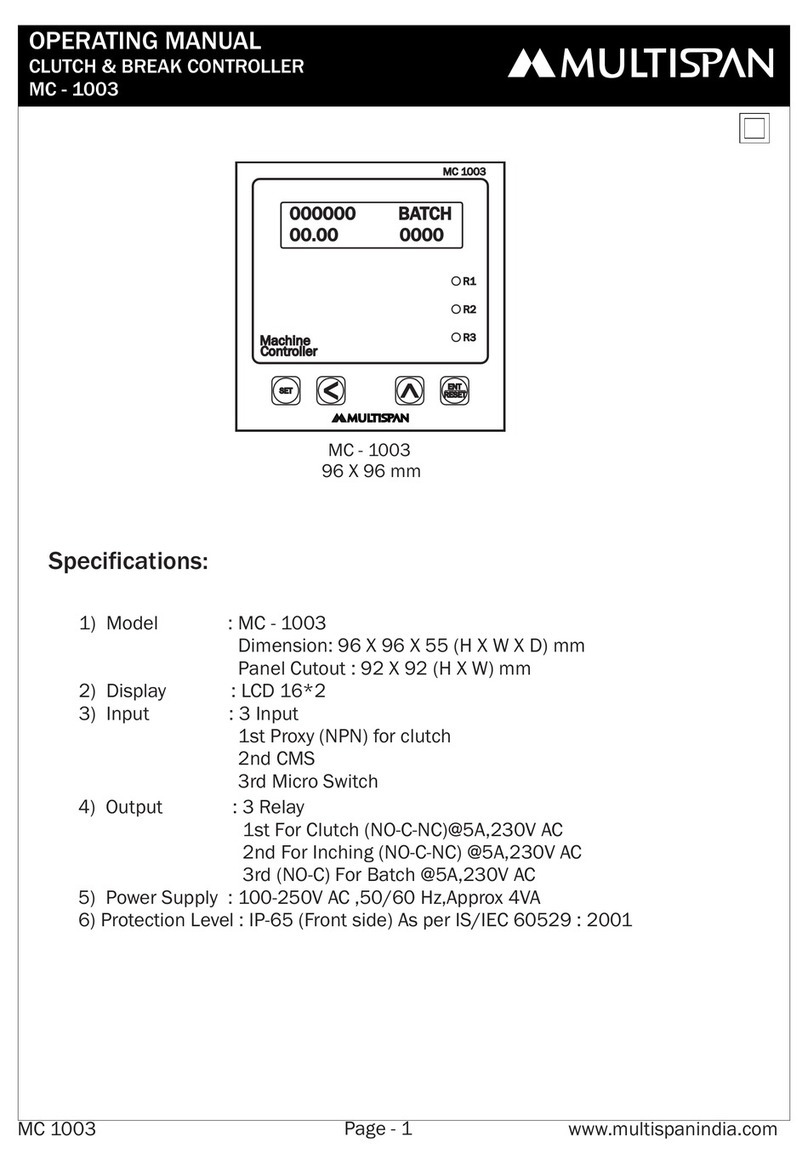
MULTISPAN MC-1003 User manual

MULTISPAN

MULTISPAN MC-1003 User manual

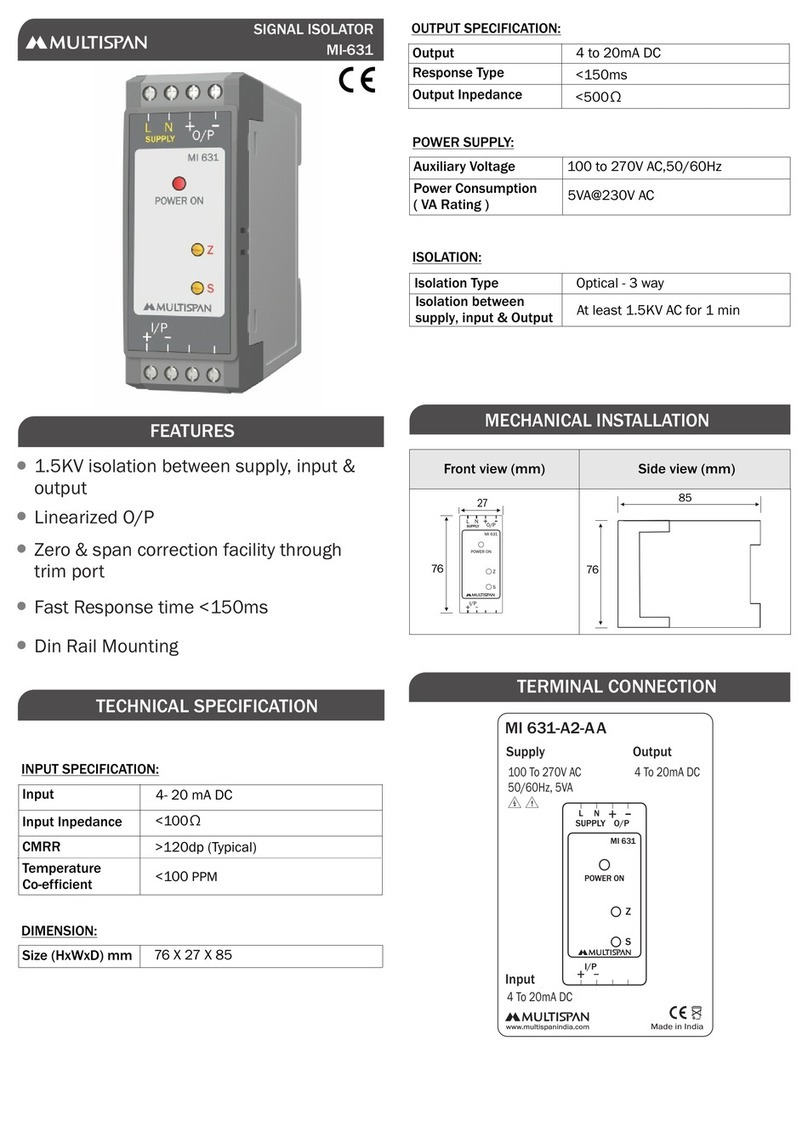
MULTISPAN MI-631 User manual

MULTISPAN

MULTISPAN MI-631 User manual

MULTISPAN CC-12 User manual

MULTISPAN

MULTISPAN CC-12 User manual

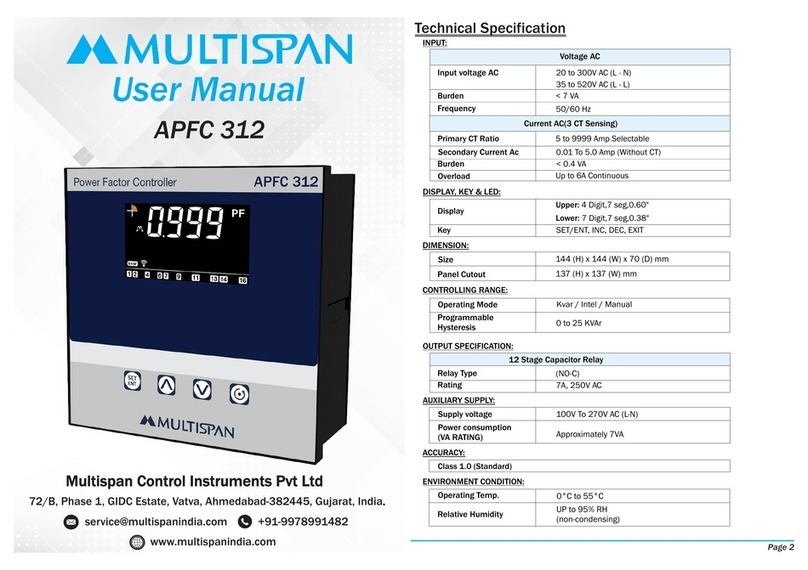
MULTISPAN APFC 312 User manual

MULTISPAN

MULTISPAN APFC 312 User manual

MULTISPAN MMC-1046T User manual

MULTISPAN

MULTISPAN MMC-1046T User manual

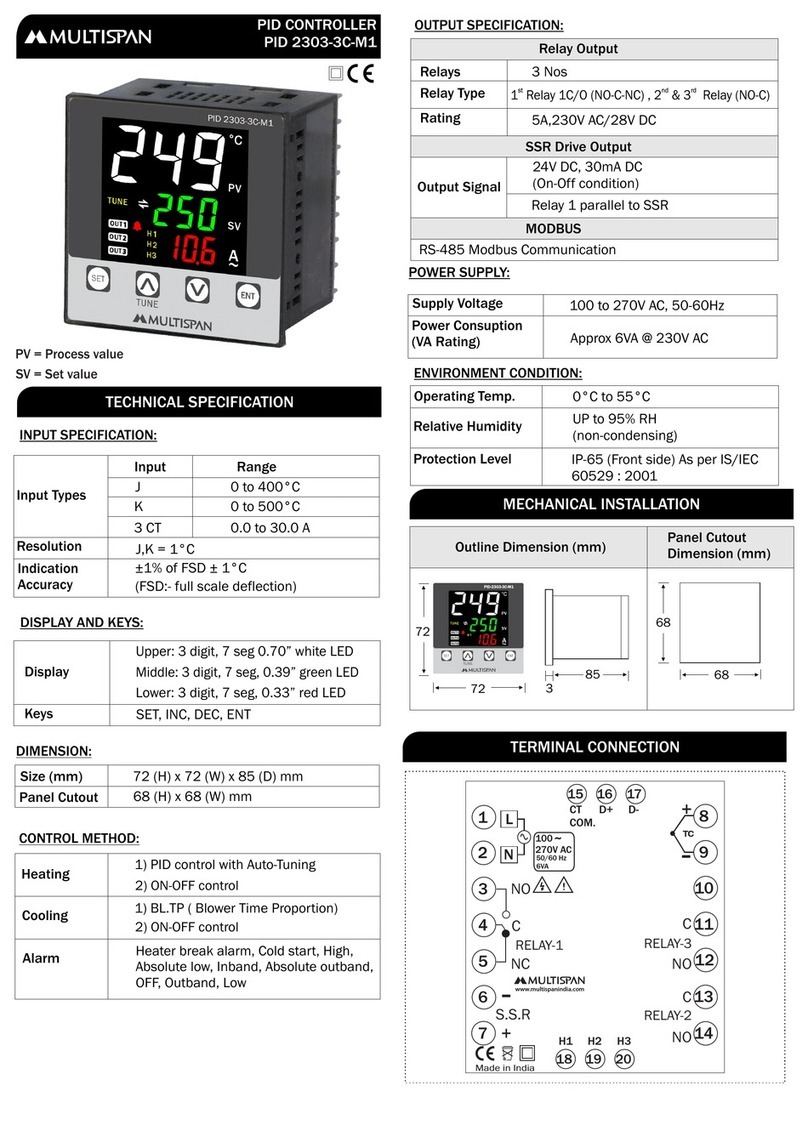
MULTISPAN 2303-3C-M1 Instruction sheet

MULTISPAN

MULTISPAN 2303-3C-M1 Instruction sheet

MULTISPAN PID 4201-1C User manual

MULTISPAN

MULTISPAN PID 4201-1C User manual

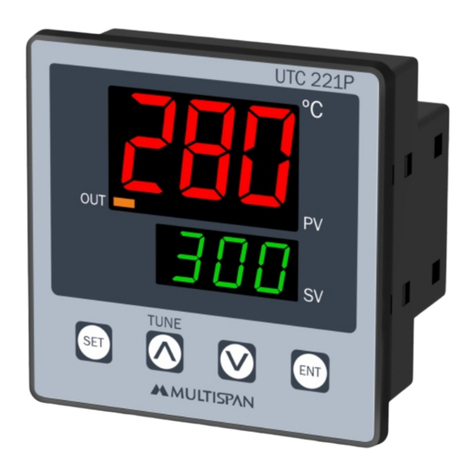
MULTISPAN UTC-221P User manual

MULTISPAN

MULTISPAN UTC-221P User manual

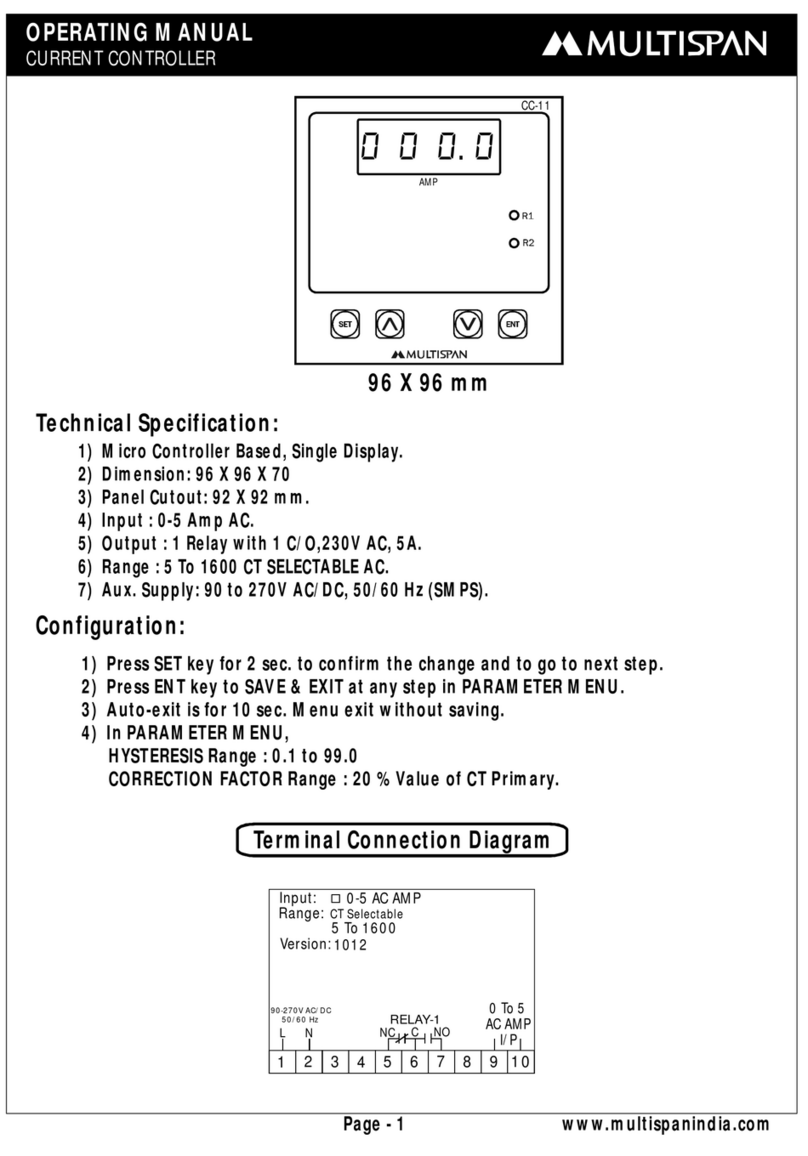
MULTISPAN CC-11 User manual

MULTISPAN

MULTISPAN CC-11 User manual
Popular Controllers manuals by other brands

Sunricher SR-ZV9003T3-RGBW-US Installation

Sunricher

Sunricher SR-ZV9003T3-RGBW-US Installation

Ksenia intro Installation and configuration manual

Ksenia

Ksenia intro Installation and configuration manual

Inovance CAN200 Series manual

Inovance

Inovance CAN200 Series manual

Gauzy LC6 FLEX Controller Installation and operation guide

Gauzy

Gauzy LC6 FLEX Controller Installation and operation guide

Viking SLP-1 Technical practice

Viking

Viking SLP-1 Technical practice

CKD KBX-30E-U Series instruction manual

CKD

CKD KBX-30E-U Series instruction manual

Sharp Energy Sun Flux User manual & installation guide

Sharp Energy

Sharp Energy Sun Flux User manual & installation guide

Yamaha RCX40 user manual

Yamaha

Yamaha RCX40 user manual

AB Quality PowerFlex 400 Frames D-H Service bulletin

AB Quality

AB Quality PowerFlex 400 Frames D-H Service bulletin

Yamaha MJC8 owner's manual

Yamaha

Yamaha MJC8 owner's manual

AL-KO ATC operating instructions

AL-KO

AL-KO ATC operating instructions

Savant SmartControl 2 Deployment guide

Savant

Savant SmartControl 2 Deployment guide

GameSir T3S user manual

GameSir

GameSir T3S user manual

Kostal inveor operating manual

Kostal

Kostal inveor operating manual

Emerson Yarway 20-55 Operating and safety instructions

Emerson

Emerson Yarway 20-55 Operating and safety instructions

CoCo ACM-LV24 Quick installation guide

CoCo

CoCo ACM-LV24 Quick installation guide

Brooks SLA5810/20 Installation and operation manual

Brooks

Brooks SLA5810/20 Installation and operation manual

SIGMA TEK SR 011 Technical manual

SIGMA TEK

SIGMA TEK SR 011 Technical manual

manuals.online logo
manuals.online logoBrands
  • About & Mission
  • Contact us
  • Privacy Policy
  • Terms and Conditions

Copyright 2025 Manuals.Online. All Rights Reserved.

Model
Mounting
Input Sensor
Indications
WLC 22
Din Rail Mounting
3 nos. prods
S1 : Common
S2 : Low
S3 : High
LED 1 : Relay
LED 2 : High Level
LED 3 : Low Level
LED 4 : Mains
High & Low Level Indication Led
Sensitivity Adjustable : 1K to 200K ohm
Pump protection from Dry run & Overflow
condition
Used for drain & fill control
Trip Relay Indication
Compact & sleek design
Power Supply 100 - 270V AC,50/60 Hz,3VA
Output Rating 5Amp,230V AC(Res.)
Dimension 90 x 22.5 x 67.5
Output
1 Relay,1C/O (NO-C-NC)
Sensitivity
Reset
Trip Delay
1 to 200 Kilo ohms
Auto
0.5 sec (Approx.)
WLC 22
WATER LEVEL CONTROLLER
FEATURES
Technical Specification
Mechanical Dimension
Terminal Connection
100 to 270V AC
Smps,50/60Hz, 3 VA
NO C NC
18 15 16
Power Supply (A1 & A2):
A1 15
S1 S2
16 18
S3 A2
WLC
Connection Diagram
Supply Voltage
Output :
1 Relay 1 C/O ,
5A 230V AC (Res.)
Sensor Terminal
S1-Common
S2-Low
S3-High
Tank
90.00
47.00
22.5
66.35
S2
S3
S1
Safety Precaution
Read complete instructions prior to installation
and operation of the unit.
WARNING : Risk of electric shock.
All safety related codifications, symbols and instructions that
appear in this operating manual or on the equipment must be
strictly followed to ensure the safety of the operating personnel
as well as the instrument.
If all the equipment is not handled in a manner specified by
the manufacturer, it might impair the protection provided by the
equipment.
!
Ensurements of your WLC 22.
1) Ensure the connection as per terminal diagram.
2) To be Handle by only authorized and person.
3) Not installed near any heat sources like burner, electric arc.
4) Installed as near to the starter as possible.
5) The sensor prods are suspended from the top opening of the
water tank in PVC conduct piping. Metal pipes should not be
used.
6) The sensor prods should not be wall mounted on metallic water
tank.
7) Adjust the sensitivity of water resistance given on front plate.
Caution
WLC 22 can be operate either in SUCTION logic or in DELIVERY
logic using output relay contact terminal 15 & 18 (COM-NO),
15 & 16 (COM-NC) respectively.
Logic Selection
When you select SUCTION LOGIC using the relay contact terminals
15 & 18. Put sensor prods S1, S2 & S3 in water tank. The pump
motor will start automatically when the tank is full.
(i.e prod S1, S2 & S3 are under water )
and will stop automatically when the water tank is empty
(i.e prod S2,S3 out of water & S1 under water)
Function Of Suction Logic
When you select DELIVERY LOGIC using the relay contact terminal
15 & 16. Put sensors prods S1, S2 & S3 in water tank. The pump
motor will start automatically when the tank is empty.
(i.e prod S1 is under water S2, S3 are out of water)
and pump motor will stop automatically when the water tank
is full (i.e S1, S2 & S3 are under water).
Function Of Delivery Logic
Refer below procedure for adjusting sensitivity according to
conductivity of water.
1) Keep all prods in water and set the pot at maximum
position. Now the relay becomes ON.
2) The turns the pot towards the minimum side till the relay
becomes OFF.
3) Now to adjust the pot above setting where the relay
becomes ON and does not chatter.
NOTE :
Sensitivity Setting
Position of potentiometer is adjusted according to
conductivity level of water, Do not disturb potentiometer
setting once fixed.
One Level Controller Two Level Controller
(15-18)- SUCTION LOGIC (15-18)- SUCTION LOGIC
(15-16)- DELIVERY LOGIC (15-16)- DELIVERY LOGIC
A1 A1
15 15
S1 S1
S2 S2
16 16
18 18
S3 S3
A2 A2
WLC WLC
SR NO. SR NO.
S1+S3 S1
S1+S3
S2
S2
S2 S3
S1
S1
S2 S3
S2
S1
S2
S3
RELAY OUTPUT RELAY OUTPUT
ON ON ON
ON ON
15 15
18 18
16 16
Water Tank
Water Tank
Two Level Controller For Both Tank
A1 A115 15
S1 S1S2 S2
16 1618 18
S3 S3A2 A2
WLC WLC
S1 S1
S2 S2S3 S3S1 S1
S2 S2
S3 S3
MOTOR OUTPUT
Suction Tank Delivery Tank