GETTING STARTED GUIDE
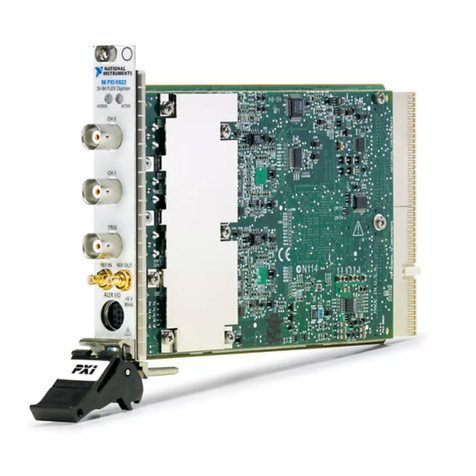
PXI/PCI-5154
2 GS/s Oscilloscope
Note Before you begin, install and configure your chassis and controller.
This document explains how to install, configure, and test the PXI/PCI-5154. The
PXI/PCI-5154 high-speed oscilloscope features 1 GHz analog bandwidth and up to 2 GS/s
real-time sample rate (20 GS/s equivalent-time sample rate for repetitive signals).
To access PXI/PCI-5154 documentation, navigate to Start»All Programs»National
Instruments»NI-SCOPE»Documentation.
Caution You can impair the protection provided by the PXI/PCI-5154 if you use it
in a manner not described in this document.
Contents
Electromagnetic Compatibility Guidelines...............................................................................2
Verifying the System Requirements..........................................................................................2
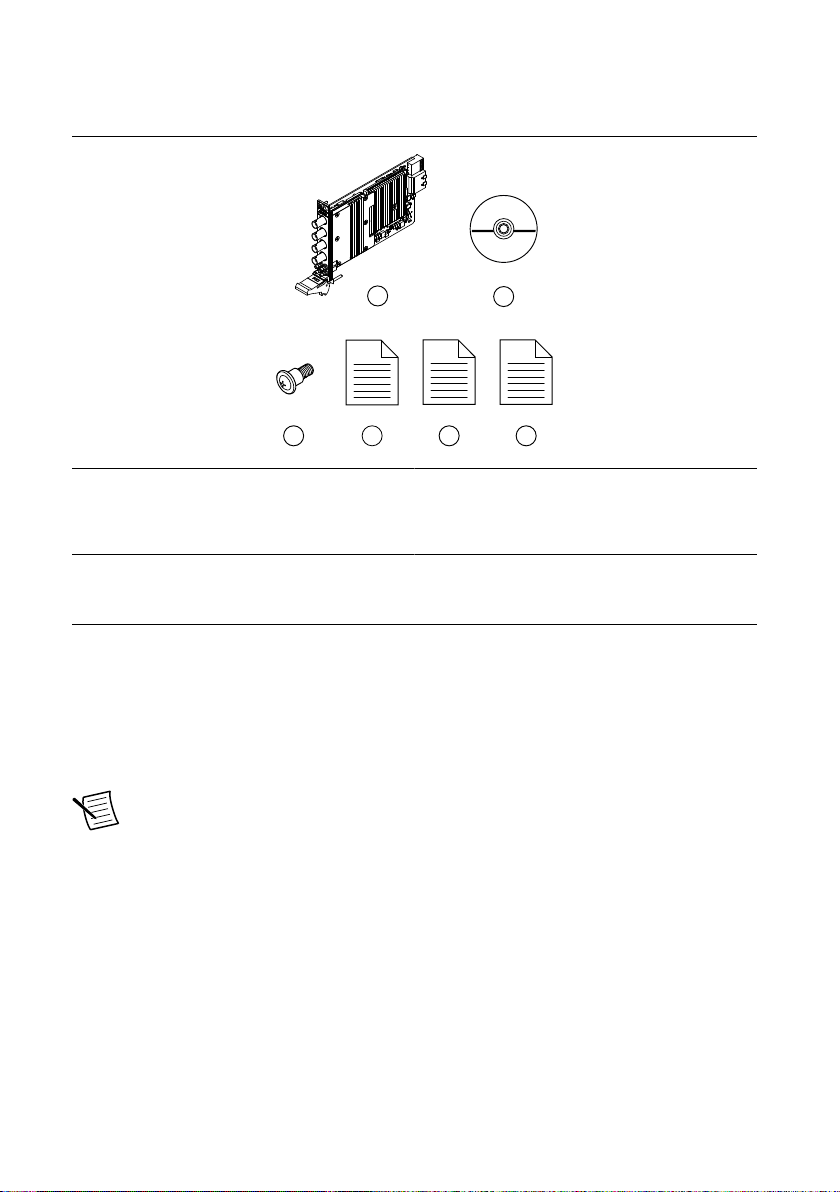
Unpacking the Kit..................................................................................................................... 2
Kit Contents...................................................................................................................... 3
Other Equipment....................................................................................................................... 3
Preparing the Environment....................................................................................................... 4
PXI Modules..................................................................................................................... 4
PCI Modules..................................................................................................................... 4
Installing the Software.............................................................................................................. 4
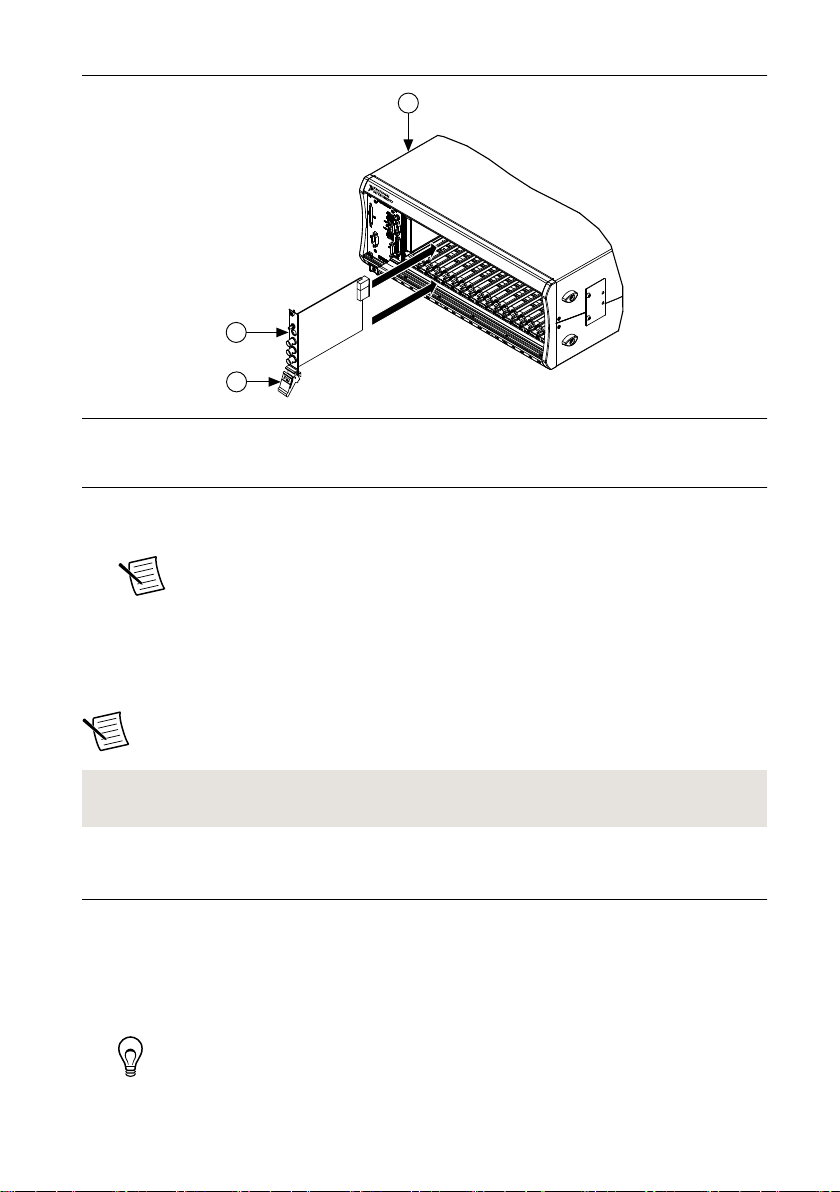
Installing the PXI-5154.............................................................................................................5
Installing the PCI-5154............................................................................................................. 6
PXI/PCI-5154 Front Panel Connectors and Indicators............................................................. 8
Configuring the PXI/PCI-5154 in MAX...................................................................................9
Programming the PXI/PCI-5154.............................................................................................10
NI-SCOPE Examples...................................................................................................... 11
Making a Measurement...........................................................................................................12
Making a Measurement with NI-SCOPE SFP................................................................12
Making a Measurement with LabVIEW.........................................................................12
Setting Up PXI/PCI-5154 for Synchronization...................................................................... 12
PXI Modules................................................................................................................... 13
PCI Modules................................................................................................................... 13
Troubleshooting...................................................................................................................... 13
Why Is the ACCESS LED Off When the Chassis Is On?...............................................13
What Should I Do if the PXI/PCI-5154 Doesn't Appear in MAX?................................ 14