10 | USER MANUAL
EN
DVR mode
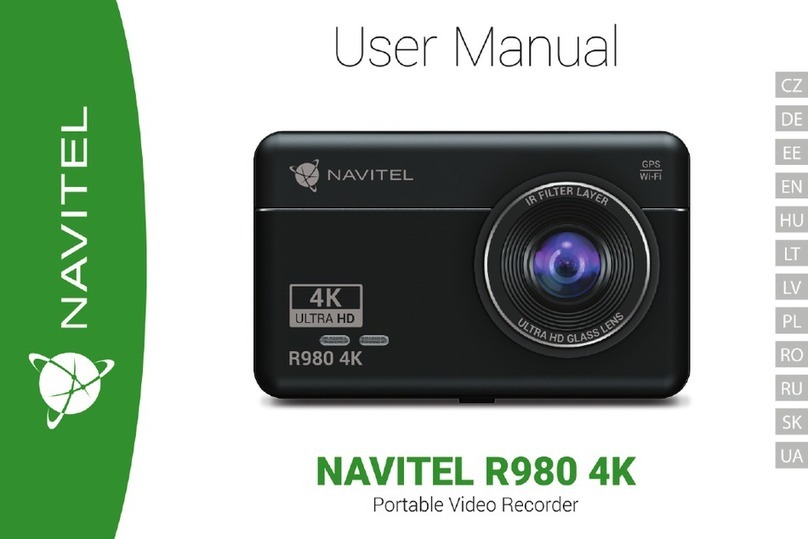
With the DVR mode you can record video while driving the car,
and thus monitor the road situation while driving.
The ability to work with memory cards allows you to save the
video recorded by the DVR into a microSD card.
Interface
Press the DVR button to turn on the videorecorder. In the
opened window you will see the view taken by the camera. On
the left there are 3 function buttons —Settings, Record and
Saved videos.
• Press Record button to start recording, press the same button
again to stop. You can set the start of recording in the Settings
menu —on charger connection, on device start or manually.
• Saved les button opens the album of saved les made by
the camera. Press on le to play it. You can also lock the le
by pressing the locker icon, delete the selected le or all les.
• In the Settings menu you can set the video quality, congure
the storage space limit for les, storage location, duration of
video fragments and application start mode. You can also set
the screen and preview modes, turn on sound recording and
select the application skin.
Preview function in Navitel Navigator program
The image from the camera can be displayed on top of the Navi-
tel Navigator map. You can enable function in the Settings. Press
Record to enable this function. The preview window will appear
automatically on the Navitel Navigator program map. The win-
dow can be dragged to any place on the screen.
Navitel Navigator
Navitel Navigator is an oine multifunctional navigation ap-
plication used for ecient address and POI search, as well as
planning.
Press the Navigator button in your home screen to run the pro-
gram. Press to open address search, build routes and pro-
gram settings.
Learn more about Navitel Navigator program at
http://www.navitel.cz/docs/.
Update maps
In order to update program software and installed maps, in the
Navitel Navigator program go to Menu > My Navitel > Updates.
The window that will open displays the necessary updates for
the program and installed maps. Select the map you want to up-
date or select Update All.