Safety Information
CAUTION
Make sure to refer to the User’s Guide provided with your server when mounting any
optional device/board/peripheral into your server.
Prior to installing or removing an option, make sure to unplug all system AC power cords
from their electrical outlets. Remove all cables connecting the system with external
devices. Failure to disconnect the power cords before opening the system can result in
personal injury and equipment damage.
Note sufficiently that your fingers may not be caught or cut by a mechanical part at inside
of server.
Make sure not to drop screws or any conductive parts in the server. Failure to do causes
the server to malfunction or an electric shock.
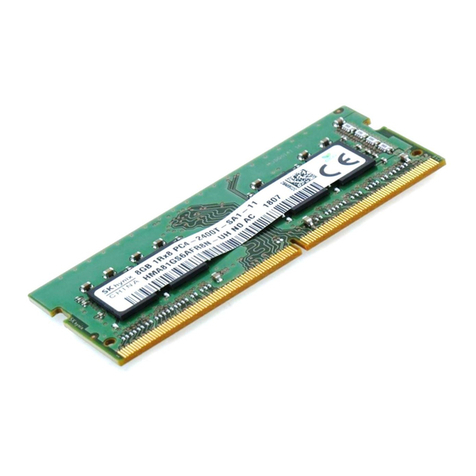
After taking out the DIMM boards from their packaging, try to keep them away from dust
and liquids in order to avoid accidental damage.
After taking out the DIMM boards from their packaging, do not place them near a device
that is generating intense magnetic fields
If an error message is displayed on the display after completing the upgrade installation,
refer to the Error Message List in the User’s Guide provided with your server.
Make sure to install the two DIMM boards as a single bank. For detailed descriptions of
the bank scheme, refer to the User's Guide provided with your server.
Touch any metal surface nearby (window frame or doorknob) to discharge the static
electricity from your body before mounting any optional device/board/peripheral.
Do not touch the connector on the DIMM board with your bare hands nor place the board
directly on top of a desk without adequate anti-static precautions. Failure to do so can
result in equipment damage.
N8115-05 Internal Flash Memory
Assembling and Handling Guide
-6 -