1
Contents
Introduction...........................................................................................................................................................1
Understanding D3-10i Array Management .......................................................................................................2
Requirements...................................................................................................................................................2
STEP 1: Planning and Preparation.......................................................................................................................3
Preparing For Installation..................................................................................................................................3
Unpacking the Array.........................................................................................................................................3
Hardware Component Features .......................................................................................................................4
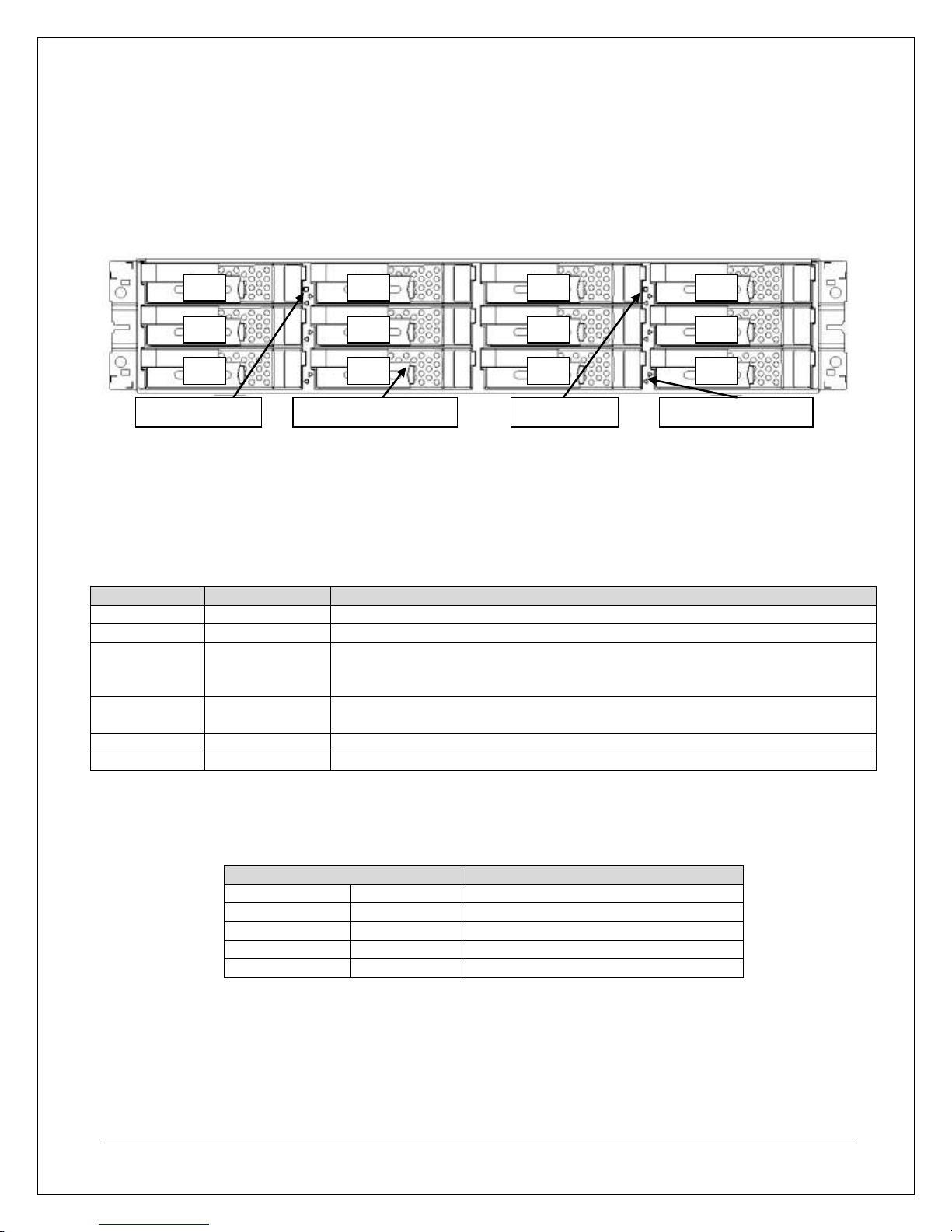
Array Front View............................................................................................................................................4
Array Rear View.............................................................................................................................................5
STEP 2: Array Installation.....................................................................................................................................7
Hardware Installation........................................................................................................................................7
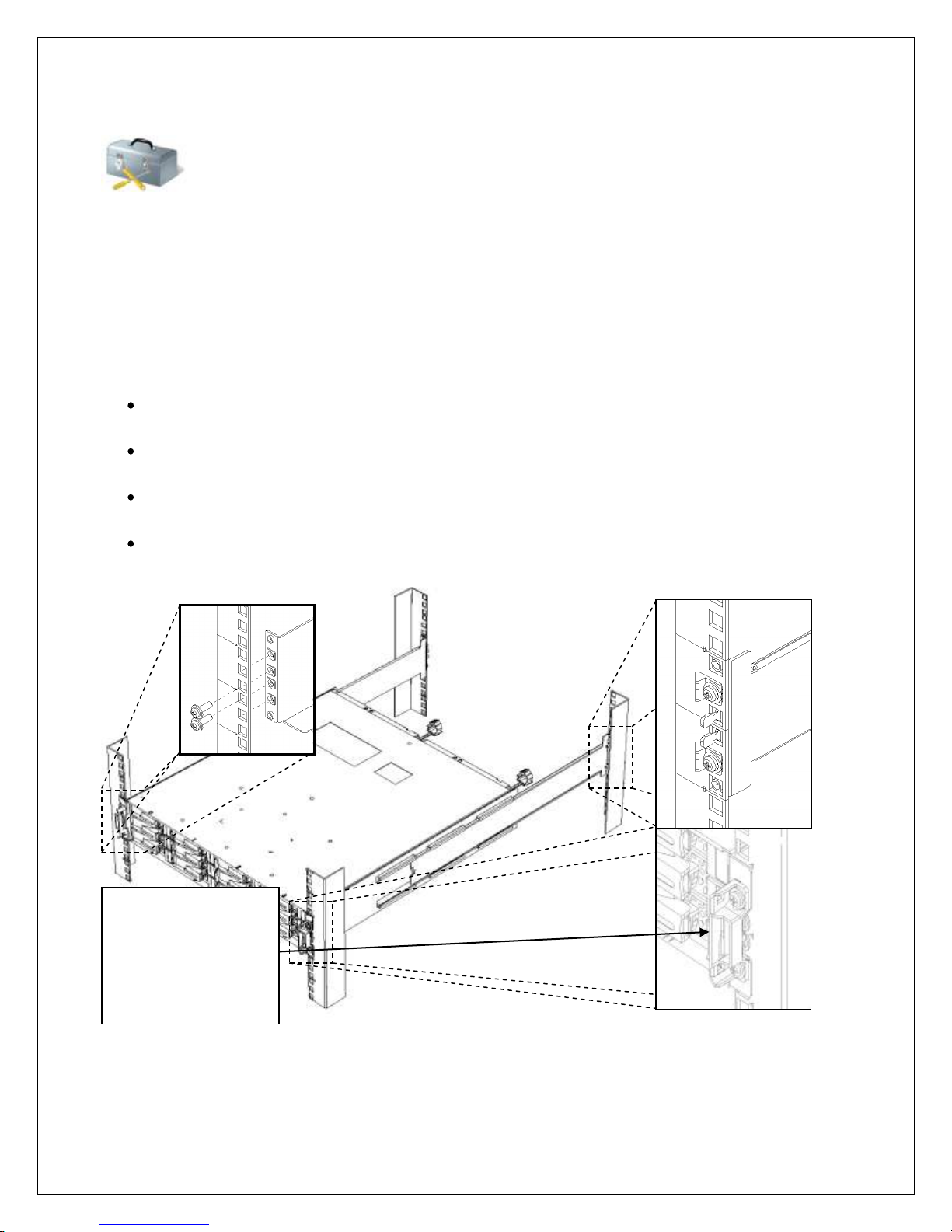
Mounting the Array ........................................................................................................................................7
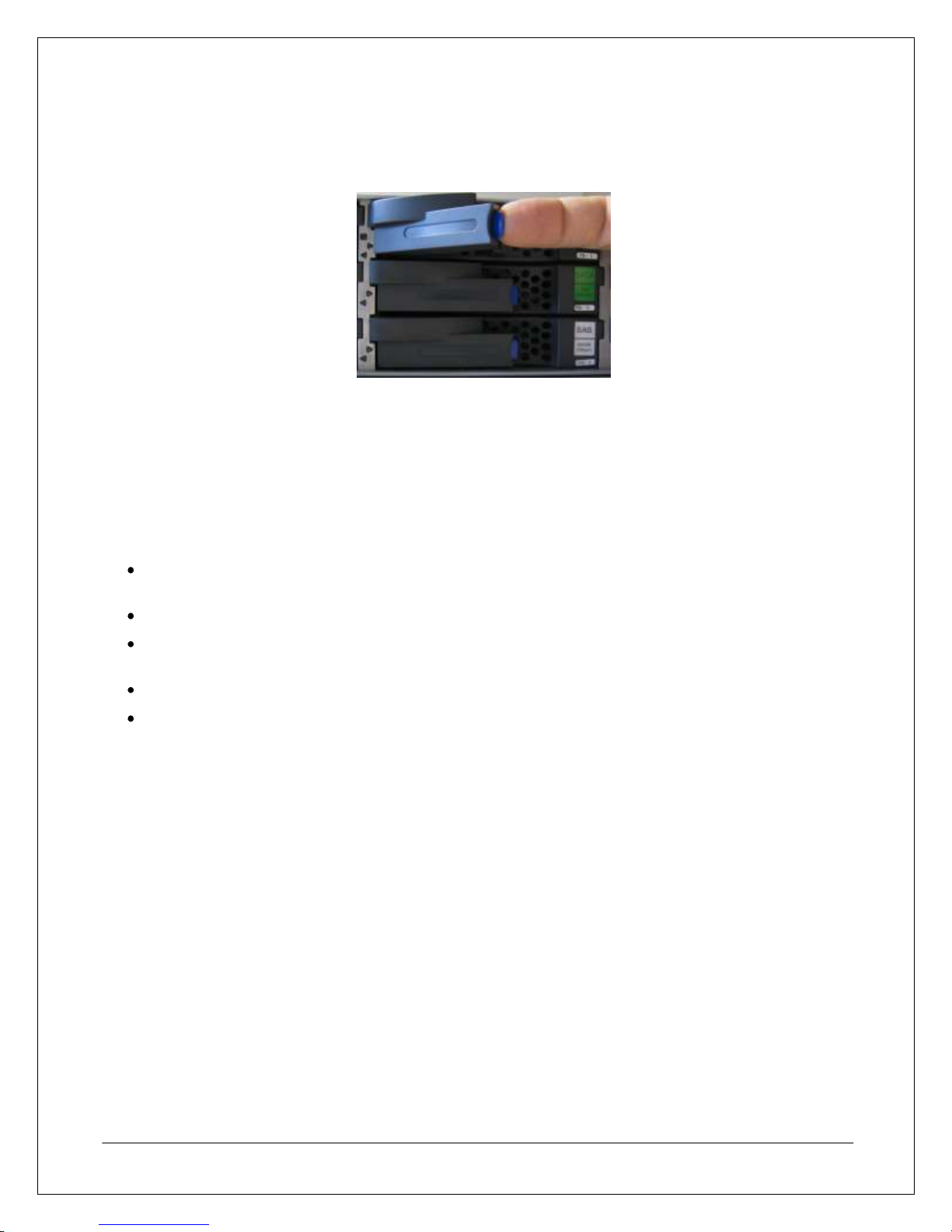
Installing Disk Drives .....................................................................................................................................8
Cable Connections...........................................................................................................................................8
SAS Cable Connections ................................................................................................................................8
Array Connection Configurations...................................................................................................................9
iSCSI Connections.........................................................................................................................................9
Management Connections...........................................................................................................................10
Power Cable Connections ...........................................................................................................................11
Power-On/Power-Off Procedures...................................................................................................................11
Power-On Procedure When Auto Power On Mode Is Not Enabled.............................................................11
Power-Off Procedure...................................................................................................................................12
STEP 3: Software Installation.............................................................................................................................13
Management Server Installation.....................................................................................................................13
Installing Storage Manager..........................................................................................................................13
Application Server Installation ........................................................................................................................16
Control Command Installation......................................................................................................................17
Preparing the Software iSCSI Initiator in a Windows Environment..............................................................20
Preparing the Software iSCSI Initiator in a VMware ESX Environment .......................................................26
Storage Manager Client Installation................................................................................................................32
Storage Manager Client Installation and Startup .........................................................................................32
STEP 4: Array Initialization and Configuration....................................................................................................34
Array Initialization...........................................................................................................................................34
Configuring iSCSI Connections......................................................................................................................42
Configuring the iSCSI Initiator in Windows ..................................................................................................42
Configuring the iSCSI Initiator in VMware ESX............................................................................................46
Configuring Logical Disks and Pools ...........................................................................................................49
Appendix: Configuring Multipathing ....................................................................................................................60
Installing PathManager...................................................................................................................................60