Table of Figures
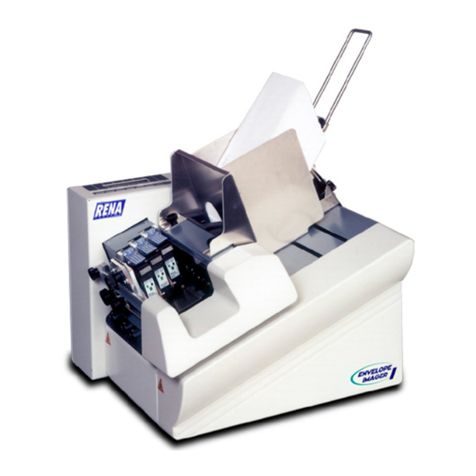
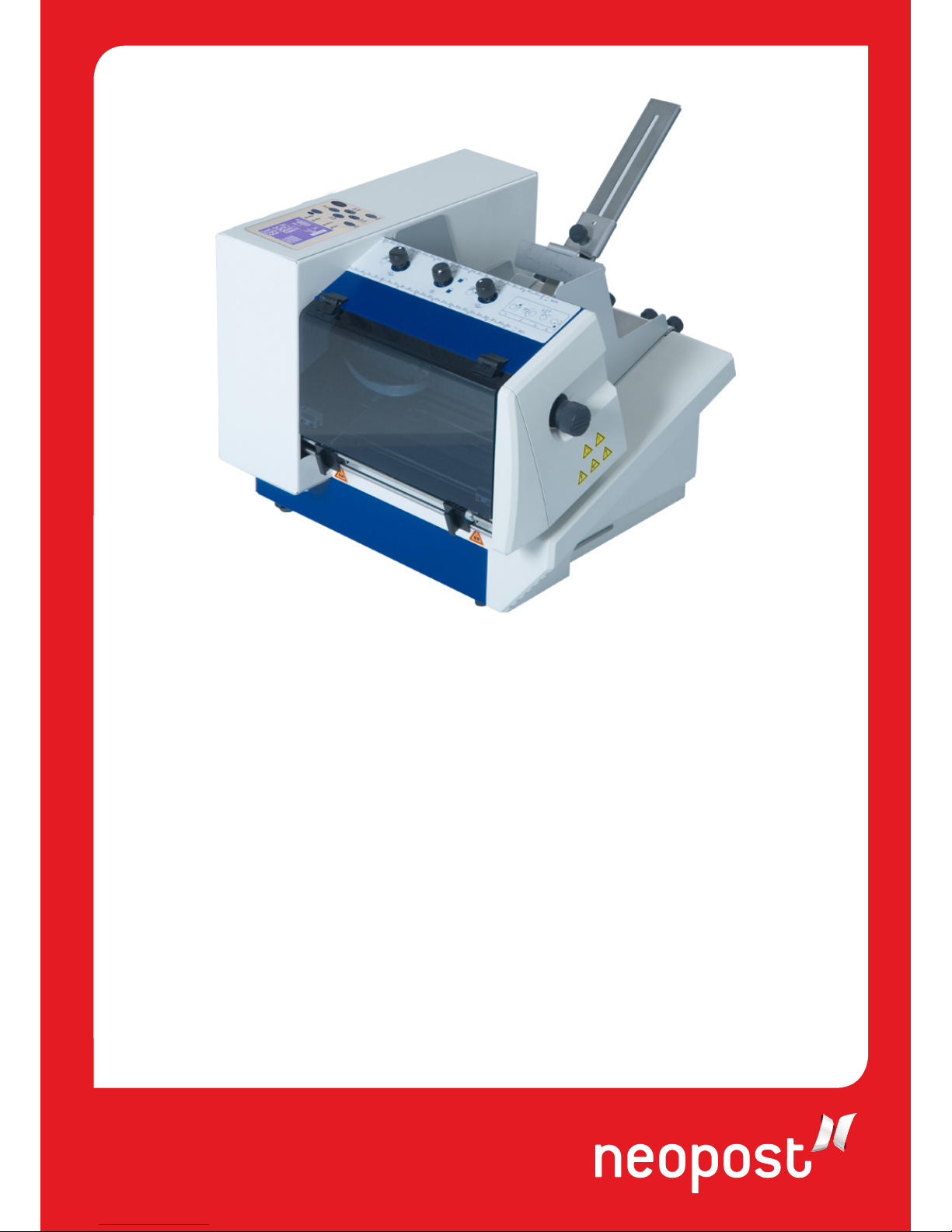
Figure 1: Overview frontside.................................................................................... 16
Figure 2:Overview rear side..................................................................................... 17
Figure 3: Overview frontside with open cover.............................................................18
Figure 4: Mounting I...............................................................................................20
Figure 5: Mounting II..............................................................................................21
Figure 6: The operator panel....................................................................................23
Figure 7: Main display.............................................................................................26
Figure 8: Inserting the ink cartridge.......................................................................... 31
Figure 9: Lock the restraining lever...........................................................................31
Figure 10: Adjusting the separation ..........................................................................33
Figure 11: Separation fingers................................................................................... 34
Figure 12: Paper side guide positions for C5 envelope ................................................. 35
Figure 13: Positioning the material ...........................................................................35
Figure 14: Position of paper sensor...........................................................................36
Figure 15: Adjusting the runner................................................................................36
Figure 16: Thickness adjustment knob ......................................................................37
Figure 17: Adjusting the printer to the material thickness ............................................ 38
Figure 18: Testprint................................................................................................ 39
Figure 19: Keep Alive function..................................................................................49
Figure 20: CARRIAGE CORRECT. .............................................................................. 51
Figure 21: ADJUST TOF...........................................................................................52
Figure 22: Difference Nor/Rev, transport direction ...................................................... 63
Figure 23:LEFT MARGIN, transport direction............................................................... 64
Figure 24:TOP MARGIN, transport direction................................................................64
Figure 25: Adjust Print Head sample printouts............................................................ 77
Figure 26: Pattern A ............................................................................................... 78
Figure 27: Pattern A with defects.............................................................................. 78
Figure 28: Cartridge contacts................................................................................... 79
Figure 29: Pattern B ............................................................................................... 79
Figure 30: Sample character set print ....................................................................... 80
Figure 31: Sample setting dump print ....................................................................... 81
Figure 32: Sample Input Buffer Dump print................................................................ 82
Figure 33: New Hardware Wizard .............................................................................86
Figure 34: Recommended install procedure................................................................ 86
Figure 35: Properties of unspecified device ................................................................ 88