manuals.online logo
Brands
  1. Home
  2. •
  3. Brands
  4. •
  5. NOVAK
  6. •
  7. Accessories
  8. •
  9. NOVAK BEC - 2-2008 User manual

NOVAK BEC - 2-2008 User manual

This manual suits for next models

4

Other NOVAK Accessories manuals

NOVAK RC8 - 8-2008 User manual

NOVAK

NOVAK RC8 - 8-2008 User manual

NOVAK THE DIG - 7-2009 User manual

NOVAK

NOVAK THE DIG - 7-2009 User manual

NOVAK RACER-EX User manual

NOVAK

NOVAK RACER-EX User manual

NOVAK ROOSTER E-MAXX COMBO User manual

NOVAK

NOVAK ROOSTER E-MAXX COMBO User manual

NOVAK SUPER SPORT User manual

NOVAK

NOVAK SUPER SPORT User manual

NOVAK TEMPEST PRO User manual

NOVAK

NOVAK TEMPEST PRO User manual

NOVAK SUPER SPORT PLUS User manual

NOVAK

NOVAK SUPER SPORT PLUS User manual

NOVAK SUPER SPORT CRAWLER User manual

NOVAK

NOVAK SUPER SPORT CRAWLER User manual

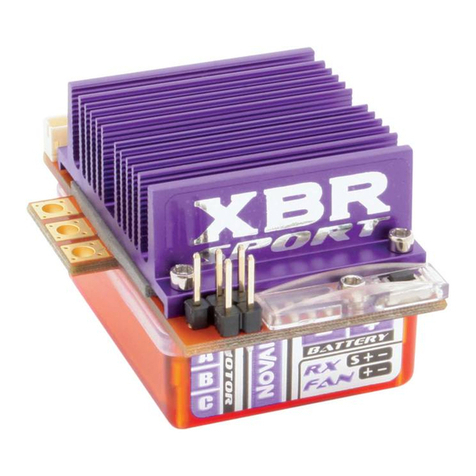
NOVAK XBR SPORT - PROFILE & GEARING GUIDE User manual

NOVAK

NOVAK XBR SPORT - PROFILE & GEARING GUIDE User manual

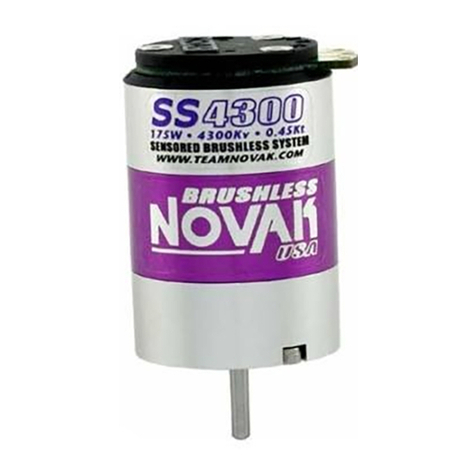
NOVAK SS4300 MOTOR User manual

NOVAK

NOVAK SS4300 MOTOR User manual

NOVAK BRAKE LIGHT KIT User manual

NOVAK

NOVAK BRAKE LIGHT KIT User manual

NOVAK XRS SPORT REVERSIBLE User manual

NOVAK

NOVAK XRS SPORT REVERSIBLE User manual

NOVAK Super Rooster User manual

NOVAK

NOVAK Super Rooster User manual

NOVAK XBR SPORT Manual

NOVAK

NOVAK XBR SPORT Manual

NOVAK STUTTER STOPPER User manual

NOVAK

NOVAK STUTTER STOPPER User manual

NOVAK REACTOR REVERSIBLE User manual

NOVAK

NOVAK REACTOR REVERSIBLE User manual

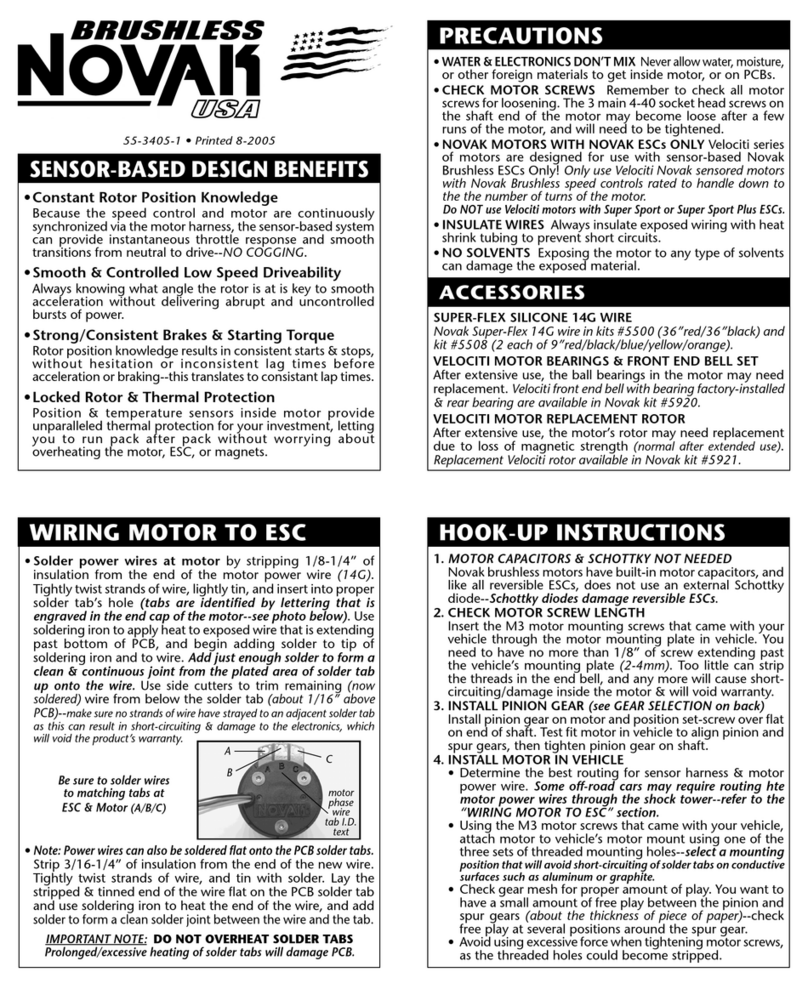
NOVAK SS4300 - INSTRUCTION ADDENDUM User manual

NOVAK

NOVAK SS4300 - INSTRUCTION ADDENDUM User manual

NOVAK PRO SC - TRACK GUIDE User manual

NOVAK

NOVAK PRO SC - TRACK GUIDE User manual

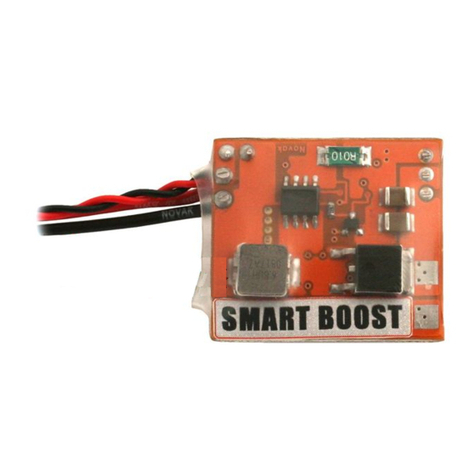
NOVAK SMART-BOOST - BASIC SETUP GUIDE 3-2009 User manual

NOVAK

NOVAK SMART-BOOST - BASIC SETUP GUIDE 3-2009 User manual

NOVAK ROOSTER 12T User manual

NOVAK

NOVAK ROOSTER 12T User manual

NOVAK SPY User manual

NOVAK

NOVAK SPY User manual

NOVAK SLYDR DRIFT ESC User manual

NOVAK

NOVAK SLYDR DRIFT ESC User manual

NOVAK SS4300 - PROGRAMMING & GEARING User manual

NOVAK

NOVAK SS4300 - PROGRAMMING & GEARING User manual

NOVAK SUPER DUTY XR User manual

NOVAK

NOVAK SUPER DUTY XR User manual

Popular Accessories manuals by other brands

Hillco 2810 Operator's manual

Hillco

Hillco 2810 Operator's manual

Siemens QSA2700D Basic documentation

Siemens

Siemens QSA2700D Basic documentation

Contours ZY024 manual

Contours

Contours ZY024 manual

Saivod VS621 manual

Saivod

Saivod VS621 manual

SCE ENVIRO-THERM SCE-TE170B24VSS user manual

SCE

SCE ENVIRO-THERM SCE-TE170B24VSS user manual

Z-Wave HSD-200Z user manual

Z-Wave

Z-Wave HSD-200Z user manual

turck FMX-IM-2UPLI63FX quick start guide

turck

turck FMX-IM-2UPLI63FX quick start guide

Decagon Devices 10HS manual

Decagon Devices

Decagon Devices 10HS manual

UPPAbaby Cup Holder user manual

UPPAbaby

UPPAbaby Cup Holder user manual

Elko SmartSensor Leakage Wireless manual

Elko

Elko SmartSensor Leakage Wireless manual

Grizzly H8371 instructions

Grizzly

Grizzly H8371 instructions

Panasonic HG-T Series user manual

Panasonic

Panasonic HG-T Series user manual

IFM Electronic Efector 250 Series Brief instructions

IFM Electronic

IFM Electronic Efector 250 Series Brief instructions

Virtuox VirtuCLEAN 2.0 user manual

Virtuox

Virtuox VirtuCLEAN 2.0 user manual

DigiDesign 888/24 I/O installation guide

DigiDesign

DigiDesign 888/24 I/O installation guide

PROZIS QUAY user manual

PROZIS

PROZIS QUAY user manual

patagonia PSI Vest user manual

patagonia

patagonia PSI Vest user manual

SFC Energy EFOY GO! manual

SFC Energy

SFC Energy EFOY GO! manual

manuals.online logo
manuals.online logoBrands
  • About & Mission
  • Contact us
  • Privacy Policy
  • Terms and Conditions

Copyright 2025 Manuals.Online. All Rights Reserved.

NOVAK BEC
MODULES
#5460, #5463,
#5465 & #5473
This Novak BEC regulates output to 6 volts to provide
consistent power to the electronics throughout the charge.
Input Voltage Specication:
#5460 3A BEC ................... 6-8 Ni-MH cells (1.2v/cell) or 2S Li-Po
#5463 3A High-Volt ...... 4-22 Ni-MH cells (1.2v/cell) or 2-7S Li-Po
#5465 5A BEC ................... 6-8 Ni-MH cells (1.2v/cell) or 2S Li-Po
#5473 5A BEC w/ Li-Po Monitor ........................... 2S Li-Po (only)
GENERAL NITRO/GAS INSTALLATION:
Find an available area on your chassis close1.
to the main battery pack and receiver. Use the
included tie-wrap or
double-sided tape to mount
the BEC and the on/off switch
in the vehicle. For
the #5473 module, mount the external LED in a
place easily visible when the car is in operation.
Find a convenient place to solder the red and2.
black wires to your main power source. Some
good places for this are the battery connector or
the ESC’s positive and negative solder tabs where
the main power capacitor connects in an electric
vehicle. The wires should be shortened if possible.
Plug the BEC’s 3-pin JST connector into your3.
receiver’s battery slot, making sure the polarity
is correct. On most receivers, the black wire will
face towards the outside of the receiver and the
red will be more towards the center of the receiver.
Leave the ESC’s power switch OFF for electric vehicles
and use the BEC’s on/off switch for turning on and off your
model.
If the ESC’s switch is turned on damage can occur!
When the BEC is switched on, the blue LED (#5460,
#5463, #5465 or charge status LED for #5473) will light up.
At this point the BEC will be providing power for the
servos and receiver in your model. [over]
#55-5463-3 2/2008
GENERAL OPERATION:
WARNING! Always make sure that your battery
pack is fully charged before operating your model.
This Battery Eliminator Circuit (BEC) is designed to
regulate the model’s main battery voltage to power
the radio system without a separate receiver pack.
This BEC can NOT supply radio system power
when the main battery becomes discharged.
You will NOT have radio control of model if the main
battery fails or is fully discharged. In no way shall
Novak Electronics, Inc. be responsible or liable for
any damage or loss which may occur from use of this product.
NOVAK BEC
MODULES
#5460, #5463,
#5465 & #5473
This Novak BEC regulates output to 6 volts to provide
consistent power to the electronics throughout the charge.
Input Voltage Specication:
#5460 3A BEC ................... 6-8 Ni-MH cells (1.2v/cell) or 2S Li-Po
#5463 3A High-Volt ...... 4-22 Ni-MH cells (1.2v/cell) or 2-7S Li-Po
#5465 5A BEC ................... 6-8 Ni-MH cells (1.2v/cell) or 2S Li-Po
#5473 5A BEC w/ Li-Po Monitor ........................... 2S Li-Po (only)
GENERAL NITRO/GAS INSTALLATION:
Find an available area on your chassis close1.
to the main battery pack and receiver. Use the
included tie-wrap or
double-sided tape to mount
the BEC and the on/off switch
in the vehicle. For
the #5473 module, mount the external LED in a
place easily visible when the car is in operation.
Find a convenient place to solder the red and2.
black wires to your main power source. Some
good places for this are the battery connector or
the ESC’s positive and negative solder tabs where
the main power capacitor connects in an electric
vehicle. The wires should be shortened if possible.
Plug the BEC’s 3-pin JST connector into your3.
receiver’s battery slot, making sure the polarity
is correct. On most receivers, the black wire will
face towards the outside of the receiver and the
red will be more towards the center of the receiver.
Leave the ESC’s power switch OFF for electric vehicles
and use the BEC’s on/off switch for turning on and off your
model.
If the ESC’s switch is turned on damage can occur!
When the BEC is switched on, the blue LED (#5460,
#5463, #5465 or charge status LED for #5473) will light up.
At this point the BEC will be providing power for the
servos and receiver in your model. [over]
#55-5463-3 2/2008
GENERAL OPERATION:
WARNING! Always make sure that your battery
pack is fully charged before operating your model.
This Battery Eliminator Circuit (BEC) is designed to
regulate the model’s main battery voltage to power
the radio system without a separate receiver pack.
This BEC can NOT supply radio system power
when the main battery becomes discharged.
You will NOT have radio control of model if the main
battery fails or is fully discharged. In no way shall
Novak Electronics, Inc. be responsible or liable for
any damage or loss which may occur from use of this product.
NOVAK BEC
MODULES
#5460, #5463,
#5465 & #5473
This Novak BEC regulates output to 6 volts to provide
consistent power to the electronics throughout the charge.
Input Voltage Specication:
#5460 3A BEC ................... 6-8 Ni-MH cells (1.2v/cell) or 2S Li-Po
#5463 3A High-Volt ...... 4-22 Ni-MH cells (1.2v/cell) or 2-7S Li-Po
#5465 5A BEC ................... 6-8 Ni-MH cells (1.2v/cell) or 2S Li-Po
#5473 5A BEC w/ Li-Po Monitor ........................... 2S Li-Po (only)
GENERAL NITRO/GAS INSTALLATION:
Find an available area on your chassis close1.
to the main battery pack and receiver. Use the
included tie-wrap or
double-sided tape to mount
the BEC and the on/off switch
in the vehicle. For
the #5473 module, mount the external LED in a
place easily visible when the car is in operation.
Find a convenient place to solder the red and2.
black wires to your main power source. Some
good places for this are the battery connector or
the ESC’s positive and negative solder tabs where
the main power capacitor connects in an electric
vehicle. The wires should be shortened if possible.
Plug the BEC’s 3-pin JST connector into your3.
receiver’s battery slot, making sure the polarity
is correct. On most receivers, the black wire will
face towards the outside of the receiver and the
red will be more towards the center of the receiver.
Leave the ESC’s power switch OFF for electric vehicles
and use the BEC’s on/off switch for turning on and off your
model.
If the ESC’s switch is turned on damage can occur!
When the BEC is switched on, the blue LED (#5460,
#5463, #5465 or charge status LED for #5473) will light up.
At this point the BEC will be providing power for the
servos and receiver in your model. [over]
#55-5463-3 2/2008
GENERAL OPERATION:
WARNING! Always make sure that your battery
pack is fully charged before operating your model.
This Battery Eliminator Circuit (BEC) is designed to
regulate the model’s main battery voltage to power
the radio system without a separate receiver pack.
This BEC can NOT supply radio system power
when the main battery becomes discharged.
You will NOT have radio control of model if the main
battery fails or is fully discharged. In no way shall
Novak Electronics, Inc. be responsible or liable for
any damage or loss which may occur from use of this product.
RECOMMENDED ELECTRIC INSTALLATION:
Use this installation method to isolate the ESC from
the BEC and receiver. This is the safest way to operate
a BEC with an ESC in an electric application.
Follow General Installation Steps 1 & 2.1.
Locate the ESC’s input signal harness and remove the2.
red wire from the connector. Insulate the red wire to
avoid short-circuiting, as this wire is “live.”
ELECTRIC VEHICLE OPERATION:
With BEC unit installed, you will rst turn on BEC’s power
switch, THEN turn on your ESC’s power switch. When
turning off the radio system, turn ESC off rst, then BEC.
At this point, the BEC will be providing power for only the
servos and the receiver and NOT the ESC.
When the BEC is switched on, the blue LED (#5460, #5463,
#5465 or charge status LED for #5473) will light up.
Be sure that the red wire is disconnected from the
ESC’s input harness or damage will occur!
LI-PO BATTERY CHARGE INDICATOR (For #5473):
The #5473 BEC Module includes a built-in Li-Po monitor
and includes 2 LEDs on the module and one, externally
mountable blue LED.
TROUBLESHOOTING: If there is no power, check the following:
Check your power wire connections from your main1.
battery back to your ESC and to the BEC unit.
Be sure that the input harness from the BEC is2.
plugged into your receiver correctly.
Be sure that the switch of the BEC unit is turned on.3.
PRODUCT WARRANTY: Novak Electronics, Inc. guarantees all
products to be free from defects in materials or workmanship for a
period of 120 days from original date of purchase (veried by dated,
itemized sales receipt). In no case shall our liability exceed the
products original cost. Warranty does not cover water damage, use
with incorrect number of cells, incorrect installation, short-circuiting,
failure of main battery pack, or any damage to other electronics
used in conjunction with the BEC, including damage caused by a
crash, ooding, or act of God. No liability may be assumed nor will
be accepted for any damage resulting from the use of this product.
In no case shall our liability exceed the product’s original cost. We
reserve the right to modify warranty provisions without notice.
LED Charge Status
Flashing Green Full Charge
Solid Green 90% Charge
Solid Red 60% Charge or Lower
Flashing Red/
Blue (external)
Pack has reached a safe discharge
limit and should be immediately
charged
www.teamnovak.com
#55-5463-3 (2/2008) ©2008 Novak Electronics, Inc. All Rights Reserved
NOVAK ELECTRONICS, INC.
(949) 833-8873 FAX (949)833-1631

RECOMMENDED ELECTRIC INSTALLATION:
Use this installation method to isolate the ESC from
the BEC and receiver. This is the safest way to operate
a BEC with an ESC in an electric application.
Follow General Installation Steps 1 & 2.1.
Locate the ESC’s input signal harness and remove the2.
red wire from the connector. Insulate the red wire to
avoid short-circuiting, as this wire is “live.”
ELECTRIC VEHICLE OPERATION:
With BEC unit installed, you will rst turn on BEC’s power
switch, THEN turn on your ESC’s power switch. When
turning off the radio system, turn ESC off rst, then BEC.
At this point, the BEC will be providing power for only the
servos and the receiver and NOT the ESC.
When the BEC is switched on, the blue LED (#5460, #5463,
#5465 or charge status LED for #5473) will light up.
Be sure that the red wire is disconnected from the
ESC’s input harness or damage will occur!
LI-PO BATTERY CHARGE INDICATOR (For #5473):
The #5473 BEC Module includes a built-in Li-Po monitor
and includes 2 LEDs on the module and one, externally
mountable blue LED.
TROUBLESHOOTING: If there is no power, check the following:
Check your power wire connections from your main1.
battery back to your ESC and to the BEC unit.
Be sure that the input harness from the BEC is2.
plugged into your receiver correctly.
Be sure that the switch of the BEC unit is turned on.3.
PRODUCT WARRANTY: Novak Electronics, Inc. guarantees all
products to be free from defects in materials or workmanship for a
period of 120 days from original date of purchase (veried by dated,
itemized sales receipt). In no case shall our liability exceed the
products original cost. Warranty does not cover water damage, use
with incorrect number of cells, incorrect installation, short-circuiting,
failure of main battery pack, or any damage to other electronics
used in conjunction with the BEC, including damage caused by a
crash, ooding, or act of God. No liability may be assumed nor will
be accepted for any damage resulting from the use of this product.
In no case shall our liability exceed the product’s original cost. We
reserve the right to modify warranty provisions without notice.
LED Charge Status
Flashing Green Full Charge
Solid Green 90% Charge
Solid Red 60% Charge or Lower
Flashing Red/
Blue (external)
Pack has reached a safe discharge
limit and should be immediately
charged
www.teamnovak.com
#55-5463-3 (2/2008) ©2008 Novak Electronics, Inc. All Rights Reserved
NOVAK ELECTRONICS, INC.
(949) 833-8873 FAX (949)833-1631

RECOMMENDED ELECTRIC INSTALLATION:
Use this installation method to isolate the ESC from
the BEC and receiver. This is the safest way to operate
a BEC with an ESC in an electric application.
Follow General Installation Steps 1 & 2.1.

Locate the ESC’s input signal harness and remove the2.
red wire from the connector. Insulate the red wire to
avoid short-circuiting, as this wire is “live.”
ELECTRIC VEHICLE OPERATION:
With BEC unit installed, you will rst turn on BEC’s power
switch, THEN turn on your ESC’s power switch. When
turning off the radio system, turn ESC off rst, then BEC.
At this point, the BEC will be providing power for only the
servos and the receiver and NOT the ESC.
When the BEC is switched on, the blue LED (#5460, #5463,
#5465 or charge status LED for #5473) will light up.
Be sure that the red wire is disconnected from the
ESC’s input harness or damage will occur!
LI-PO BATTERY CHARGE INDICATOR (For #5473):
The #5473 BEC Module includes a built-in Li-Po monitor
and includes 2 LEDs on the module and one, externally
mountable blue LED.
TROUBLESHOOTING: If there is no power, check the following:
Check your power wire connections from your main1.
battery back to your ESC and to the BEC unit.
Be sure that the input harness from the BEC is2.
plugged into your receiver correctly.
Be sure that the switch of the BEC unit is turned on.3.
PRODUCT WARRANTY: Novak Electronics, Inc. guarantees all
products to be free from defects in materials or workmanship for a
period of 120 days from original date of purchase (veried by dated,
itemized sales receipt). In no case shall our liability exceed the
products original cost. Warranty does not cover water damage, use
with incorrect number of cells, incorrect installation, short-circuiting,
failure of main battery pack, or any damage to other electronics
used in conjunction with the BEC, including damage caused by a
crash, ooding, or act of God. No liability may be assumed nor will
be accepted for any damage resulting from the use of this product.
In no case shall our liability exceed the product’s original cost. We
reserve the right to modify warranty provisions without notice.
LED Charge Status
Flashing Green Full Charge
Solid Green 90% Charge
Solid Red 60% Charge or Lower
Flashing Red/
Blue (external)
Pack has reached a safe discharge
limit and should be immediately
charged
www.teamnovak.com
#55-5463-3 (2/2008) ©2008 Novak Electronics, Inc. All Rights Reserved
NOVAK ELECTRONICS, INC.
(949) 833-8873 FAX (949)833-1631