7
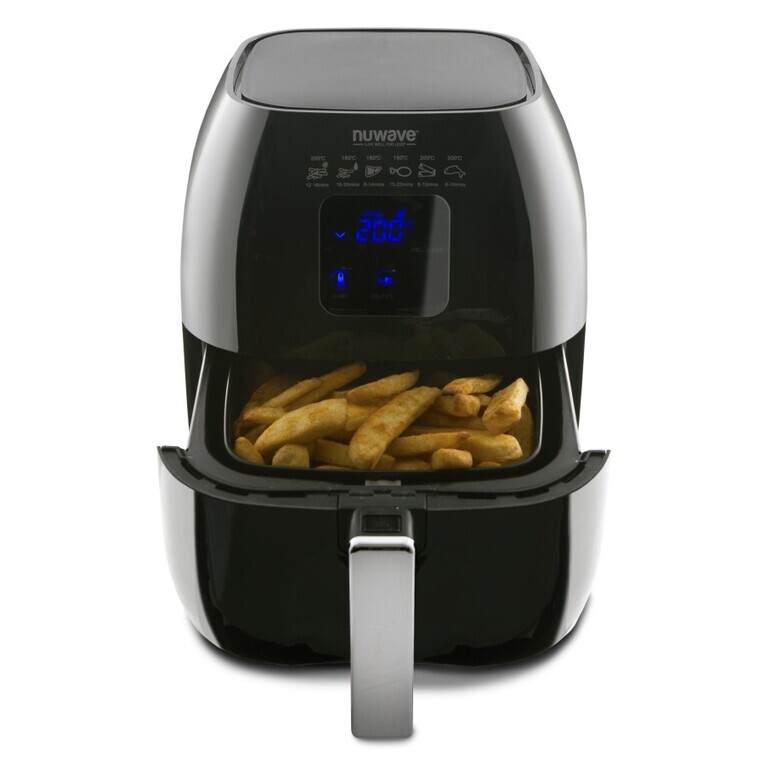
Once the NuWave Brio Digital Air Fryer reaches the set temperature, the control panel will
display “Ready” and the NuWave Brio Digital Air Fryer will beep once. The NuWave Brio
Digital Air Fryer will start a countdown of 5 minutes and the number “5” will start ashing.
It will remain at this temperature for up to 5 minutes, or until you remove the Fry Pan
Basket, whichever comes rst. Once the food has been added to the Fry Pan Basket, insert
the Fry Pan Basket back in place. This will start the countdown on the set cooking time.
Note: If you remove the Fry Pan Basket at any point during the preheating stage, the
NuWave Brio Digital Air Fryer will automatically pause, start a countdown of 5 minutes until
you replace the Fry Pan Basket. Once the NuWave Brio Digital Air Fryer shows “ready”
on the display, press the “Start /Pause” button to begin the cooking process and start the
countdown timer.
Adjusting Temperature:
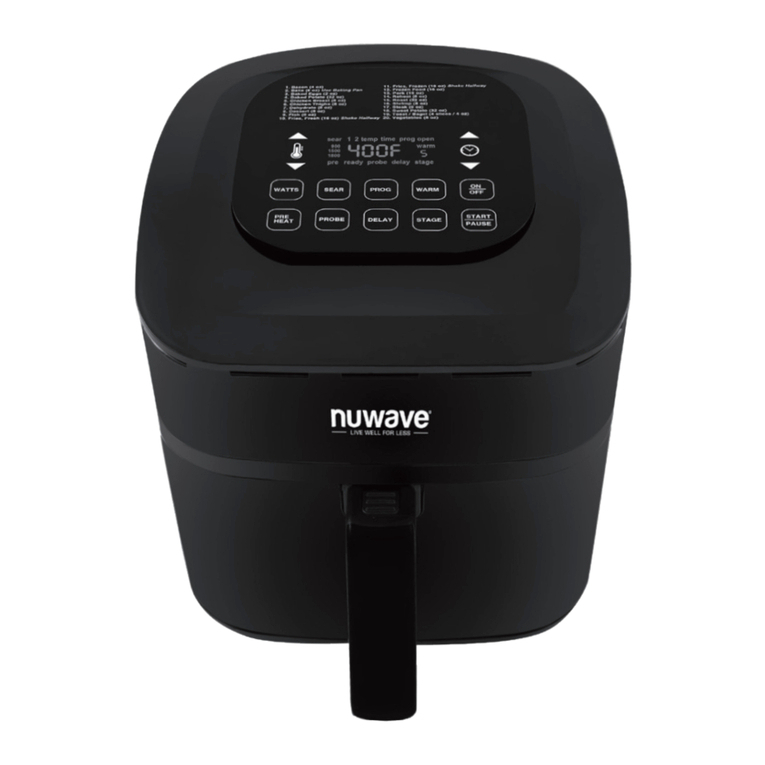
The NuWave Brio Digital Air Fryer is set to cook at 360°F by default. To set a different
cooking temperature, press the “Temp/Time” button. The display will show “360˚F”. “Temp”
will be ashing. To adjust the temperature, simply press the “up” and “down” arrows.You can
adjust your temperature in 5-degree increments between 100˚F and 390˚F. To quickly adjust
the temperature in large increments, simply hold down the “up” or “down” arrow to adjust the
temperature by 50-degree increments.
You can change the cooking temperature at any point during the cooking process.
Press the “Temp/Time” button. Programed temperature will be displayed. “Temp” will be
ashing. Press the “Up” or “Down” arrow until you reach your desired temperature.
Once your temperature has been selected, the NuWave Brio Digital Air Fryer will
automatically adjust to the new temperature and the display will show the remaining
cooking time. If no new temperature has been selected within 3 seconds, the NuWave
Brio Digital Air Fryer display will once again show the remaining cooking time.
Adjusting Time:
The NuWave Brio Digital Air Fryer is set to cook for 10 minutes by default. To set a different
cooking time, press the “Temp/Time” button twice. The display will show “10”. “Time” will be
ashing. To adjust the time, simply press the “Up” and “Down” arrows. You can adjust your
cooking time in 1 minute increments. To quickly adjust the time in large increments, simply
hold down the “Up” or “Down” arrow to adjust the time by 10-minutes increments, followed
by 20-minutesute increments, followed by 30-minutes increments. The minutes selectable
cooking time is 1 minute. The maximum selectable cooking time differs depending on the
selected cooking temperature.
• 100˚F – 345˚F maximum cooking time is 99 hours and 59 minutes
• 350˚F – 390˚F maximum cooking time is 1 hours
You can change the cooking time at any point during the cooking process. Press the
“Temp/Time” button twice. The remaining cooking time will be displayed. “Time” will be
ashing. Press the “Up” or “Down” arrow until you reach your desired cooking time.
Once your cooking time has been selected, the display will show the new remaining
cooking time. “Time” will no longer be ashing. If no new cooking time has been selected
within 3 seconds, the NuWave Brio Digital Air Fryer display will once again show the
remaining cooking time.
Note: After timer reaches 1 minute, the display will begin showing the remaining time in
seconds (59, 58, etc.).
OPERATING INSTRUCTIONS (Continued)
Operating Instructions