- 2 -
Contents
Contents
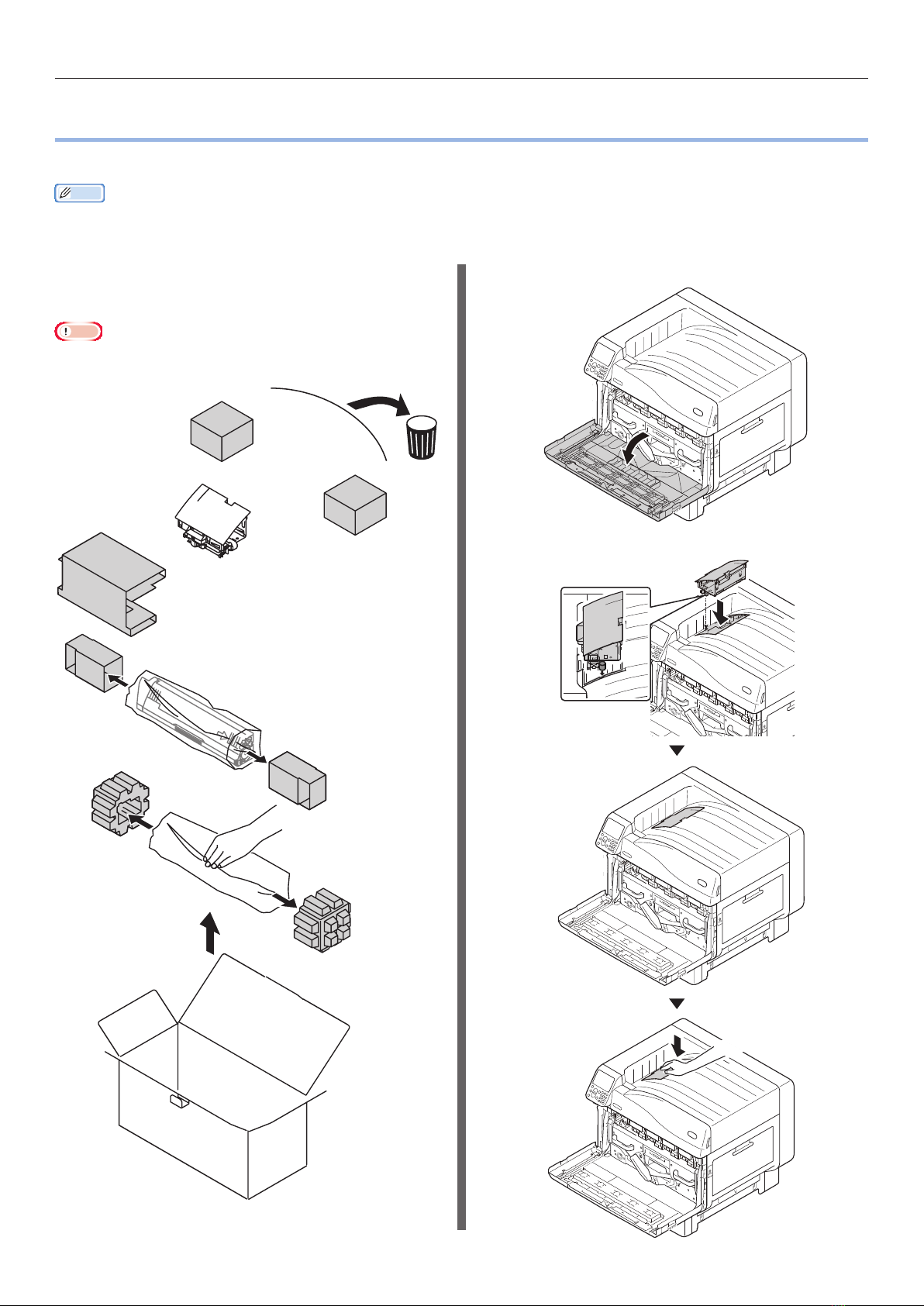
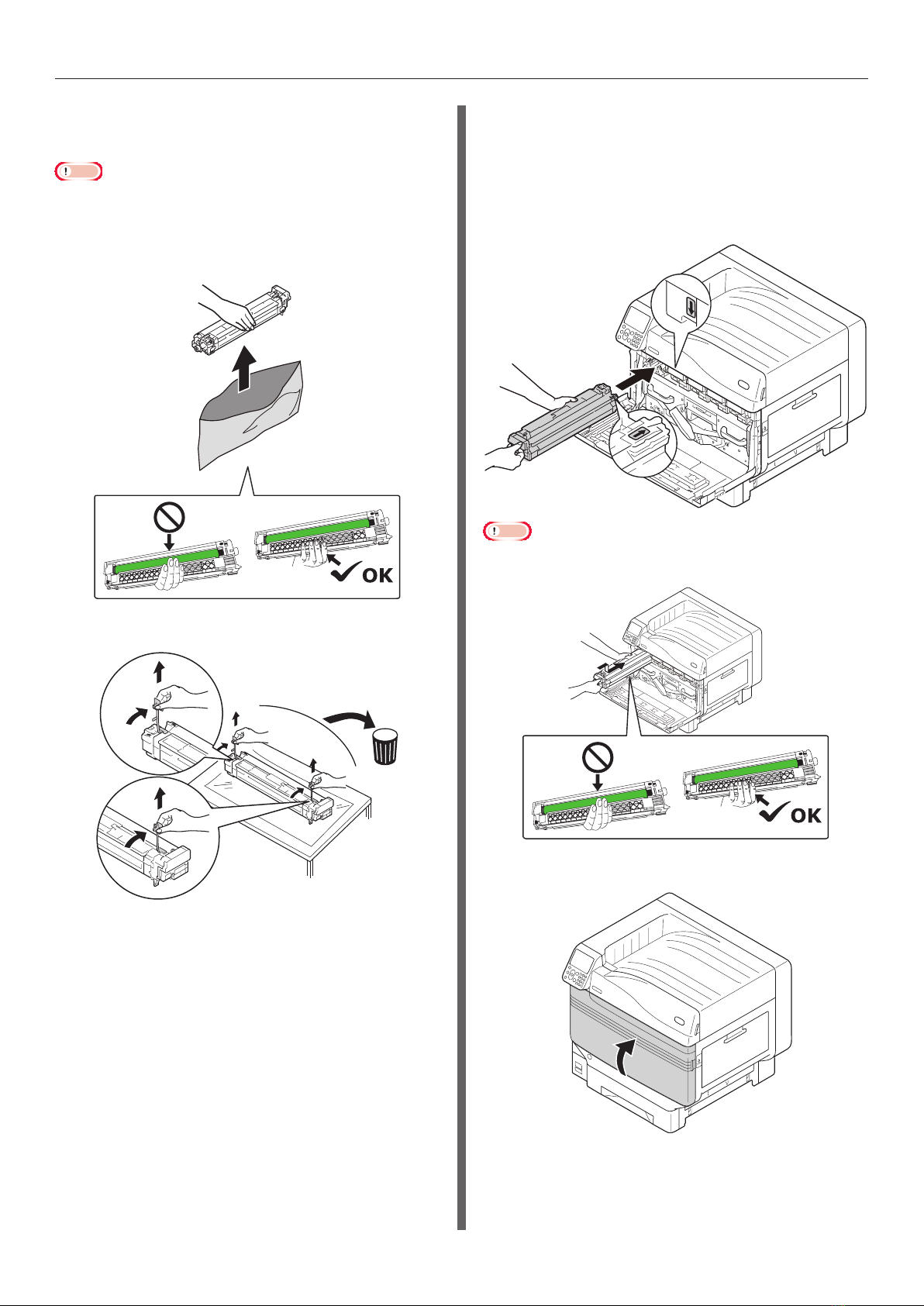
Setting the Spot Color kit (C941/ES9541/Pro9541 only)..................... 3
Control Panel Explanation.................................................................... 6
Standby Screen ...................................................................................................... 6
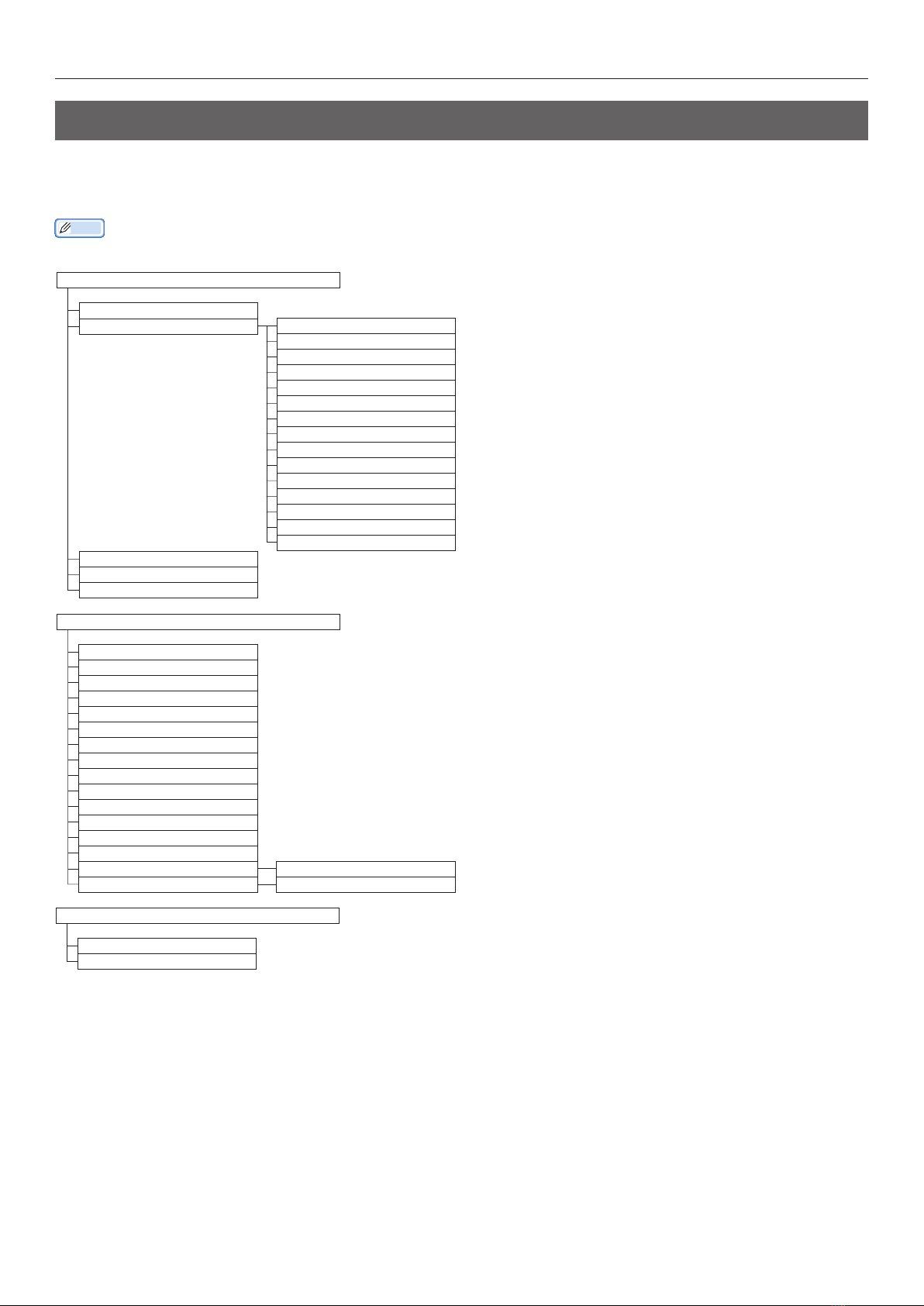
Menu table of Spot Color toner ...............................................................................7
Checking the printer drivers .............................................................. 11
Printer driver functions table............................................................. 13
With white toner mounted.................................................................................... 13
With clear toner mounted (C941/ES9541/Pro9541 only).....................................17
Printing on color paper ...................................................................... 21
Color papers that can be used .............................................................................. 21
Printing using white toner only ............................................................................ 21
Printing white under color .................................................................................... 24
Adjusting the print position for spot color overprint (C941/ES9541/Pro9541 only) ... 29
Printing on transparent lm............................................................... 35
Transparent lms that can be used....................................................................... 35
Setting transparent lm in the device................................................................... 35
Preparing output destination of transparent lms ................................................38
Mirror reverse printing ......................................................................................... 38
Printing by using applications to specify Spot Color toner
(PS printer drivers only) .................................................................... 43
Using Illustrator ................................................................................................... 43
Using Photoshop................................................................................................... 44
Fine-tuning the white gradation ........................................................ 46
Replacing Spot Color kits (C941/ES9541/Pro9541 only) ................... 47