manuals.online logo
Brands
  1. Home
  2. •
  3. Brands
  4. •
  5. OPCOM
  6. •
  7. Farm Equipment
  8. •
  9. OPCOM MicroGreens Dome User manual

OPCOM MicroGreens Dome User manual

This manual suits for next models

1

Other OPCOM Farm Equipment manuals

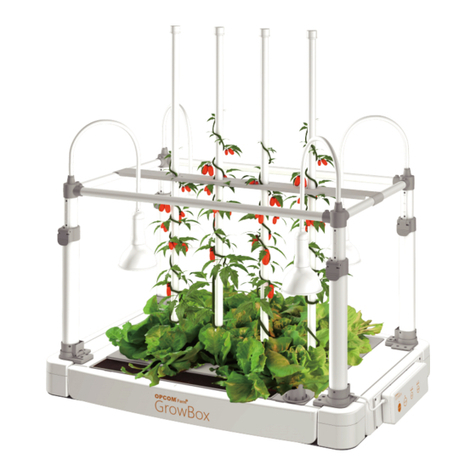
OPCOM GrowBox User manual

OPCOM

OPCOM GrowBox User manual

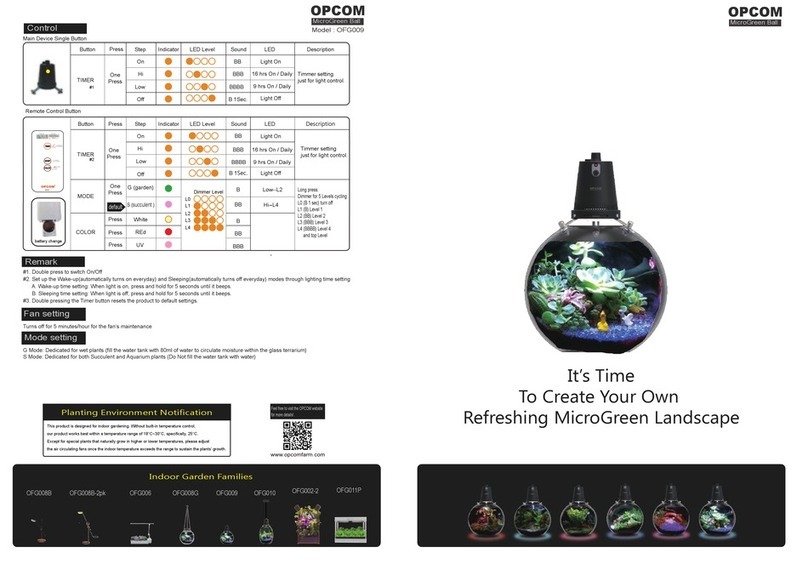
OPCOM OFG009 User manual

OPCOM

OPCOM OFG009 User manual

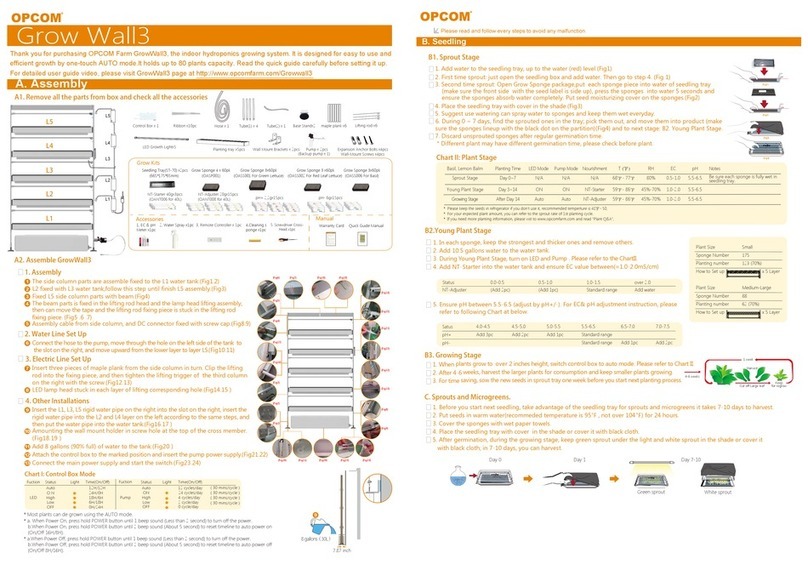
OPCOM Hydroponics Grow Wall3 User manual

OPCOM

OPCOM Hydroponics Grow Wall3 User manual

Popular Farm Equipment manuals by other brands

Schaffert Rebounder Mounting instructions

Schaffert

Schaffert Rebounder Mounting instructions

Stocks AG Fan Jet Pro Plus 65 Original Operating Manual and parts list

Stocks AG

Stocks AG Fan Jet Pro Plus 65 Original Operating Manual and parts list

Cumberland Integra Feed-Link Installation and operation manual

Cumberland

Cumberland Integra Feed-Link Installation and operation manual

BROWN BDHP-1250 Owner's/operator's manual

BROWN

BROWN BDHP-1250 Owner's/operator's manual

Molon BCS operating instructions

Molon

Molon BCS operating instructions

Vaderstad Rapid Series instructions

Vaderstad

Vaderstad Rapid Series instructions

HighLine BM1400 operating manual

HighLine

HighLine BM1400 operating manual

GSi PNEG-2314 installation manual

GSi

GSi PNEG-2314 installation manual

Checchi & Magli TEXDRIVE owner's manual

Checchi & Magli

Checchi & Magli TEXDRIVE owner's manual

Amazone Cenius 4003-2TX operating manual

Amazone

Amazone Cenius 4003-2TX operating manual

MASSEY FERGUSON MF 9313S Operator's manual

MASSEY FERGUSON

MASSEY FERGUSON MF 9313S Operator's manual

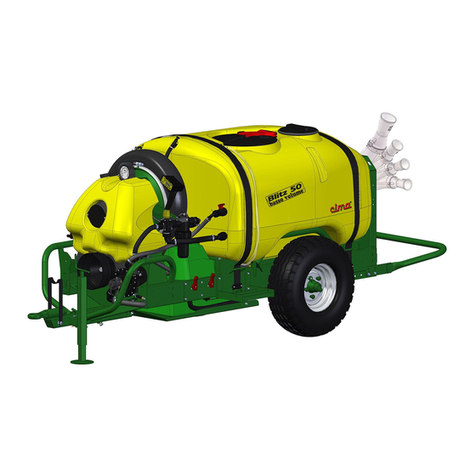
Cima BLITZ Maintenance Instruction

Cima

Cima BLITZ Maintenance Instruction

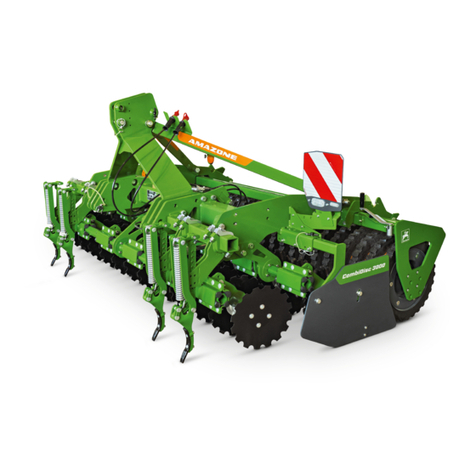
Amazone CombiDisc 3000 Original operating manual

Amazone

Amazone CombiDisc 3000 Original operating manual

HE-VA Disc-Roller XL Contour Operating instructions/spare parts list

HE-VA

HE-VA Disc-Roller XL Contour Operating instructions/spare parts list

AGT AGT-SSFM product manual

AGT

AGT AGT-SSFM product manual

Milestone 72-84 manual

Milestone

Milestone 72-84 manual

KUHN Hector 3000 Complementary instructions

KUHN

KUHN Hector 3000 Complementary instructions

Krone X-Disc 6200 operating instructions

Krone

Krone X-Disc 6200 operating instructions

manuals.online logo
manuals.online logoBrands
  • About & Mission
  • Contact us
  • Privacy Policy
  • Terms and Conditions

Copyright 2025 Manuals.Online. All Rights Reserved.

C
MicroGreen Landscape
It is the time...
to Create and Enjoy the Admirable
MicroGreen Landscape
Please visit the official website for
the video explanation of Web App
Operation
Main Body -- single button
Remote Control
There are following 3 operation modes
Factory setting brightness L3
A
Long press for
paring.
one push
Return
WIFI pairing
pairing stop
Remote control
B
TIMER
1 Click
1 Click
1 Click
1 Click
ON
ON-
24 hours On
HI B16 hours On / day
1) 28min On /30 min
In G / S / A three modes
2) in G mode is also switched
with the spray time)
LOW BB 9 hours On / day
OFF B-1sec. Off
2) Long press: Adjust the brightness L0-L1-L2- L3-L4 in the current
mode, LED light dimmrable in 5 segments.
Function setting
Power on
Button Status MIST
LED Growth lightSound
Indicator
light
Indicator
light
Remote control Status Button Sound
ON
HI
LOW
OFF
White color
Red color
UV color
G Mode
S Mode
A Mode
B
BB
BBB
B
BB
BBB
1 Click
1 Click
1 Click
1 Click
1 Click
1 Click
1 Click
1 Click
1 Click
1 Click
BB
B
TIMER
MODE
COLOR
On
LED Growth light MIST
B-B 1sec.
B-B 1sec.
Comes with simple operation stickers,
which can be attached to the remote control to assist in instructions
B-B1 Sec.
1) 1 press: Choose Garden/Succulent/Aquarium mode
2) Long press: Adjust the brightness L0-L1-L2- L3-L4 in the current
mode, LED light dimmrable in 5 segments.
1) 1 press: Choose White color/Red color/UV color
MIST / Link
1
-
1Cycle / 8 Hr
B
BB
BBB
2
3
4
MIST Off
MIST On
BBBB
B 1S
B-B 1S
-
-
-
-
1Cycle / 24 Hr
1Cycle/ 48 Hr
1Cycle / 7 Day
Off
On
1 Click
1 Click
1 Click
1 Click
1 Click
1 Click
-
B
COLOR
MODE
On
Hi (On:16Hr/Day)
Low
Off
(ON:09Hr/Day)
Garden
Succulent
Aqua
Blue White
Red
UV
1 Cycle / 8 Hr
1 Cycle / Day
1 Cycle / 2 Day
1 Cycle / 7 Day
On
Off
RT-02
Beep Rule
On
Off
L1
L2
L3
L4
L5
Push Rule
Short Sound
Long Sound (1 sec)
1 Push : Switch
2 Push : Color
Long Push : Dimmer
TIMER
Garden mode:
3 Times / Day , Turn on for 30 s, BB before spraying,
LED brightness dimmed To L5,
the spraying ends, a long beep, and the LED
brightness returns to Original brightness level.
Succulent / Succulent mode To use the spray function,
Single switch via remote control
FAN
1 Click
1 Click BB
B-1 Sec.
Starting Time
Shutdown Time
BB
24 hours On
16 hours On / day
9 hours On / day
Off
Clock On
Clock Off
-
-
-
-
-
-
1) 28min On /30 min
In G / S / A three modes
2) in G mode is also switched
with the spray time)
FAN Aqua air pump
(optional)
In A mode,
Type C aquarium is
connected to the pump,
Manual On/OFF
B 1S
-
On
-
1. Enter the Wifi pairing mode, the indicator light flashes (blue) for 0.5 seconds,
B sounds once and the light flashes once, L1~L4 marquee
2. One push again or after automatically exit the pairing mode after one minute
3. If Wifi is disconnected, the button indicator flashes blue, one push reconnects, L1~L4 marquee,
4. The pairing function is only operated on the remote control.
0.5 S/step,
up to 1min.
Please visit OPCOM official website
for more informations and video
Model : OFG010
A
G
H
D
E
C
A
B
F
(A) (B)
Thank you for your interest having MicroGreen Ball. Hope you will like it very much.
The MicroGreen Ball has the conditions for precision planting, including light, air, water, etc . From the succulent plants
to the mosses of wetland and aquatic ecology,all that could get sufficient growth conditions in the intelligent mode
without the special care. Its automatic mode provides the function of photometric sensing, which is quite suitable for
creative placement or hanging in the environment of restaurant, balcony and indoor garden, and no need to worry about
the lack of light at all.
The MicroGreen Ball produce fresh air and positive energy every day, as well as the living environment that changes
and projects light and shadow with the growth of plants. It provides the automatic On /Off mode. In the early morning,
it can be awakened by the MicroGreen Ball gradually as the phototherapy and to start the beautiful day; and at night,
it can also help to fall asleep surrounded by the green landscaping.
When several MicroGreen Balls are hung alternately up and down, the indoor environment soon becomes a 3D ecological
garden immediately, with the built-in CRI90 high color rendering plant growth lamp which could make the light of the
space more bright and full.
Now, let’s begin the wonderful planting journey.
...
OPCOM
MicroGreen Dome
((3) Hanging power cord (A)
USB Type C power cord (B) (5) Remote controller
(6) Hanging set (7) Power Adapter (8) Cable ties x 3
(4) Planting set
(9) Manual / Warranty Card
Optional accessories for Aquarium
Standard Configurations
(1) Air Pump (2) Buble Tube (3) Water Filter
(1) Main body (2) Terrarium
Fixing screw
Fixing screw
USB
Fixing screw
Aquarium Kit-Air Pump
Moss
1. Take out the Terarrium.
2. Plant mosses according to personal preference. Refer to: Planting Video.
3. Align the fixing piece of the main body with the screw hole on the
terarrium from top to bottom.
4. Insert the hand screw on the fixing piece into the hole, lock and fix it.
5. Please add water from the water port until the water drops into the
planting area from the bottom of the main body.
6. Specially designed built-in moisturizing sponge water tank (80ml),
humid air
can be provided by the fan to assist the growth of moss plants, and water
can be regularly supplied from the water port.
1. Take out the Terarrium.
2. Plant succulents according to personal preference. Refer to: Planting Video.
3. Align the fixing piece of the main body with the screw hole on the terarrium
from top to bottom.
4. Insert the hand screw on the fixing piece into the hole, lock and fix it.
5. Please add water from the water port until the water drops into the
planting area from the bottom of the main body.
6. It is not recommended to add water in the water tank for succulents are
dry plants.
1. Take out the Terrarium.
2. Plant aquatic plants and cultivate ornamental fishes according to
personal preference.
3. Align the fixing piece of the main body with the screw hole on the terrarium
from top to bottom.
4. Insert the hand screw on the fixing piece into the hole, and lock and fix it.
5. Please purchase the optional aquarium kit for aquarium landscape: take
out the air pump and insert it into the USB jack (A) of the body, and insert
the bubble tube into the water filter (B), and then place in the terrarium.
6.Ensure the above steps have been completed, plug the USB jack on the other
end of the air pump, then start the operation after power on. The the air pump
can manually turn on/off .
7. It is not recommended to add water to the water tank.
1. Hanging the MicroGreen Dome could produce the ecological
situation as the floor lamp, and the light and shadow will change
different sizes according to the height of the hanging.
Attention: In order to ensure the safety of use, please purchase
OPCOM hanging accessories.
2. Adjust the suitable height according to the environment.
More flexible, no limited space.
Warning: Please do not exceed 3 KG including
MicroGreen Dome and internal plant objects.
It is recommended to use RO water or pure water.
Succulent
Aquarium
Hanging Ceiling
Screw
Hanging wire
USB male
connector
USB Adapter
Hook
Ceiling fixture
socket
The screw of the ceiling fixing part
passes through the disc and is locked
and fixed with a nut
Fix holder
Nut
Nut
Nut
AC Power
A. Function button B. Function indicator C. Remote control receiver D. Remote control receiver
E. Power port (USB type C) F. Air outlet G.Water port rubber H.Power port (DC Jack)
Front View Rear View Bottom View Top View