2
Dongguan Ortur Intelligent Technologies Co., Ltd.
https://ortur.tech/olm2pros2
No.1 Building, Ruijin Science and Technology Industrial Park, Changping, Dongguan 523558, Guandong Province, China
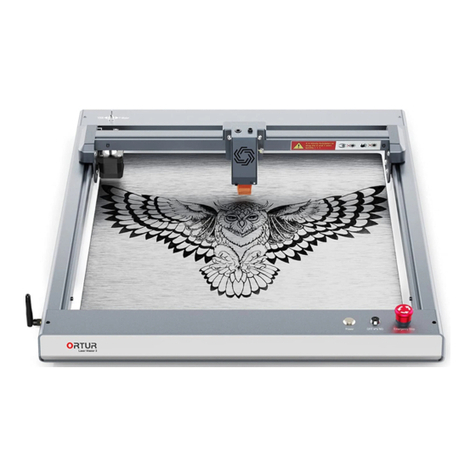
Ortur Laser Master 2 PRO S2 Firmware
Your Ortur Laser Master 2 PRO S2 rmware is the operating system that resides
inside the motherboard and controls all operations of the machine as well as the
interactions between the motherboard and the host computer.
In some circumstances, a rmware update is required to improve the Ortur Laser
Master 2 PRO S2 performance or x discovered issues. In some less common
situations, a rmware upgrade might be required to clear issues caused by user
error. Please read the instructions below carefully.
When NOT to upgrade or reinstall the rmware
• Not yet contacted support at https://ortur.tech/support to resolve an issue
• Ortur Laser Master 2 PRO S2 is working correctly and showing no problems
When TO upgrade the rmware
• Advised to do so by Ortur or Ortur Customer Support
• A new version of the rmware is posted at https://ortur.tech/latest-rmware
advising a rmware update to x a discovered problem or enhancing Ortur
Laser Master 2 PRO S2 functionality
Requirements to upgrade the rmware safely
• This guide covers updating procedure on Microsoft Windows, MacOs and
Linux. (This procedure was already validated in Windows 11)
• Direct Connection from the Ortur Laser Master 2 PRO S2 to your computer
USB port. Note: Some users reporting the use of USB Hubs may cause
problems.
• Have access to software that allows decompressing a .zip le. (Note:
Windows, MacOs and Linux will natively perform this operation. However 3rd
party extractors are also usable)
• Disable temporally any 3rd party Antivirus Software. Although normally not
required it is still a recommendation.
General Recommendations