manuals.online logo
Brands
  1. Home
  2. •
  3. Brands
  4. •
  5. Paradox
  6. •
  7. Security Sensor
  8. •
  9. Paradox NV37MR User manual

Paradox NV37MR User manual

Other Paradox Security Sensor manuals

Paradox NVR35M User manual

Paradox

Paradox NVR35M User manual

Paradox NV35MX User manual

Paradox

Paradox NV35MX User manual

Paradox Digigard DG85 User manual

Paradox

Paradox Digigard DG85 User manual

Paradox SR230 User manual

Paradox

Paradox SR230 User manual

Paradox NV75M User manual

Paradox

Paradox NV75M User manual

Paradox Magellan PMD75 User manual

Paradox

Paradox Magellan PMD75 User manual

Paradox PMD85 User manual

Paradox

Paradox PMD85 User manual

Paradox TM50 Touch User manual

Paradox

Paradox TM50 Touch User manual

Paradox NV780MX User manual

Paradox

Paradox NV780MX User manual

Paradox PMD2P User manual

Paradox

Paradox PMD2P User manual

Paradox NV500 User manual

Paradox

Paradox NV500 User manual

Paradox NV35MR User manual

Paradox

Paradox NV35MR User manual

Paradox NV780 User manual

Paradox

Paradox NV780 User manual

Paradox ENVY NVX80 User manual

Paradox

Paradox ENVY NVX80 User manual

Paradox NVR35M User manual

Paradox

Paradox NVR35M User manual

Paradox DGP2-50 User manual

Paradox

Paradox DGP2-50 User manual

Paradox NV37M User manual

Paradox

Paradox NV37M User manual

Paradox SR230 User manual

Paradox

Paradox SR230 User manual

Paradox Paradome DG467 User manual

Paradox

Paradox Paradome DG467 User manual

Paradox NV37MX User manual

Paradox

Paradox NV37MX User manual

Paradox MAGELLAN MG-PMD75 User manual

Paradox

Paradox MAGELLAN MG-PMD75 User manual

Paradox DG85W User manual

Paradox

Paradox DG85W User manual

Paradox Magellan PMD1P User manual

Paradox

Paradox Magellan PMD1P User manual

Paradox EB-N94 User manual

Paradox

Paradox EB-N94 User manual

Popular Security Sensor manuals by other brands

Honeywell Home PROSiXCOCN Installation and setup guide

Honeywell Home

Honeywell Home PROSiXCOCN Installation and setup guide

Duevi SIRPZ-RB-868 Operation

Duevi

Duevi SIRPZ-RB-868 Operation

RKI 65-2483RK Operator's manual

RKI

RKI 65-2483RK Operator's manual

Nortech PD160 Enhanced Series user manual

Nortech

Nortech PD160 Enhanced Series user manual

Omron K8AC-H2 manual

Omron

Omron K8AC-H2 manual

Agilent Technologies G8610 Series Quick reference card

Agilent Technologies

Agilent Technologies G8610 Series Quick reference card

Shinko SE2EA-1-0-0 instruction manual

Shinko

Shinko SE2EA-1-0-0 instruction manual

Det-Tronics X Series instructions

Det-Tronics

Det-Tronics X Series instructions

ACR Electronics COBHAM RCL-300A Product support manual

ACR Electronics

ACR Electronics COBHAM RCL-300A Product support manual

TOOLCRAFT 1712612 operating instructions

TOOLCRAFT

TOOLCRAFT 1712612 operating instructions

Elkron IM600 Installation, programming and functions manual

Elkron

Elkron IM600 Installation, programming and functions manual

Bosch WEU PDO 6 Original instructions

Bosch

Bosch WEU PDO 6 Original instructions

THORLABS PDA10JT user guide

THORLABS

THORLABS PDA10JT user guide

Waeco UV-DETECT operating manual

Waeco

Waeco UV-DETECT operating manual

Intermatic IOS-DSIMF manual

Intermatic

Intermatic IOS-DSIMF manual

Siemens AZL66 Series manual

Siemens

Siemens AZL66 Series manual

BTI Profiline Multi Finder operating instructions

BTI

BTI Profiline Multi Finder operating instructions

Challenger SL01 instruction manual

Challenger

Challenger SL01 instruction manual

manuals.online logo
manuals.online logoBrands
  • About & Mission
  • Contact us
  • Privacy Policy
  • Terms and Conditions

Copyright 2025 Manuals.Online. All Rights Reserved.

NV37MR-EI00 03/2022 PARADOX.COM
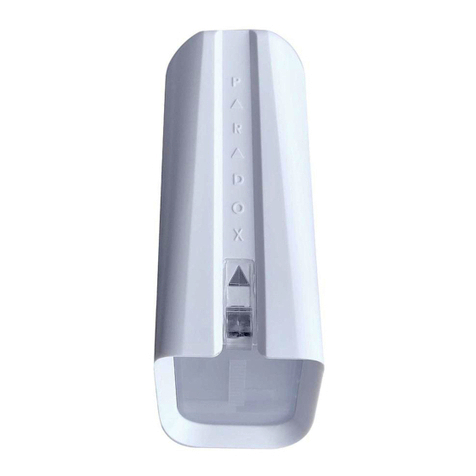
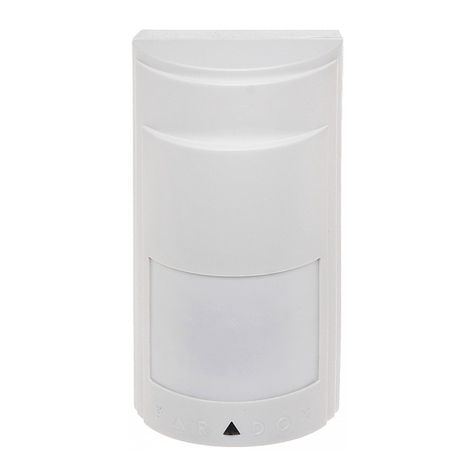
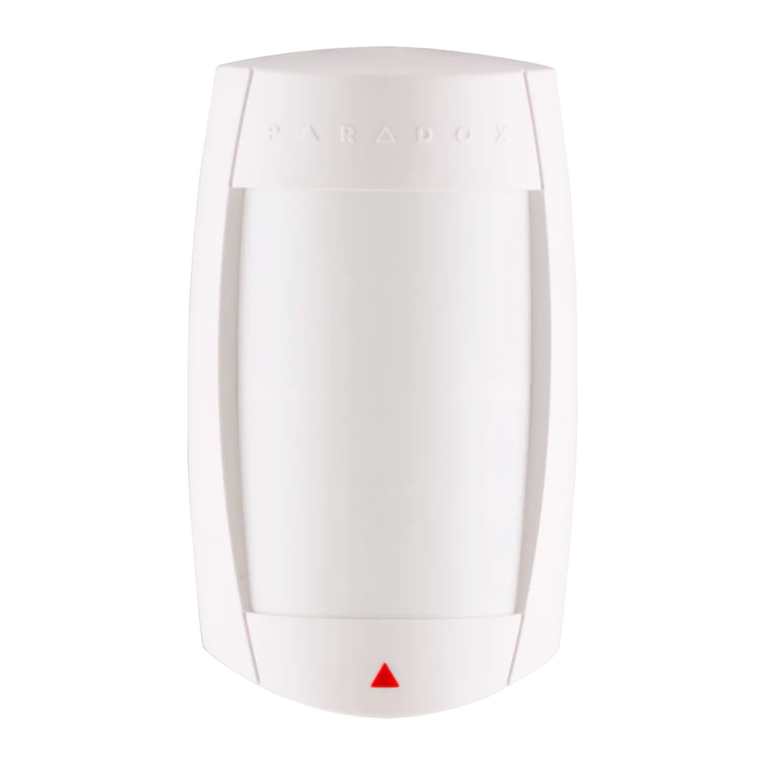
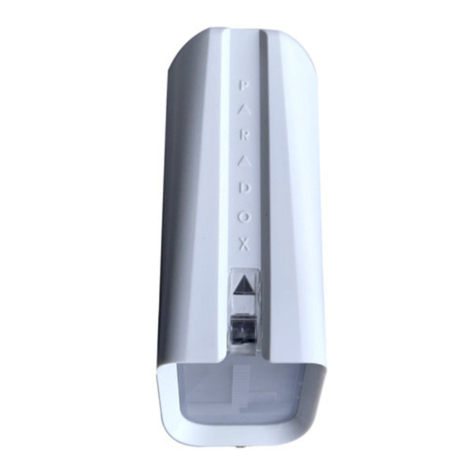
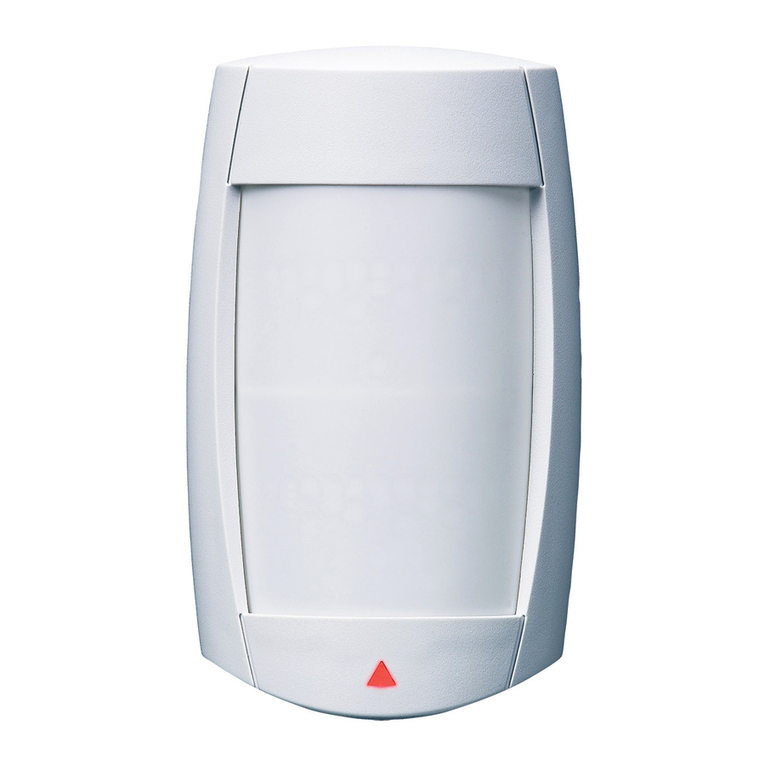
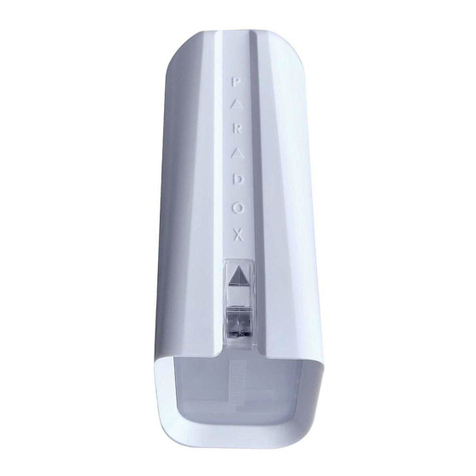
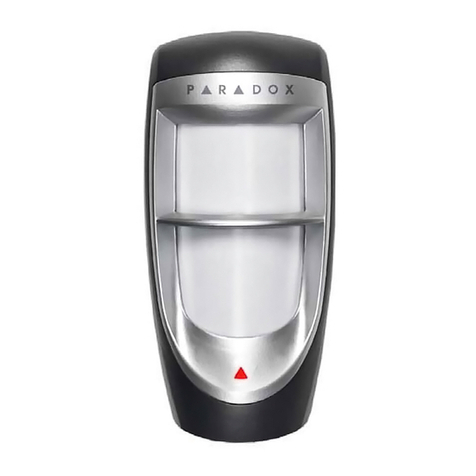
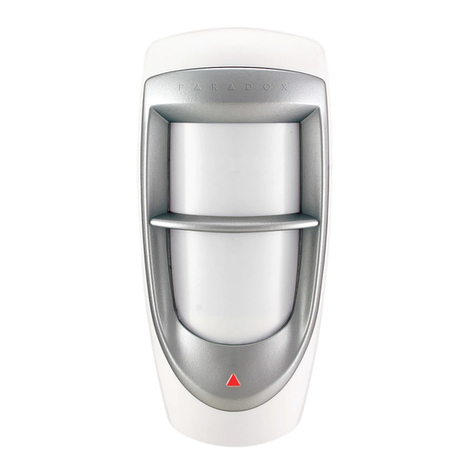
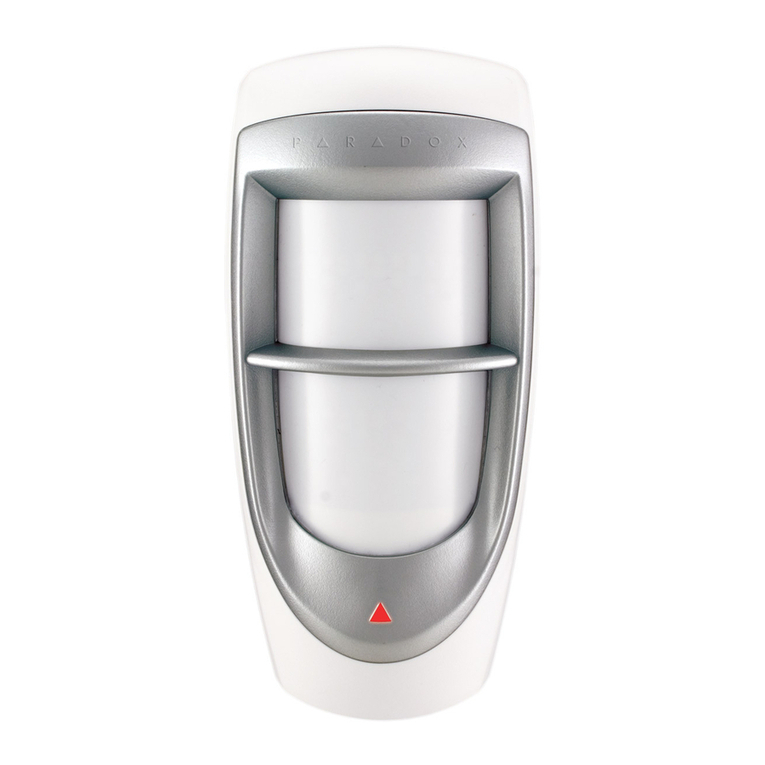
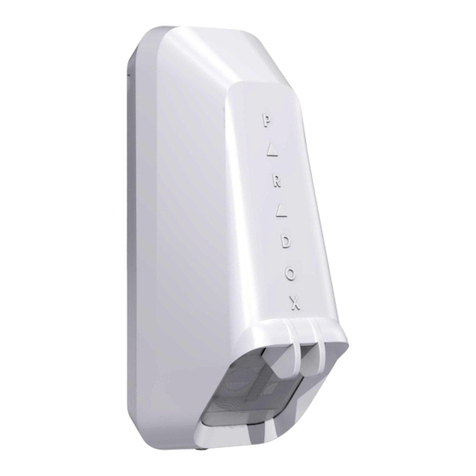
NV37MR
Installation Manual
Wireless Outdoor/Indoor Window
and Sliding Door Dual Detector with
Anti-Masking and Pet Immunity
General Description NV37MR
Thank you for choosing the NV37MR Wireless for your professional
protection needs. The NV37MR wireless version will provide you the
most advanced window and sliding doors protection either in Pet
Immune or Sharp mode. If you have any comments please write to us
at Paradox.com/products/feedback.
Recommended Installations (please read)
Outdoor installation permits placements within frames of sliding
windows or doors and presumes protection from raindrops. This
ensures best catch performance, anti-masking ability, and pet alarm
immunity.
Other installations are possible but in outdoor conditions, pet immunity
can decrease. Moreover, space near the detector must be clear from
obstacles from a distance of 30 to 40 cm (11.8 to 15.7 in.) within its
pattern.
Installing the NV37MR
1. Remove the front cover - open the Captive screw.
2. Remove the Main Unit: open the two snap-lock mechanisms on
each side of the back cover attaching the Main Unit to the back
cover, then remove the Main Unit.
3. Mount the back cover of the NV37MR onto the window frame or
wall using screws.
Note: PLEASE KEEP AT LEAST 4 cm / 1.5 in. clearance from
window/shutter.
4. Attach the Main Unit to the back cover - ensure the locks snap
closed.
5. Insert two AA batteries.
6. Set the following Detector settings according to requirements.
Figure 4 – Detector Settings
The following table displays the Dip Switch settings.
Table 1: DIP Switch Functionality
7. Close the front cover and tighten the captive screw.
Note: Do not obscure the detector's field of view.
Note: On MG/SP panels, the anti-masking is reported as a tamper.
Tamper recognition must be enabled in panel programming.
On EVO panels, it is reported as anti-masking if it is enabled in
the panel programming.
Testing the NV37MR
Perform a Walk-Test to test successful installation:
1. Walk slowly across the far end of the detection range.
2. Ensure detection.
Walk test mode lasts 5 minutes after the tamper screw is closed.
Learning the NV37MR
For more information on configuring the NV37MR via the panel, refer
to the panel’s respective programming guide.
1. Enter the appropriate section number.
2. To learn the module, loosen the captive screw until the tamper is
open. After the module is learned, tighten back the captive screw.
Figure 1 – Front Cover Figure 2 – Main
Unit
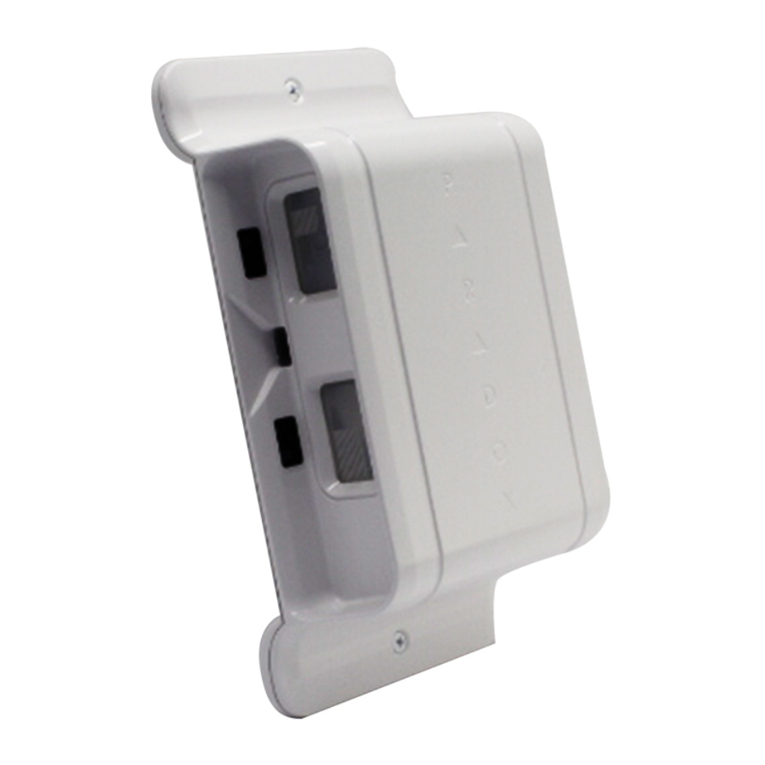
Figure 3 – Back Plate
Front
cover
Captive screw
Mounting
screw
Tamper
knockout
hole
Knockout
holes
Ta mper
screw
An optional mounting bracket for the NV37MR is available for
ordering, part number: SB35.
4 cm /
1.5 in.
Dip Switch
Number Function Mode Description
1LED
ON: LED on (default)
OFF: LED off
2 PET Immunity/
SHARP Mode
ON: PET Immunity mode (default)
OFF: SHARP mode
3 For future use
4Anti-mask
ON: On (default)
OFF: Off
5Anti-mask
Sensitivity
ON: High (default)
OFF: Low
DIP
Switches
Default Sensitivity level: 2
LED flashes green 1-3 times
according to the selected level.
Sensitivity Trimmer

NV37MR-EI00 03/2022 PARADOX.COM
Beam Pattern
PET Mode
SHARP Mode
Top View
LED Display
Technical Specifications
Feature LED Status Indicator
Tamper open Green: ON for 0.3 seconds every 30


seconds
PIR sensitivity level setting Green: Flashes 1-3 times according
to the selected level
Alarm detection Red: ON for 2 seconds
Power Save mode: Red blinks
Booting/Tamper close Green/Red alternating flashes for 30
seconds
Anti-mask detection Flashing Orange:
Pre-mask situation is detected.
Orange LED flashes ON/OFF 3
times, every 30 seconds, for as long
as anti-mask is detected.
SIDE VIEW:
0.5m
1m
1.5m
5m1m 2m 3m 4m 6m 7m 8m 9m 10m
(32.8ft)
2m
(6.5ft)
0m
0m
Model Number NV37MR
Infrared sensor type 2 dual elements
Detection range • PET Immunity mode: 7.5m x 2m
(25 x 7 ft)
• Sharp mode: 10 x 2m (33 x 7 ft)
Super Pet Immunity Pet size approximately 50 cm
Anti-mask Active IR detection of blocking objects
and liquids sprayed on the detector from a
distance of up to 7.5 cm.
Input voltage 3VDC=2 x1.5VDC AA Alkaline batteries
Current consumption 40µA in Standby
30mA in Alarm/RF Transmitting
Battery life 3 years of typical use
Low battery voltage
Signal
2.35V
Compatibility RTX3 and Magellan systems
Outdoor protection IP54
Operation
temperature
-40°c to +70°c
Relative humidity 95% non-condensing
Tamper* Dual - Cover and Wall
RF Frequency 433.92 MHz or 868.35 MHz
Dimensions 12.3 x 6.1 x 4.3 cm (4.8 x 2.4 x 1.7 in.)
Weight 100g / 0.2 lb
Certifications CE, EN50131-2-2 Grade 2, Class IVA
EN 50131-6 Type C
Certification Body: Applica Test &
Certification
Note: EN performance tests were
conducted on sensitivity level 3 (high).
* Tamper recognition must be enabled on panel programming.
Warranty
For complete warranty information on this product, please
refer to the Limited Warranty Statement found on the
website: www.paradox.com/terms or contact your local
distributor. Specifications may change without prior notice.
Patents
US, Canadian and international patents may apply.
Paradox is a trademark or registered trademark of Paradox
Security Systems (Bahamas) Ltd.