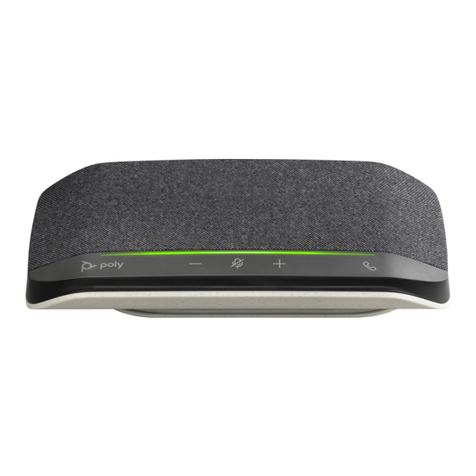
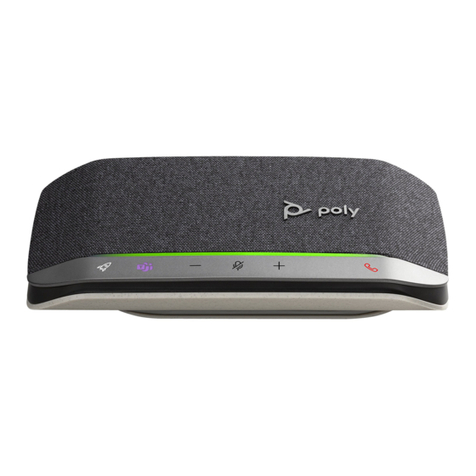
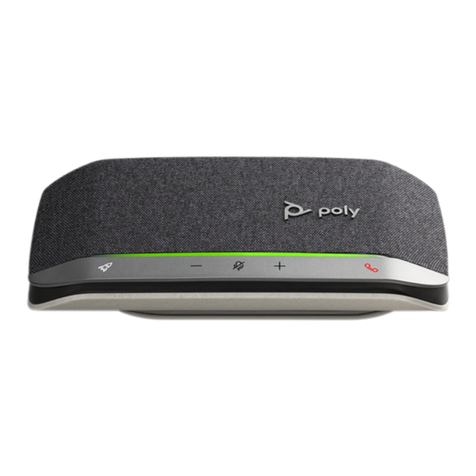
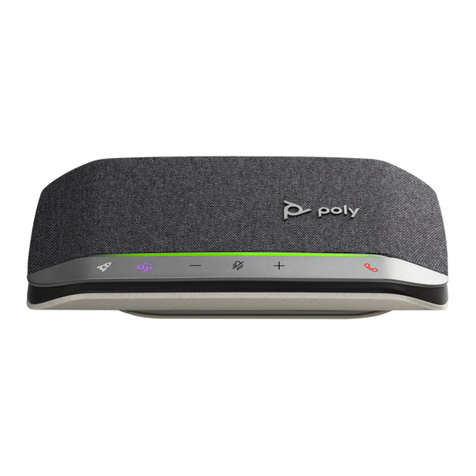
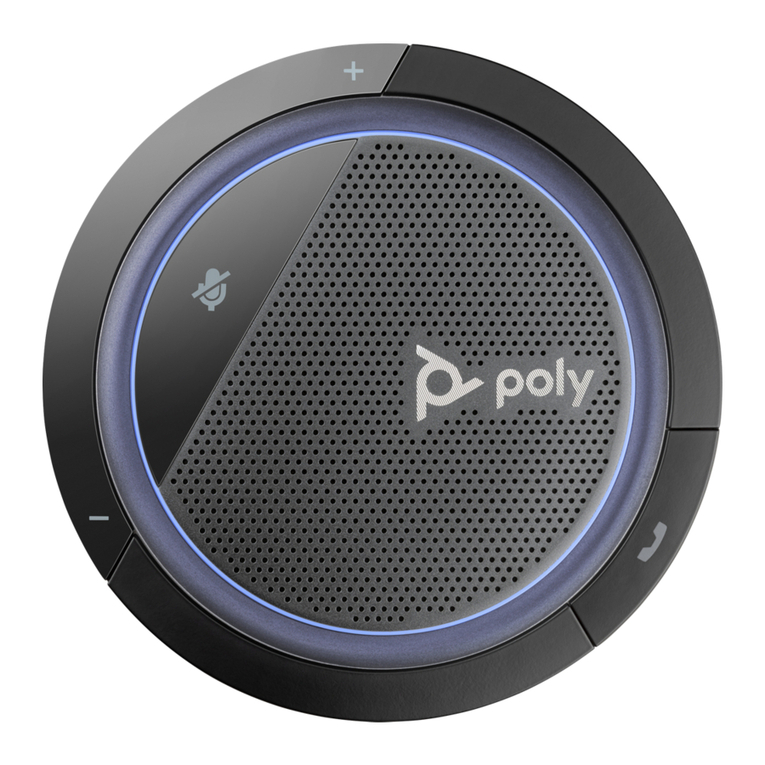
1With your speakerphone powered on, press the Bluetooth button for 2 seconds. You hear
"pairing" and the LED flashes a crossing blue pattern.
2Activate Bluetooth on your mobile device and set it to search new devices. Select “Poly Sync 20.”
3Pairing is successful when you hear "pairing successful" and the LED flashes blue.
Connect the USB cable from the speakerphone to the USB port on your computer.
Your Bluetooth USB adapter comes pre-paired to your speakerphone.
1Power on your speakerphone and insert the Bluetooth USB adapter into your computer.
2Connection is successful when you hear "PC connected" and the USB adapter turns solid.
NOTE Adapter design may vary.
Pair USB adapter again
Your USB adapter is pre-paired to your speakerphone. In the event that your adapter is
disconnected or if bought separately, manually pair the adapter to your speakerphone.
1Insert the Bluetooth USB adapter into your laptop or computer and wait for your computer to
recognize it.
2Put your speakerphone in pair mode by pressing the Bluetooth button for 2 seconds. You hear
"pairing" and the LED bar flashes a blue crossing pattern.
3Put your adapter into pair mode by pressing and holding the recessed pair button with a pen or
paperclip until the adapter flashes red and blue.
Setup
Mobile setup
Corded setup
USB adapter setup
(BT600 models only)
5