7
Operation
Read these operating instructions carefully before using the charger for the first time.
Also read the chapter "Safety instructions" thoroughly. It must be ensured that
children do not play with the device.
To charge a battery with ”Robust" series charger, follow these instructions:
The factory default setting is
- Algorithm LK10-06 freely ventilated lead-acid
- Battery capacity 50 Ah
- Number of cells is set according to nominal voltage of the charger. For example
nominally 24 V charger is set to 12 cells.
To change the settings, see Robust technical handbook, chapter “Editing charging
configuration".
1. Ensure that the charger is unplugged and that the installation environment meets
the conditions described in chapter "Installation".
Warning: Explosive gases. Prevent flames and sparks. Provide adequate
ventilation during charging.
If charger has been stored in condensing or freezing temperature for an extended
period, allow it to warm up and dry for 12 h before operating.
2. Connect the charger cables to the battery terminals: the positive (+) cable to the
positive (+) terminal and the negative (–) cable to the negative (–) terminal. The
positive cable is red colored. The negative cable is black or blue.
Warning: Connection with wrong polarity might cause personal injuries and
damage the charger and battery.
3. Turn the power on by plugging the power cord in a mains outlet with protective
earth.
4. Charging starts automatically.
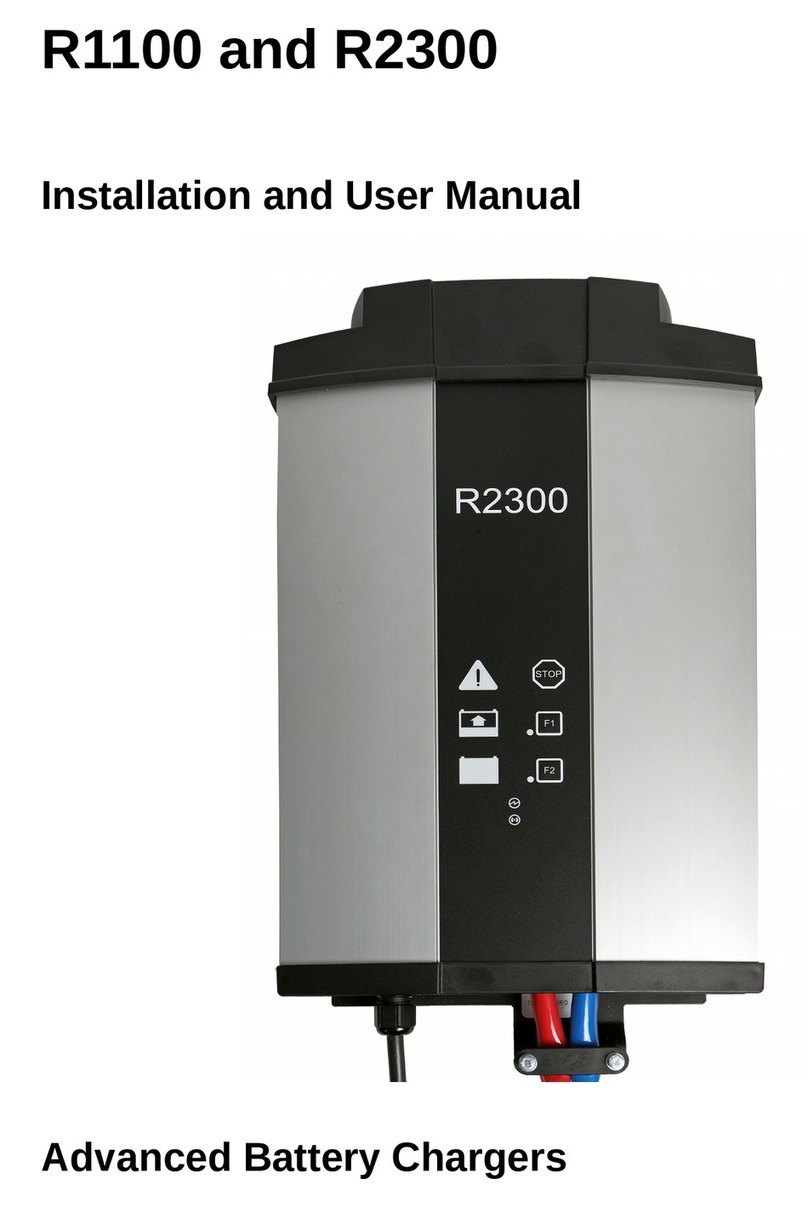
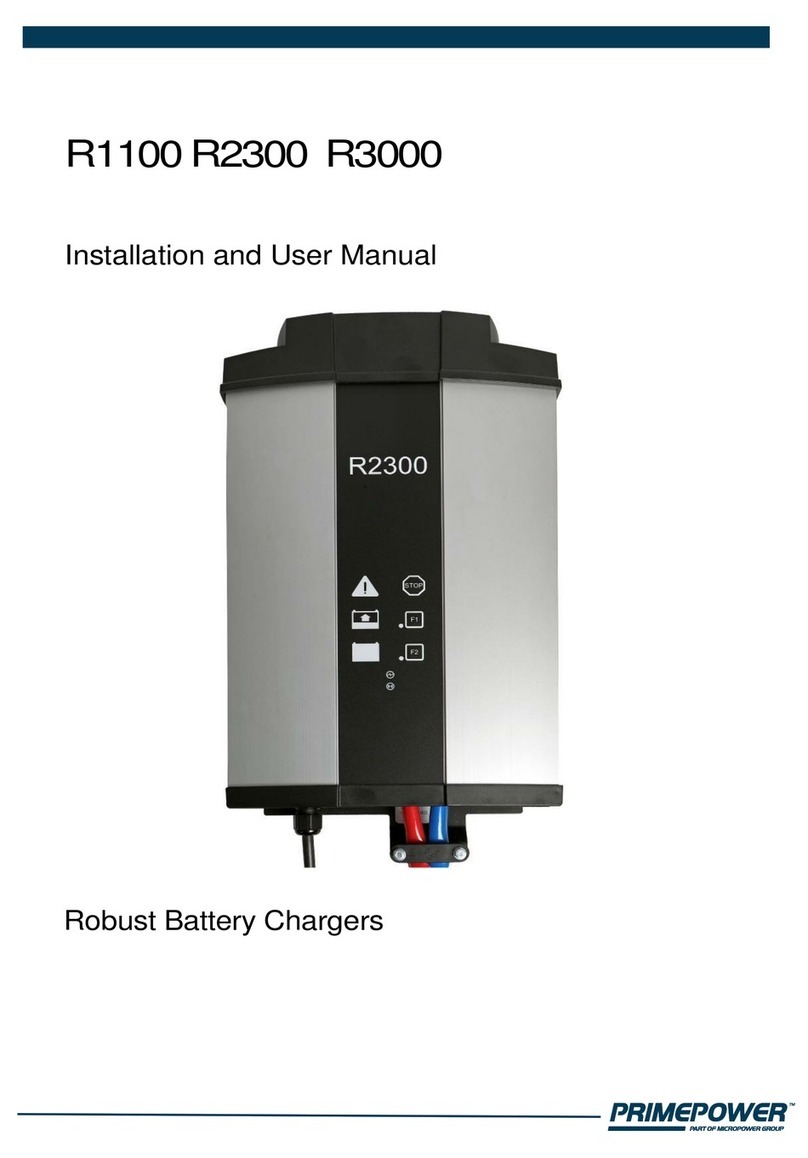
STOP
Pressing STOP will PAUSE charging. Pressing STOP again resumes charging.
F1 and F2
F1 and F2 buttons can be assigned various functionality. By default no function is
assigned, so pressing buttons during charging has no effect. Buttons are used when
settings are changed. See chapter “Editing charging configuration” in Robust
technical handbook.
5. To avoid sparking in output cables, press STOP button before disconnecting battery.