manuals.online logo
Brands
  1. Home
  2. •
  3. Brands
  4. •
  5. RAISE 3D
  6. •
  7. 3D Printer
  8. •
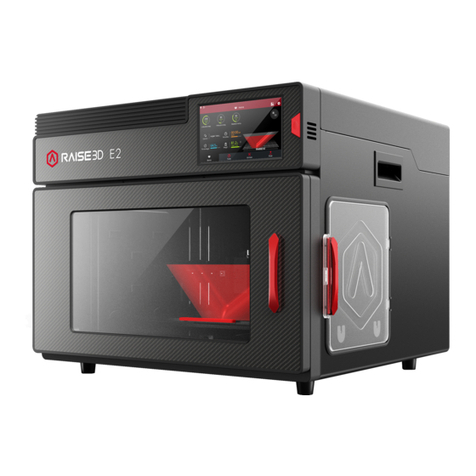
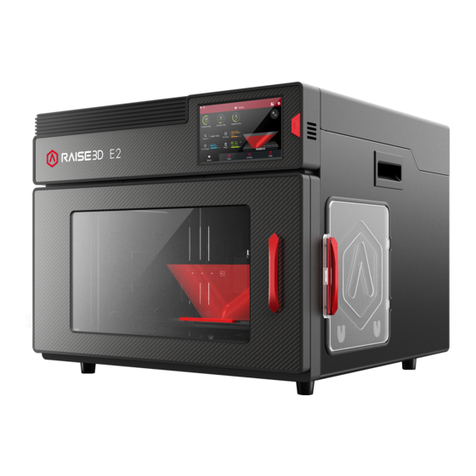
  9. RAISE 3D E2 User manual

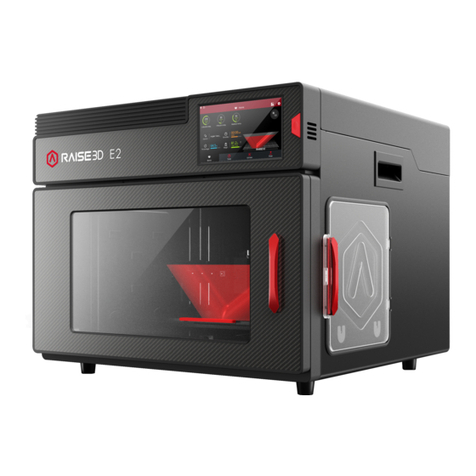
RAISE 3D E2 User manual

Other manuals for E2

3

Other RAISE 3D 3D Printer manuals

RAISE 3D PRO2 Series User manual

RAISE 3D

RAISE 3D PRO2 Series User manual

RAISE 3D E2CF User manual

RAISE 3D

RAISE 3D E2CF User manual

RAISE 3D Bondtech Dual Extruder User manual

RAISE 3D

RAISE 3D Bondtech Dual Extruder User manual

RAISE 3D PRO2 Series User manual

RAISE 3D

RAISE 3D PRO2 Series User manual

RAISE 3D Pro3 Series User manual

RAISE 3D

RAISE 3D Pro3 Series User manual

RAISE 3D N1 User manual

RAISE 3D

RAISE 3D N1 User manual

RAISE 3D BondTech N1 User manual

RAISE 3D

RAISE 3D BondTech N1 User manual

RAISE 3D Pro2 Series User manual

RAISE 3D

RAISE 3D Pro2 Series User manual

RAISE 3D PRO2 Series User manual

RAISE 3D

RAISE 3D PRO2 Series User manual

RAISE 3D Pro2 Series User manual

RAISE 3D

RAISE 3D Pro2 Series User manual

RAISE 3D Pro2 Series User manual

RAISE 3D

RAISE 3D Pro2 Series User manual

RAISE 3D Pro2 Series User manual

RAISE 3D

RAISE 3D Pro2 Series User manual

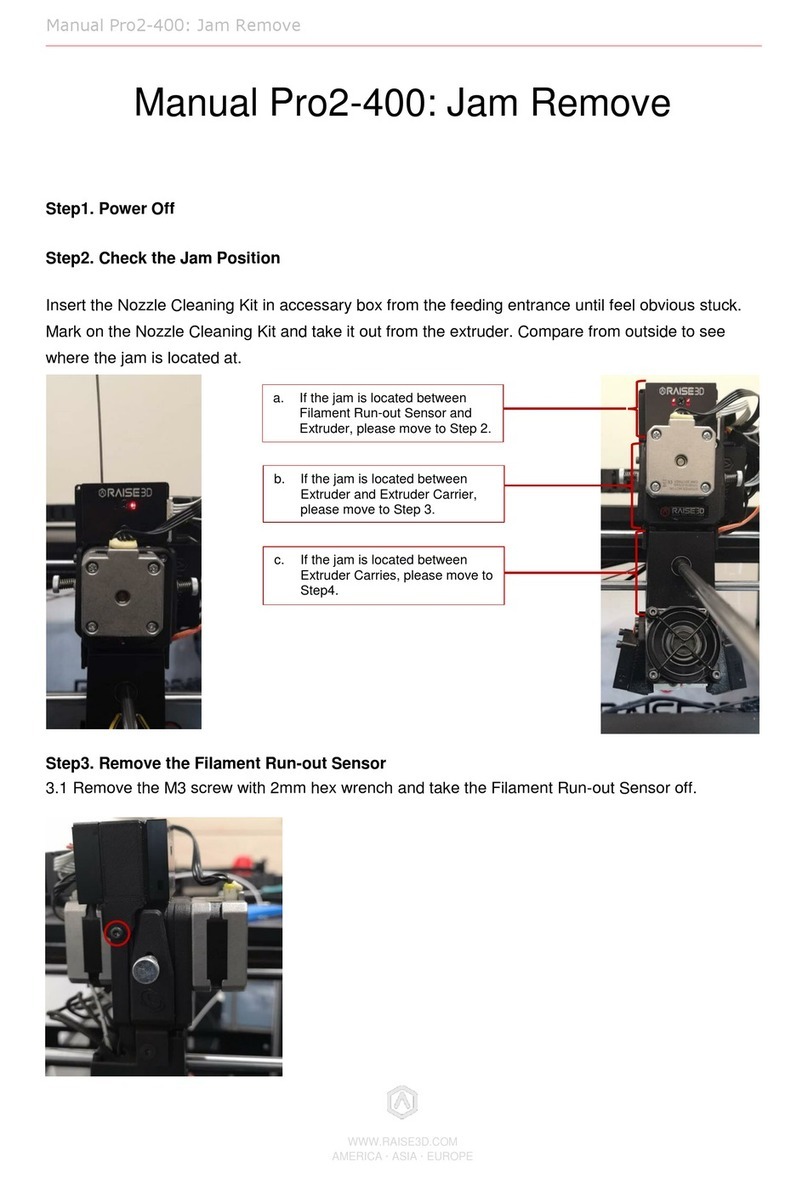
RAISE 3D Pro2-400 User manual

RAISE 3D

RAISE 3D Pro2-400 User manual

RAISE 3D Pro-Series User manual

RAISE 3D

RAISE 3D Pro-Series User manual

RAISE 3D Pro2 Hotend User manual

RAISE 3D

RAISE 3D Pro2 Hotend User manual

RAISE 3D N-Series User manual

RAISE 3D

RAISE 3D N-Series User manual

RAISE 3D E2 User manual

RAISE 3D

RAISE 3D E2 User manual

RAISE 3D Pro2 Series-105 XY User manual

RAISE 3D

RAISE 3D Pro2 Series-105 XY User manual

RAISE 3D Pro2 Series User manual

RAISE 3D

RAISE 3D Pro2 Series User manual

RAISE 3D Pro2 Series User manual

RAISE 3D

RAISE 3D Pro2 Series User manual

RAISE 3D E2 User manual

RAISE 3D

RAISE 3D E2 User manual

RAISE 3D PRO2 Series User manual

RAISE 3D

RAISE 3D PRO2 Series User manual
RAISE 3D PRO2 Series User manual

RAISE 3D

RAISE 3D PRO2 Series User manual
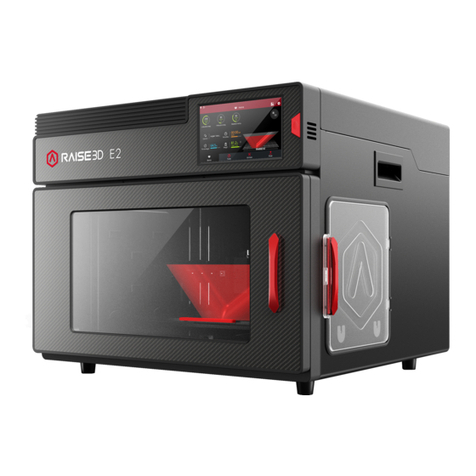
RAISE 3D PRO2 Series User manual

RAISE 3D

RAISE 3D PRO2 Series User manual
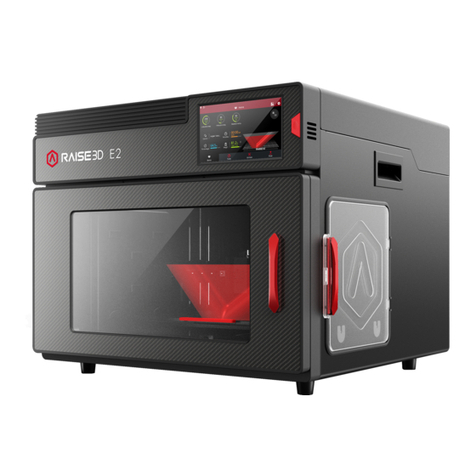
Popular 3D Printer manuals by other brands

bq Hephestos 2 Faq

bq

bq Hephestos 2 Faq

EcubMaker TOYDIY quick start guide

EcubMaker

EcubMaker TOYDIY quick start guide

AnyCubic Kossel Plus Modification

AnyCubic

AnyCubic Kossel Plus Modification

ReDeTec ProtoCycler Operation manual

ReDeTec

ReDeTec ProtoCycler Operation manual

Kywoo3D Tycoon IDEX user manual

Kywoo3D

Kywoo3D Tycoon IDEX user manual

CraftBot PLUS PRO user guide

CraftBot

CraftBot PLUS PRO user guide

3DGence INDUSTRY F340 user manual

3DGence

3DGence INDUSTRY F340 user manual

HP Jet Fusion 4200 Product Documentation Site Preparation Guide

HP

HP Jet Fusion 4200 Product Documentation Site Preparation Guide

Rokit AEP Series user manual

Rokit

Rokit AEP Series user manual

Ackuretta FreeShape 120 user manual

Ackuretta

Ackuretta FreeShape 120 user manual

DIYElectronics PRUSA I3 ELECTRONICS AND SOFTWARE GUIDE

DIYElectronics

DIYElectronics PRUSA I3 ELECTRONICS AND SOFTWARE GUIDE

Ultimaker S5 Material Station installation guide

Ultimaker

Ultimaker S5 Material Station installation guide

Stratasys FDM Vantage Series user guide

Stratasys

Stratasys FDM Vantage Series user guide

ZYYX Pro II user manual

ZYYX

ZYYX Pro II user manual

German RepRap X400 Pro V3 user guide

German RepRap

German RepRap X400 Pro V3 user guide

3DGence ONE user manual

3DGence

3DGence ONE user manual

Create 3400 Handbook

Create

Create 3400 Handbook

Snapmaker Dual Extrusion 3D Printing Module quick start guide

Snapmaker

Snapmaker Dual Extrusion 3D Printing Module quick start guide

manuals.online logo
manuals.online logoBrands
  • About & Mission
  • Contact us
  • Privacy Policy
  • Terms and Conditions

Copyright 2025 Manuals.Online. All Rights Reserved.

How to Replace the Hot End Assembly -V1.0 Date:05/12/2020
- 1 / 13 -
www.raise3d.com
Manual E2 - How to Replace the Hot End Assembly-
V1.0
Tools:
①2 mm hex wrench
②1.5mm hex wrench
③3 mm hex wrench
1. Before you start, please unload the filament in the extruder of which the hotend needs to be
replaced first.
How to Replace the Hot End Assembly -V1.0 Date:05/12/2020
- 2 / 13 -
www.raise3d.com
2. Power off the printer.
3. Release the ribbon cable retaining buckle.
4. Remove the extruder connection cable from the board by pressing the small plastic connector
down, and gently pulling the connector out.
5. Use a 3mm hex wrench to remove the two screws that holds the extruder on the X-axis.
How to Replace the Hot End Assembly -V1.0 Date:05/12/2020
- 3 / 13 -
www.raise3d.com
6. Remove the extruder from X-axis, and move it to a working desk.
7. Use a 2mm hex wrench to remove the two screws retaining the extruder connection board cover
to the extruder.
How to Replace the Hot End Assembly -V1.0 Date:05/12/2020
- 4 / 13 -
www.raise3d.com
8. Use a 2mm hex wrench to remove the two screws retaining the front cover to the extruder, and
remove the front cover.
9. Use a 2mm hex wrench to remove the two screws retaining the extruder connection board to the
extruder.
How to Replace the Hot End Assembly -V1.0 Date:05/12/2020
- 5 / 13 -
www.raise3d.com
10. Gently pull out the extruder connection board in the direction of the arrow shown below. Be
mindful of the small protrusion holding it in place.
11. Remove the two cables from the slots marked in red as shown in the picture below.
Note: Remove the cables from the first and the third slot of all three slots.
12. There are two rows of sharp welding pins on the back of the board, using thick insulation tape
cover it to prevent it from injure the nylon braid of the new hotend cable or it may cause short circuit.
How to Replace the Hot End Assembly -V1.0 Date:05/12/2020
- 6 / 13 -
www.raise3d.com
13. Remove the socket screw with the 2mm hex wrench.
How to Replace the Hot End Assembly -V1.0 Date:05/12/2020
- 7 / 13 -
www.raise3d.com
14. Then you can pull the entire hot end assembly out.
15. Prepare a new hot end assembly.
16. Plug the new hot end assembly into the extruder.
How to Replace the Hot End Assembly -V1.0 Date:05/12/2020
- 8 / 13 -
www.raise3d.com
17. Reinstall the socket screw.
18. Bend the cable over the right side of the motor.
How to Replace the Hot End Assembly -V1.0 Date:05/12/2020
- 9 / 13 -
www.raise3d.com
19. Place these cables into the cable management slots of the extruder controller board.
20. Plug the small protrusion of the board into the hole on the extruder.
How to Replace the Hot End Assembly -V1.0 Date:05/12/2020
- 10 / 13 -
www.raise3d.com
21. Plug the two pins into the controller board.
22. Use a 2mm hex wrench to reinstall the two screws retaining the extruder connection board to the
extruder.