manuals.online logo
Brands
  1. Home
  2. •
  3. Brands
  4. •
  5. RAISE 3D
  6. •
  7. 3D Printer
  8. •
  9. RAISE 3D Pro2 Series User manual

RAISE 3D Pro2 Series User manual

Other manuals for Pro2 Series

6

Other RAISE 3D 3D Printer manuals

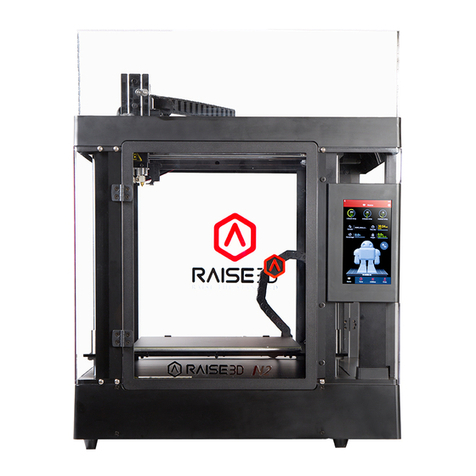
RAISE 3D BondTech N1 User manual

RAISE 3D

RAISE 3D BondTech N1 User manual

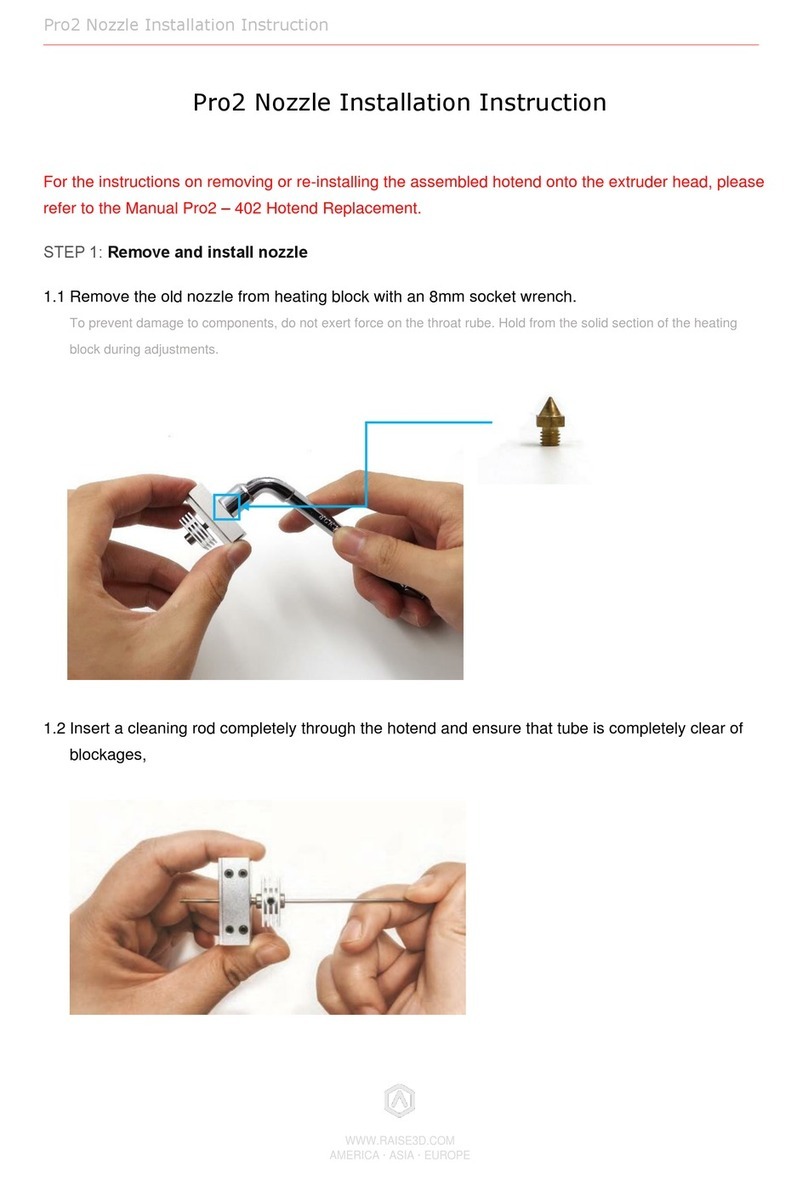
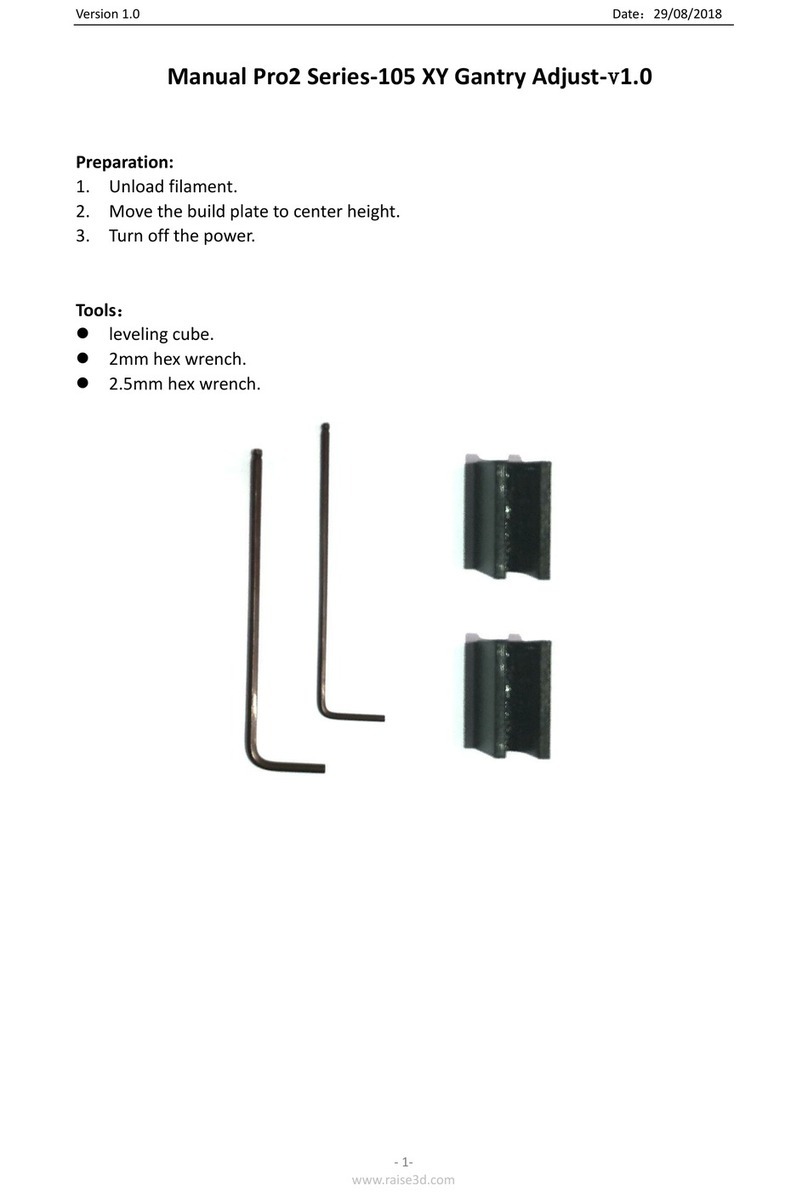
RAISE 3D Pro2 Series-105 XY User manual

RAISE 3D

RAISE 3D Pro2 Series-105 XY User manual

RAISE 3D PRO2 Series User manual

RAISE 3D

RAISE 3D PRO2 Series User manual
RAISE 3D Pro3 Series User manual

RAISE 3D

RAISE 3D Pro3 Series User manual
RAISE 3D PRO2 Series User manual

RAISE 3D

RAISE 3D PRO2 Series User manual

RAISE 3D PRO2 Series User manual

RAISE 3D

RAISE 3D PRO2 Series User manual

RAISE 3D Pro2 Series User manual

RAISE 3D

RAISE 3D Pro2 Series User manual
RAISE 3D PRO2 Series User manual

RAISE 3D

RAISE 3D PRO2 Series User manual

RAISE 3D Pro3 Series User manual

RAISE 3D

RAISE 3D Pro3 Series User manual

RAISE 3D Pro-Series User manual

RAISE 3D

RAISE 3D Pro-Series User manual

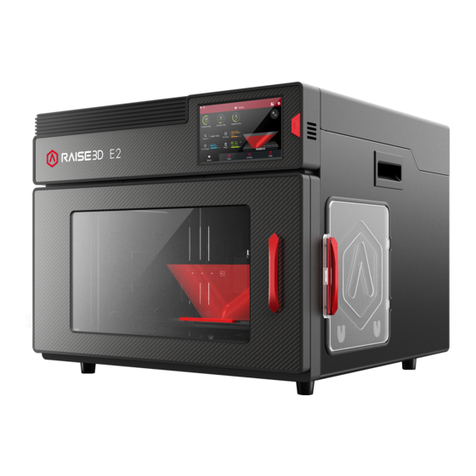
RAISE 3D E2 User manual

RAISE 3D

RAISE 3D E2 User manual
RAISE 3D E2 User manual

RAISE 3D

RAISE 3D E2 User manual

RAISE 3D Pro2 Series User manual

RAISE 3D

RAISE 3D Pro2 Series User manual

RAISE 3D Pro2-401 User manual

RAISE 3D

RAISE 3D Pro2-401 User manual

RAISE 3D PRO2 Series User manual

RAISE 3D

RAISE 3D PRO2 Series User manual

RAISE 3D N-Series User manual

RAISE 3D

RAISE 3D N-Series User manual

RAISE 3D Pro2-400 User manual

RAISE 3D

RAISE 3D Pro2-400 User manual
RAISE 3D PRO2 Series User manual

RAISE 3D

RAISE 3D PRO2 Series User manual

RAISE 3D N1 User manual

RAISE 3D

RAISE 3D N1 User manual

RAISE 3D N-Series User manual

RAISE 3D

RAISE 3D N-Series User manual
RAISE 3D Pro2 Hotend User manual

RAISE 3D

RAISE 3D Pro2 Hotend User manual

RAISE 3D E2 User manual

RAISE 3D

RAISE 3D E2 User manual
RAISE 3D N2 User manual

RAISE 3D

RAISE 3D N2 User manual
RAISE 3D Pro2 Series User manual

RAISE 3D

RAISE 3D Pro2 Series User manual

Popular 3D Printer manuals by other brands

bq Hephestos 2 Faq

bq

bq Hephestos 2 Faq

EcubMaker TOYDIY quick start guide

EcubMaker

EcubMaker TOYDIY quick start guide

AnyCubic Kossel Plus Modification

AnyCubic

AnyCubic Kossel Plus Modification

ReDeTec ProtoCycler Operation manual

ReDeTec

ReDeTec ProtoCycler Operation manual

Kywoo3D Tycoon IDEX user manual

Kywoo3D

Kywoo3D Tycoon IDEX user manual

CraftBot PLUS PRO user guide

CraftBot

CraftBot PLUS PRO user guide

3DGence INDUSTRY F340 user manual

3DGence

3DGence INDUSTRY F340 user manual

HP Jet Fusion 4200 Product Documentation Site Preparation Guide

HP

HP Jet Fusion 4200 Product Documentation Site Preparation Guide

Rokit AEP Series user manual

Rokit

Rokit AEP Series user manual

Ackuretta FreeShape 120 user manual

Ackuretta

Ackuretta FreeShape 120 user manual

DIYElectronics PRUSA I3 ELECTRONICS AND SOFTWARE GUIDE

DIYElectronics

DIYElectronics PRUSA I3 ELECTRONICS AND SOFTWARE GUIDE

Ultimaker S5 Material Station installation guide

Ultimaker

Ultimaker S5 Material Station installation guide

Stratasys FDM Vantage Series user guide

Stratasys

Stratasys FDM Vantage Series user guide

ZYYX Pro II user manual

ZYYX

ZYYX Pro II user manual

German RepRap X400 Pro V3 user guide

German RepRap

German RepRap X400 Pro V3 user guide

3DGence ONE user manual

3DGence

3DGence ONE user manual

Create 3400 Handbook

Create

Create 3400 Handbook

Snapmaker Dual Extrusion 3D Printing Module quick start guide

Snapmaker

Snapmaker Dual Extrusion 3D Printing Module quick start guide

manuals.online logo
manuals.online logoBrands
  • About & Mission
  • Contact us
  • Privacy Policy
  • Terms and Conditions

Copyright 2025 Manuals.Online. All Rights Reserved.

WWW.RAISE3D.COM
AMERICA ·ASIA ·EUROPE
Pro2 Extruder Front Nozzle Cooling Fan Installation Instruction
Pro2 Extruder Front Nozzle Cooling Fan
Installation Instruction
STEP 1: Preparation
Unload the filament from both nozzles.
Turn off the printer after filament being removed.
STEP 2: Remove old Fan Duct
Remove the 4 fixing screws. Take the Front Fan off together with Protective Cover.
Remove the fixing screw on Fan Duct. Take the Fan Duct off.
WWW.RAISE3D.COM
AMERICA ·ASIA ·EUROPE
Pro2 Extruder Front Nozzle Cooling Fan Installation Instruction
STEP 3: Remove the old Fan
Unplug the front fan cable from extruder board.
⚫Cut the old cable off. Take the old Cooling Fan and the its cable out.
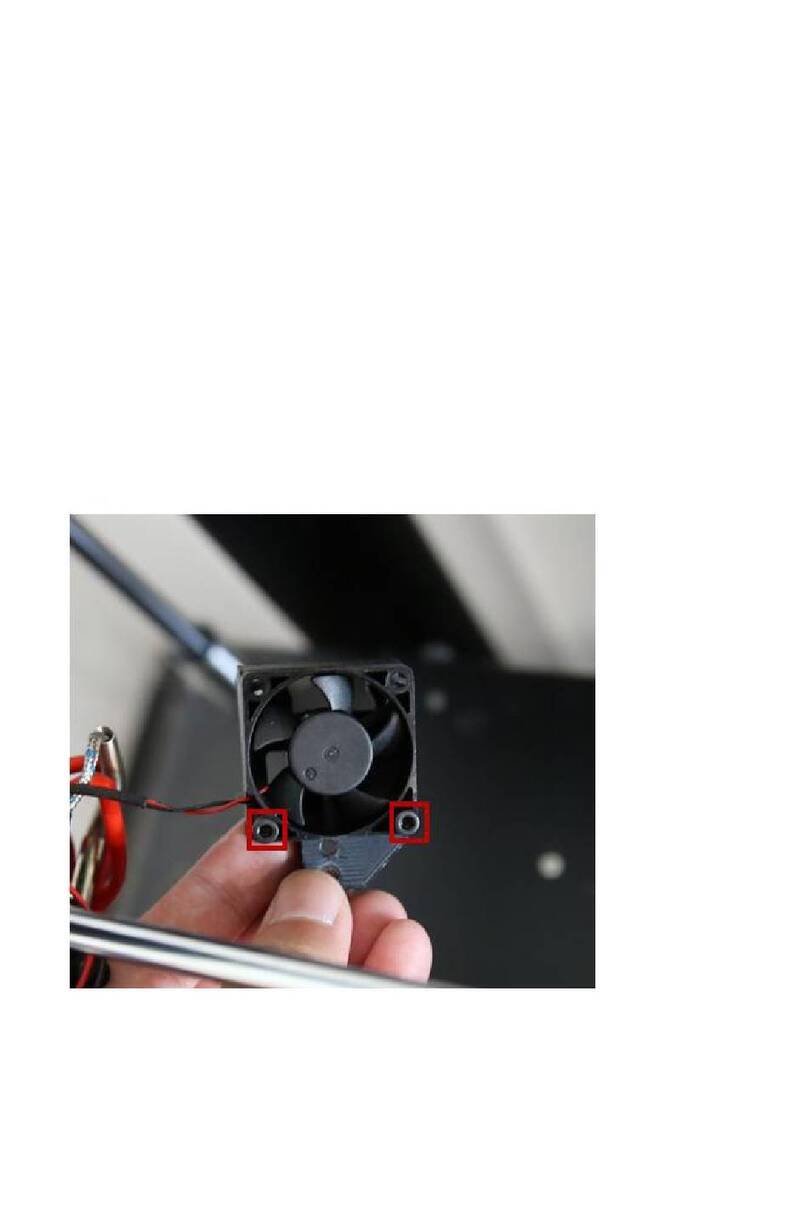
⚫Remove the two fixing screws from the black back casing and take the casing off.
WWW.RAISE3D.COM
AMERICA ·ASIA ·EUROPE
Pro2 Extruder Front Nozzle Cooling Fan Installation Instruction
Cut the zip tie fixing cables.
Loosen the screws marked in following image. And remove the Heating Rod cables from extruder
board.
Pull the Heating Rod cables out from the Mounting Block from the bottom.
STEP 4: Install the New Fan
WWW.RAISE3D.COM
AMERICA ·ASIA ·EUROPE
Pro2 Extruder Front Nozzle Cooling Fan Installation Instruction
Fix the Protective Cover and Front Fan back onto the Fan Duct with 4 fixing screws.
⚫Make sure the surface with label is facing to Fan Duct.
Grab the connector of the new Fan by tweezers out from the top to help it go through the Mounting
Block.
WWW.RAISE3D.COM
AMERICA ·ASIA ·EUROPE
Pro2 Extruder Front Nozzle Cooling Fan Installation Instruction
Plug the Front Fan cable onto the terminal where you unplug the old cable.
Insert the cables of the Heating Rod into the terminal and tighten the screws to fix.
Ensure there is no exposed wired touching with each other, or it may do harm to the printer.
Upper one is for Left nozzle. Lower one is for right nozzle.
WWW.RAISE3D.COM
AMERICA ·ASIA ·EUROPE
Pro2 Extruder Front Nozzle Cooling Fan Installation Instruction
STEP 4: Final
Bind the cables together with zip ties and fix the casing back to cover the cables.