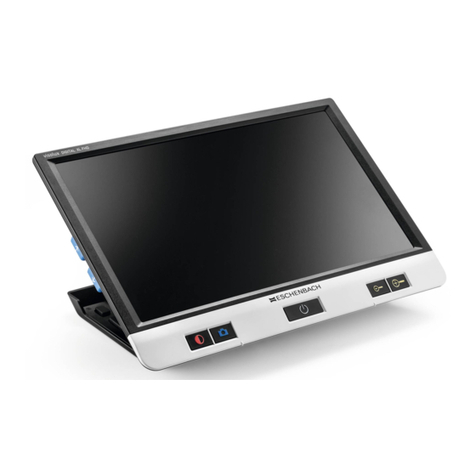
Rehan Looky 6 HD Quick Start Guide
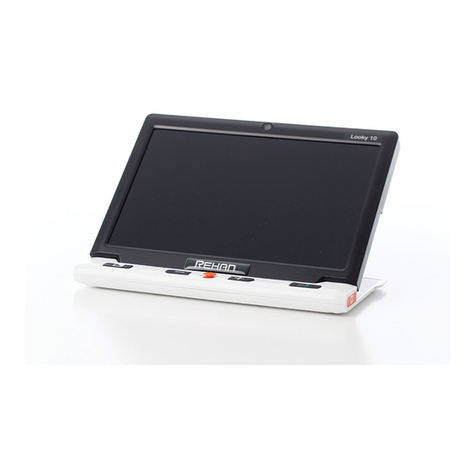
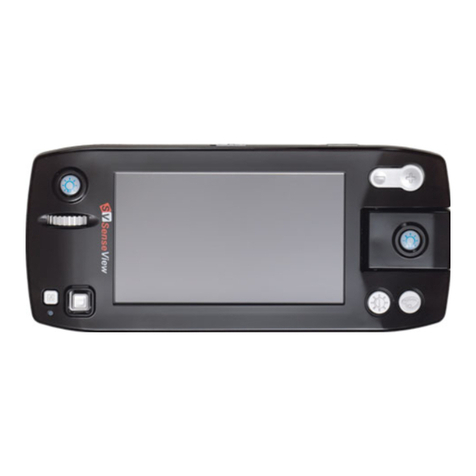
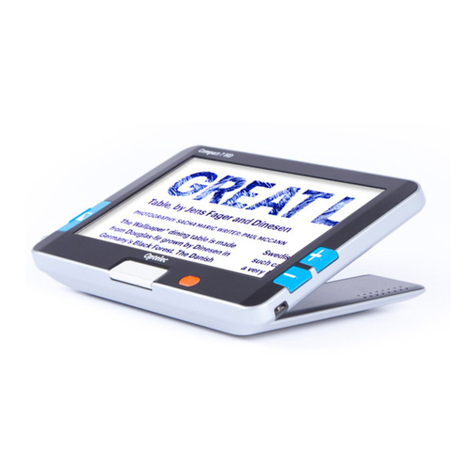
Turn On/O: Press and hold the white power
button located on the left edge in the upper
left-hand corner for 3 seconds to the device on.
Press and hold the same button for 3 seconds to
turn o the device.
Distance Viewing: Close the reading stand and
hold the device up to view an object at a distance.
Change Contrast: Press the middle button on the
left-hand side of the screen to cycle through all
available contrast modes.
Full Color Mode: Press the multi-colored button on
the lower left-hand side of the screen to switch to
full color.
Zoom In/Out: Press the plus/minus buttons on the
lower right-hand side of the screen to increase
and decrease the magnication.
Reading Aides: Press the blue button in the top
left-hand corner of the screen to cycle through all
available reading aide options.
Take Photo: Press the orange freeze button in the
top right-hand corner of the deviceto take a
photo. Press the freeze button again to delete the
photo and switch back to “Live Magnication
Mode.”
Fold up