Only allow trained persons to use the electrical device.
operate the electrical device when they are older than 16, when this is necessary
for their training and under the supervision of a trained operative.
Check the power cable of the electrical device and the extension leads
Have these renewed by qualifi ed experts or an authorised
REMS customer service workshop in case of dama
ge.
Sa
fety instructions for rechargeable batteri
es
WARNING
Re
ad all safety warnings, instructions, illustrations and specifi cations provided
Failure to follow all instructions listed below may result in
electric shock, fi re and/or serious injury.
Save all warnings and instructions for future reference.
●
Use the battery only in the specifi ed operating temperature range.
●
Charge the battery to full capacity with a suitable charger before using for
the fi rst time. Batteries are delivered partly charged.
Never charge batteries unattended.
Battery chargers and batteries can cause
hazards which lead to material damage and/or injury when charged unattended.
●
Protect the batteries against heat, sunlight, fi re, moisture and wet. There is
a risk of explosion and fi re.
●
Do not use the batteries in areas where there is a risk of explosion and in
the vicinity of infl ammable gases, solvents, dust, fumes, liquids for example.
There is a risk of explosion and fi re.
●
Do not open batteries or modify their construction. There is a risk of explo-
sion and fi re due to short-circuiting.
●
Do not use batteries with damaged housings or damaged contacts. Damage
to or improper use of batteries can cause fumes to escape. The fumes can irritate
the respiratory tracts. Let in fresh air and consult a doctor in case of symptoms.
●
Avoid contact with leaking batteries. Do not touch the fl uid. Leaking battery
fl uid can cause skin irritation and burns. Rinse off immediately with water in case
of contact. Also consult a doctor if the fl uid gets into the eyes.
●
Do not throw defective batteries in the normal household waste. Hand the
defective batteries over to an authorised REMS contract service workshop or a
recognised disposal company. Observe the national regulations.
●
Keep batteries out of reach of children. There is a danger of accident.
Ex
WARNING
Danger with a medium degree of risk which could result in
death or severe injury (irreversible) if not heeded.
NOTICE
Material damage, no safety note! No danger of injury.
Read the operating manual before starti
ng
En
vironmental friendly disposal
Use for the intended purpose
WARNING
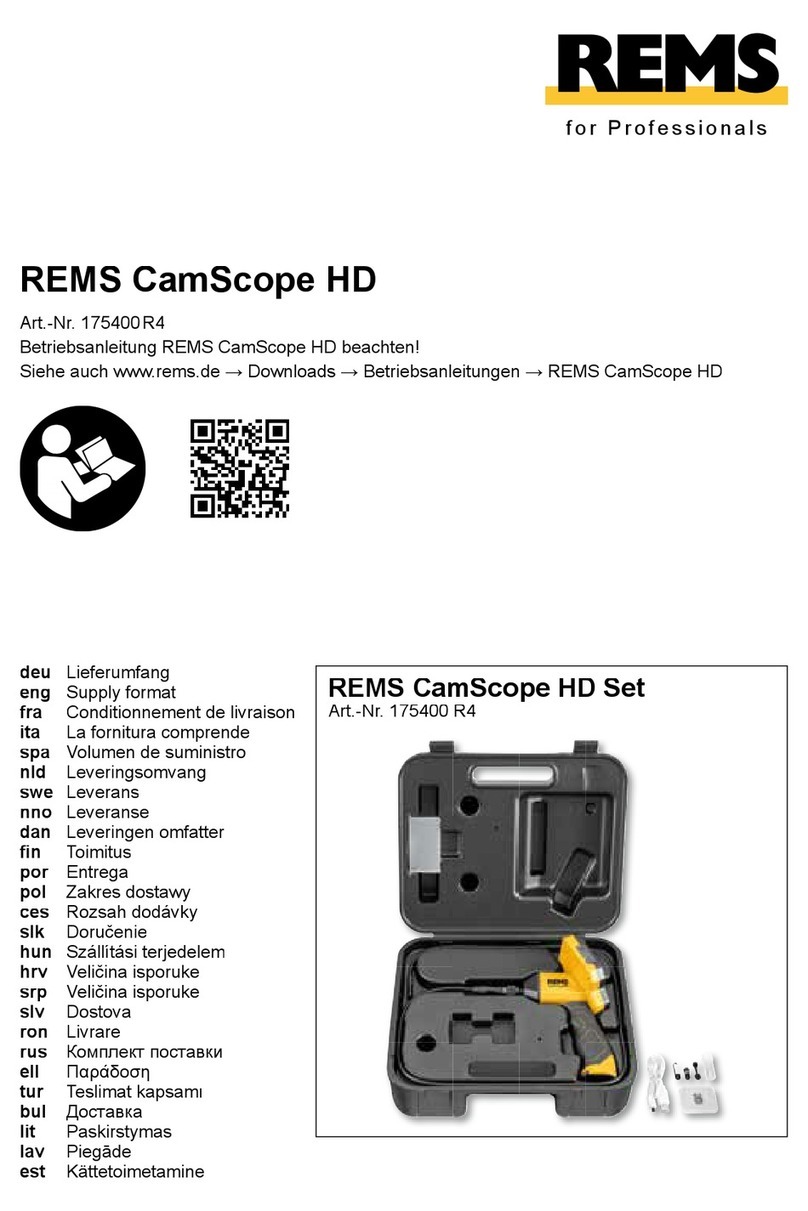
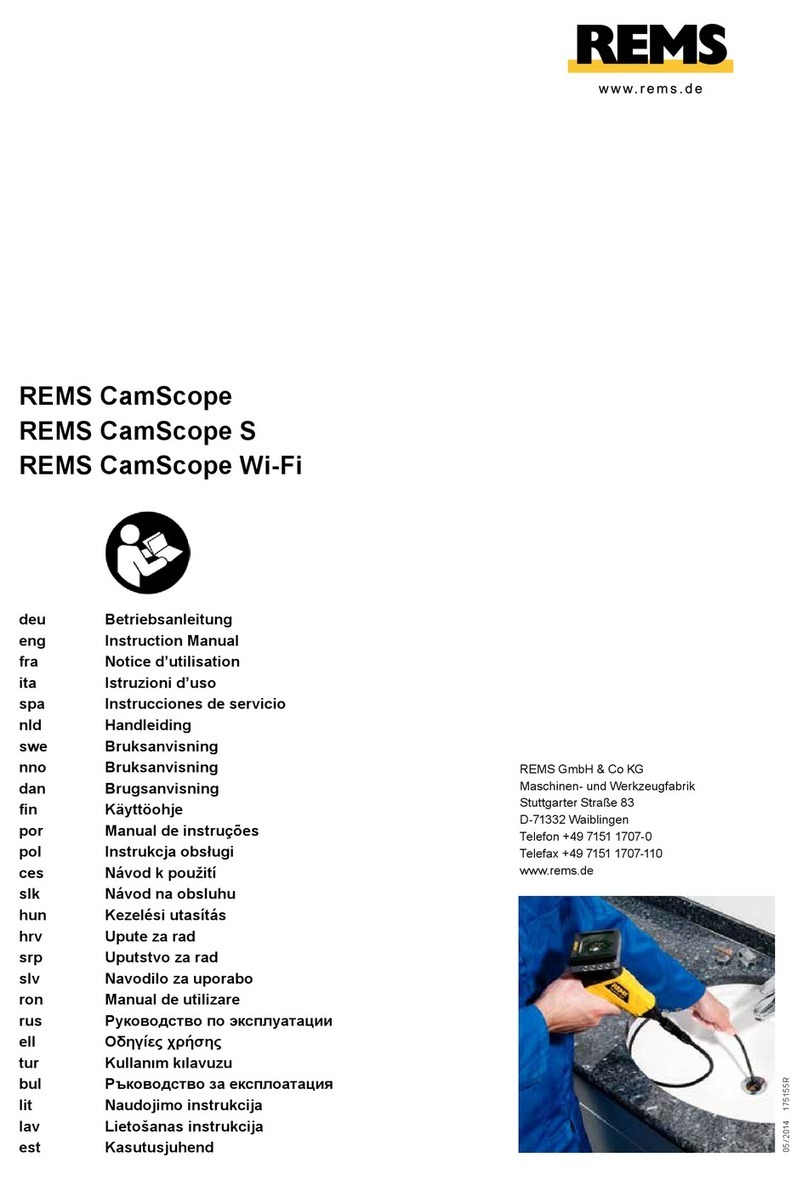
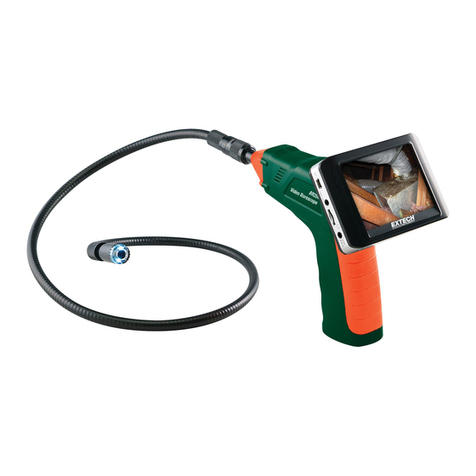
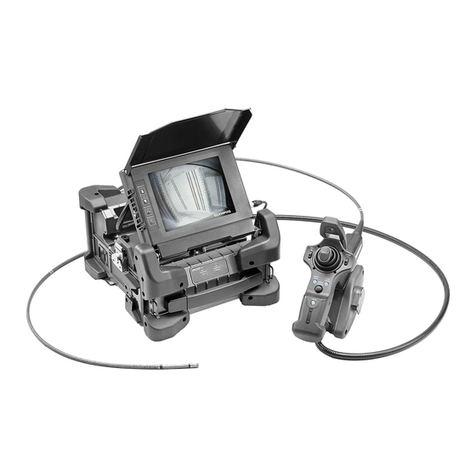
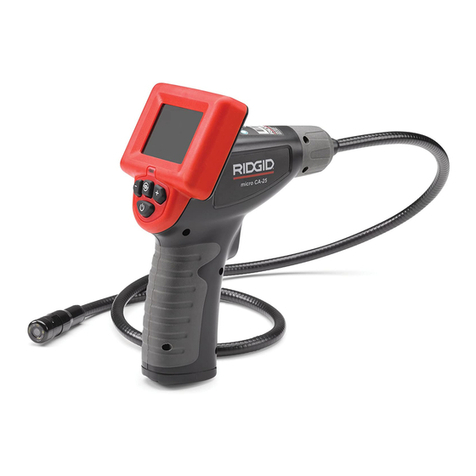
The REMS CamScope HD endoscope camera is used for the inspection and
damage analysis of locations with diffi cult access such as cavities, shafts, pipes,
drains, chimneys, etc. and serves for documenting the inspection results in the
form of photos and videos. All camera cable sets are protected against occa-
sional submersion in water (IP 67).
All other uses are not for the intended purpose and are therefore prohibited.
Camera endoscope with camera cable set Color HD 8-1, add-on mirror, add-on
hook, add-on magnet, USB charging and transmission cable, MicroSD card 32
GB, case
REMS CamScope HD 175400
REMS CleanM, Machine cleaner 140119
1.3. REMS CamScope HD
Power supply integrated Li-Ion battery 3.7V, 4.0Ah
Dimensions (L x W x H) 155×131× 218 mm
Weight 360 g
Display 5" Color TFT-LCD
Pixels (display) 480 x 854
Pixels (recording) 1,280×720/ 1,920 × 1,080
Memory format (video) MOV
Memory format (photo) JPG
Data memory MicroSD card, ≥ 32 GB
Zoom 1.5 / 2.0 / 3.0 / 4.0x
Temperature range –10°C ... +50 °C / +14 °F ... +122 °F
Relative humidity 15 – 85% RH
1.4.
1280×720
77°
20 – 160 mm
Ø 8×1155 mm
160 g
Type of protection camera IP 67
2.1. Camera cable set Color
Plug the camera cable set Color (2) into the cable socket (3).
of the camera cable set in line with the groove of the handheld unit. Tighten
the camera cable set hand-tight with the union nut of the handheld unit.
The included tools add-on mirror, add-on hook and add-on magnet can be
attached to the camera head.
2.2. Endoscope camera
REMS CamScope HD has an integrated Li-Ion battery. Charge the battery before
start-up: Connect the REMS CamScope HD to a suitable Li-Ion charger with
the USB charging cable at the charger socket (10). Plug the Li-Ion charger into
a suitable wall socket. Caution: Mains voltage present! REMS CamScope
HD can also be operated with the power supply/Li-Ion charger.
Alternatively to a charger, the battery of the REMS CamScope HD is charged
as soon as a connection to a PC is established by the USB charging cable.
REMS CamScope HD can only be used for data transfer when this connection
exists.
Each of the operating buttons is assigned several functions.
2.2.1. Inserting the MicroSD card
Insert a suitable MicroSD card in the MicroSD card slot (11). The labelled side
of the MicroSD card is facing the display (12). An SD card icon appears in the
display after inserting the MicroSD card.
Do not remove the MicroSD card or unplug the USB cable during photo/video
recording and data transfer to the PC to avoid data loss and/or damage to the
MicroSD card.
Only MicroSD cards up to 32 GB can be used.
2.2.2. Switching on the endoscope camera
Keep the On/Off button (4) pressed.
2.2.3. Menu
Different settings can be made in the menu, e.g. language, frame rate, memory
formatting.
Open the menu and navigate:
●
Press the button (4) briefl y.
●
Press buttons (7) and (8) to select a menu item. Open the menu item with
the button (6).
●
Press buttons (7) and (8) to make settings.
●
Confi rm setting with the button (6) or cancel with the button (4).
●
Press the button (4) to exit the menu.
Set date/time:
●
Press the button (4) briefl y.
●
Press buttons (7) and (8) to select the “Date/time” menu item. Open the
menu item with the button (6).
●
Press buttons (7) and (8) to change the value.
●
Confi rm the value with the button (6) to jump to the next value.
●
Press the button (4) to save the values and exit the menu.
Settings:
●
Image resolution: Selection 1,920×1,080, 1,280× 720 pixels
●
Language: Set menu language
●
Date/time settings: Set date/time
●
Format memory card: Delete all data on the MicroSD card
●
Automatic switch-off: Set switch-off time
●
Date/time display: Show/hide date/time in real-time transfer
●
Factory settings: Reset to factory settings
●
Firmware version: Show installed fi rmware version
2.2.4. Connecting to a Computer
REMS CamScope HD can be connected to a computer with the USB cable.
The MicroSD card is displayed on the computer similarly to an external hard
drive. The stored videos and photos can be viewed, processed or saved on
the computer.
Do not remove the MicroSD card or unplug the USB cable during photo/video
transmission. Data could be lost and the MicroSD card damaged.