manuals.online logo
Brands
  1. Home
  2. •
  3. Brands
  4. •
  5. RIB
  6. •
  7. Garage Door Opener
  8. •
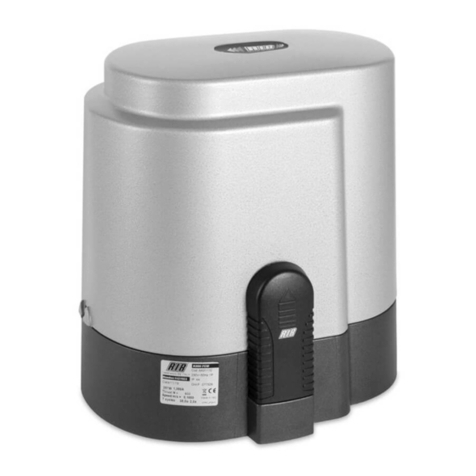
  9. RIB K400 User manual

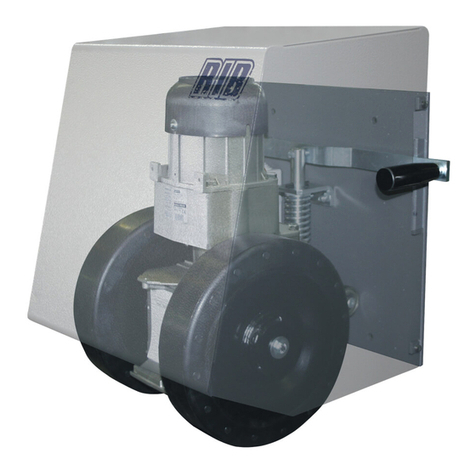
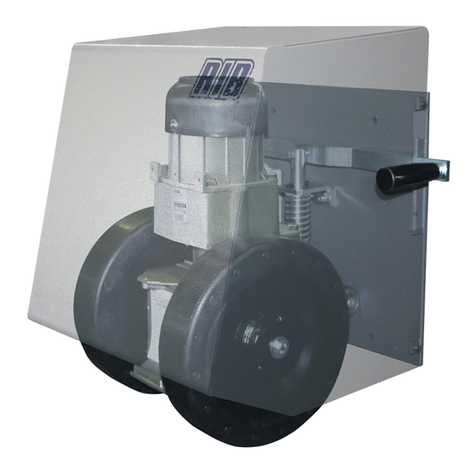
RIB K400 User manual

Other manuals for K400

2

Other RIB Garage Door Opener manuals

RIB R50 User manual

RIB

RIB R50 User manual

RIB K800 Plus User manual

RIB

RIB K800 Plus User manual

RIB K800 Series User manual

RIB

RIB K800 Series User manual

RIB AA30014M User manual

RIB

RIB AA30014M User manual

RIB AD14050 User manual

RIB

RIB AD14050 User manual

RIB K800 24V User manual

RIB

RIB K800 24V User manual

RIB T2 PREMIER 24V User manual

RIB

RIB T2 PREMIER 24V User manual

RIB SUPER 3600 User manual

RIB

RIB SUPER 3600 User manual

RIB K2007 User manual

RIB

RIB K2007 User manual

RIB R50 User manual

RIB

RIB R50 User manual

RIB BOSS 230V MASTER DX User manual

RIB

RIB BOSS 230V MASTER DX User manual

RIB BOSS 24V SLAVE User manual

RIB

RIB BOSS 24V SLAVE User manual

RIB K500 User manual

RIB

RIB K500 User manual

RIB K800 Series User manual

RIB

RIB K800 Series User manual

RIB K500 User manual

RIB

RIB K500 User manual

RIB AA33694 User manual

RIB

RIB AA33694 User manual

RIB SUPER 2200 User manual

RIB

RIB SUPER 2200 User manual

RIB Idro Series User manual

RIB

RIB Idro Series User manual

RIB Idro Series User manual

RIB

RIB Idro Series User manual

RIB SUPER 2200 FAST User manual

RIB

RIB SUPER 2200 FAST User manual

RIB BOSS 24V MASTER Guide

RIB

RIB BOSS 24V MASTER Guide

RIB FLUID User manual

RIB

RIB FLUID User manual

RIB SUPER 3600 User manual

RIB

RIB SUPER 3600 User manual

RIB K5 cK User manual

RIB

RIB K5 cK User manual

Popular Garage Door Opener manuals by other brands

ATA GDO-6 EasyRoller instruction manual

ATA

ATA GDO-6 EasyRoller instruction manual

CAME F4000 Series installation manual

CAME

CAME F4000 Series installation manual

Garaga SECURITY+ 3265GCM 1HP owner's manual

Garaga

Garaga SECURITY+ 3265GCM 1HP owner's manual

Chamberlain Whisper Drive SECURITY+ WD822K Series owner's manual

Chamberlain

Chamberlain Whisper Drive SECURITY+ WD822K Series owner's manual

Chase Doors DuraShield installation manual

Chase Doors

Chase Doors DuraShield installation manual

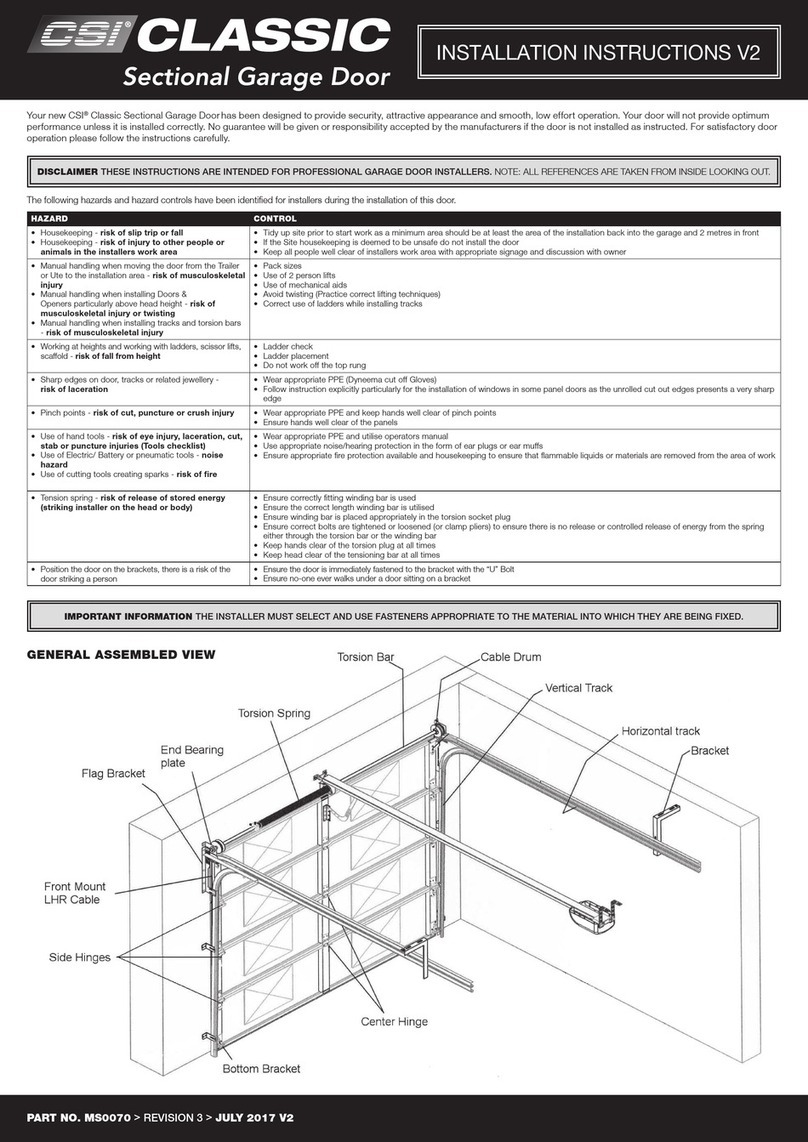
CSI Classic installation instructions

CSI

CSI Classic installation instructions

Chamberlain Elite 3575S owner's manual

Chamberlain

Chamberlain Elite 3575S owner's manual

Richmond GTR156 user manual

Richmond

Richmond GTR156 user manual

B&D Controll-A-Door 5 instruction manual

B&D

B&D Controll-A-Door 5 instruction manual

Chamberlain MyQ 940ESTD owner's manual

Chamberlain

Chamberlain MyQ 940ESTD owner's manual

Automatic Technology GDO-9V1 SecuraLift installation instructions

Automatic Technology

Automatic Technology GDO-9V1 SecuraLift installation instructions

Westfalia 19 36 07 instruction manual

Westfalia

Westfalia 19 36 07 instruction manual

Chamberlain HD520EVP manual

Chamberlain

Chamberlain HD520EVP manual

Cardin BL Series instruction manual

Cardin

Cardin BL Series instruction manual

Chamberlain 8355 - 1/2 hp installation instructions

Chamberlain

Chamberlain 8355 - 1/2 hp installation instructions

Bauer CROSS18 Application. Installation and Maintenance Manual

Bauer

Bauer CROSS18 Application. Installation and Maintenance Manual

Dorma ES 90 manual

Dorma

Dorma ES 90 manual

Wayne-Dalton 8124 Installation instructions and owner's manual

Wayne-Dalton

Wayne-Dalton 8124 Installation instructions and owner's manual

manuals.online logo
manuals.online logoBrands
  • About & Mission
  • Contact us
  • Privacy Policy
  • Terms and Conditions

Copyright 2025 Manuals.Online. All Rights Reserved.

SIMPLIFIED INSTRUCTIONS FOR K400 WITH K 24V-CRX
1° Connecting the accessories
K400 FCE
K400 FCM
0
24Vdc 20W
24Vac
10Vac
ANTENNA
433 MHz
STOP
24Vdc 0,4A ±15%
24Vdc 0,4A ±15%
TIMER
ENCODER
M
L.S. OPEN
AND CLOSE
FUSE
T 1,6A
POWER SUPPLY
230Vac 50Hz
TRANSFORMER
ANTENNA BRAIDING
COMMON
PHOTOCELLS
EDGE
OPEN
CLOSE
SINGLE COMMAND
PEDESTRIAN
24Vdc 10W
BACKUP BATTERIES
FOR BATTERY CHARGER
BOARD (OPTIONAL)
A+TEST / A-
SAFETY DEVICE
AUTO-TEST OR
ENERGY SAVING
(LOW POWER) WITH
BATTERY OPERATION
MANUAL
RELEASE
SAFETY
2° Installing and adjusting the limit switch cams
Position the cams at the ends of the rack rail.
Tighten the two screws to secure them in place.
Open the shutter door of the K400.
Insert the key and turn in a clockwise direction.
Pull the lever to unlock the operating system.
Check the cam intervention point by opening and closing the gate.
N.B.: The cams should press the electric micro-switches before the moving part
touches the mechanical stops (K400 FCE). The DL7 and DL8 LEDs switch o
when the cams are detected by the proximity sensor (K400 FCM).
Position the gate halfway and re-secure the operating system.
ITA ESP ENG FRA GRE DEU RUS ARA THAI BUL FAR TUR HIN CHI POL HUN CEK KOR
3. ADJUSTING RUN AND MAXIMUM SPEED
a) Set micro-switches DIP 1-2-3-5-8-10-11-12-13 to OFF and DIP 4-6-7-9-14 to ON.
1 - Unlock the operating system using the manual security release and position the limit switch cams on the rack rail in order to define the run of the gate.
2 - Move the gate halfway along and lock the operator.
3 - Set DIP 1 to ON => the DL1 LED will begin to flash.
4 - Press and hold down the PROG button (controlled through a dead man’s switch, open-stop-close-stop-open-etc...) => The
gate starts at high speed, before slowing down until it reaches the limit switch. Make sure that the gate stops in the desired
position. If it does not, move the limit switch cams and try again. Also check the limit switch on the other side.
5 - You can adjust the high speed during the first 5 seconds of operation, by operating the trimmer RUN. If you turn the trimmer
RUN in a clockwise direction, the speed increases. The default setting of the trimmer RUN is halfway.
6 - On completion, put DIP 1 back to the OFF position. The DL1 LED will switch o, signalling the exit from the control.
N.B.: During this check, the stop button, the ribs and the photocells are not active.
4. – PROGRAMMING TOTAL OPENING.
1 - IMPORTANT: POSITION THE GATE AT APPROXIMATELY 20 CM FROM THE CLOSING LIMIT SWITCH TO PROGRAMME
PROPERLY.
2 - Put the DIP 2 in the ON position => the DL1 LED begins to flash.
3 - Press the PROG button. The gate will begin a series of movements. DO NOT WALK IN FRONT OF THE PHOTOCELLS WHEN THE GATE IS MOVING. Set up is complete when the gate remains
closed and the DL1 LED is o.
4 - Turn the DIP 2 back to the OFF position.
N.B.: If you move the trimmer RUN on completion of programming, then you will have to repeat it.
5° - PROGRAMMING THE PEDESTRIAN GATEWAY OPENING
With the gate closed:
1 - First set the DIP 2 to the ON position and then the DIP 1 to the ON position. The DL1 LED begins to flash.
2 - Press the pedestrian button (COM-PED) => The gate opens.
3 - Press the pedestrian button to stop the gate (the opening run of the pedestrian gateway is now set). The gate closes again after 2 seconds.
4 - At the end of pedestrian gateway set up, re-position DIP 1 and DIP 2 to OFF.
6 PROGRAMMING THE REMOTE CONTROL FOR TOTAL OPENING
Attention: before performing the storing procedures, select the DIP 14 according to the transmitters to be used:
With DIP 14 ON (standard) the transmitters enabled are fixed-code SUN/MOON
With DIP 14 OFF the transmitters enabled are variable-code SUN-PRO
Attention: it is not possible to store fixed-code remote controls and variable-code remote controls at the same time.
1 - First position the DIP 1 to ON and then the DIP 2 to ON. The two-colour set up LED DL10 will flash red for 10 seconds.
2 - Before these 10 seconds are up, press the remote control button (usually channel A). If the remote control has been correctly stored, then the two-colour LED DL10 will light up green and a
buzzer tone confirms proper storage. The 10 seconds for the setting the codes automatically start again with two-colour LED DL10 which flashes red in order to store the next remote control.
3 - To end programming, wait 10 seconds or briefly press the PROG button. The two-colour set up LED DL10 stops flashing.
4 - Re-position DIP 1 to OFF and DIP 2 to OFF.
7 Customising configuration
You can change the configuration by moving the various micro-switches
Microswitches ON Microswitches OFF
DIP3 gradual start active gradual start not active
DIP4 photocells active only on closing Photocells always active
DIP5 heater active heater not active
DIP6 radio control, k butt and pedestrian gateway button in automatic mode radio control, k butt and pedestrian gateway button in step-by-step mode
DIP7 current sensor active xurrent sensor not active
DIP8 instant re-closure after photocell transit active instant re-closure after photocell transit not active
DIP9 always works, even with radio control mode always works, only with control buttons mode
DIP10 rib monitoring TEST active rib monitoring TEST not active
DIP11 pre-flashing active pre-flashing not active
DIP12 - -
DIP 13 - K400
DIP 14 SUN/MOON radio system enabled SUN-PRO radio system enabled
AUTOMATIC CLOSE TRIMMER (ACT)
With this trimmer you can adjust the time before total or pedestrian automatic closure.
Automatic closure is only possible when the door is opened using the total or pedestrian gateway controls and with DL3 LED on (trimmer turned clockwise to enable operation).
The pause time can be adjusted from a minimum of 2 seconds to up to 2 minutes.
IMPORTANT: The system must comply with all the standards and Directives currently in force.