manuals.online logo
Brands
  1. Home
  2. •
  3. Brands
  4. •
  5. Riken Keiki
  6. •
  7. Monitor
  8. •
  9. Riken Keiki RI-557 User manual

Riken Keiki RI-557 User manual

Other Riken Keiki Monitor manuals

Riken Keiki SD-2500 User manual

Riken Keiki

Riken Keiki SD-2500 User manual

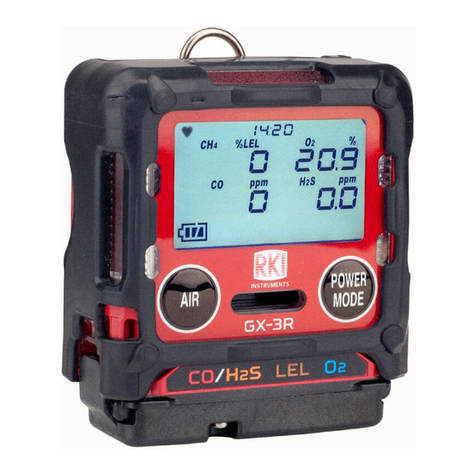
Riken Keiki GX-3R User manual

Riken Keiki

Riken Keiki GX-3R User manual

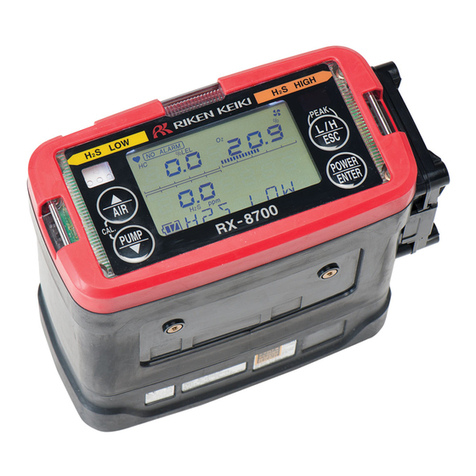
Riken Keiki RX-8500 User manual

Riken Keiki

Riken Keiki RX-8500 User manual

Riken Keiki FI-815A User manual

Riken Keiki

Riken Keiki FI-815A User manual

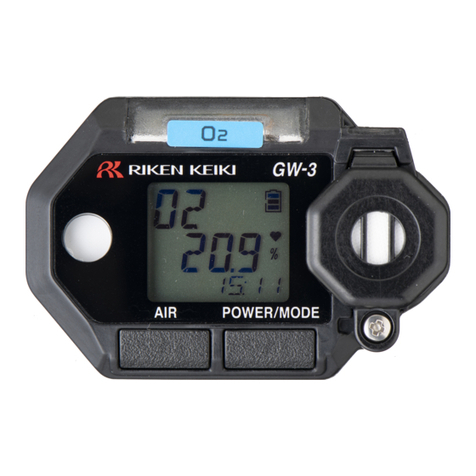
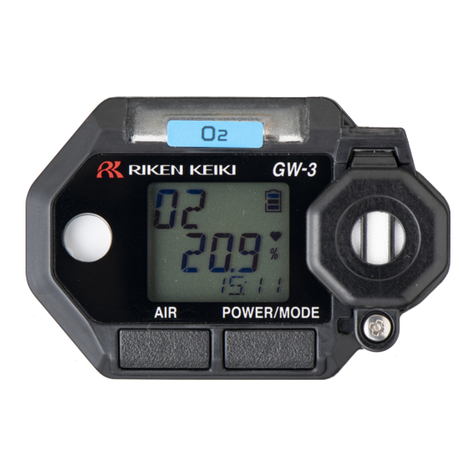
Riken Keiki GW-3 User manual

Riken Keiki

Riken Keiki GW-3 User manual

Riken Keiki SF6 Series User manual

Riken Keiki

Riken Keiki SF6 Series User manual

Riken Keiki GX-2012 Series User manual

Riken Keiki

Riken Keiki GX-2012 Series User manual

Riken Keiki CO2RK-Lite User manual

Riken Keiki

Riken Keiki CO2RK-Lite User manual

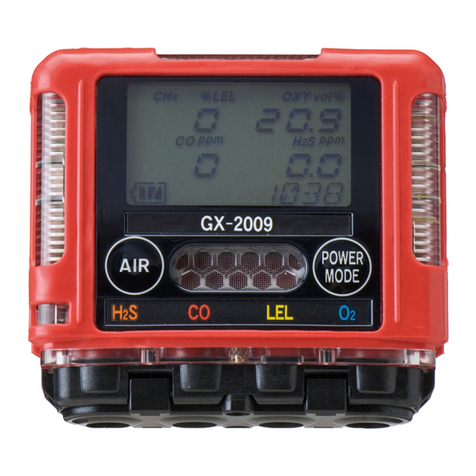
Riken Keiki GX-2009 User manual

Riken Keiki

Riken Keiki GX-2009 User manual

Riken Keiki GW-3 User manual

Riken Keiki

Riken Keiki GW-3 User manual

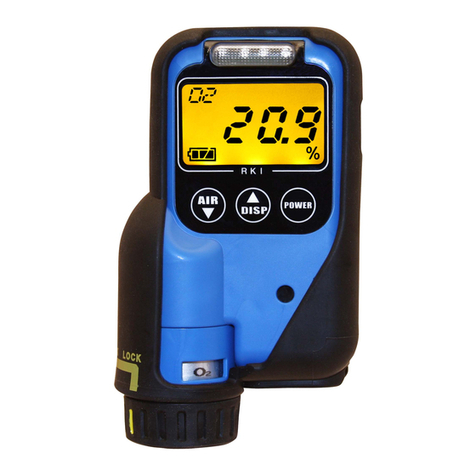
Riken Keiki OX-03 User manual

Riken Keiki

Riken Keiki OX-03 User manual

Riken Keiki EC-600 User manual

Riken Keiki

Riken Keiki EC-600 User manual

Riken Keiki OX-07 User manual

Riken Keiki

Riken Keiki OX-07 User manual

Riken Keiki OX-600 User manual

Riken Keiki

Riken Keiki OX-600 User manual

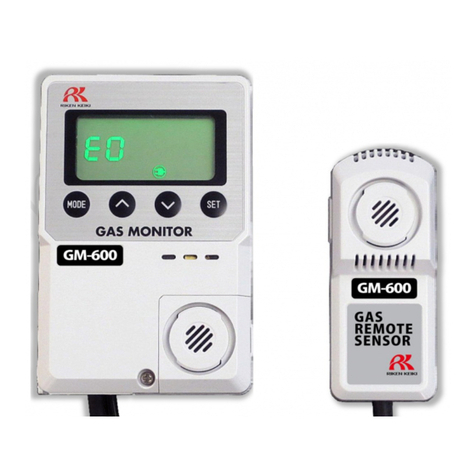
Riken Keiki GM-600 User manual

Riken Keiki

Riken Keiki GM-600 User manual

Riken Keiki FP-300AGZS User manual

Riken Keiki

Riken Keiki FP-300AGZS User manual

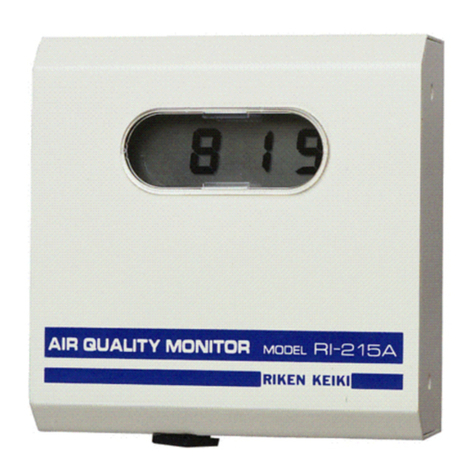
Riken Keiki RI-215A User manual

Riken Keiki

Riken Keiki RI-215A User manual

Popular Monitor manuals by other brands

Samsung ME32C user manual

Samsung

Samsung ME32C user manual

ViewSonic VA926-LED user guide

ViewSonic

ViewSonic VA926-LED user guide

Furuno Mu 120c Operator's manual

Furuno

Furuno Mu 120c Operator's manual

Asus VB171D - 17" LCD Monitor Service manual

Asus

Asus VB171D - 17" LCD Monitor Service manual

AOC 9GLR Technical specifications

AOC

AOC 9GLR Technical specifications

DMG RAFFAELLO manual

DMG

DMG RAFFAELLO manual

AOC LM720 - 17" Technical specifications

AOC

AOC LM720 - 17" Technical specifications

Sony Trinitron GDM-F500 Service manual

Sony

Sony Trinitron GDM-F500 Service manual

Memorex MT1701 user guide

Memorex

Memorex MT1701 user guide

ViewSonic VE510s-4 Service manual

ViewSonic

ViewSonic VE510s-4 Service manual

Farenheit T-1503CM instruction manual

Farenheit

Farenheit T-1503CM instruction manual

Ditel DINOS DN129/AT Quick installation guide

Ditel

Ditel DINOS DN129/AT Quick installation guide

Sony SDM-S51 Specifications

Sony

Sony SDM-S51 Specifications

Kenwood DMX1025BT quick start guide

Kenwood

Kenwood DMX1025BT quick start guide

Dell S2409WFP user guide

Dell

Dell S2409WFP user guide

EverFocus EN-7517E instruction manual

EverFocus

EverFocus EN-7517E instruction manual

Dell P3222QE user guide

Dell

Dell P3222QE user guide

Panasonic TH152UX1 - 152" PLASMA TV Service manual

Panasonic

Panasonic TH152UX1 - 152" PLASMA TV Service manual

manuals.online logo
manuals.online logoBrands
  • About & Mission
  • Contact us
  • Privacy Policy
  • Terms and Conditions

Copyright 2025 Manuals.Online. All Rights Reserved.

PT3E-0391
OPERATION AND MAINTENANCE MANUAL
FOR
RIKEN COMPACT INFRARED GAS MONITOR
MODEL RI-557
•Request for the Customers
•Read and understand this operating manual before using the detector.
•You must operate the detector in accordance with the operating manual.
•Regardless of warranty period, we shall not make any compensation for accidents and
damage caused by using this product.
The compensation shall be made only under the warranty policy of products or parts
replacement.
•Because this is a safety unit, a regular maintenance for every six months and daily
maintenance must be performed.
•If you find abnormalities in the detector, please notify them to our local representative
immediately.
[CAUTIONS ON OPERATION]
This is an infrared single gas monitor designed to measure one of the specified gas for
carbon monoxide, carbon dioxide or methan in air.
The gas monitor is a safety instrument, not an analyzer nor measuring instrument to
make quantitative and qualitative analysis or measurement.
Please understand following points and use this monitor correctly.
1. This gas monitor may respond to other gas and vapors than the target gas.
Be care to alarm action by interference.
It may fluctuate against the environmental(temperature, humidity, etc.) change
around the monitor.
Perform zero adjustment with regular interval(approx once a month).
2. Avoid to use this monitor at the place where the temperature is drastically(approx 10
~15℃) changed.
3. Alarm level shall be set within the performance of this monitor.
If set below our standard alarm level(20% of full scale), it may be caused to false
alarm.
4. This is not a control equipment, but a safety instrument.
Use the alarm contact from this monitor only for an external alarm light or buzzer.
And the analog output signal shall be used only for an external indicator or recorder.
We do not assume indemnification for any accident or damage caused by other
control purpose than the above.
5. Gas sampling from places where there are high humidity, dust or acid mist requires
sample pre-conditioner.
Please consult our nearest agent or Riken Keiki for such applications.
6. For maintenance, replacement parts listed in this manual and adjustments are
required.
We also recommend to perform regular maintenance including gas calibration in every
6 months as this is a safety instrument.
2
6.KIND OF ALARM AND ITS ACTION
6-1 Kind of alarm ……………………………………………………………… 30
6-2 Alarm action ……………………………………………………………… 30
6-3 Gas alarm (The unit with alarm setting)………………………………… 31
6-3-1 Responding to gas alarm……………………………………………… 31
6-3-2 Gas alarm possibility except the case of gas detection…………… 31
7.MAINTENANCE CHECK
7-1 Frequency of maintenance and check items …………………………… 32
7-1-1 Daily check …………………………………………………………… 32
7-1-2 Regular maintenance check ………………………………………… 32
7-1-3 Maintenance contract for regular check ………………………… 32
7-2 Replacing the parts ………………………………………………………… 33
7-3 Treatment when stopping operation or move its installation place … 34
7-3-1 Stopping the normal operation ……………………………………… 34
7-3-2 Changing the installation place ……………………………………… 34
7-4 Storage or treatment when not in use for a long period and treatment
for re-use…………………………………………………………………
34
7-5 Recommendable spare parts for regular maintenance ………………… 35
8.RESPONDING TO THE ABNORMAL CASE
8-1 Trouble alarm ……………………………………………………………… 36
8-2 Responding to the trouble ………………………………………………… 36
8-3 Before it is thought to be trouble………………………………………… 36
8-4 Troubleshooting……………………………………………………………… 37
9. DEFINITION OF TERMS……………………………………………………………… 39
10.DETECTION PRINCIPLE …………………………………………………………… 40
11.LIST OF PRODUCT SPECIFICATIONS
11-1 Standard specifications …………………………………………………… 41
11-2 Product compositions ……………………………………………………… 42
11-3 List of detection gas and range …………………………………………… 42

5
2-3.Caution items
○ Do not use a walky-talky around the instrument.
The indication might be affected by the electric wave generated by the walky-talky if it is
used near the instrument. When the walky-talky is used, be away enough from the
instrument not to affect.
○ Take at least 5 seconds interval when re-turning the power on.
Normal operation cannot be performed if the power is re-turned on within 5 seconds.
○ Confirm the float of the flowmonitor is within two red bars.
If the float is not within the red bars, the correct gas detection cannot be performed.
Adjust the flow rate.
○ Equip a dust filter to the instrument if it is used in a dusty place.
○ Do not use this monitor to control other equipment by use of output from this monitor.
This is not a control equipment.
Do not connect outer equipment for control purpose.
CAUTION
7
① LCD display : Displaying gas concentration and various messages.
② Flowmonitor : To confirm the suction flow.
③ Dust filter : To remove the dust containing in the sampled gas.
④ Gas inlet : Sampled gas inlet to this monitor.
⑤ Fuse holder : 2A fuses are mounted.
⑥ Gas outlet : Sampled gas outlet from this monitor.
⑦ Power switch : ON/OFF switch for power supply
⑧ Terminal plate(3P): Terminal strip for power source.
⑨ Terminal plate(8P): Terminal strip for outputs/relay contacts.
⑩ Calibration gas inlet: Inlet for canned calibration gas(zero/span adjustments).
・Put the cap onto calibration gas inlet in case you do not
use calibration gas.
CAUTION