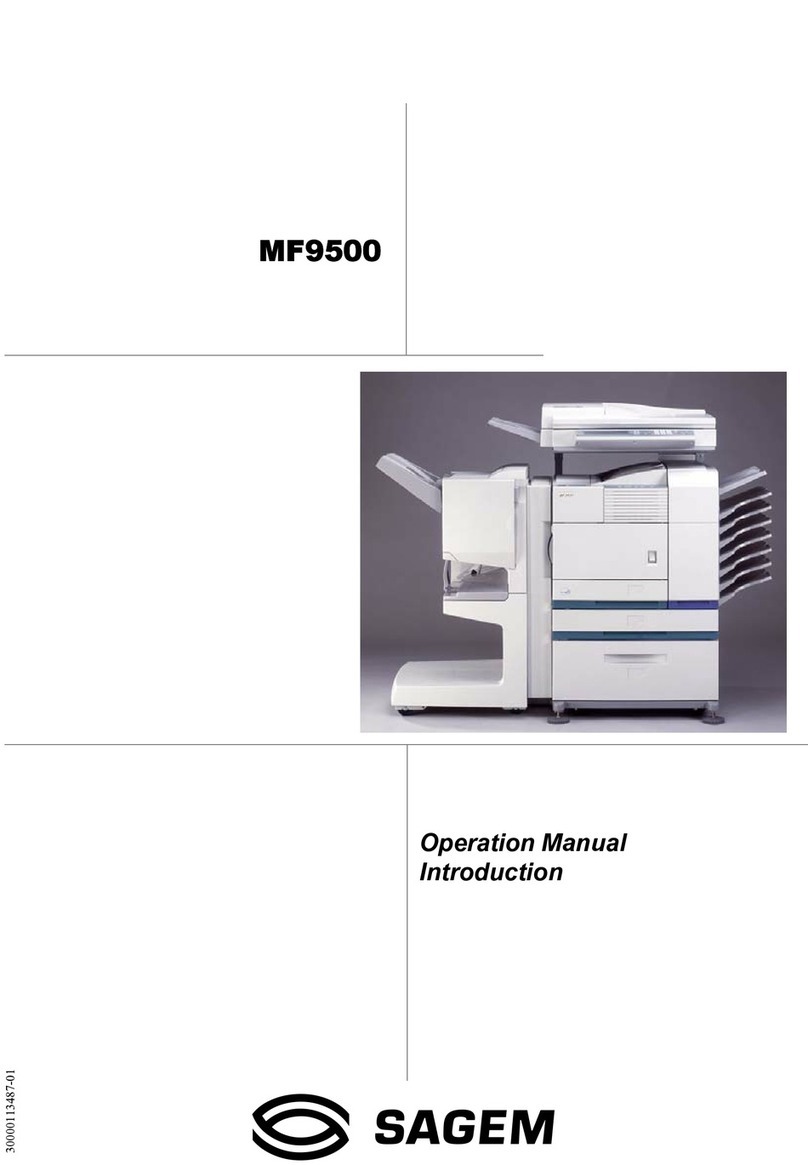
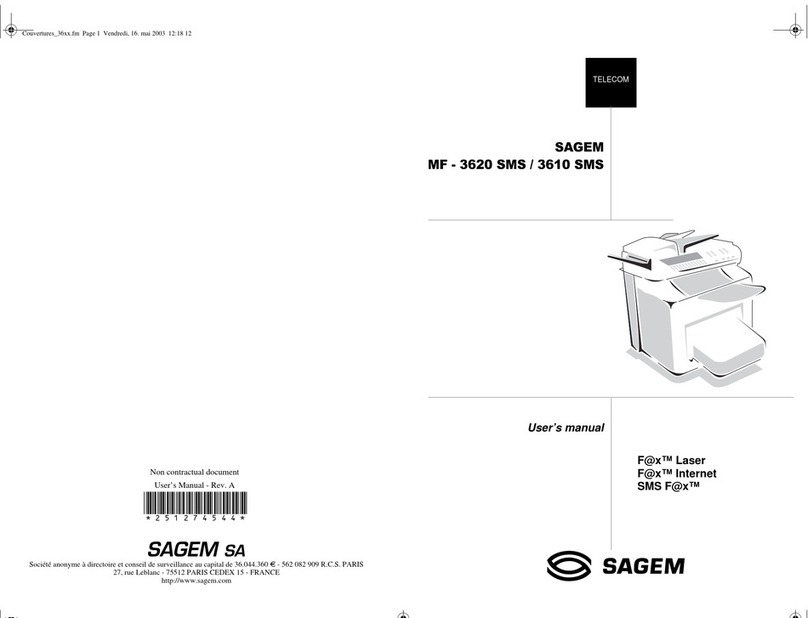
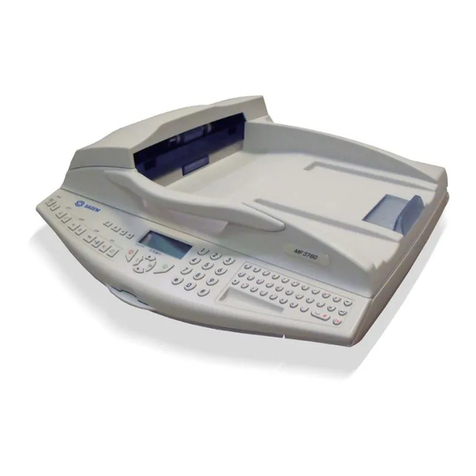
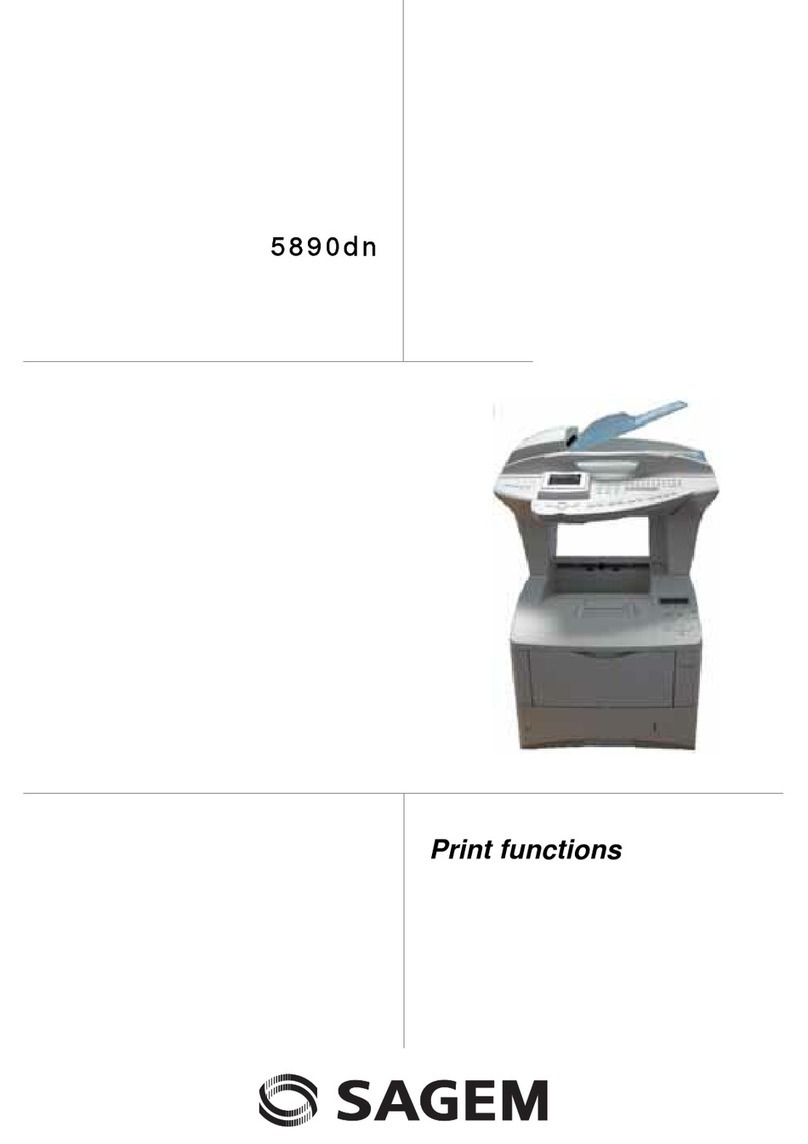
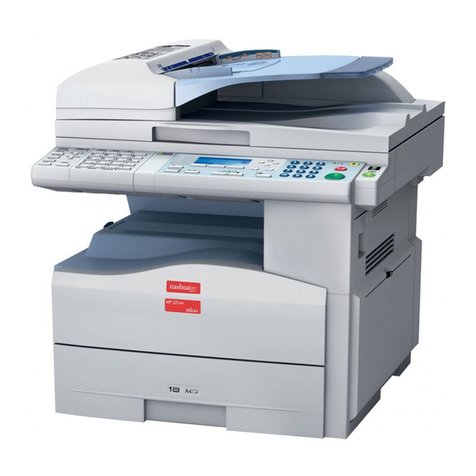
MF5482
- III -
Contents
Selecting the connection type 58
Selecting the transmission type 58
Modifying the connection period
(Periodic type) 58
Modifying the connection time(s)
(Set Times type) 58
Selecting the print mode for the deposit
notice 58
Specifying an E-mail reply address 58
Printing the Internet settings 58
Mail sorting 58
F@X Only mode 59
PC Only mode 59
PC share mode 59
USB memory key 60
Use of the USB memory key 60
Print your documents 60
Print the list of files located in the key 60
Print the files located in the key 60
Delete your files located in the key 61
Analyse the USB memory key content 61
Save a document on a USB memory key 61
PC Features 63
Introduction 63
Configuration requirements 63
Installation 63
Installing the full software package 63
Installing the drivers using the
Companion Suite Pro software 64
Installing the drivers manually 66
USB print and scan drivers 66
LAN print and scan drivers 67
Installing PostScript print drivers 67
Multifunction Terminal's Supervision 67
Checking the connection between the PC
and the multifunction machine 67
Companion Director 67
Graphical presentation 67
Utilities and applications activation 67
Companion Monitor 68
Graphical presentation 68
Device management 68
Adding a device connected via USB 68
Adding a device connected to the network 68
Adding manually a device connected to
the network 69
Selecting the current device 70
Status of the connection 70
Device parameters 70
Removing a device 71
Display the consumable status 71
Links 71
Links available for connected USB devices 71
Links available for connected network
devices 72
Companion Suite Pro functionalities 72
Document analysis 72
Analysis with Scan To 72
Character recognition software (OCR) 73
Printing 73
Printing on the multifunction machine 73
Printing in duplex mode with
the multifunction machine 73
Address book 75
Add a contact to the terminal address book 75
Add a group to the terminal address book 75
Manage the address book 75
Modify the information related to a contact 76
Modify a group 76
Delete a contact or a group from the
address book 76
Print the address book 76
Import or export an address book 76
Save / Export your address book 76
Import an address book 76
Fax communications 76
Presentation of the Fax window 76
Send a fax 77
Send a fax from the hard disk or the terminal 77
Send a fax from an application 77
Receive a fax 78
Follow-up of fax communications 78
The outbox 78
The send memory (items sent) 78
The outbox log 78
The inbox log 78
Fax parameters 79
Access to fax parameters 79
Description of the tab Logs and Reports 79
Description of the tab Fax Parameters 79
Cover page 80
Creating a cover page template 80
Creating a cover page 81
Description of the tab Cover page 82
SMS Communications 83
Presentation of the SMS window 83
Send an SMS 83
Follow-up of SMS 84
The outbox 84
The outbox log 84
The sent item memory (items sent) 84
SMS Parameters 84
Access to SMS parameters 84
Description of the tab Logs and reports 84
Software Uninstallation 85
Uninstall the software from your PC 85
Uninstall the drivers from your PC 85
Uninstall the drivers using the Companion
Suite Pro software 85
Uninstall the drivers manually 85
Maintenance 87
Service 87
General information 87
Toner cartridge replacement 87
Issues with smart cards 88
Cleaning 88
Scanner reading system cleaning 88
Printer cleaning 88
Printer external cleaning 88
Document-feeder roller cleaning 88
Printer issues 89
Error messages 89
Paper jam 89
Scanner issues 90
Miscellaneous issues 90
Communication errors 90
Transmission from the feeder 90
Transmission from memory 90
Communication error codes 90
General codes 90
PC printing issues 91
PC printing via USB connection 91