User Manual GSM LT-18
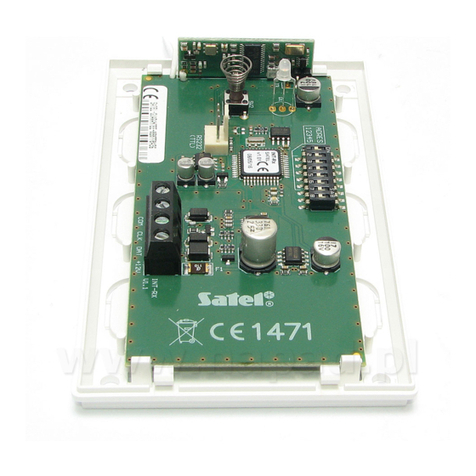
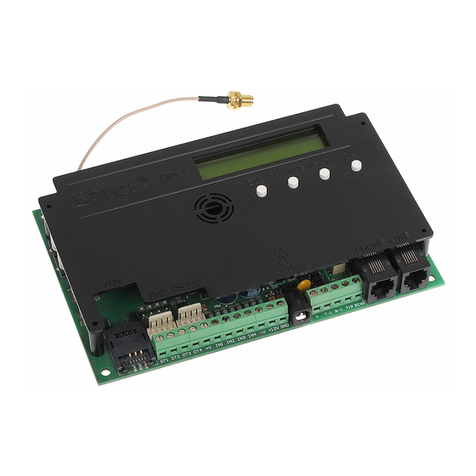
manufactured by SATEL. The example of module connection to station is shown in Fig. 5.
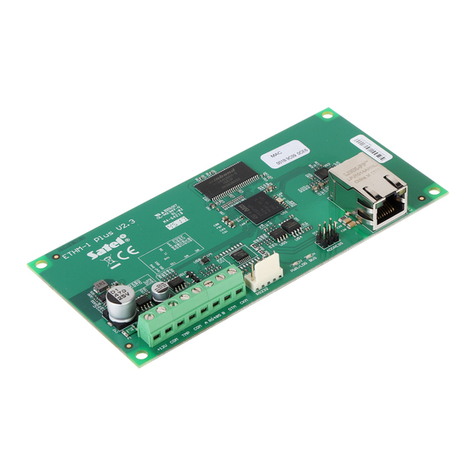
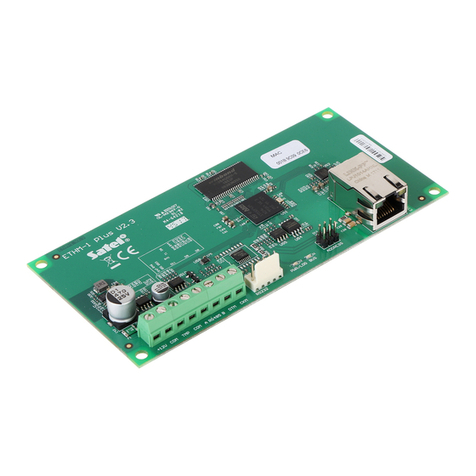
The STAM-1 TRNK expansion board can also be used to connect the module.
Connect the GSM LT-1S module to the computer serial port (COM1 or COM2) or,
alternatively, to the RS-232 port on the expansion board, by means of the typical cable for
programming the CA-10, CA-64 or INTEGRA control panels.
To make the module interface with the monitoring station, you must enter during setup the
communication code, by default 111111. The contents of SMS-messages and the
corresponding codes are to be defined in the STAM-1/STAM-2 program when editing the
client.
8. SENDING SMS MESSAGES
An alarm triggered at the protected site can initiate the mode of telephone messaging
through the alarm control panel. If the control panel has the function of messaging to the
pager system, it can be used for sending SMS messages to the cellular telephone number.
The message then sent by the control panel is transferred to the GSM LT-1S module, not to
the pager station. For example: the alarm control panel CA-64 or INTEGRA can send
messages to three different paging systems. If one of them is assigned to operation with the
GSM LT-1S module, the remaining two can perform their normal function.
To enable sending the SMS messages, program in the GSM-LT module the telephone
number of Short Message Service Center (function 02 and 10) and telephone number of
pager station (function 06), and in the alarm control panel the telephone number of pager
station, as required, and enter into the control panel memory the appropriate text to be sent.
The telephone number to be programmed in the control panel must consist of:
1. The "pager station number" pre-programmed in the GSM LT-1S module.
2. The cellular phone number to which the SMS message is to be sent (with the country code
prefix, but without the „+” character).
3. The end-of-number character (it is „A” in SATEL control panels).
Note: Parts of the number may not be separated from each other by any time interval (pause);
the digits must be sent by the control panel as one sequence in DTMF or pulse mode. In
case the module has any trouble with receiving the „pager” station number in the tone
mode, it is necessary to set the pulse dialing mode in the control panel.
8.1 PROCEDURE FOR CONVERTING PAGER MESSAGES INTO SMS MESSAGES
After the alarm control panel goes “off hook” and the number has been dialed – the module
checks the first four digits of the number. If they coincide with the “pager station number”
programmed in the module, then the module will send a handshake signal (similarly as the
pager station) and receive the message sent by the control panel. Next, this message is
transmitted via the SIM300C telephone as an SMS text message to the number received
from the control panel (the second part of the control panel programmed number).
Note: The programmed “Pager station number” must be unique and must not coincide with
the beginning of other telephone numbers.
The SMS sending systems may require adding a prefix with the country code (48 for Poland).
The prefix (without „+”) is to be programmed together with the cellular phone number.
To enable the transmission of SMS messages, the “SMS center No.”, must be loaded into
the module, depending on the GSM network where the telephone is activated. It must be
preceded by the „+” character and the country code suitable for the operated network.