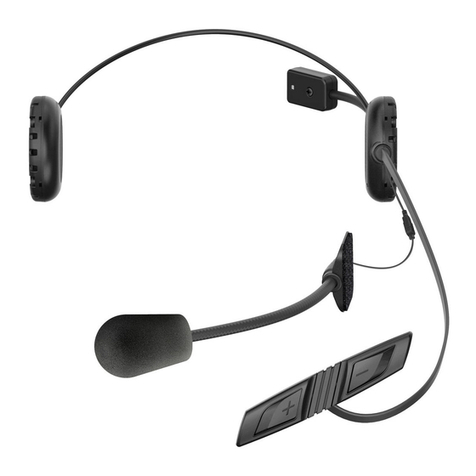
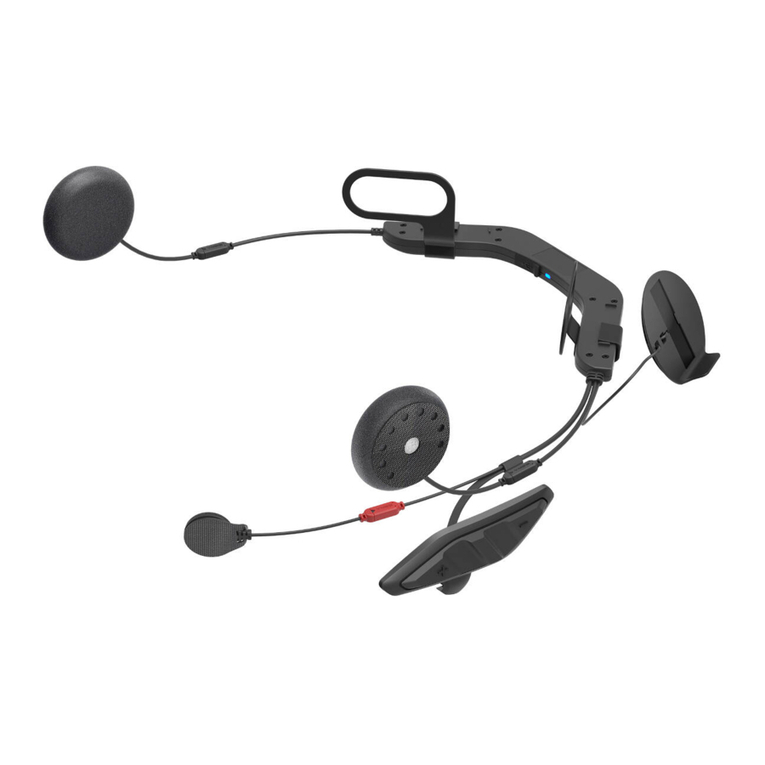
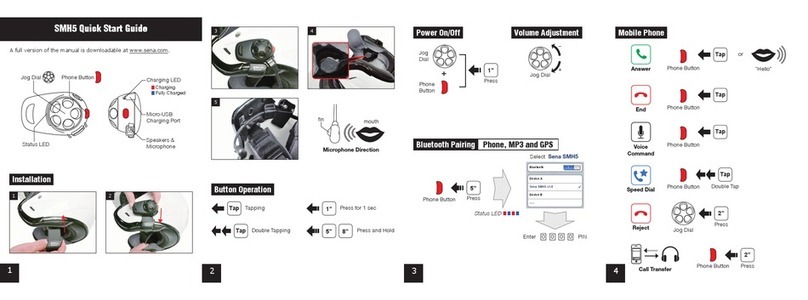
10U
English
CONTENTS
1 INTRODUCTION .......................................................................................................5
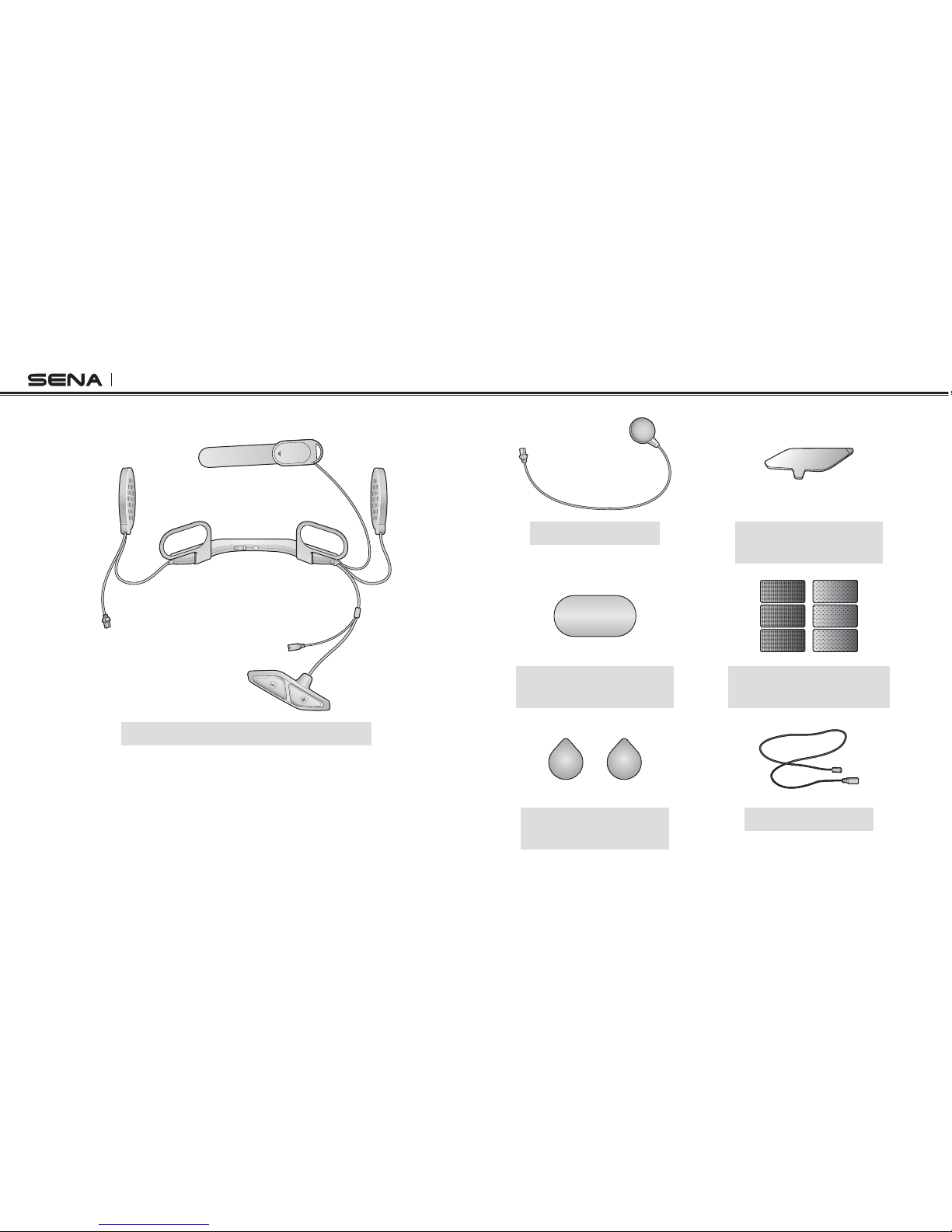
2 PACKAGE CONTENTS ............................................................................................6
2.1 10U for Shoei GT-Air................................................................................................................6
2.2 10U for Shoei Neotec..............................................................................................................7
2.3 10U for Shoei J-Cruise ............................................................................................................7
2.4 10U for Arai Full-face Helmets................................................................................................8
2.5 10U for Schuberth C3/C3 Pro .................................................................................................9
2.6 Handlebar Remote..................................................................................................................9
3 INSTALLING THE 10U ON YOUR HELMET......................................................... 10
3.1 10U for Shoei GT-Air and Neotec Installation Guide ............................................................10
3.2 10U for Shoei J-Cruise Installation Guide.............................................................................13
3.3 10U for Arai Full-face Helmets Installation Guide.................................................................16
3.4 10U for Schuberth C3/C3 Pro Installation Guide..................................................................20
3.5 Handlebar Remote................................................................................................................24
4 GETTING STARTED.............................................................................................. 24
4.1 Button Operation...................................................................................................................24
4.2 Powering On and Off.............................................................................................................25
4.3 Charging................................................................................................................................26
4.4 Checking the Battery Level...................................................................................................26
4.5 Volume Adjustment ...............................................................................................................26
4.6 Sena Software .......................................................................................................................27
5
PAIRING THE 10U WITH BLUETOOTH DEVICES..........................................................27
5.1 Mobile Phone Pairing - Mobile Phone, Bluetooth Stereo Device .........................................27
5.2 Second Mobile Phone Pairing - Second Mobile Phone, GPS, and SR10............................28
5.3 Advanced Selective Pairing: A2DP Stereo or Handsfree.....................................................29
5.4 Intercom Pairing ....................................................................................................................30
6 MOBILE PHONE, GPS, SR10 ............................................................................... 32
6.1 Mobile Phone Call Making and Answering...........................................................................32
6.2 Speed Dialing........................................................................................................................32
6.3 GPS Navigation.....................................................................................................................33
6.4 Sena SR10, Two-Way Radio Adapter ...................................................................................34
7 STEREO MUSIC .................................................................................................... 34
7.1 Bluetooth Stereo Music .........................................................................................................34
7.2 Music Sharing .......................................................................................................................34
8 INTERCOM............................................................................................................. 35
8.1 Two-way Intercom .................................................................................................................35
8.2 Three-way Intercom ..............................................................................................................36
8.3 Four-way Intercom.................................................................................................................38
9 THREE-WAY CONFERENCE PHONE CALL WITH INTERCOM
PARTICIPANT........................................................................................................ 39
10 UNIVERSAL INTERCOM....................................................................................... 40
10.1 Universal Intercom Pairing....................................................................................................41
10.2 Two-way Universal Intercom.................................................................................................41
10.3 Three-way Universal Intercom ..............................................................................................42
10.4 Four-way Universal Intercom ................................................................................................43
11 FM RADIO .............................................................................................................. 45
11.1 FM Radio On / Off .................................................................................................................45
11.2 Preset Stations.......................................................................................................................45
11.3 Seek and Save ......................................................................................................................45
11.4 Scan and Save ......................................................................................................................46
11.5 Temporary Preset ..................................................................................................................46
11.6 Region Selection ...................................................................................................................47