6 EN
EN
03/2016
2016
Operation
Information about the battery:
To achieve the maximum battery lifetime, it is best to start charging the battery
after the low battery power notification (voice, LOW POWER), playback
will stop. The indicator lights in the battery holder remain lit. Then charge
continuously until fully charged (green indicator light). When the operating
time of the battery becomes very short, the battery's lifetime has been use up;
have the battery replaced at an authorised service centre.
Recommendation:
When not using the device for an extended period of time, we recommend fully
charging the battery once every two to three months. We do not recommend storing
the device with a flat battery, it may result in irreparable damage to the battery (loss of
capacity) or it may stop working entirely.
3.3. Turning on the device
Slide the switch (at the rear) to the ON position, check the device to see that it has
sufficient power to turn on, the text "HI" will briefly appear on the display. If only the
indicators on the holder or nothing at all is lit, first charge the battery in the device. When
turned on, the device will proceed to the last input used, if available.
3.4. Operating modes
1.4.3. FM radio
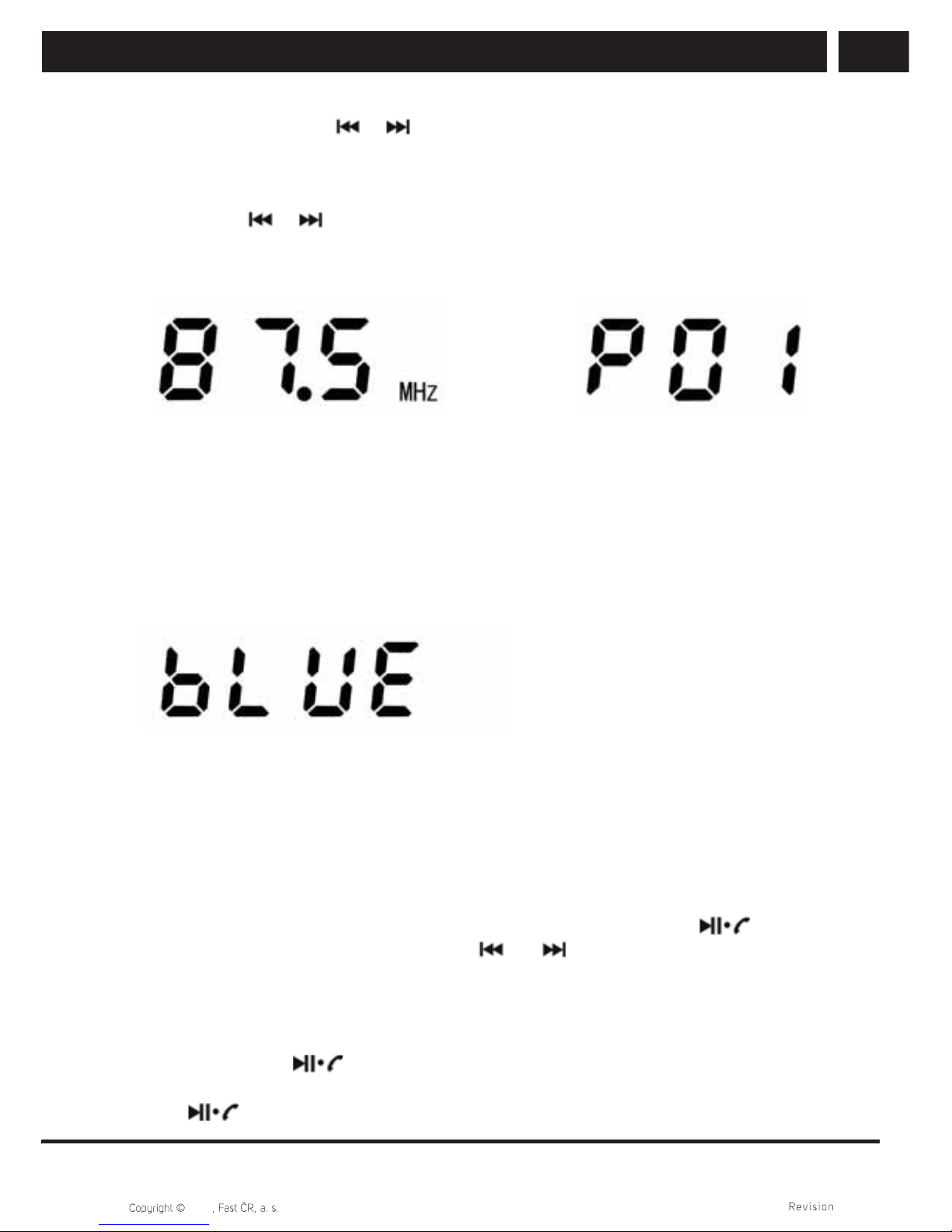
The radio plays an available FM station and shows its frequency on the display. The
device has a built-in FM antenna that is sufficient for reliable reception of strong radio
stations free of interference. If the reception is weak or there is radio noise, first try
changing the position of the receiver or rotating it. If the radio signal remains weak,
select a different station with a stronger signal. It is possible that interference in your
area may also be caused by high power electrical equipment or electronic appliances. In
such a case, move away from the interference source for reliable reception. To improve
the reception of weak stations, you may try inserting a cable into the LINE IN socket to
act as an external antenna. After inserting it and automatic selection of the LINE input,
repeatedly press the MODE button to return to the FM mode.
1. Long press the button to start the automatic radio station scan and its storage
in memory
2. Short press the button to gradually scroll through stations that were stored
earlier. The number of the preset station will appear briefly and then its frequency will
be shown permanently.