EN - 9
TWS FUNCTION
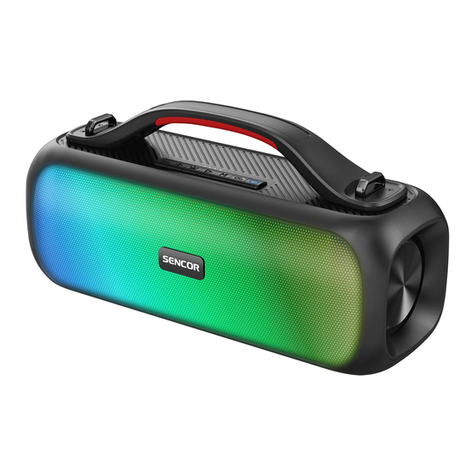
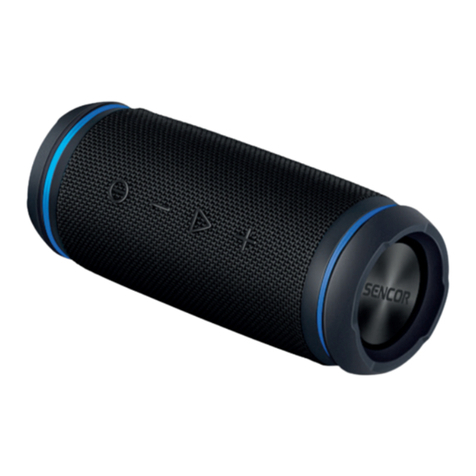
If you purchase another Bluetooth speaker (“HYPE L SE”), you can pair them
together for optimal stereo sound. First, make sure your device is not connected
to any BT speaker. Switch on both BT speakers, press and hold the PLAY/PAUSE/
TWS button (this will be accompanied by the message “True wireless mode”) and
wait until the speakers automatically pair together. After successful pairing on the
slave BT speaker, the LED indication changes from white intermittent to white solid.
Successful pairing will also be accompanied by a “True wireless paired” voice signal.
Then connect your mobile device to the parent from the BT speaker.
Changing the volume level using the volume control buttons will take effect
automatically on both paired BT speakers. Pressing and holding the Power On button
on one of the speakers will turn both paired speakers off. To exit TWS mode, press
and hold the PLAY/PAUSE/TWS button on one of the participating BT speakers until
the message “True wireless disconnected” appears.
Caution: The TWS function is only available in the Bluetooth mode. It is not possible
to pair the device with another type of BT speaker with TWS function, even within
a re-edition of products with a different Bluetooth name.
CHANGING THE EQUALIZER
The device has 3 types of preset equalizers. To change the equalizer, double-click
the Bluetooth/equalizer button while music is playing. The mode change will be
announced by a short tone specific to each preset equalizer.