9
CopyandPastePresetList
1. On the destination UR3: select UTILITIES > MIC PRESET
Highlight MIC PRESET.
2. From the source UR3: select UTILITIES > MIC PRESET > COPY/PASTE.
3. Align the IR windows and press enter on the source UR3.
SUCCESS appears on the LCD of the destination UR3.
ModifyMicrophonePresets
Choose a preset from the preset list, enter the submenu, and choose MODIFY.
Usethejoysticktoeditvalues:
Right: move to the next value.
Down: edit the selected value.
Left: exit the preset without saving changes.
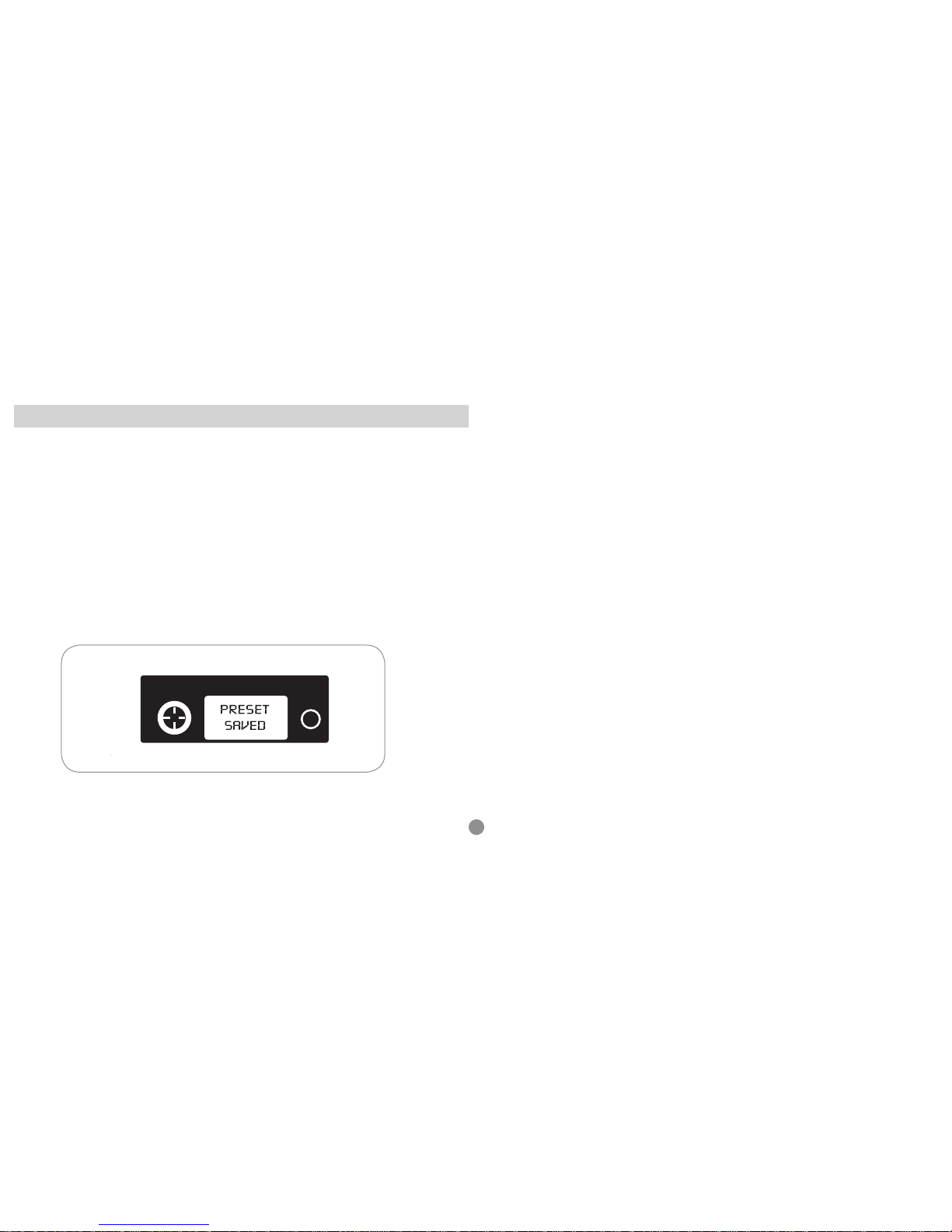
To exit and save: Continue to scroll right, through all fields, until PRESET SAVED
appears.
To edit the eight-character name:
1. Highlight the preset name and press the joystick down.
2. Scroll up/down to change the character.
3. Scroll right to move to the next character.
4. To exit, continue to scroll right past the last character.
PoweronwithRFOFF(RFSafetyMode)
Use this to turn on the transmitter without transmitting RF. This allows you to
change frequency settings on the transmitter without accidentally interfering with a
frequency being used by another transmitter.
1) Hold joystick to the left (exit) while turning on the transmitter power. RF OFF is
displayed on home screen.
2) Change and save your frequency settings as you normally would – the transmit-
ter will not broadcast.
3) To transmit RF, power the transmitter off or turn the RF on thru the Main Menu,
MAIN MENU>RADIO> ENABLE RF.
4) Change and save your frequency settings as you normally would – the transmit-
ter will not broadcast.
Lock
Use this shortcut to power on the transmitter with the interface locked. This pre-
vents accidental changes to transmitter settings.
1. While holding the joystick to the right, power on the transmitter.
The home screen displays the lock icon.
2. To unlock the transmitter, hold the joystick to the right for 5 seconds and follow
the on-screen instructions.