9GB
Introduction/Setting up
Wear suitable protective gloves at
all times if such an event occurs.
In the event of a leakage of batter-
ies/rechargeable batteries, imme-
diately remove them from the
product to prevent damage.
Only use the same type of batteries/
rechargeable batteries. Do not mix
used and new batteries/recharge-
able batteries.
Remove batteries/rechargeable
batteries if the product will not be
used for a longer period.
Risk of damage of the product
Only use the specified type of bat-
tery/rechargeable battery!
Insert batteries/rechargeable bat-
teries according to polarity marks
(+) and (-) on the battery/recharge-
able battery and the product.
Clean the contacts on the bat-
tery/rechargeable battery and
in the battery compartment before
inserting!
Remove exhausted batteries/
rechargeable batteries from the
product immediately.
Setting up
Preparing the remote
control (fig. A)
CAUTION! Danger of explosion in
the case of improper battery re-
placement. Only replace with the
same or equivalent battery type.
1. Open the battery compartment on
the back of the remote control by
turning the battery compartment
cover 4anti-clockwise with the
aid of a coin or a screwdriver, then
removing the lid (open).
2. Insert the round cell battery type
CR 2032. Make sure you fit the
battery with the correct polarity
(+ = up).
3. Place the battery compartment
cover 4back on and lock it in
place by turning it in a clockwise
direction (close).
4. Press one of the ON/OFF buttons
2or 3to test whether the remote
control works; if it does, the power
indicator light will come on 1.
Setting up the remote-
controlled socket
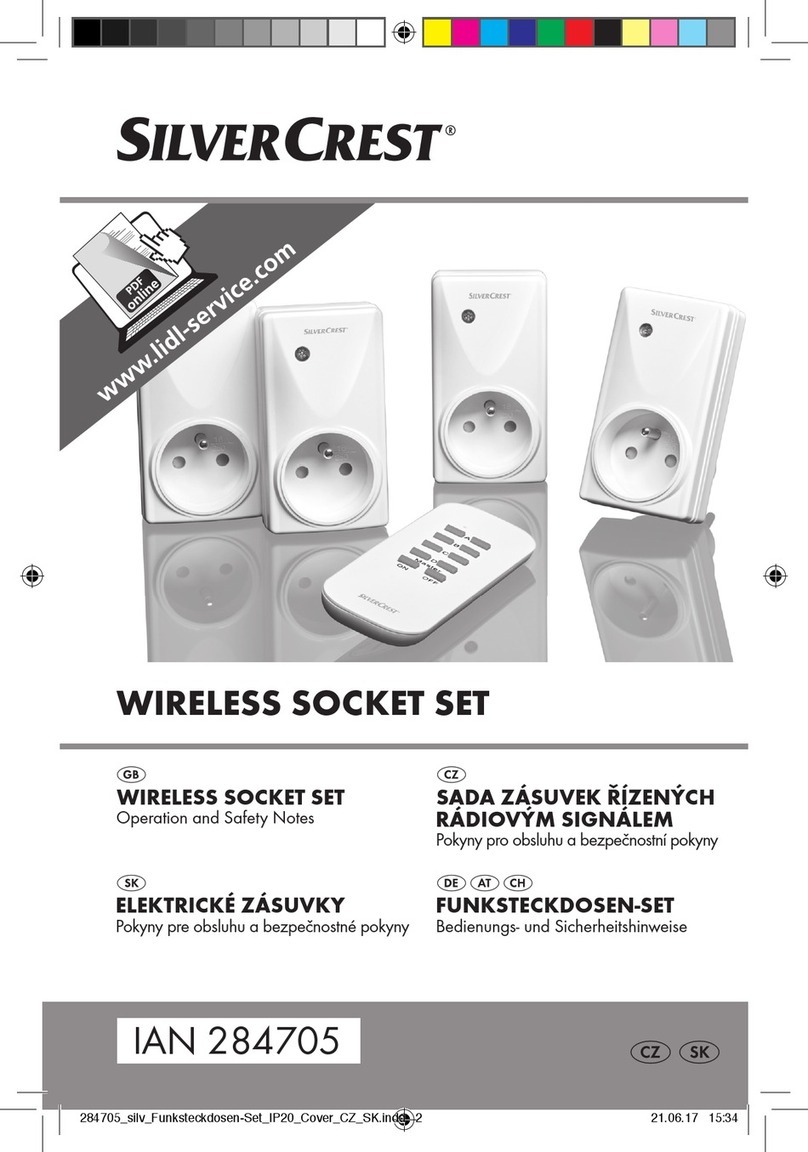
1. Plug the remote-controlled socket
into an earthed household socket.
2. The LED operating status display 5
will now flash slowly for approx.
30 seconds after plugging in.
3. Aim the remote control at the
remote-controlled socket at a
distance of approx. 50cm.
4. With the LED operating status dis-
play 5flashing, press the desired
ON button of the channel ON/
OFF button 2(A, B, C or D) on
the remote control. The LED operat-
ing status display 5will now light
continuously. You can now use the
remote control to switch a con-
nected device on or off using.