9GB/IE/NI
acid, rinse the affected area with
plenty of clean water and consult
a doctor immediately.
Remove light dirt from the battery
and product contacts with a dry,
non-fluffing cloth before inserting
the battery.
Remove the battery from the
product if it is not in use for any
length of time.
Make sure that the polarity is cor-
rect when you insert the
battery
.
This is indicated in the battery
compartment. The battery can
otherwise explode.
Insert the battery with care.
The product can otherwise be
damaged.
Please do not dispose of used
batteries in your household waste
but take them to a designated
collection depot for special waste.
QGetting started
1. Loosen the screw located at the back of the kit-
chen scale 2by using a screw driver.
2. Open the battery compartment 8on the back
of the kitchen scale 2by pushing the clip of
the battery compartment cover 9towards the
battery compartment 8and lift the cover off.
3. Remove the isolating strip. This is located
between the battery and the battery compart-
ment 8.
4. Replace the battery compartment cover 9on
the battery compartment 8. Make sure that
the two extensions on the battery compartment
cover 9engage in the two openings in the
battery compartment 8. Press the battery
compartment cover 9onto the battery com-
partment 8until it noticeably and audibly
clicks into place.
5. Close the battery compartment 8and tighten
the screw by using a screw driver.
QReplacing battery
1. Loosen the screw located at the back of the kit-
chen scale 2by using a screw driver.
2. Open the battery compartment 8.
3. Remove the used battery from the battery com-
partment 8by gently pulling the grip 10 out-
wards. Make sure that you do not exert too
much pressure on the grip 10 or it may other-
wise be damaged.
Remove the battery from the battery compart-
ment 8.
4. Insert the new battery. Make sure that the polarity
is correct. The “+“ must be pointing upwards.
The battery must be pressed inside the battery
holder.
5. Close the battery compartment 8and tighten
the screw by using a screw driver.
QWeighing
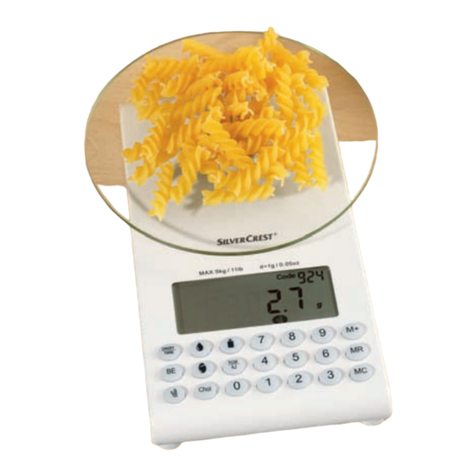
Note: Starting with or without the weighing bowl
1, the kitchen scale 2always starts at 0g/0.0
oz (the temperature will also be shown) when you
switch it on.
However, if you place the weighing bowl 1on
the kitchen scale 2after you have switched it on,
the kitchen scale will indicate the weight of the
weighing bowl 1. Press the Zero button 7to re-
set the display to 0g/0.0 oz. The kitchen scale 2
now reads “TARE“.
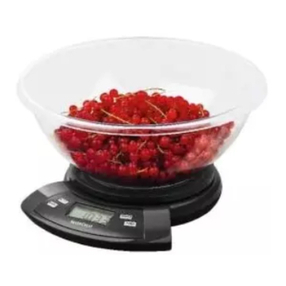
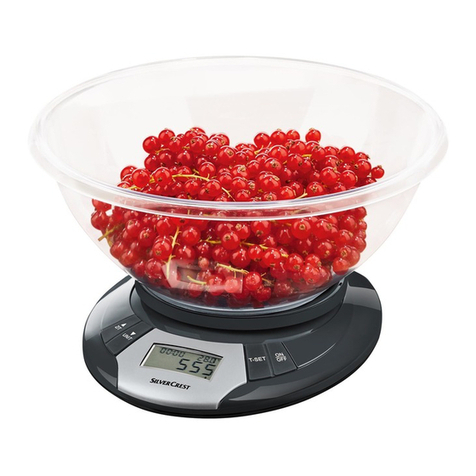
Place the weighing bowl 1on the kitchen
scale 2.
Press the ON/OFF button 3to switch the
kitchen scale 2on.