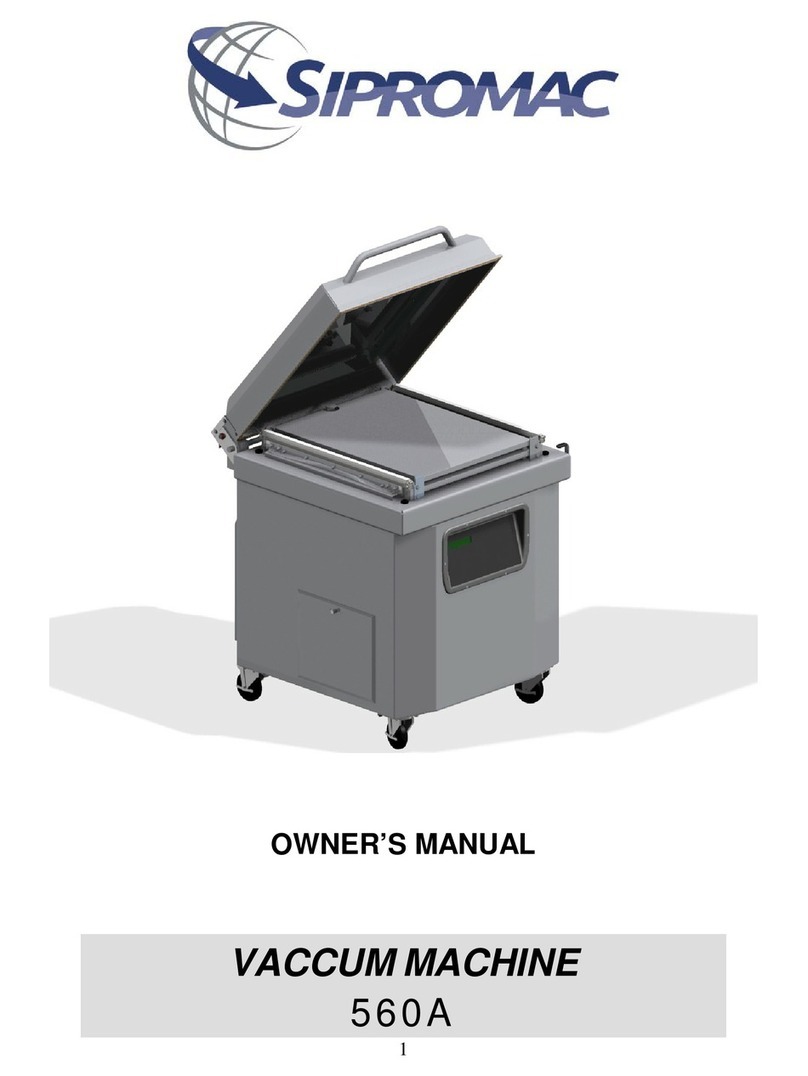
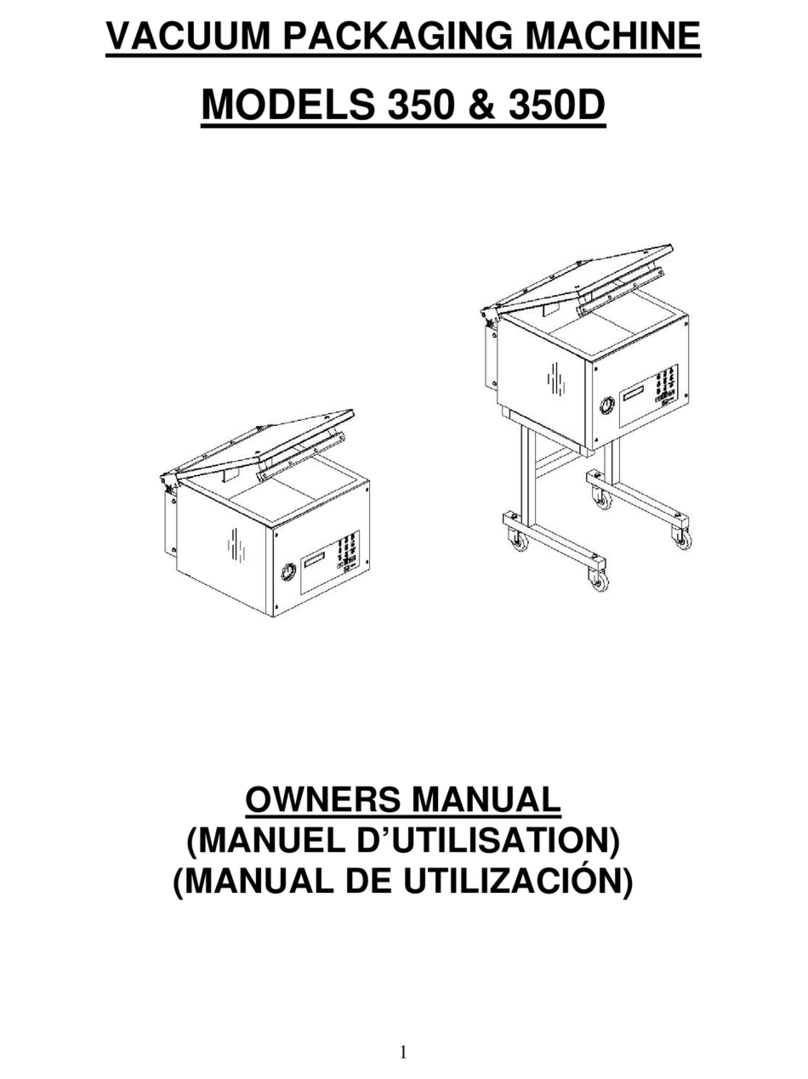
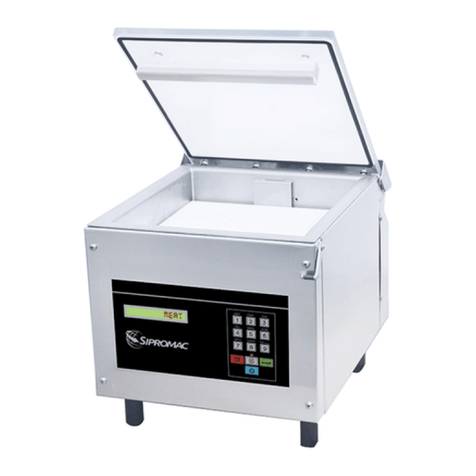
VACUUM PACKAGING MACHINE
SIPROVAC 620A
TABLE OF CONTENT
Section 1- Setting up the machine.............................................................................6
1.1. Connections ...............................................................................................................................6
1.1.1. Electric connections.............................................................................................................6
Section 2- Operation...................................................................................................7
2.1. Working principles......................................................................................................................7
2.2. Special packaging......................................................................................................................7
2.2.1. Gas flushing (option)............................................................................................................7
2.2.2. Top and bottom sealing (option)..........................................................................................8
2.2.3. Electrical bag cut (option) ....................................................................................................8
2.3. Vacuum packaging operations...................................................................................................8
2.3.1. Basics..................................................................................................................................8
2.3.2. Functions.............................................................................................................................8
2.3.2.1. Create a program..........................................................................................................8
2.3.2.2. Delete a program...........................................................................................................8
2.3.2.3. Select operating mode ..................................................................................................9
2.4. Program menu............................................................................................................................9
2.4.1. Program identification..........................................................................................................9
2.4.2. Vacuum level setting............................................................................................................9
2.4.3. Vacuum plus time setting...................................................................................................10
2.4.4. Gas flush level setting........................................................................................................10
2.4.5. Sealing time setting............................................................................................................10
2.5. Vacuum cycle execution...........................................................................................................10
2.6. System monitor ........................................................................................................................11
Section 3- CONTROL KEYBOARD DETAILS...........................................................11
3.1. Menu structure .........................................................................................................................12
Section 4- Cleaning...................................................................................................13
Section 5- Troobleshooting......................................................................................13
5.1. Failure during packaging cycles...............................................................................................13
5.1.1. ‘’VACUUM ERROR’ message displayed on LCD..............................................................13
5.1.2. ‘’GAS FLUSH ERROR’’ message displayed on LCD.........................................................13
5.1.3. ‘’ATMOSPHERE ERROR’’ message displayed on LCD....................................................13
5.1.4. ‘’COVER DOWN ERROR’’ message displayed on LCD....................................................13
5.2. Insufficient vacuum...................................................................................................................13
5.2.1. Leakage in the bag ............................................................................................................13
5.2.2. No leakage in the bag........................................................................................................14
5.2.3. Insufficient vacuum in the chamber....................................................................................14
5.3. Faulty seal................................................................................................................................14
5.3.1. Insufficient seal..................................................................................................................14
5.3.2. No seal...............................................................................................................................14
5.3.3. Permanent sealing current.................................................................................................15
5.3.4. Seal does not stick.............................................................................................................15
5.4. Fault in the valve ......................................................................................................................15
5.5. MC-40 control board failure......................................................................................................15
Section 6- Maintenance............................................................................................15
Section 7- Mechanical drawing and part list...........................................................17