SOFTWARE CONFIGURATION GUIDE
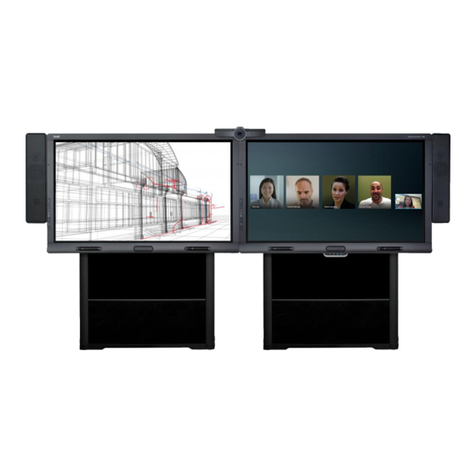
SMART ROOM SYSTEM FOR MICROSOFT LYNC
4 smarttech.com/kb/170608
Preparing for your room system
Several weeks before installing your room system’s hardware and configuring its software,
complete the following tasks.
Task
Ensure you have all items documented in the
SMARTRoomSystem for MicrosoftLync
installation and service preparedness checklists
(knowledgebase.force.com/?q=000014425).
Ensure your organization has implemented Lync 2013 and the Lync infrastructure is
functioning.
Download and follow the instructions in the
MicrosoftLync Room System Deployment
Guide
(microsoft.com/en-us/download/confirmation.aspx?id=39274).
This guide explains how to provision the Lync account in the Lync Server and the
MicrosoftExchange server.
Use a test computer to confirm that the Lync account is functioning.
Determine if your Lync infrastructure includes a key management service (KMS) server
and if the KMS server is configured to provide Lync 2013 product keys.
A KMS server automatically provides a product key to the Lync Room System software. If
your Lync infrastructure doesn’t include a KMS server, you can use the multiple activation
key (MAK) provided by Microsoft during the configuration of the software.
Before configuring your room system’s software
Before configuring your room system’s software, ensure the following prerequisites are in place:
Task
The steps in
Preparing for your room system
above have been completed.
You have the necessary information to connect the room system to the Lync Server,
including the following:
lIP addresses for DNS servers (if not configured automatically from the network via
DHCP)
lAdministrator user name and password to be applied to the room system
lLync appliance computer name for network presence
lLync account name and password for the room system
lSIP URI address
TIP
You can record this information on page3 for future reference.