QuickReference
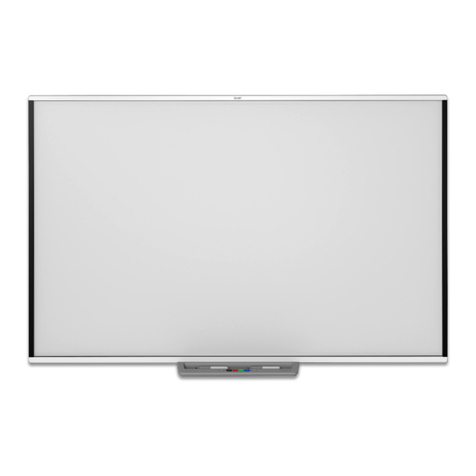
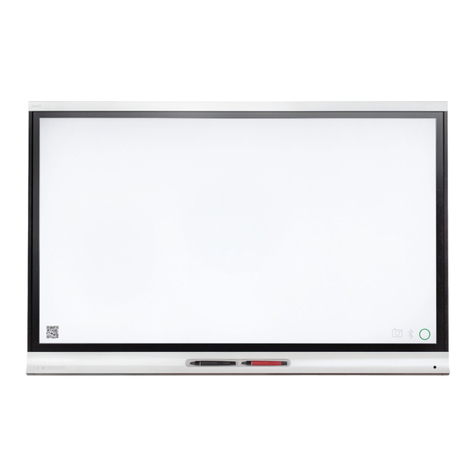
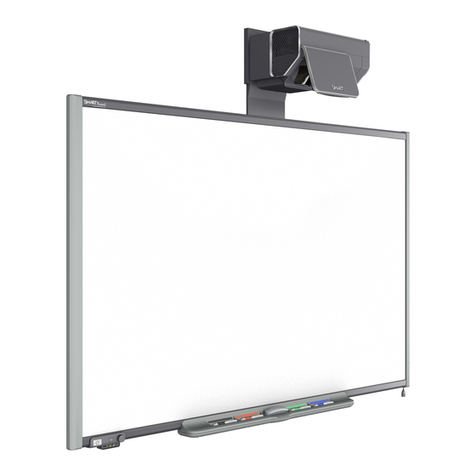
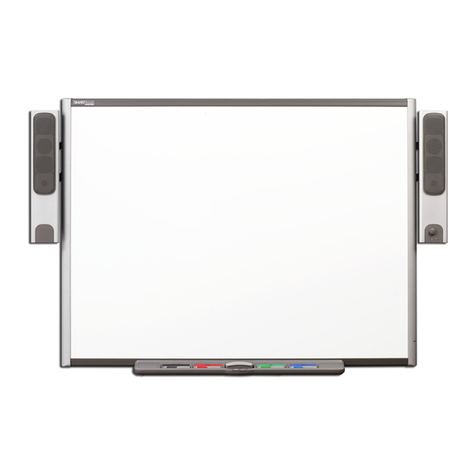
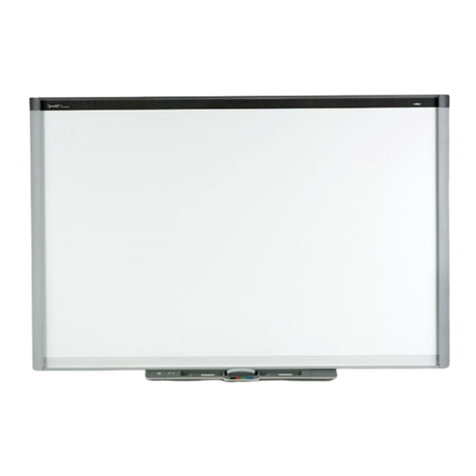
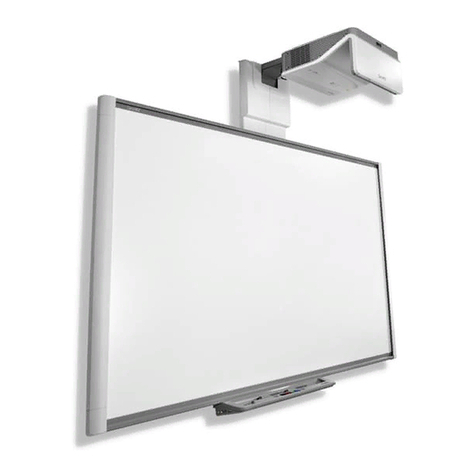
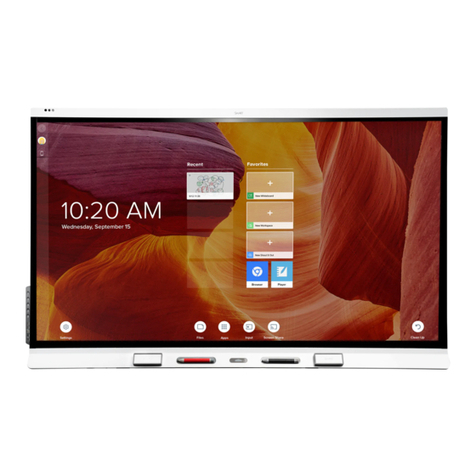
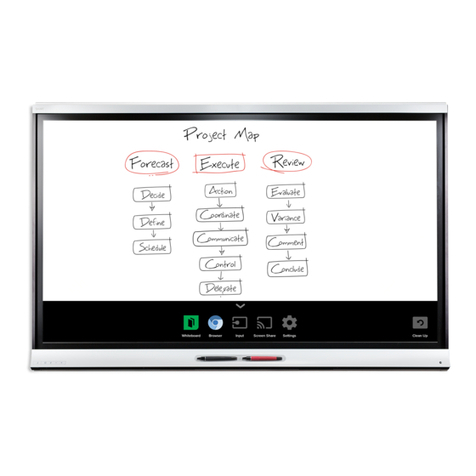
TheSMARTBoard™interactive display frame
This Quick Referenceprovidesan overviewofthe information thatyouneed tobeginusingthe SMARTBoard™interactive
displayframe. Beforeyou beginworking, makesurethatthe appropriateSMARTBoardsoftwareisinstalled andrunning
on yourcomputer.Formoreinformation aboutthesoftware,pleasevisit http://www2.smarttech.com/st/en-us/support.
StartingtheSMARTBoardinteractivedisplayframe
TheSMARTBoardinteractivedisplayframeisalways turned on unless itisdisconnected.Tostartyourexperiencewith
theSMARTBoardinteractivedisplayframe,turnon yourplasmascreen and startyourcomputerasyounormallywould.
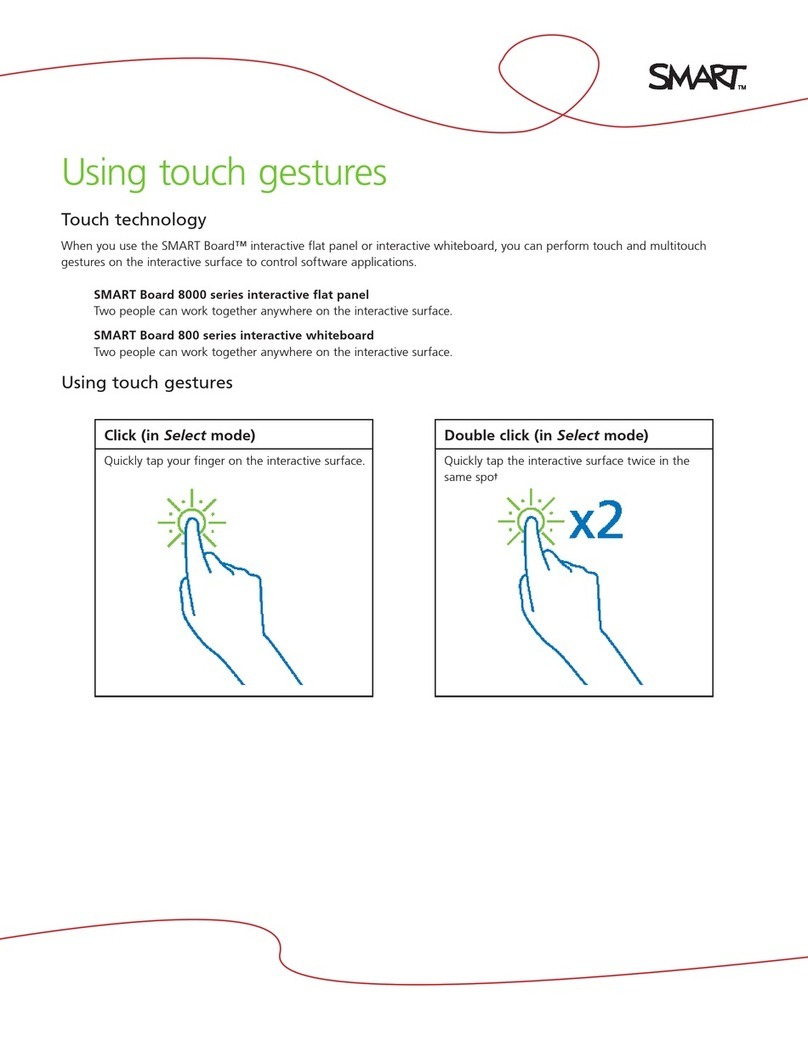
Using yourfingerasthemouse
1Press yourfingertwiceon theapplication icon thatyou wanttostart.The double-press tostartanapplication is
equivalenttothe double-click ofamousetostartan application.
NOTE:Eachsingle-press onthe boardwithyourfingerisequivalenttoasingleleftmouseclick.
Writing anderasingnoteswiththepencil
You canwriteoverthe desktopimageoran application,suchasInternetExplorer® Internetbrowseror
Microsoft® Word software.
1Pick upthe pencilfromthe pencil ledge
2Writeon thescreen using the nibofthepencil
3Ifyou wanttoeraseyournotes,turnthe pencil aroundandusethe erasertoerasethe digitalink
OrientingtheSMARTBoardinteractivedisplayframe
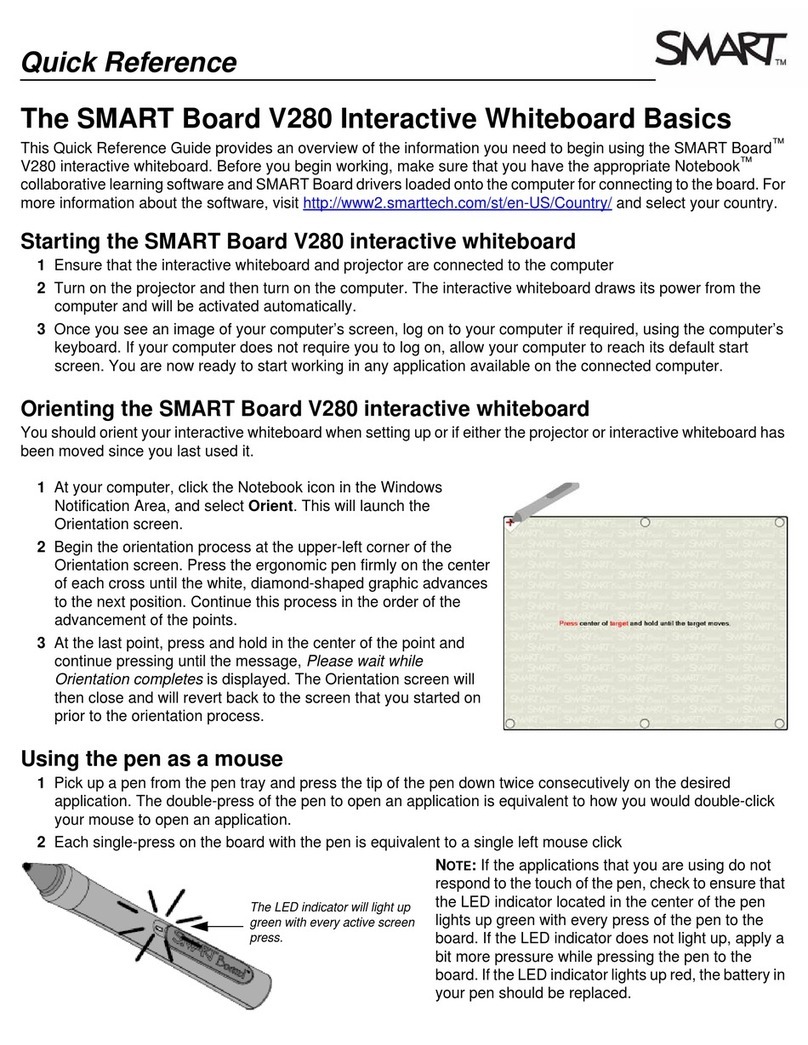
Ifyourfingerorpencildoesn’talignaccuratelywiththe mousepointerordigital
inkwhen you touchthescreen,performanorientation procedure.
1Toorientthe interactivedisplayframe,click the SMARTBoard iconin
thenotification area,and select Orient. The orientation screen appears
2Press the nibofthe pencil on thecenterofthe upper-leftcross. When
you releaseyourpress,the diamond-shaped graphicadvancestothe
nextcross.Continue thisprocess intheorderofthe advancementof the
points.
3Afteryou releasethelastpoint,theOrientation screenclosesand the
screenthatyoustarted on priortothe orientation processappears
TIP:Uselightand constantpressureon the interactivedisplaywhen yourwriteanderasenotes.If youdonotapply
constantpressure,you maynotgetthedesired result.Don’tpress toofirmlyortoallowotherobjects,suchasjewellery
orpens,totouchthe surfaceofthe plasmadisplay, asyou maydamage itssurface.
Pencileraser
Pencilnib
TheOrientationScreen