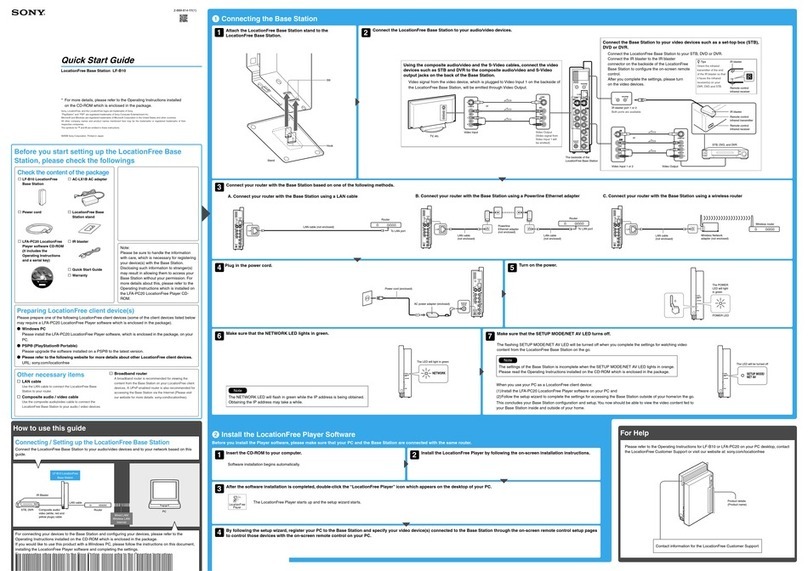
Identifying Parts and Controls (LF-B20)
6
Identifying Parts and Controls (LF-B20)
1WIRELESS LED
Indicates the wireless function status.
Amber light: Wireless network is available on the 5 GHz channel
(Access Point (AP) mode.)
Green light: Wireless network is available on the 2.4 GHz channel.
Green blink: Attempting to connect (CLIENT mode.)
2NETWORK LED
Indicates the connection status to a network.
Green blinking: Attempting to connect.
Green: Connected to the network. The LED blinks quickly when
data is transmitted.
Off: Not connected. (in Access Point Mode)
3SETUP MODE/NET AV LED
Indicates the SETUP MODE status and the connection status with
the LocationFree device.
Green: Connected to the Base Station.
Amber blinking: The Base Station is in Setup mode.
Amber: Automatic NetAV check has failed.
Off: Not connected.
Red: The Base Station is being initialized.
4SETUP MODE button
Press to register LocationFree devices.
5POWER LED (1page 11)
Green: The power is on.
Red: Attempting to be turned off.
Red blinking: A malfunction has occurred.
Off: The power is off.
6POWER button (1page 11)
Turns the Base Station power on and off.
7RESET button (1page 33)
Initializes all settings on the Base Station to the factory defaults.
8Remote sensor for the learning remote feature (1page 19)
When setting the on-screen remote control or using the learning
remote feature, this sensor receives signals from the remote of
devices.
9IR BLASTER 1/2 port (1page 15)
Connect the IR Blaster (supplied). You can purchase another IR
Blaster to connect to one of the ports.
0LAN port (1page 10)
Connect a LAN cable.
qaIN 1 (S-VIDEO/AUDIO/VIDEO) terminal (1page 14)
Connect audio cables and either a video or S-video cable.
qsIN 2 (AUDIO/VIDEO) terminal (1page 14)
Connect audio cables and a video cable.
qdDC IN jack (1page 11)
Connect the AC power adapter (supplied).
qfOUT (S-VIDEO/AUDIO/VIDEO) terminal (1page 14)
Connect audio cables and either a video or S-video cable. The OUT
terminal outputs the signals input from the IN 1 terminal.
qgWireless mode switch (1page 10)
Changes the Wireless mode of the Base Station. If you set the
switch to AP, the Base Station works in the Access Point mode, in
which the Base Station connects to a router via a LAN cable and
works as a Wireless Access Point. If you set the switch to CLIENT,
the Base Station works in the Client mode, in which the Base
Station connects to a wireless router wirelessly.
Front
WIRELESS
NETWORK
SETUP MODE/
NET AV
SETUP MODE
RESET
Rear
IR BLASTER
LAN
12
S VIDEO
IN 1
INOUT
VIDEO
AUDIO
L
R
VIDEO
AUDIO
L
R
VIDEO
DC IN 12V AUDIO
L
R
IN 2
OUT
CLIENTAP WLAN
Bottom
Front