9
Application
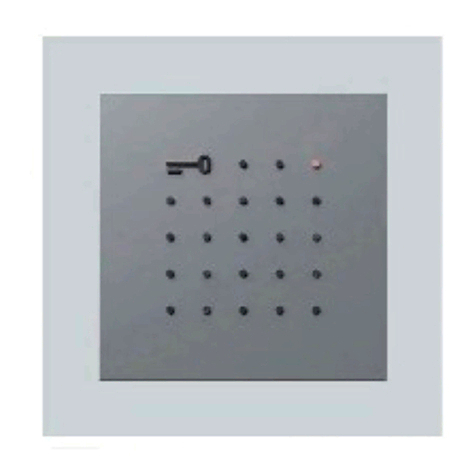
Display call module as an input
device with 4-line display for placing
door calls.
Electrical voltage
Mounting, installation and servicing
work on electrical devices may only
be performed by a suitably qualied
electrician.
Observe the operating condi-
tions.
When mounting, consider the
lighting conditions, as these can
affect the legibility of the display.
Avoid:
• Direct backlight
• Direct sunlight
• Reective surfaces
• Direct light sources such as spot-
lights
Avoid direct sunlight/ prolonged
exposure to heat: If devices are
exposed to sunlight for a prolonged
period of time, the device’s surface
temperature or the temperature
inside the device may exceed the
maximum permitted ambient tem-
perature for operation. Observe the
permissible temperature range.
Range
The conductor network laid
throughout the entire Vario bus
must not exceed 2000m. The loop
resistance (forward and return line
between the functional unit and
the control unit) must not exceed
20Ohm. A core diameter of 0.8mm
results in a range of appr. 260m.
The power supply to the Vario
Bus components is provided by a
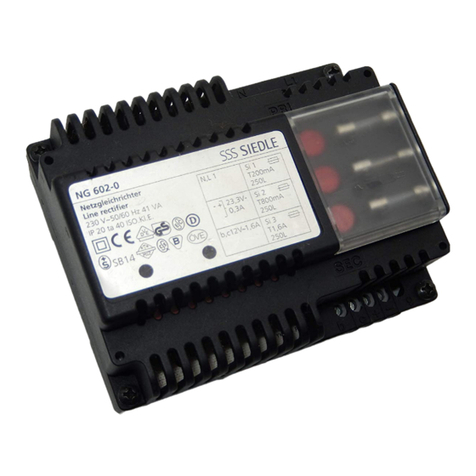
separate transformer TR602-…/
TR603-…
Steps must be taken to ensure that
the supply voltage never exceeds
English
9VAC at any device with maximum
current consumption.
Conductor material
Telecommunication or light current
conductors can be used for instal-
lation:
J-Y(St)Y Twisted pair conductors,
shielded
A2Y(St)2Y Buried telecommuni-
cation cable
Terminal assignment
bv, cv Power supply 12VAC
Da, Db Vario bus
E1, E2 Connection of an external
door release button
1, 6 Triggering Door loud-
speaker
1 Address setting
The Vario bus address may only be
assigned once to any connected
DRM612-… in the system.
SiedleVario
In order to change the Vario bus
address, any pre-mounted module
must be removed from the door
station’s mounting frame.
SiedleClassic
In order to change the Vario bus
address, the pre-mounted module
can remain in the module holder.
There is no need to disconnect
any terminal block that is already
connected, this can be released by
turning to the left.
SiedleSteel
In order to change the Vario bus
address, the pre-mounted module
must be removed from the module
holder.
Installation
• In order to place door calls in
the 1+n system, a call controller
RC602-… and where applicable
several call controller extensions
RCE602-… are required.
• In the Siedle In-Home system, the
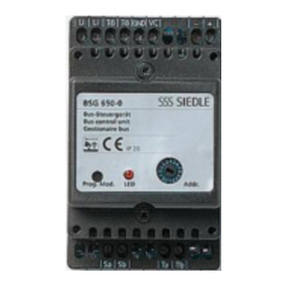
BIM650-… is required.
• In the Multi system, ensure that
the software used in the TLC640-…
is version 71.08 or later.
2 Terminal plans
1+n technology
2a Call controller RC602-…
In-Home bus
2b SiedleSteel
2c SiedleVario
2d SiedleClassic
Circuit diagram note
a) To maintain the name list
in the DRM612-…, via PC as
needed, a permanently installed
PRI602-01USB is recommended.
b) Use door release 12 V AC, at least
20Ohm (e.g. TÖ615-…)
3 Connection pcb
For surface mounted door stations:
Connection not via connection pcbs
but in a similar manner as Siedle
Vario using terminal blocks.
4 Module description
aDisplay, 4-line LCD display with
3name lines and 1help line for
information on buttons/functions,
up to 18characters per line
bUse the arrow button “down” to
scroll forwards through the alphabet
cUse the arrow button “up” to scroll
backwards through the alphabet
dUse the OK button to actuate the
call or conrm your selection
Specications
Operating voltage: 12VAC
Operating current: max.200mA
Protection system: IP54
Ambient temperature:
–20°Cto+55°C
Dimensions (mm) WxHxD:
99x99x27