manuals.online logo
Brands
  1. Home
  2. •
  3. Brands
  4. •
  5. Stryker
  6. •
  7. Medical Equipment
  8. •
  9. Stryker 1000 User manual

Stryker 1000 User manual

Other manuals for 1000

3

Other Stryker Medical Equipment manuals
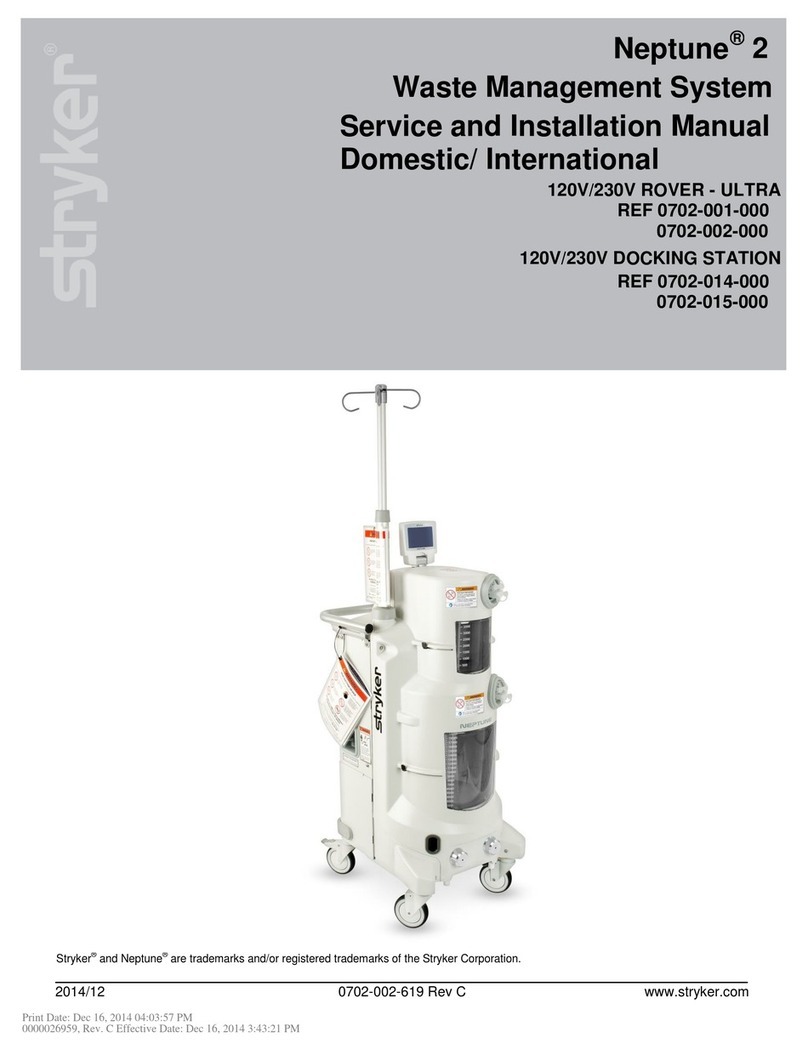
Stryker Neptune 2 User manual

Stryker

Stryker Neptune 2 User manual

Stryker EPIC II User manual

Stryker

Stryker EPIC II User manual

Stryker ProCuity Bed Series User manual

Stryker

Stryker ProCuity Bed Series User manual

Stryker Atlas 660Z User manual

Stryker

Stryker Atlas 660Z User manual

Stryker L10 Use and care manual

Stryker

Stryker L10 Use and care manual

Stryker TPS 5100-9 User manual

Stryker

Stryker TPS 5100-9 User manual

Stryker Reprocessed Stanley Bed Alarm Sensor Pad User manual

Stryker

Stryker Reprocessed Stanley Bed Alarm Sensor Pad User manual

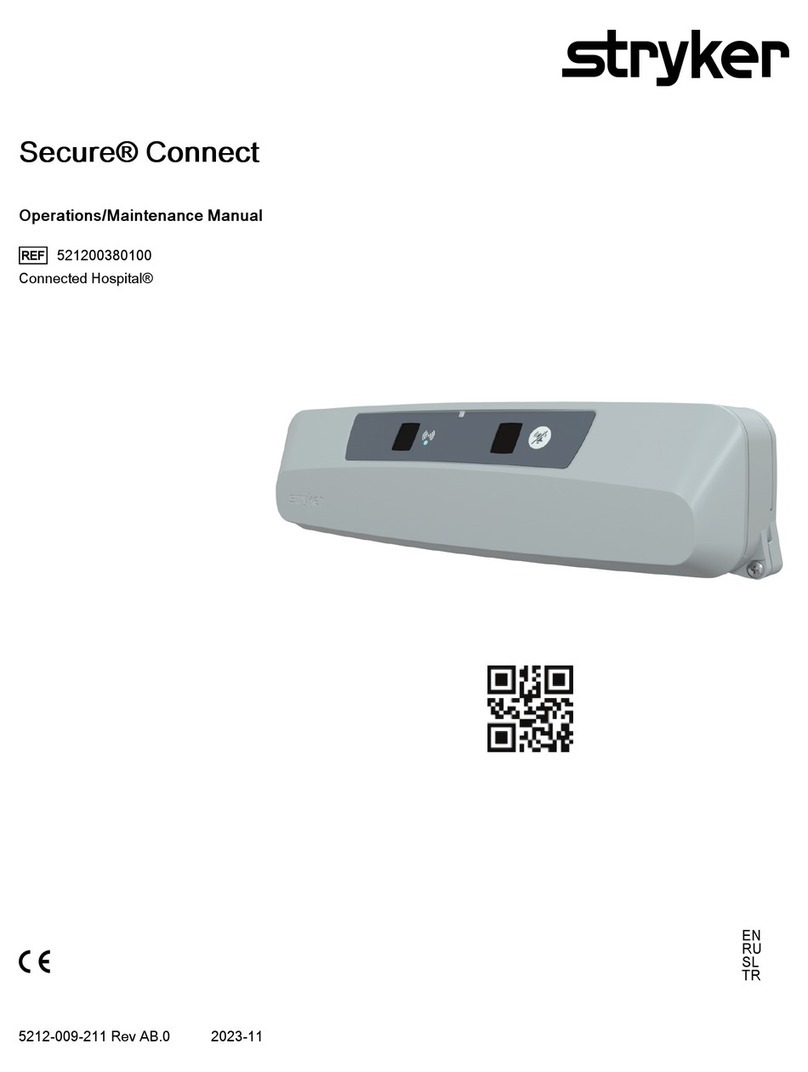
Stryker Secure Connect Manual

Stryker

Stryker Secure Connect Manual

Stryker Triathlon Instruction Manual

Stryker

Stryker Triathlon Instruction Manual

Stryker ST1 6300 User manual

Stryker

Stryker ST1 6300 User manual

Stryker ENDOSCOPY Standard User manual

Stryker

Stryker ENDOSCOPY Standard User manual

Stryker LD304 User manual

Stryker

Stryker LD304 User manual

Stryker Power-PRO 2 Manual

Stryker

Stryker Power-PRO 2 Manual

Stryker Renaissance Series User manual

Stryker

Stryker Renaissance Series User manual

Stryker POWEReam 4405 Series User manual

Stryker

Stryker POWEReam 4405 Series User manual

Stryker Air I Manual

Stryker

Stryker Air I Manual

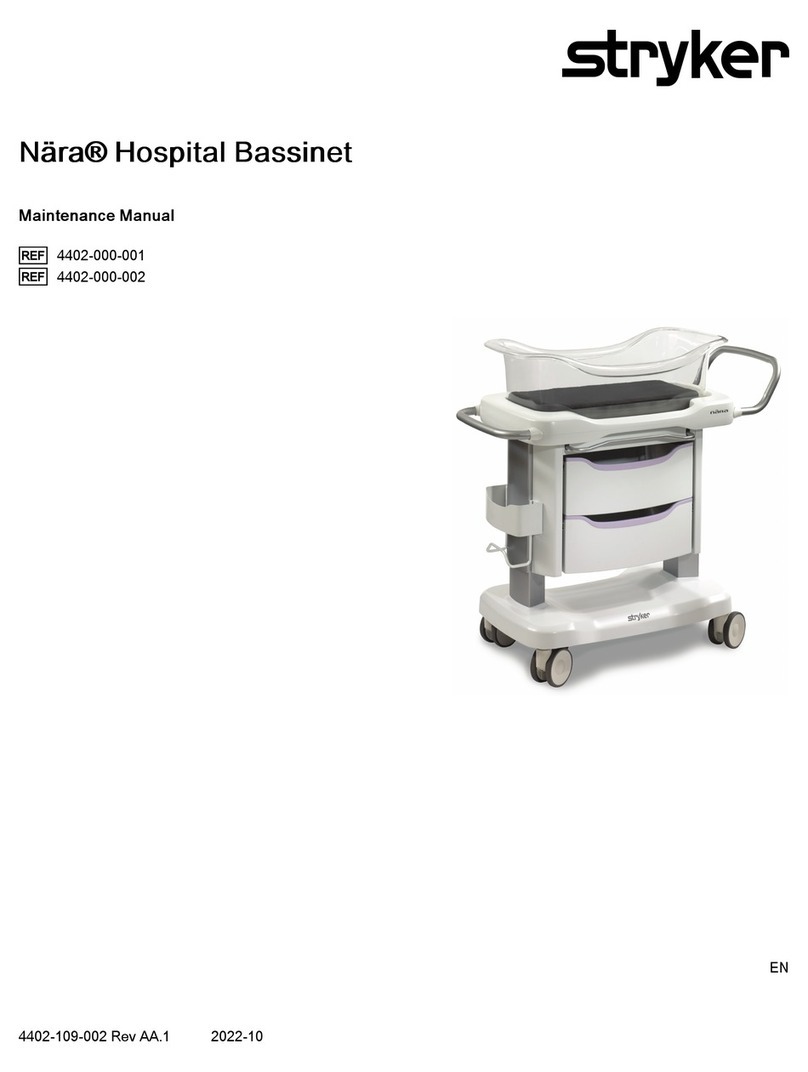
Stryker Adel Maternity Bed Series User manual

Stryker

Stryker Adel Maternity Bed Series User manual

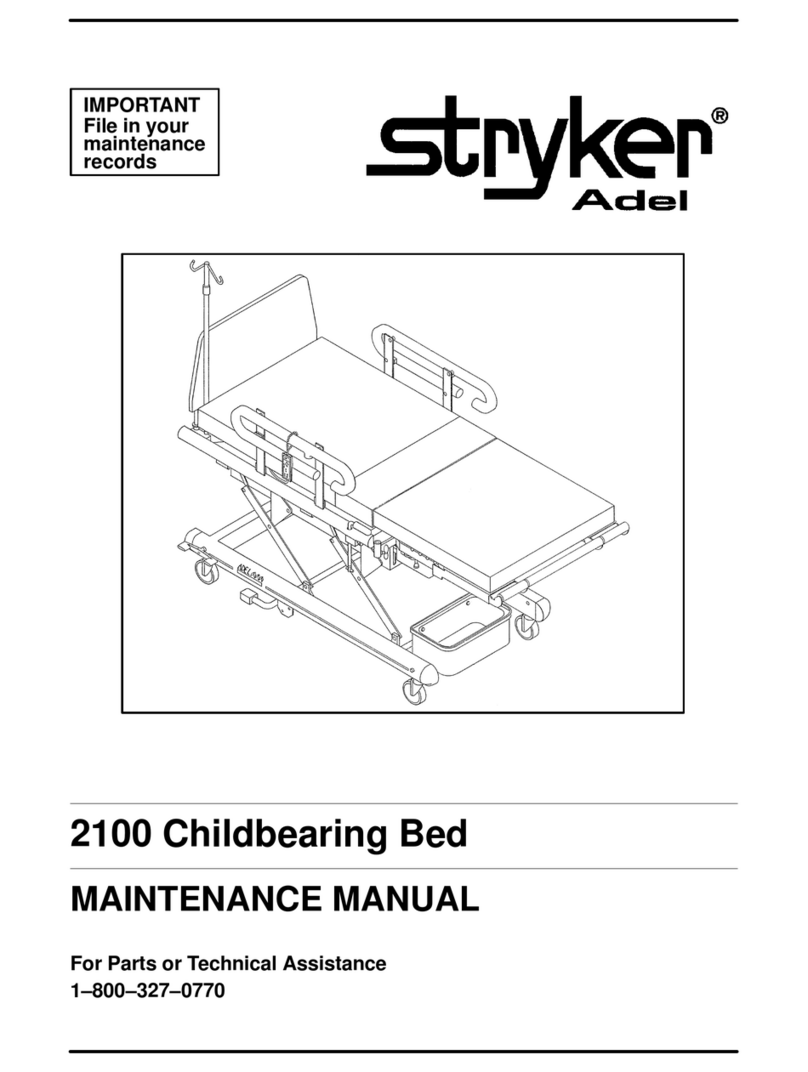
Stryker Adel 2100 Childbearing Bed User manual

Stryker

Stryker Adel 2100 Childbearing Bed User manual

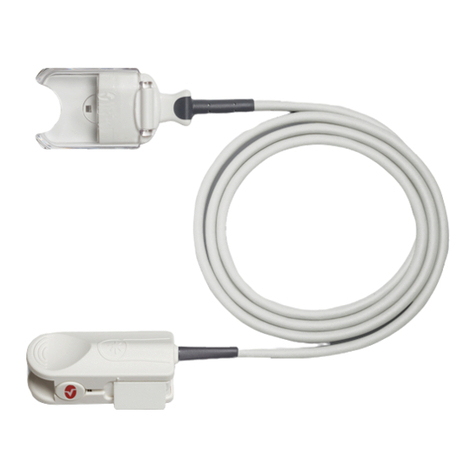
Stryker System 6 6205-000-000 User manual
Stryker

Stryker System 6 6205-000-000 User manual

Stryker 6390 Use and care manual

Stryker

Stryker 6390 Use and care manual

Stryker Reprocessed Ultrasonic Focus User manual

Stryker

Stryker Reprocessed Ultrasonic Focus User manual

Stryker IsoAir 2941 User manual

Stryker

Stryker IsoAir 2941 User manual

Stryker InTouch FL27 series User manual

Stryker

Stryker InTouch FL27 series User manual

Stryker PINPOINT PC9000 User manual

Stryker

Stryker PINPOINT PC9000 User manual

Popular Medical Equipment manuals by other brands

TekTone Tek-CARE160 Installation and operation manual

TekTone

TekTone Tek-CARE160 Installation and operation manual

NeuroMetrix Quell 2.0 user manual

NeuroMetrix

NeuroMetrix Quell 2.0 user manual

AMT XLR8 Quick reference guide

AMT

AMT XLR8 Quick reference guide

EDAN SONOTRAX Pro user manual

EDAN

EDAN SONOTRAX Pro user manual

Restorative Therapies RT300 Service guide

Restorative Therapies

Restorative Therapies RT300 Service guide

Gendex Expert DC installation manual

Gendex

Gendex Expert DC installation manual

Dexcowin ADX4000W user manual

Dexcowin

Dexcowin ADX4000W user manual

Libelium MySignals user manual

Libelium

Libelium MySignals user manual

Acelity V.A.C.ULTA 4 user manual

Acelity

Acelity V.A.C.ULTA 4 user manual

Caputron ActivaDose II tDCS quick start guide

Caputron

Caputron ActivaDose II tDCS quick start guide

Plinth 2000 93CDT Service manual

Plinth 2000

Plinth 2000 93CDT Service manual

GE SENOGRAPHE 800T Operator's manual

GE

GE SENOGRAPHE 800T Operator's manual

GE Definium 5000 Operator's manual

GE

GE Definium 5000 Operator's manual

Kanmed GE-1380 user manual

Kanmed

Kanmed GE-1380 user manual

Huntleigh FD1 Instructions for use

Huntleigh

Huntleigh FD1 Instructions for use

Tobii Dynavox I-Series user manual

Tobii Dynavox

Tobii Dynavox I-Series user manual

S-Capepod Evac Cocoon Step-by-step guide

S-Capepod

S-Capepod Evac Cocoon Step-by-step guide

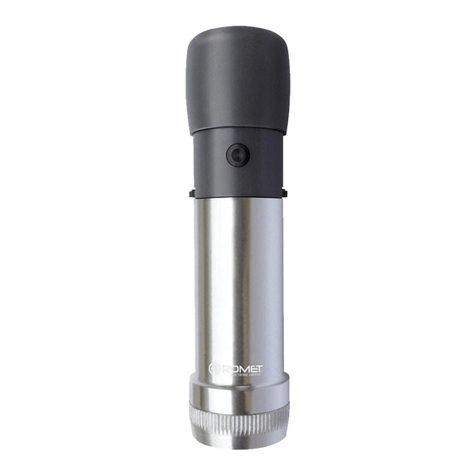
Romet R210 operating instructions

Romet

Romet R210 operating instructions

manuals.online logo
manuals.online logoBrands
  • About & Mission
  • Contact us
  • Privacy Policy
  • Terms and Conditions

Copyright 2025 Manuals.Online. All Rights Reserved.

Inspection checklist
Refer to the Operating
Instructions for the
User’s Checklist
• Inspect the debrillator for
signs of damage, cracks or
foreign substances
• It is not necessary to switch
on the debrillator for the
inspection
• Observe the Readiness Display
on the top right and perform
the following checks:
1. The OK symbol is visible
2. The battery symbol shows
two or more bars
• Conrm spare, fully charged
battery is readily available
and in-date
• Ensure there is one pack
of QUIK-COMBO pads
preconnected to the
debrillator, and the pack of
pads is sealed and in-date
• There should be one
additional set of adult pads
• If present, check Infant/Child
Reduced Energy Debrillation
Electrodes to make sure they
are sealed and in-date
This is not the complete instructions for use. Refer to
Operating Instructions for complete device information
including directions for use, intended use and warnings.
Readiness
display
Battery is very low.
Replace immediately.
Battery is depleted.
Replace immediately.
Service symbol indicates
service is required.
Battery is fully charged.
OK indicates device
is ready for use.
LIFEPAK®1000 Defibrillator
Pocket guide
Infant/Child Reduced Energy
Debrillation Electrodes with the pink
cable connector deliver attenuated
energy to children less than 8 years
of age or less than 25 kg (55 lbs)
Adult QUIK-COMBO electrodes with
REDI-PAK Preconnect System
Using the LIFEPAK®1000
as an AED
Follow these 3 steps:
1. Apply QUIK-COMBO® Redi-Pak™
electrodes to patient’s chest
2. Press On button,
Auto-analyze will take place
3. If a shock is advised,
press Shock button
The LIFEPAK 1000 debrillator performs an automatic
self-test every 24 hours. A Service Alert tone will sound
and the Service symbol will be displayed if a fault is detected.
‘On/Off’ button
Speaker
Readiness Display
‘Shock’ button
Menu button—Manual
override is accessed here
Preconnect pads here
©2019 Stryker. All rights reserved. GDR 3305363_B
For a brief summary of indications and important safety information, visit our website at
www.strykeremergencycare.com/disclosure-and-safety-information/lifepak-1000-debrillator/
For further information, please contact your local Stryker representative or visit our website at www.strykeremergencycare.com
Battery compartment
Additional control buttons
Physio-Control, Inc., 11811 Willows Road NE, Redmond, WA 98052 U.S.A.