manuals.online logo
Brands
  1. Home
  2. •
  3. Brands
  4. •
  5. Swegon
  6. •
  7. Accessories
  8. •
  9. Swegon WCD2 Pacific User manual

Swegon WCD2 Pacific User manual

Other Swegon Accessories manuals

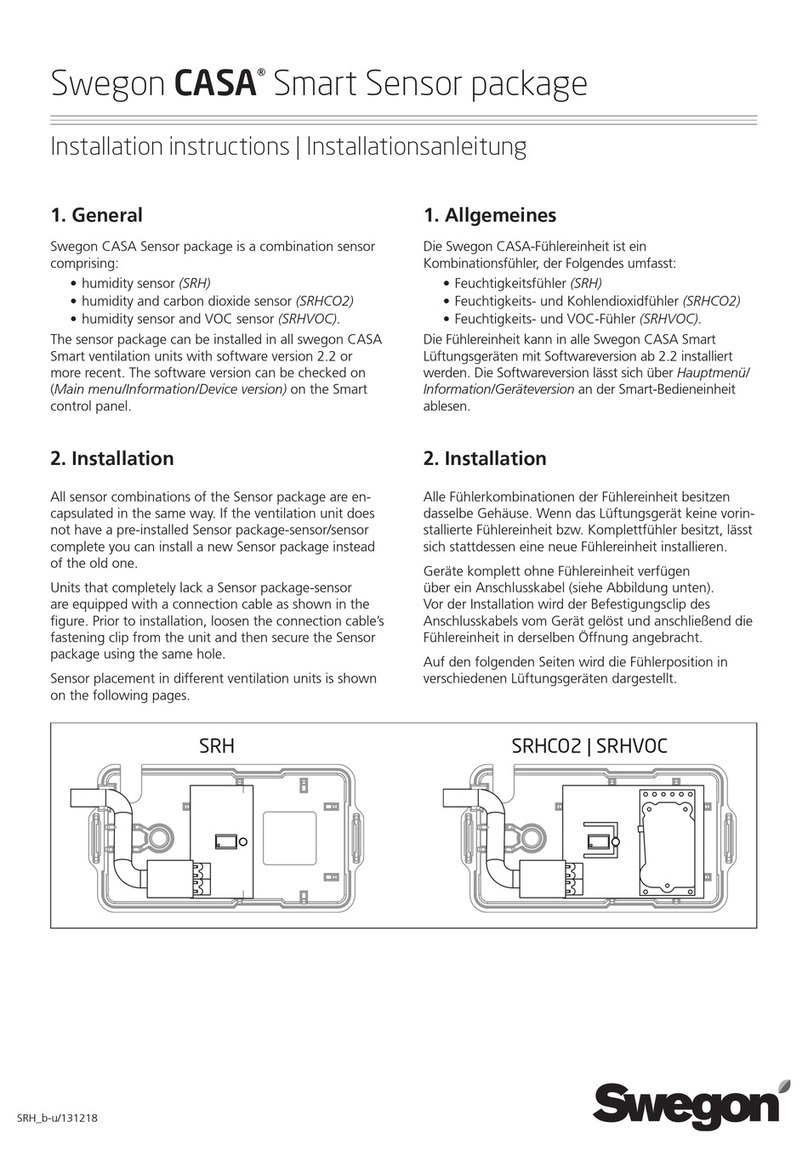
Swegon CASA Smart Sensor User manual

Swegon

Swegon CASA Smart Sensor User manual

Swegon GOLD series User manual

Swegon

Swegon GOLD series User manual

Swegon DETECT SMEa Guide

Swegon

Swegon DETECT SMEa Guide

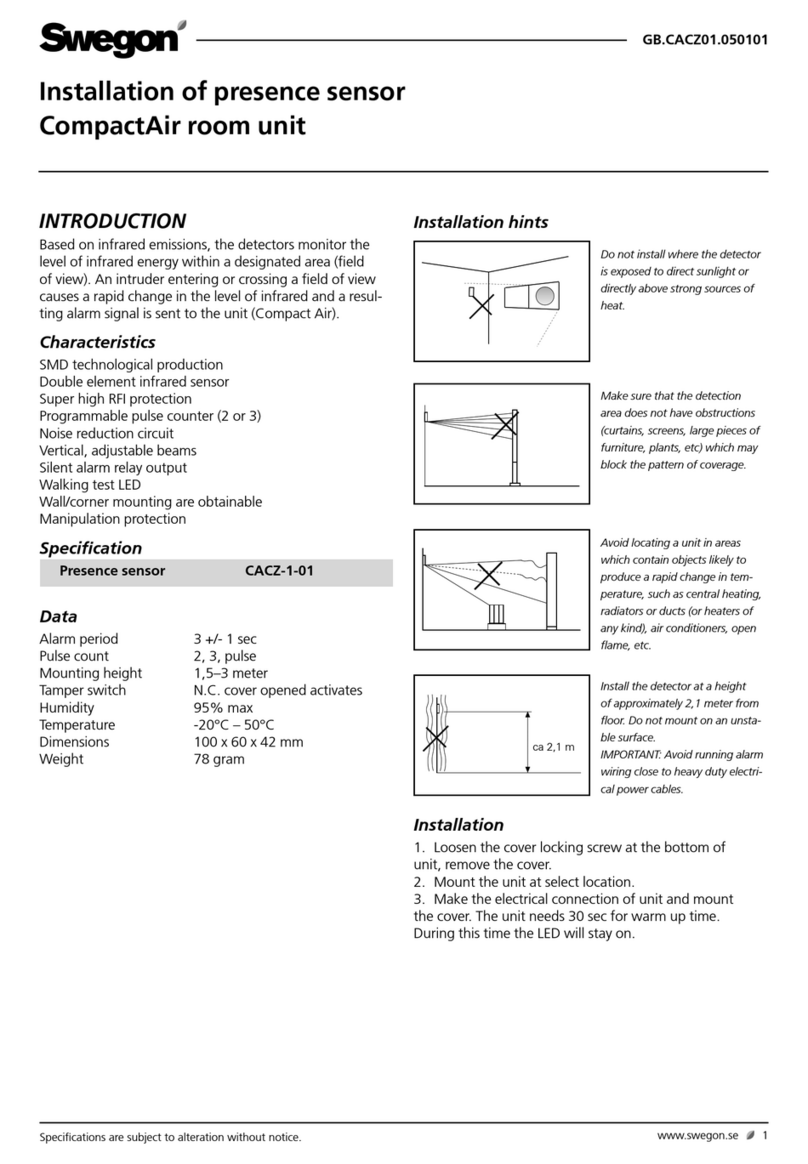
Swegon CACZ-1-01 User manual

Swegon

Swegon CACZ-1-01 User manual

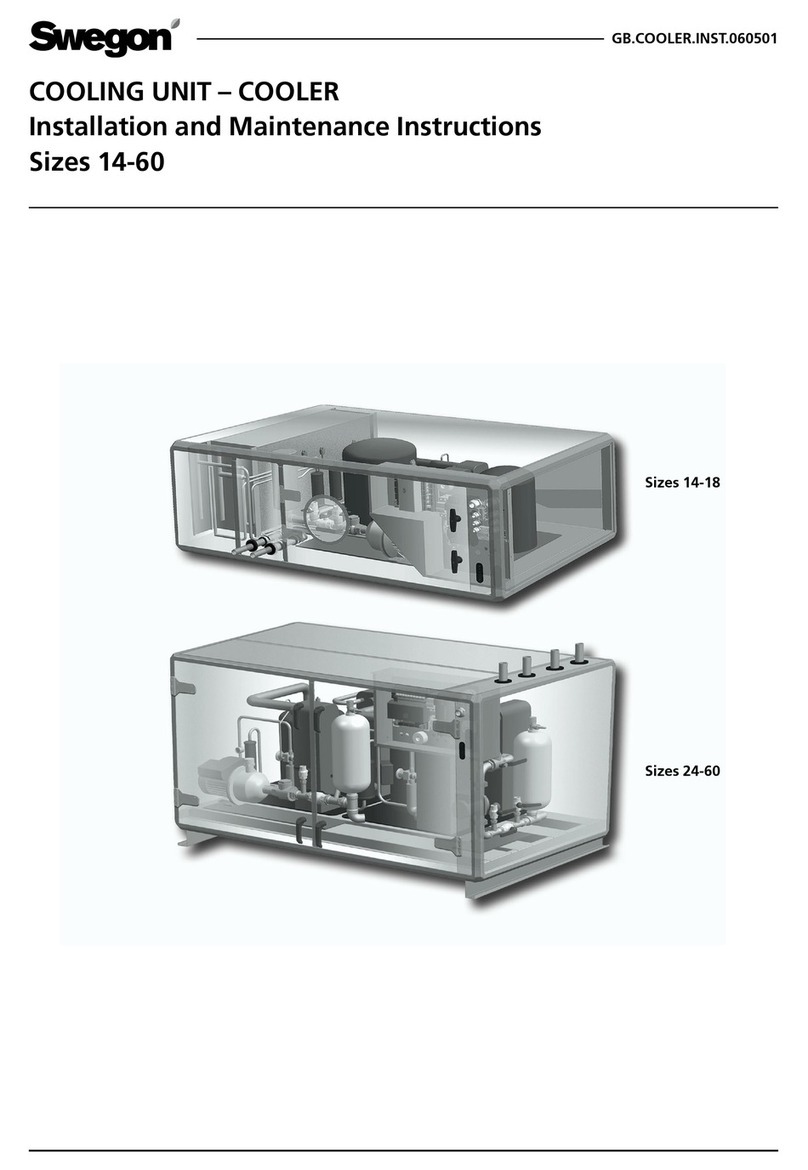
Swegon Cooler Series User manual

Swegon

Swegon Cooler Series User manual

Swegon COOL DXS User manual

Swegon

Swegon COOL DXS User manual

Swegon CASA Smart Sensor SRH User manual

Swegon

Swegon CASA Smart Sensor SRH User manual

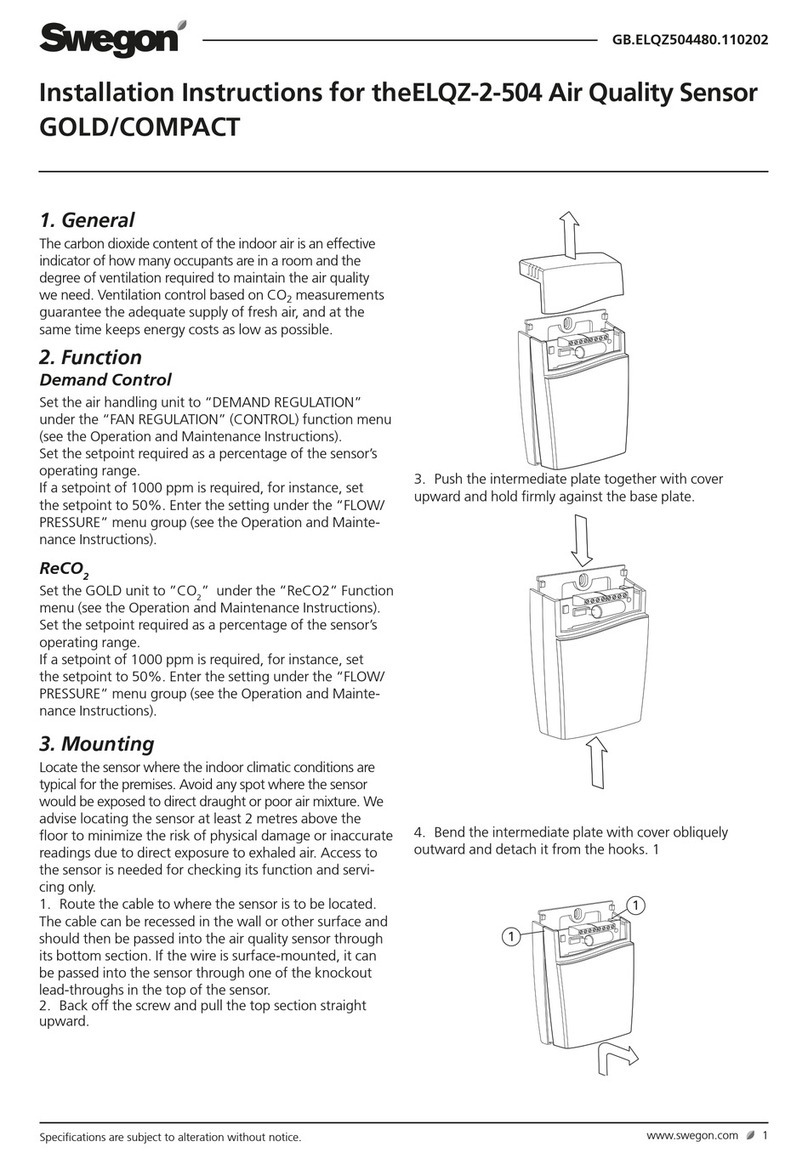
Swegon ELQZ-2-504 series User manual

Swegon

Swegon ELQZ-2-504 series User manual

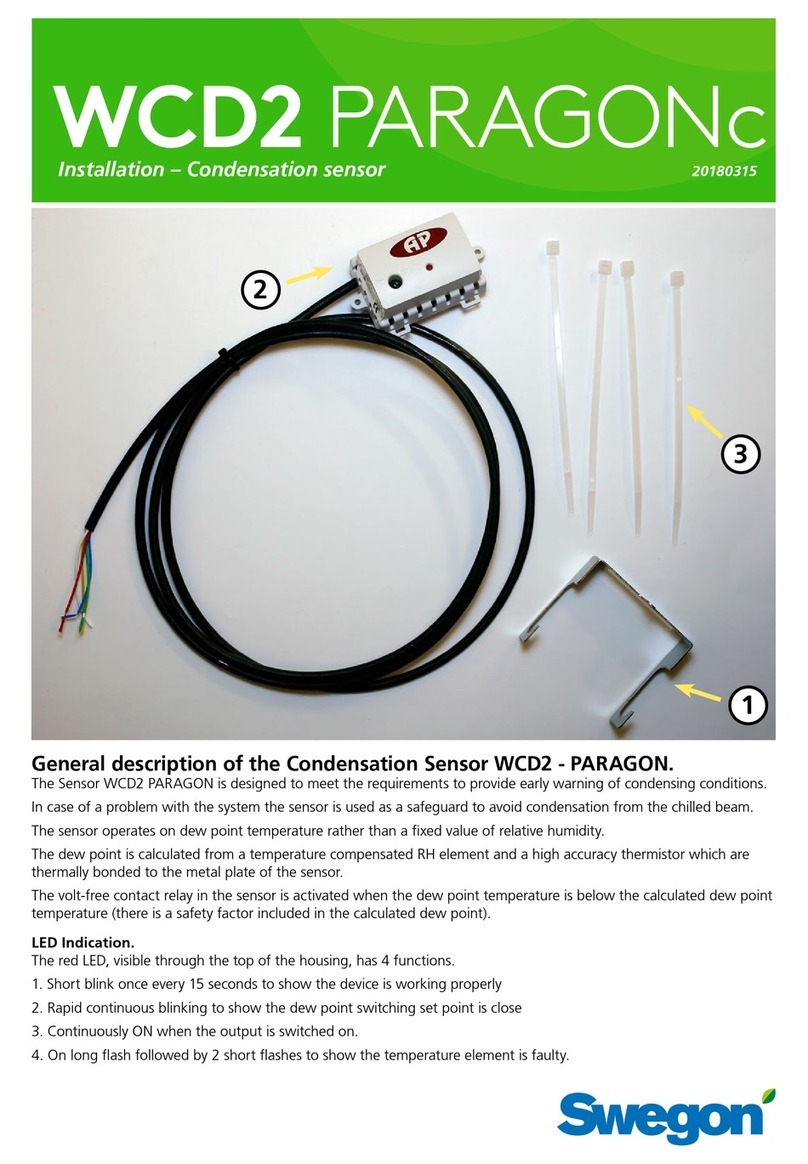
Swegon WCD2 PARAGON User manual

Swegon

Swegon WCD2 PARAGON User manual

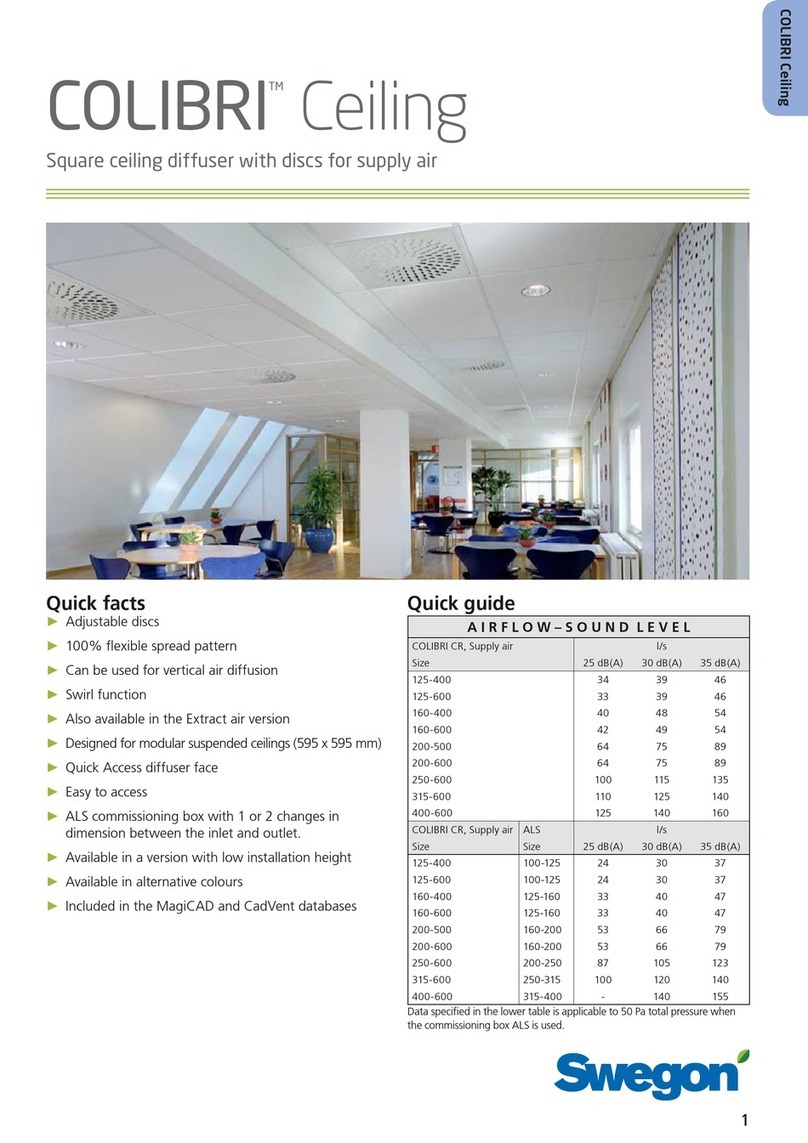
Swegon COLIBRI User manual

Swegon

Swegon COLIBRI User manual

Swegon CDKa User manual

Swegon

Swegon CDKa User manual

Popular Accessories manuals by other brands

Hillco 2810 Operator's manual

Hillco

Hillco 2810 Operator's manual

Siemens QSA2700D Basic documentation

Siemens

Siemens QSA2700D Basic documentation

Contours ZY024 manual

Contours

Contours ZY024 manual

Saivod VS621 manual

Saivod

Saivod VS621 manual

SCE ENVIRO-THERM SCE-TE170B24VSS user manual

SCE

SCE ENVIRO-THERM SCE-TE170B24VSS user manual

Z-Wave HSD-200Z user manual

Z-Wave

Z-Wave HSD-200Z user manual

turck FMX-IM-2UPLI63FX quick start guide

turck

turck FMX-IM-2UPLI63FX quick start guide

Decagon Devices 10HS manual

Decagon Devices

Decagon Devices 10HS manual

UPPAbaby Cup Holder user manual

UPPAbaby

UPPAbaby Cup Holder user manual

Elko SmartSensor Leakage Wireless manual

Elko

Elko SmartSensor Leakage Wireless manual

Grizzly H8371 instructions

Grizzly

Grizzly H8371 instructions

Panasonic HG-T Series user manual

Panasonic

Panasonic HG-T Series user manual

IFM Electronic Efector 250 Series Brief instructions

IFM Electronic

IFM Electronic Efector 250 Series Brief instructions

Virtuox VirtuCLEAN 2.0 user manual

Virtuox

Virtuox VirtuCLEAN 2.0 user manual

DigiDesign 888/24 I/O installation guide

DigiDesign

DigiDesign 888/24 I/O installation guide

PROZIS QUAY user manual

PROZIS

PROZIS QUAY user manual

patagonia PSI Vest user manual

patagonia

patagonia PSI Vest user manual

SFC Energy EFOY GO! manual

SFC Energy

SFC Energy EFOY GO! manual

manuals.online logo
manuals.online logoBrands
  • About & Mission
  • Contact us
  • Privacy Policy
  • Terms and Conditions

Copyright 2025 Manuals.Online. All Rights Reserved.

WCD2 PACIFIC
Installation – Condensation sensor 20170918
General description of the Condensation Sensor WCD2 Pacific
The Sensor WCD2 Pacific is designed to meet the requirements to provide early warning of condensing conditions.
In case of a problem with the system the sensor is used as a safeguard to avoid condensation from the chilled beam.
The sensor operates on dew point temperature rather than a fixed value of relative humidity.
The dew point is calculated from a temperature compensated RH element and a high accuracy thermistor which are
thermally bonded to the metal plate of the sensor.
The volt-free contact relay in the sensor is activated when the dew point temperature is below the calculated dew point
temperature (there is a safety factor included in the calculated dew point). NOTE: the sensor should be mounted on
incomming cooling water pipe and close to the coil.
LED Indication.
The red LED, visible through the top of the housing, has 4 functions.
1. Short blink once every 15 seconds to show the device is working properly
2. Rapid continuous blinking to show the dew point switching set point is close
3. Continuously ON when the output is switched on.
4. On long flash followed by 2 short flashes to show the temperature element is faulty.
2
1
3

WCD2 PACIFIC
2Swegon reserves the right to alter specications. 2017-09-18
max
To connect the condensation sensor on a cupper pipe.
3
1
2
Note! The sensor should be mounted
on the supply cooling water pipe as
close as possible to the coil.
3
2017-09-18 Swegon reserves the right to alter specications.
WCD2 PACIFIC
3
max
To connect the condensation sensor on a connection nut (when PEX tubing is used).
2
1
Note! The sensor should be mounted
on the supply cooling water pipe as
close as possible to the coil.
WCD2 PACIFIC
4Swegon reserves the right to alter specications. 2017-09-18
To connect condensation sensor WCD2 to PACIFIC with CONDUCTOR
3
3
Condensation sensor
WCD2
17 Green
18 Yellow
21 Red
22 Blue
5
2017-09-18 Swegon reserves the right to alter specications.
WCD2 PACIFIC
To connect condensation sensor WCD2 to PACIFIC with URC1
3
Condensation sensor
WCD2
3Green
4Yellow
9Red
10 Blue
WCD2 PACIFIC
6Swegon reserves the right to alter specications. 2017-09-18
To connect condensation sensor to PACIFIC with LUNA
Colour Plinth
Condensation
sensor
WCD2
Blue G0
Red G
Green CONDENS
Yellow SENSOR
Colour LUNA RE-S
Condensation
sensor
WCD2
Blue 6
Red 5
Green 6
Yellow 8
33
24 V AC
1
2
3
4
5
6
7
8
Y1
Y1G
Y2G
Y2
G
G0
I1
I2
24 V AC
/CCO ~24 V AC
G0
0-10V DC
24V
G0
0-10V DC
24V
G
G0
SENSOR
CONDENS