logo
Brands
  1. Home
  2. •
  3. Brands
  4. •
  5. Swegon
  6. •
  7. Fan
  8. •
  9. Swegon ADAPT Extract Guide

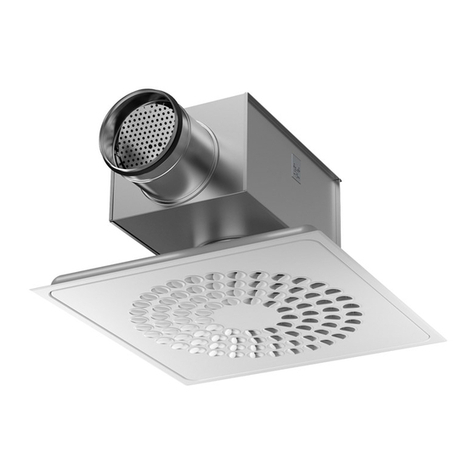
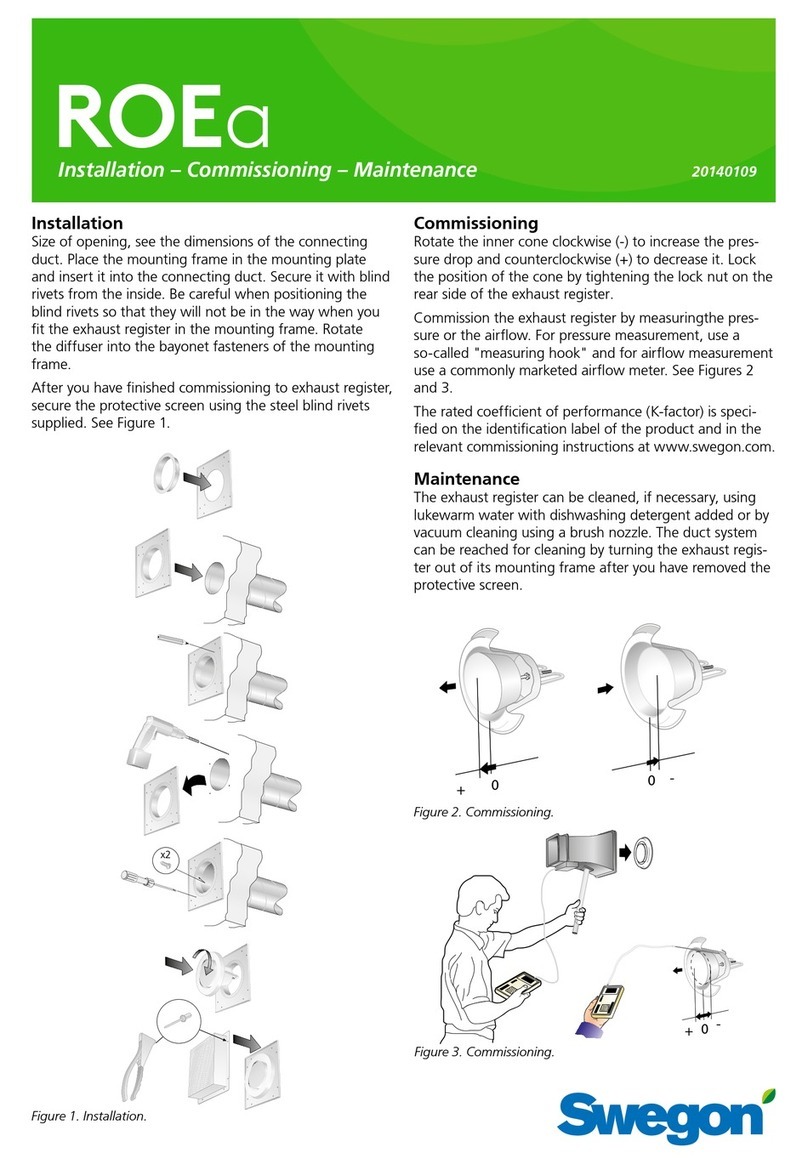
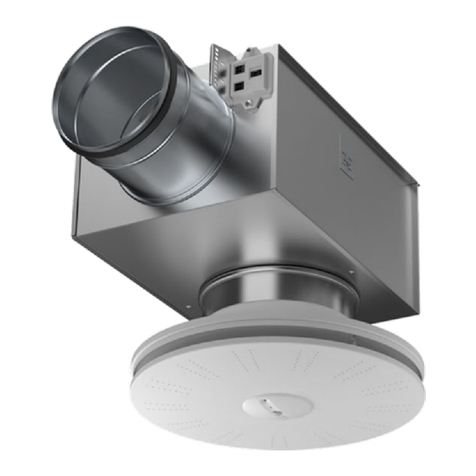
Swegon ADAPT Extract Guide

This manual suits for next models

1

Other Swegon Fan manuals

Swegon ADAPT Free b Guide

Swegon

Swegon ADAPT Free b Guide

Swegon CRM Series Guide

Swegon

Swegon CRM Series Guide

Swegon TBXZ-3-42 User manual

Swegon

Swegon TBXZ-3-42 User manual

Swegon PELICAN Ceiling HF Guide

Swegon

Swegon PELICAN Ceiling HF Guide

Swegon CASA W100B Programming manual

Swegon

Swegon CASA W100B Programming manual

Swegon PARASOL c Series Guide

Swegon

Swegon PARASOL c Series Guide

Swegon WISE Parasol EX User manual

Swegon

Swegon WISE Parasol EX User manual

Swegon WISE Parasol a User manual

Swegon

Swegon WISE Parasol a User manual

Swegon WISE Kite Ceiling a User manual

Swegon

Swegon WISE Kite Ceiling a User manual

Swegon ADAPT Extract Guide

Swegon

Swegon ADAPT Extract Guide

Swegon CASA CHB User manual

Swegon

Swegon CASA CHB User manual

Swegon CASA W4 Smart User manual

Swegon

Swegon CASA W4 Smart User manual

Swegon KDYa Series Guide

Swegon

Swegon KDYa Series Guide

Swegon CASA R3 Smart Guide

Swegon

Swegon CASA R3 Smart Guide

Swegon ADAPT Colibri d Guide

Swegon

Swegon ADAPT Colibri d Guide

Swegon PARASOL Zenith a Series User manual

Swegon

Swegon PARASOL Zenith a Series User manual

Swegon EAGLE Ceiling Guide

Swegon

Swegon EAGLE Ceiling Guide

Swegon PELICAN Ceiling User manual

Swegon

Swegon PELICAN Ceiling User manual

Swegon PARAGONc Guide

Swegon

Swegon PARAGONc Guide

Swegon LPAa Guide

Swegon

Swegon LPAa Guide

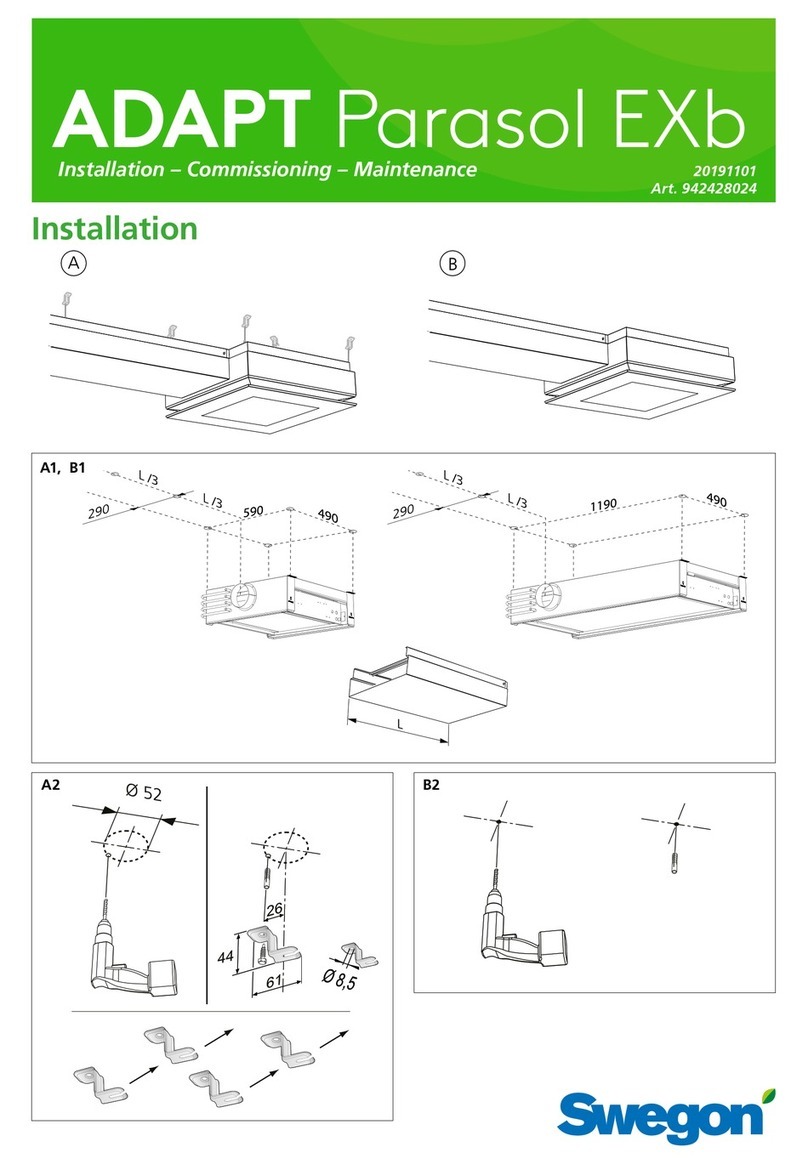
Swegon ADAPT Parasol EXb User manual

Swegon

Swegon ADAPT Parasol EXb User manual

Swegon PELICAN Ceiling Extract a Guide

Swegon

Swegon PELICAN Ceiling Extract a Guide

Swegon GOLD RX Series User manual

Swegon

Swegon GOLD RX Series User manual

Swegon WISE Paragon d User manual

Swegon

Swegon WISE Paragon d User manual

Popular Fan manuals by other brands

ELTA FANS H03VV-F installation guide

ELTA FANS

ELTA FANS H03VV-F installation guide

Hunter 20714 Owner's guide and installation manual

Hunter

Hunter 20714 Owner's guide and installation manual

Emerson CARRERA VERANDA CF542ORB00 owner's manual

Emerson

Emerson CARRERA VERANDA CF542ORB00 owner's manual

Hunter Caraway Owner's guide and installation manual

Hunter

Hunter Caraway Owner's guide and installation manual

Panasonic FV-15NLFS1 Service manual

Panasonic

Panasonic FV-15NLFS1 Service manual

Kompernass KH 1150 operating instructions

Kompernass

Kompernass KH 1150 operating instructions

VES FALA100/12V/TR Original instructions

VES

VES FALA100/12V/TR Original instructions

Vertiv Liebert DCD user manual

Vertiv

Vertiv Liebert DCD user manual

Westinghouse GFP Series owner's manual

Westinghouse

Westinghouse GFP Series owner's manual

Venmar KUBIX HRV PLUS Series user guide

Venmar

Venmar KUBIX HRV PLUS Series user guide

Maico ECR 31 installation instructions

Maico

Maico ECR 31 installation instructions

Sonnenkonig Dinky instruction manual

Sonnenkonig

Sonnenkonig Dinky instruction manual

S&P ECOWATT HXBR manual

S&P

S&P ECOWATT HXBR manual

Wider IMP03369BH instruction manual

Wider

Wider IMP03369BH instruction manual

Panasonic F-60DHN Operating and installation instructions

Panasonic

Panasonic F-60DHN Operating and installation instructions

Broan 766BN installation guide

Broan

Broan 766BN installation guide

Premium PFS16022 Use manual

Premium

Premium PFS16022 Use manual

Litex Industries E-CGL52CB5C1 installation guide

Litex Industries

Litex Industries E-CGL52CB5C1 installation guide

https://manuals.online logo
https://manuals.online logoBrands
  • About & Mission
  • Contact us
  • Privacy Policy
  • Terms and Conditions

Copyright 2026 Manuals.Online. All Rights Reserved.

1
ADAPTTM Extract
Installation – Commissioning – Maintenance – ADAPT Ec 20120511 / Art. No. 1545218
Installation
1. The commissioning box can be suspended from a
ceiling and connected to a duct system. Use hanger
system (A) or (B), see figure 2.
2. Press the ADAPT Extract air diffuser into the outlet of
the commissioning box. Make sure that the orientation
of the sensor module aligns with the extension of the
room, see figure 3. Then fixate and secure the diffuser
with screws or pop rivets. Readjust the hanger rods of
Figure 1. Lighting fixtures or similar objects must not be installed
beneaht the diffuser as this disrupts the presence detection and
room temperature measurement.
the commissioning box if necessary, so that the air dif-
fuser is firmly positioned against the false ceiling.
3. Connect the air diffuser connector into the top of the
diffuser (C, figure 2) and attach the safety cord. Give
the S-shaped hook a squeeze so it can’t loosen.
Swegon reserves the right to alter specifications. 20120511 www.swegon.com
WISE
2
Figure 2. ADAPT Extract, installation.
A
B
C
Figure 3. The orientation of the sensor module in a room or in
an office module. The LED’s of the sensor should be aligned with
the extension of the room in a straight line, facing the short sides
of the room as shown by the arrow in the figure.
24 V
Modbus
Figure 4. Commissioning with TUNE Adapt.
Maintenance
The exterior surface of the ADAPT air diffusers can be
cleaned whenever necessary using lukewarm water with
dishwashing detergent added. Normally the best method
of cleaning is vacuuming with a brush nozzle.
The duct system is accessible through the air diffuser and
the commissioning box.
Commissioning
All the ADAPT Air terminals are delivered preset into com-
missioning mode, which means that the air diffuser is set to
max. airflow by force control.
When the ADAPT air diffuser is in commissioning mode,
the light-emitting diode shines orange. The different LED
indications:
• Steady green LED: Normal operation, the air diffuser is
operating normally.
• Flashing green LED: The air diffuser has just been ener-
gised and calibration is in progress.
• Steady red LED: Function failure, see separate docu-
mentation for TUNE Adapt.
• Steady orange LED: The commissioning mode, max.
airflow
• Flashing orange LED: Other commissioning modes
and all the forced control situations of the feed-back
control system.
More information about the commissioning process itself
can be read in the Project Manual for the Wise system and
in the documentation for TUNE Adapt.
Swegon reserves the right to alter specifications. 20120511 www.swegon.com
WISE
3
Figure 6. Connection of slave air diffusers and accessories. For
the ADAPT E, one slave air diffuser is normally connected to the
Junction box of the Master air diffuser.
1. ADAPT Master air diffuser (not shown in picture)
2. ADAPT E
3. CONNECT Adapt, wiring terminal for the Master air diffuser
20
Master
21
Slave
22
Slave
23
Modbus
1 2 3 4 5 6 7 8 9 10 11 12 13 14 15 16
4
3
565
10
- + C
22
12 6
Electrical connections.
All the connections are wired to the CONNECT Adapt junc-
tion box. From there, the Master air diffuser is connected
by means of the LINK Adapt (RJ45) cable included in the
delivery. The slave air diffusers, if required, are connected
by means of the same type of cable to their respective slave
contacts. If there are more than 2 slave air diffusers, a SPLIT
Link Adapt should be used for further connection to the last
slave air diffuser. See Figure 6. If SPLIT Link Adapt is used,
the maximum length of LINK Adapt from the junction box to
the last air diffuser is 15 meters. If ADAPT is to be connected
through Modbus communication, this should be done with
the LINK Modbus (RJ12) cable. The maximum length of
SPLIT Link Modbus is 10 meters from the junction box to
the last air diffuser. Use double CONNECT Adapts if longer
distances are required. All cables and contacts are different
so that they will not be confused or incorrectly connected.
Electrical data
ADAPT is supplied with power via the junction box. See
the wiring diagram in figure 6 or relevant diagram from the
Swegon Templates application, containing details for the
specific installation. It is important that cables with appro-
priate cross-sectional area, transformers of correct size and
power supply cables of correct length are selected. This
can for example be carried out with the dimensioning tool
“Cable and Transformer Design”, available for download
from www.swegon.com (the application is available in
english and swedish language versions).
2
3
1
Figure 5. Air diffuser connections.
1. Connection for LINK Adapt cable (RJ45)
2. Connection for the LINK Modbus cable (RJ12).
3. Direct 24 V connection if a junction box is not used and the air
diffuser will be completely “stand alone”.
Supply voltage 24 V AC ±10 %
Max. power consumption (controller only) 3 VA
Cable rating (controller only) 0,6 A
Ambient temperature 0 °C - +50 °C
4. 230-24 V AC Transformer
5. LINK Adapt, 5 m long (RJ45 cable)

6. LINK Modbus, 5 m long (RJ12 cable)
10. Connection to main control system (Modbus RTU)
12. SPLIT Modbus RJ12, max. stab length, 10 m