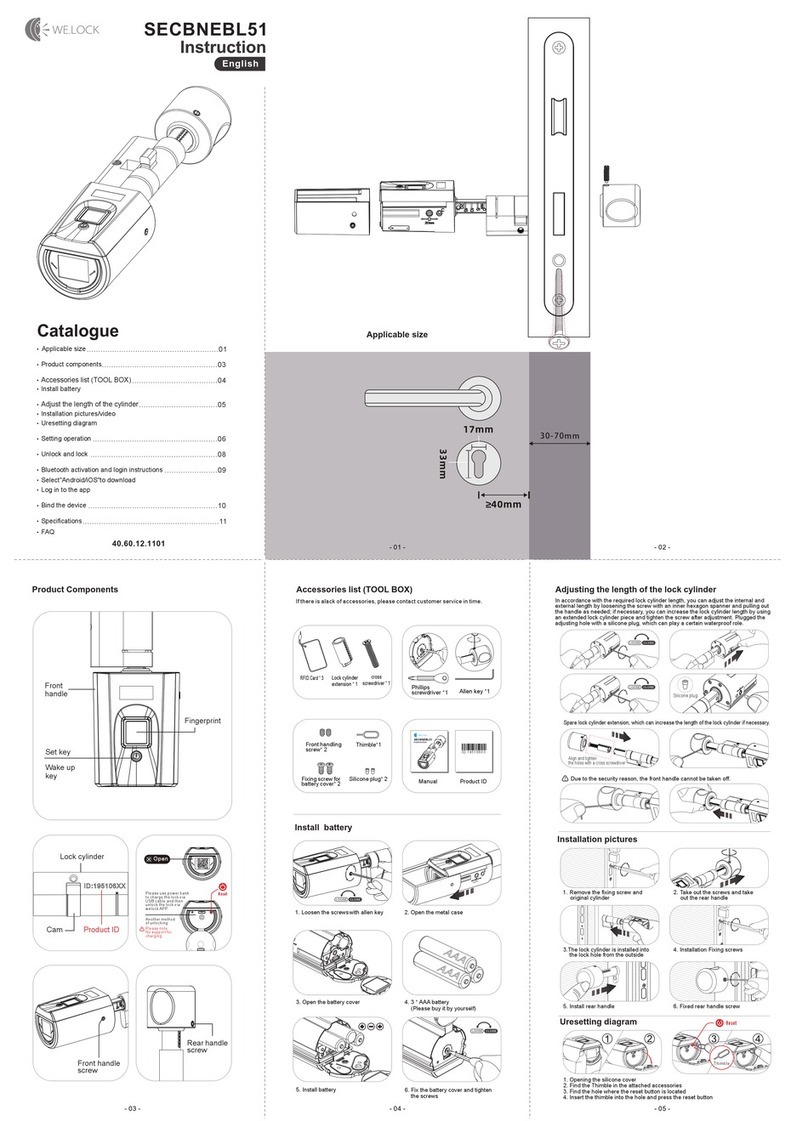
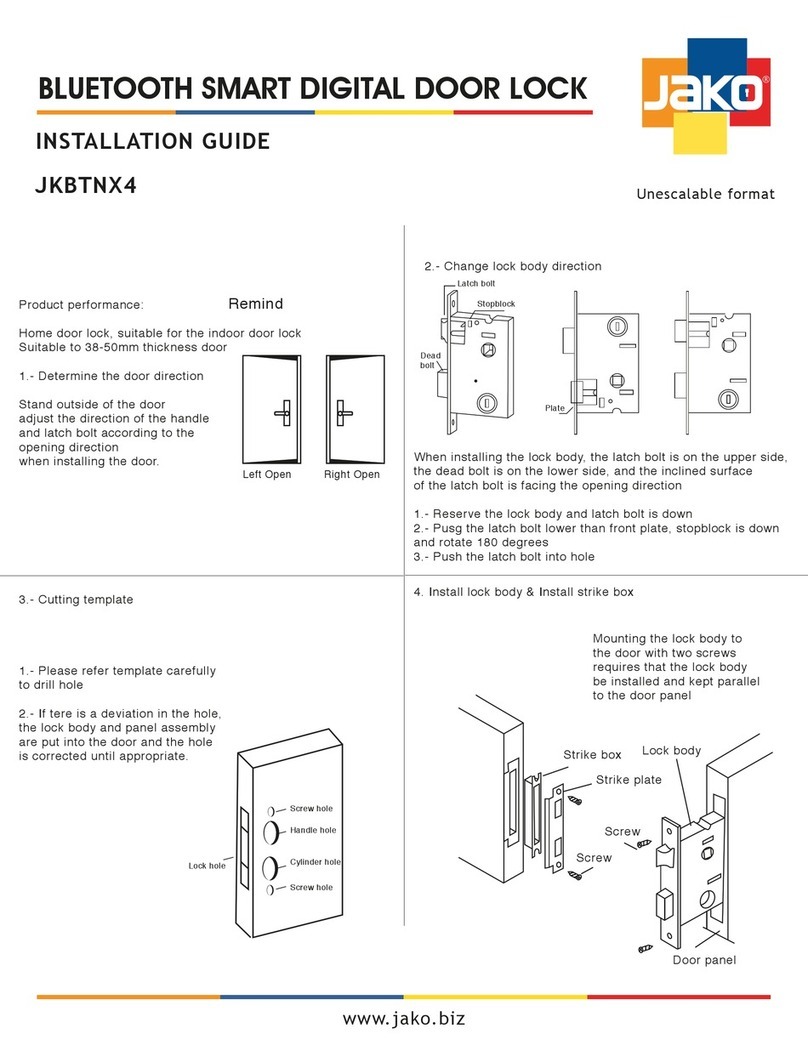
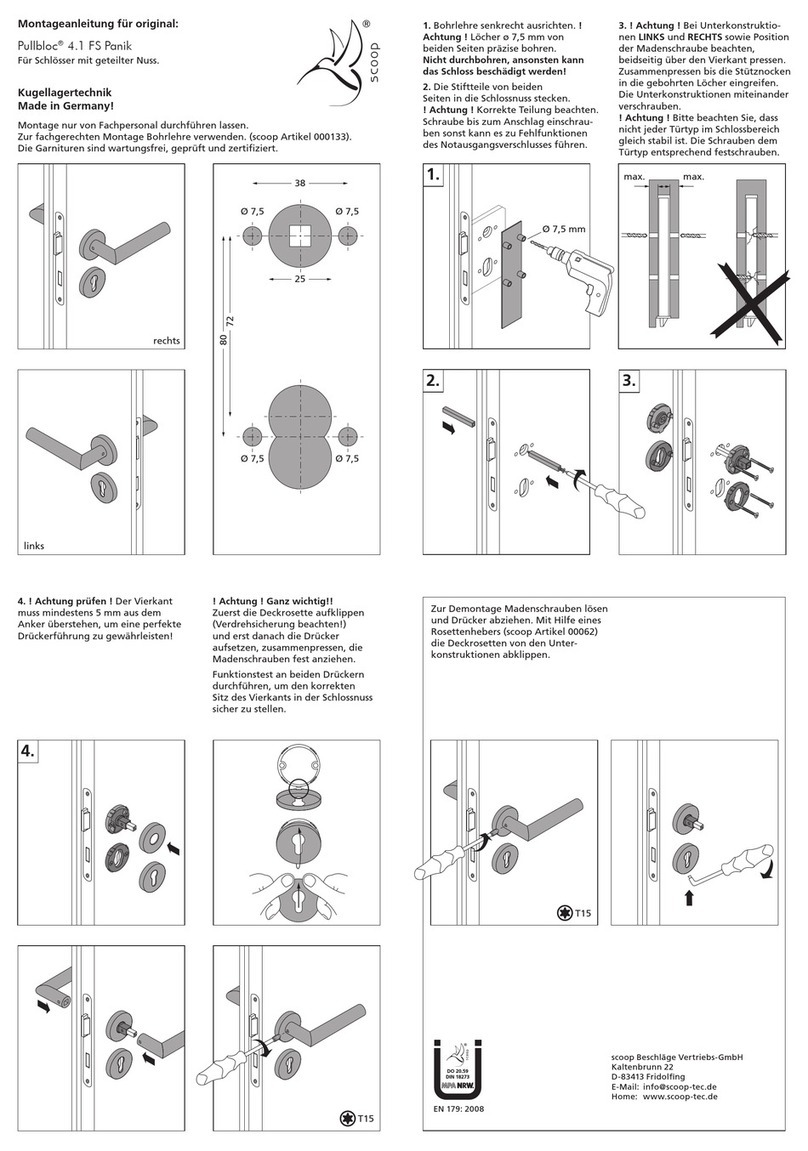
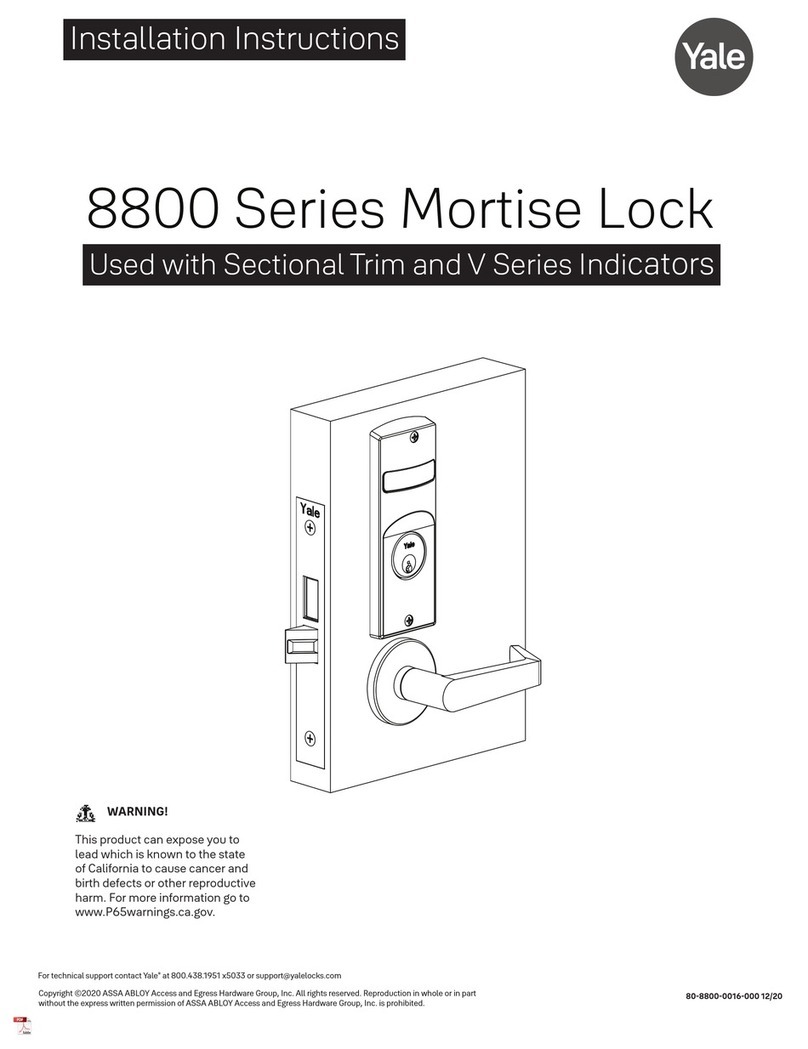
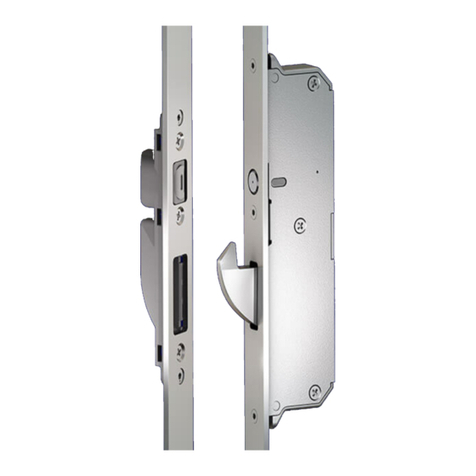
Sylvan SL39E User manual

SL39E
INSTALLATION INSTRUCTIONS
Version 1

2www.sylvan.co.nz

3www.sylvan.co.nz
SL39E INSTALLATION INSTRUCTIONS
Thank you for choosing Sylvan, this lock is for Residential use only, and its two year
warranty (mechanical and electronic) only applies for locks being used for residential use.
To ensure you get the best out of your purchase we ask that you follow the below:
• Please read these instructions fully before installation of this lock.
• We recommend this lock is installed by a professional installer or a serious DIYer to
ensure correct installation and operation.
• The supplied rubber boots must be installed; however, this smart lock requires a
smooth flat surface to hold its water tightness. This lock is not suitable for use on
a tongue and groove door, where water can penetrate the lock via a groove in the
door.
• We recommend that this lock is never fully exposed to direct weather for long
periods of time. For long lasting properties of the product, positioning the lock
under a eve or sheltered position is best.
• This lock is rated IP55, but only on the outward face of the lock. No warranty is
given if the lock gets damaged from water for the inside of the door.
• This lock is not suitable for use on a gate.
• This lock comes with a mechanical key override, this can be used in a situation
of complete battery loss. We recommend an override key is put somewhere safe
outside in case complete power loss.
• Replace batteries when they are showing low voltage on the app.
• All batteries used with this lock must be high quality
Alkaline (4 x AA batteries), to ensure long lasting use.
• Lithium or rechargeable batteries cannot be used with this lock.
Introduction
Installation Video
Scan this code:
App Setup Video
Scan this code:

4www.sylvan.co.nz
Lock Dimensions
63mm
170mm

5www.sylvan.co.nz
SL39E INSTALLATION INSTRUCTIONS
Product specifications:
Model number SL39E Door thickness
range
35mm - 55mm
Material of
Manufacture
Aluminum alloy IP rating IP55
Weight 2 kg Type of use Residential use only
Options of
unlocking
Blue tooth
Passcode
Card
Mechanical key
Gateway (optional)
Disc (optional)
Passcode
capacity
App unlocks infinite
Passcodes: 150 max
RFID Cards: 200 max
Working
temperature
-10 – + 55 degrees C Working
Humidity
0-95%
Normal voltage 6 volts (4 x Alkaline
batteries)
Warranty 2 years mechanical
2 years electronic
Low voltage Alarm Less than 4.8 Volts Lock Stainless steel front

6www.sylvan.co.nz
SL39E Packing List
• Front panel
Qty x1
• Back panel
Qty x1
• User manual
Qty x1
• Installation template
Qty x1
• Mortice lock / latch
Qty x1
• Striker plate
Qty x1
• RFID cards
Qty x3
• Mechanical keys
Qty x 2
• Waterproof rubber boot
Qty x2
• Striker Plate Box
Qty x1
• Mortice screws
Qty x4 25mm
• Connection posts
Qty x1
(M4x30 - for
35-40mm Door thickness)
(M4x35 - for
40-60mm Door thickness)
• Various M6 machine
screws
Qty x4
(30mm, 50mm)
• Smart hub
Qty x1 (optional)
• Smart Disc
(optional)
• Backplate
• Backplate fixing M4
machine screws
Qty x4 (10mm)

7www.sylvan.co.nz
SL39E INSTALLATION INSTRUCTIONS
Adjust Deadbolt Backset
Confirm Opening Direction (handing)
1. Retract deadbolt
completely by rotating
spindle cross thing
If required, the supplied deadbolt is adjustable from 60mm - 70mm depending on your backset.
Check if your door is a left or right hand opening door, you may need to make the below adjustments to suit.
2. The shorter backset
is 60mm
3. Twist the full assembly,
the deadbolt will
extend through the
center
4. The extended backset
is 70mm
LEFT HAND
OPENING
RIGHT HAND
OPENING
Check the
lock handing
as pictured
IMPORTANT
Make sure the
spindle is always
kept horizontal.
This may need
to be trimmed
to suit door
thickness.
IMPORTANT
Change the
L or R position
switch inside the
back panel.
IMPORTANT
Check the
deadbolt knob
position as
indicated for left
or right handed
operation.
Make sure the
Deadbolt is kept
retracted during
installation.
LL
RR
LL
RR

8www.sylvan.co.nz
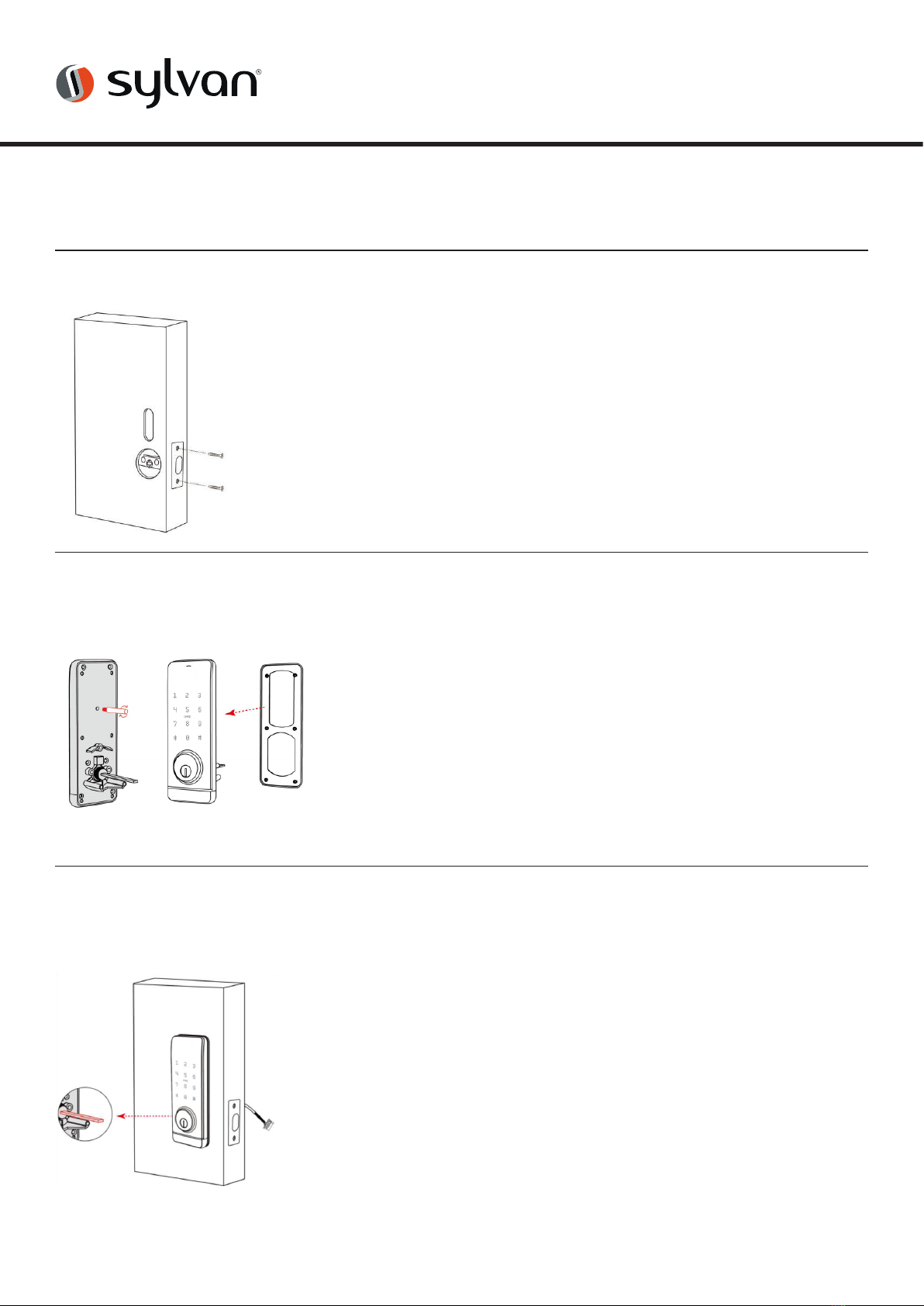
1. Mark and crop door using installation template provided
2. Ensure holes are clear of any sharp edges and clean of
swarf and wood dust.
3. Ensure deadbolt is fitted with TOP upwards.
1. Measure door thickness and install appropriate length
screw post.
2. Attach rubber boot to front panel.
1. Feed power cable through door
2. Align spindle and posts to deadbolt
latch and mount front panel to door.
3. Ensure spindle is horizontal and bolt is retracted.
Installation:
Step 1: Install deadbolt (see latch instructions included)
Step 2:
Install Screw Posts & Rubber Boot
Step 3:
Install front panel

9www.sylvan.co.nz
SL39E INSTALLATION INSTRUCTIONS
1. IMPORTANT
Plug in power cable ensuring the plug is around the
correct way for the plug to accept its receiver correctly.
2. Push excess cable back though the mounting plate and
align back panel onto mounting plate, securing with 3x
10mm machine screws.
3. Install the correct type of batteries into the lock
(4 x Alkaline AA batteries)
4. Re attach battery cover plate
5. Finally fit striker plate and striker box to the door frame
ensuring that the latch and bolts work freely when the
door is closed.
6. To test the correct operation of the deadbolt of the
lock test by turning the inside knob and ensuring it
runs freely into the striker plate without any resistance.
If binding occurs the striker plate might need a re
adjustment in position.
7. Installation of the lock is now complete
1. Attach rubber boot to mounting plate
2. Feed power cable through the mounting plate
3. Align the locating pins to the front panel and
attach to door using mounting screws.
Step 5:
Mount back panel and finish installation
Step 4:
Install mounting plate
IMPORTANT
Do not pull on the plug or cable with force or let the hardware
hang from the cable, damaged caused will void the warranty

10 www.sylvan.co.nz
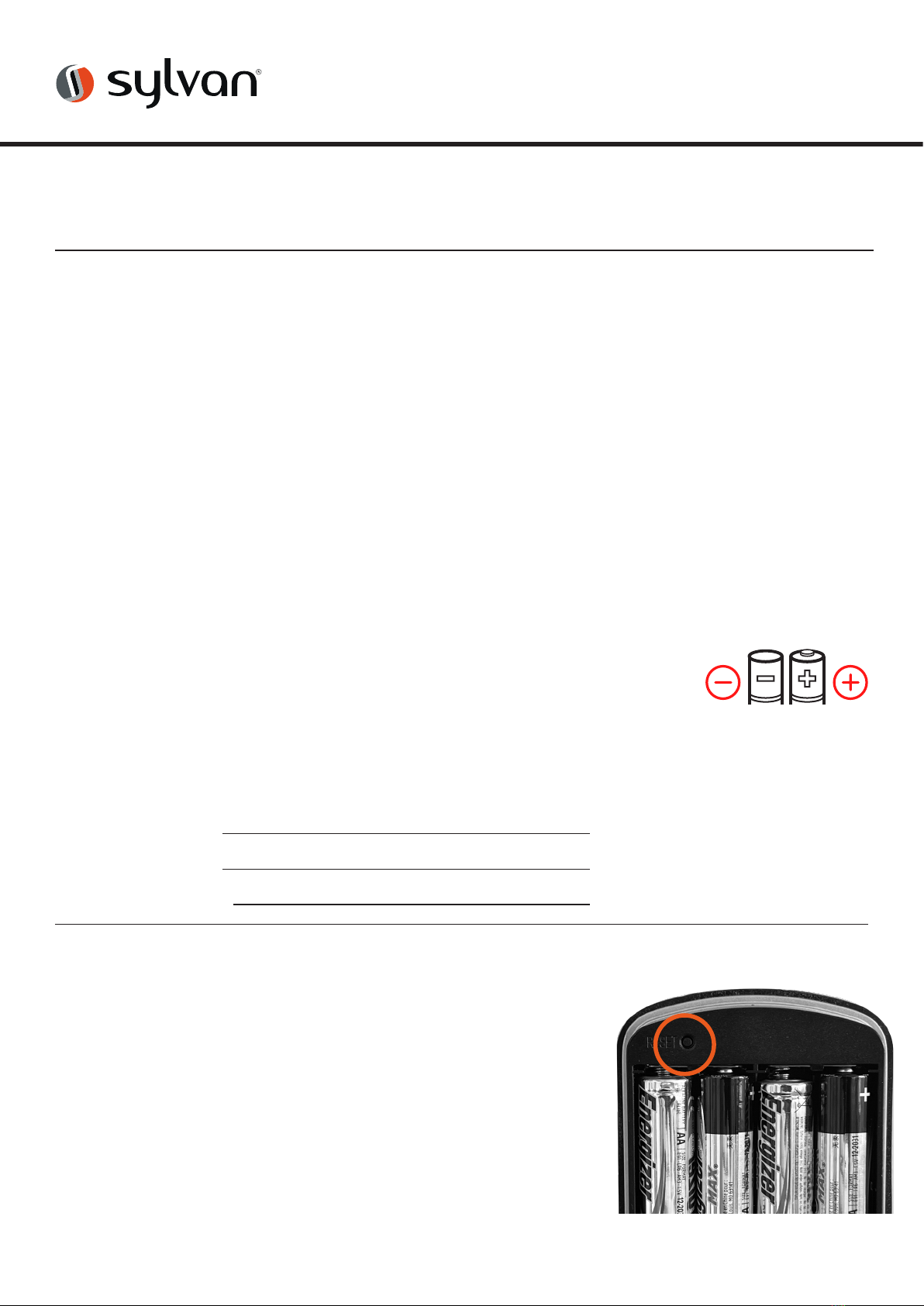
Manual reset:
If you are not admin of the Smart Lock, remove battery cover
and complete:
Long press the reset button beneath the battery case for 5
seconds or until you hear: “Please Input Initialisation Passcode”.
Now input code “000#” on the keypad.
The system reset will be complete. From here you can re-link the
SL39E Smart Lock to your phone via the TT App.
*Note: this will clear all previous users from the locks memory
1. Date Installed: / /
2. Installed By:
3. Pin: #
1. Holes drilled and aligned squarely as per drilling template.
2. Ensure bar on outer barrel is horizontal.
3. Ensure the rubber boot is aligned correctly with a good seal on
the door, also making sure the lugs are correctly seated in their
holes .
4. Ensure bolt is retracted when installing.
5. Ensure correct handing is set.
6. Ensure inner knob is correctly positioned.
7. Ensure all screws and bolts are correctly tightened.
8. Ensure power cable is installed and not bent or crimped in door.
9. Check batteries are Alkaline and installed correctly.
10. Check to see if the lock requires a software update via the TT App
Lock Installation Checklist
Other manuals for SL39E
1
Table of contents
Other Sylvan Door Lock manuals