manuals.online logo
Brands
  1. Home
  2. •
  3. Brands
  4. •
  5. Teledyne
  6. •
  7. Laboratory Equipment
  8. •
  9. Teledyne 5800 User manual

Teledyne 5800 User manual

Other manuals for 5800

4

Other Teledyne Laboratory Equipment manuals
Teledyne FALCON GC User manual

Teledyne

Teledyne FALCON GC User manual

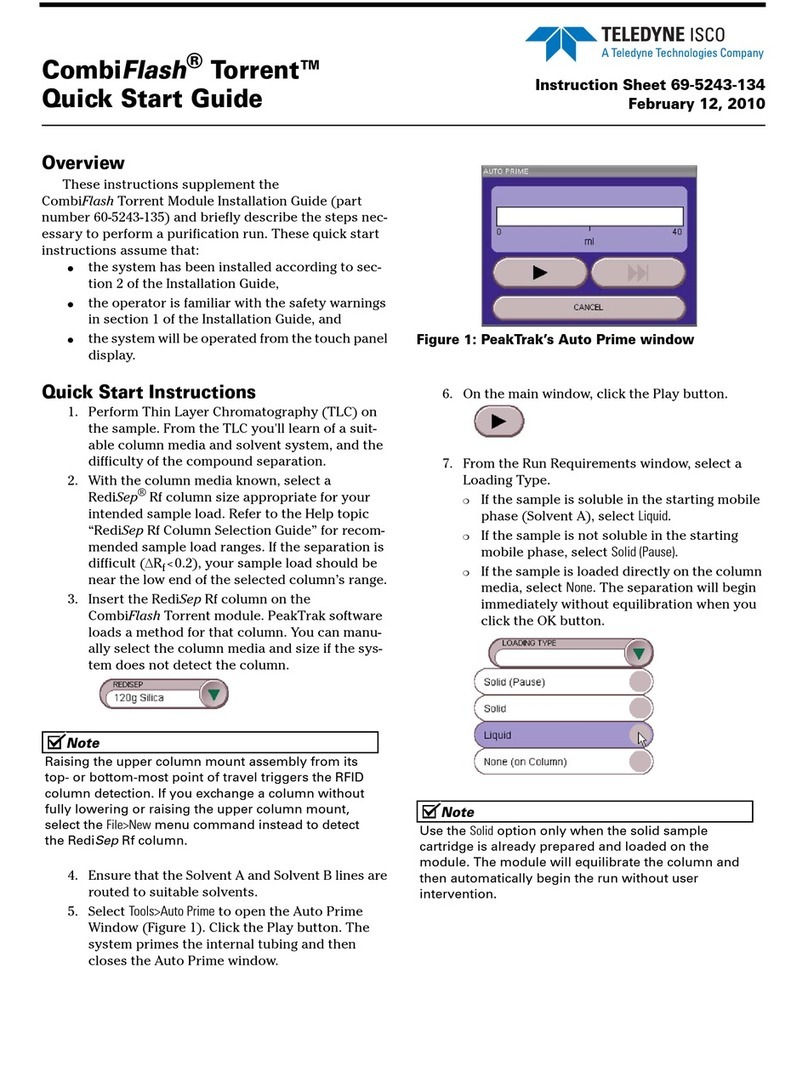
Teledyne CombiFlash Torrent User manual

Teledyne

Teledyne CombiFlash Torrent User manual

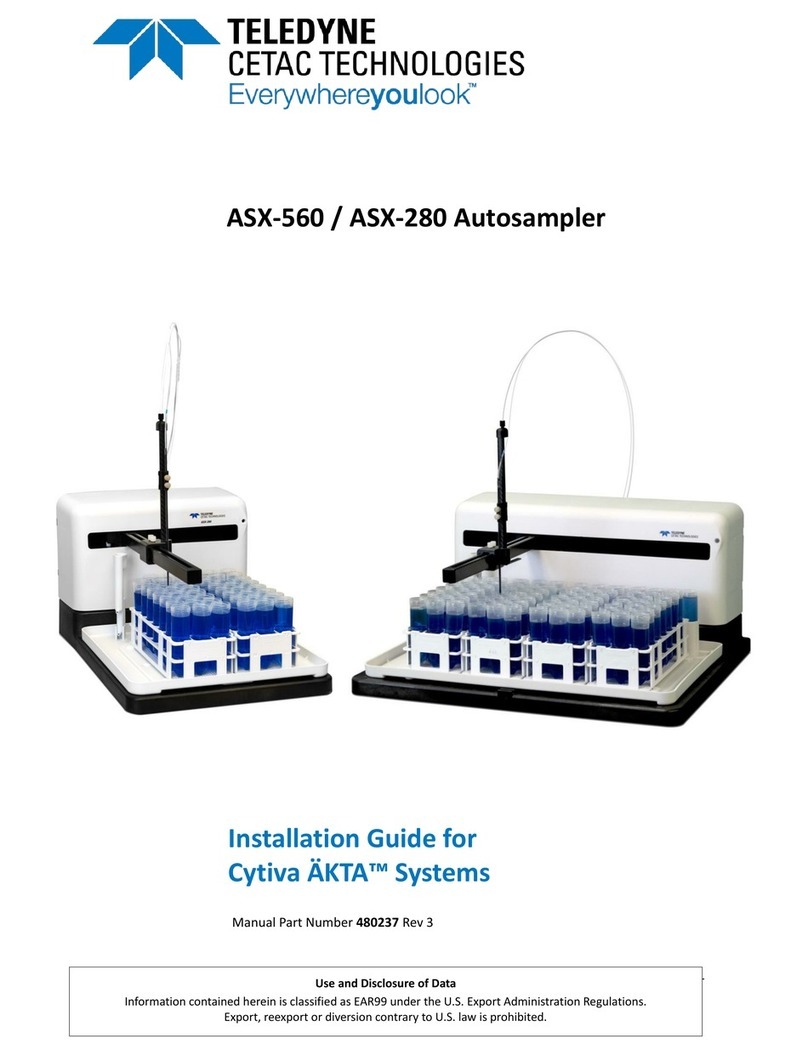
Teledyne ASX-560 User manual

Teledyne

Teledyne ASX-560 User manual

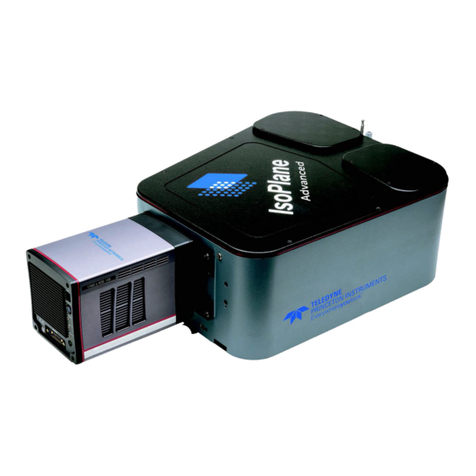
Teledyne Everywhereyoulook IsoPlane 320A User manual

Teledyne

Teledyne Everywhereyoulook IsoPlane 320A User manual

Teledyne Foxy R1 User manual

Teledyne

Teledyne Foxy R1 User manual

Teledyne Platinum User manual

Teledyne

Teledyne Platinum User manual

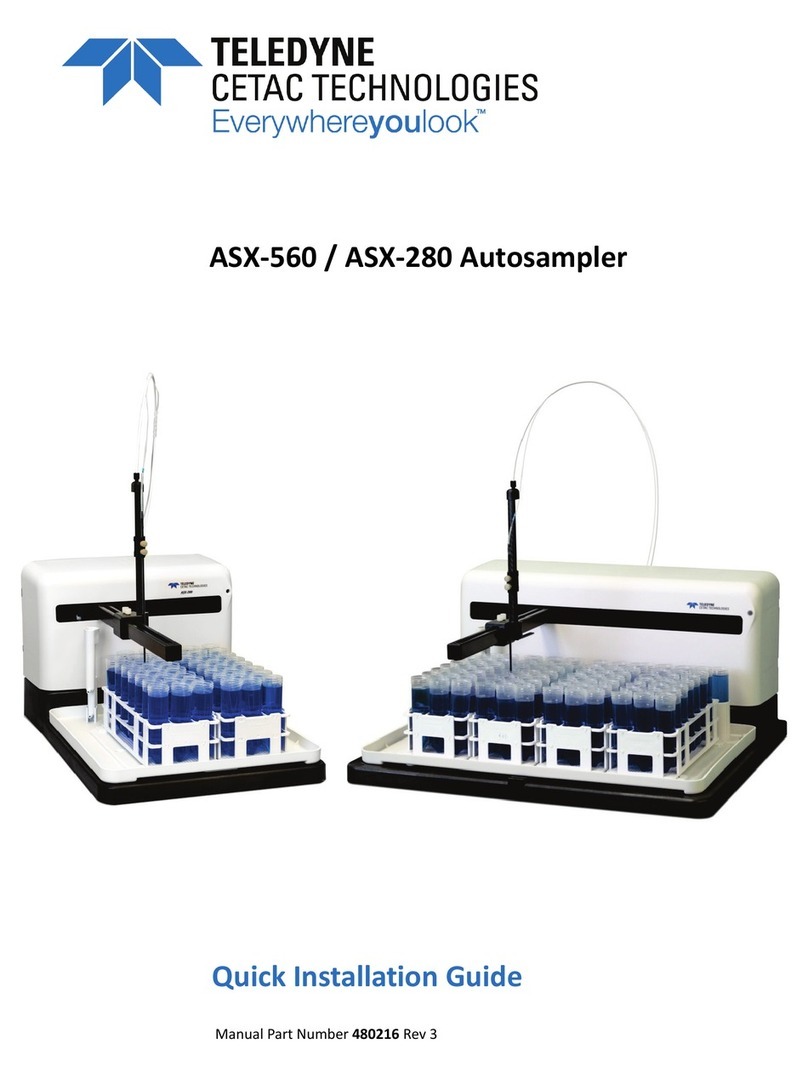
Teledyne ASX-560 User manual

Teledyne

Teledyne ASX-560 User manual

Teledyne 4700 User manual

Teledyne

Teledyne 4700 User manual

Teledyne ACCQPrep HP125 Operating instructions

Teledyne

Teledyne ACCQPrep HP125 Operating instructions

Teledyne Princeton Instruments IsoPlane 81 User manual

Teledyne

Teledyne Princeton Instruments IsoPlane 81 User manual

Teledyne T640 Manual

Teledyne

Teledyne T640 Manual

Teledyne 3700 Operating instructions

Teledyne

Teledyne 3700 Operating instructions

Teledyne CETAC ASX-112FR User manual

Teledyne

Teledyne CETAC ASX-112FR User manual

Teledyne ACCQPrep AI 5 User manual

Teledyne

Teledyne ACCQPrep AI 5 User manual

Teledyne 934 NiCad User manual

Teledyne

Teledyne 934 NiCad User manual

Teledyne 10 Operating instructions

Teledyne

Teledyne 10 Operating instructions

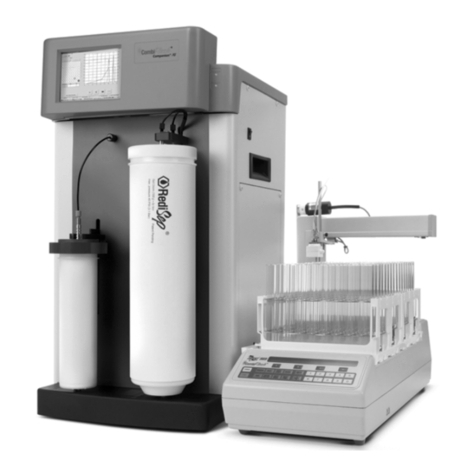
Teledyne CombiFlash Companion XL User manual

Teledyne

Teledyne CombiFlash Companion XL User manual

Teledyne AutoInjector Module Operating instructions

Teledyne

Teledyne AutoInjector Module Operating instructions

Teledyne XTRX500 User manual

Teledyne

Teledyne XTRX500 User manual

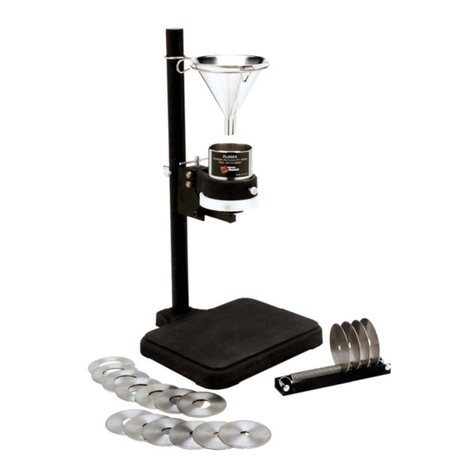
Teledyne Hanson Research FLODEX User manual

Teledyne

Teledyne Hanson Research FLODEX User manual

Teledyne Installation Guide User manual

Teledyne

Teledyne Installation Guide User manual

Teledyne CombiFlash Rf User manual

Teledyne

Teledyne CombiFlash Rf User manual

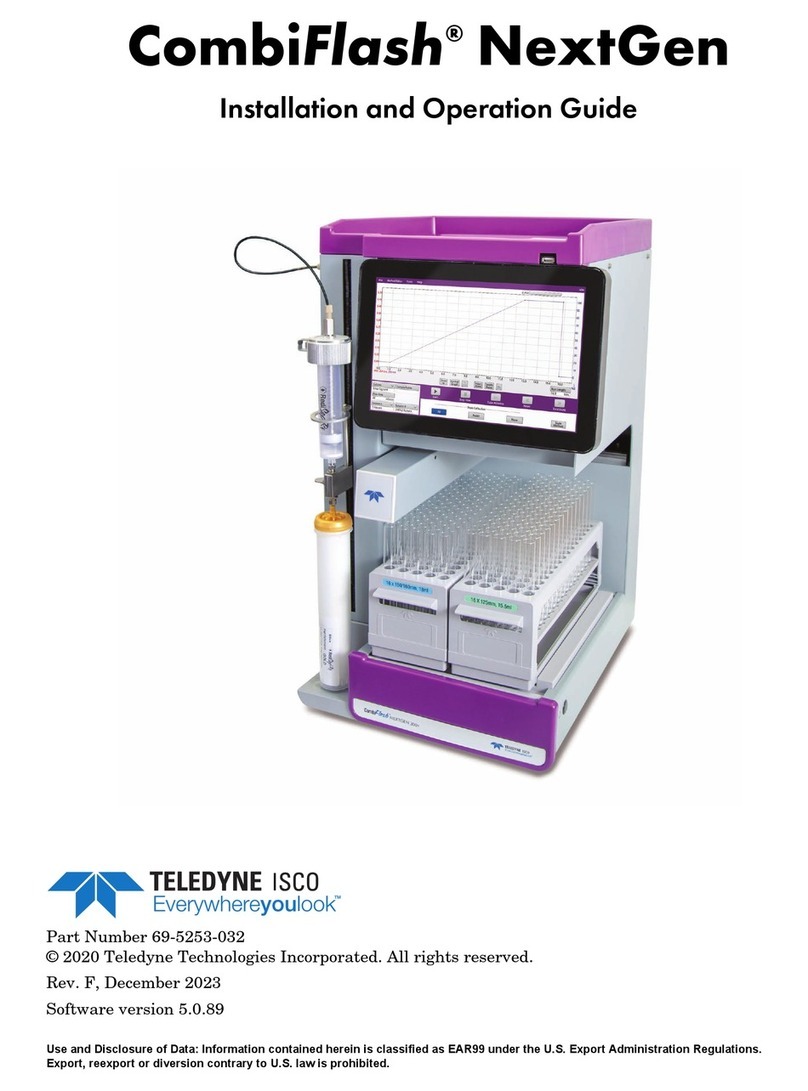
Teledyne CombiFlash NextGen Operating instructions

Teledyne

Teledyne CombiFlash NextGen Operating instructions

Teledyne ADX-500 User manual

Teledyne

Teledyne ADX-500 User manual

Popular Laboratory Equipment manuals by other brands

Radleys Carousel 6 Plus instructions

Radleys

Radleys Carousel 6 Plus instructions

Hemotherm 400MR Operation & technical manual

Hemotherm

Hemotherm 400MR Operation & technical manual

mrclab DVO Series Operation manual

mrclab

mrclab DVO Series Operation manual

CoolLED pE-800 quick start guide

CoolLED

CoolLED pE-800 quick start guide

Luminex Guava easyCyte Maintenance Guide

Luminex

Luminex Guava easyCyte Maintenance Guide

IKA A10 basic operating instructions

IKA

IKA A10 basic operating instructions

Belden HIRSCHMANN RPI-P1-4PoE installation manual

Belden

Belden HIRSCHMANN RPI-P1-4PoE installation manual

Koehler K1223 Series Operation and instruction manual

Koehler

Koehler K1223 Series Operation and instruction manual

Globe Scientific GCM-12 quick start guide

Globe Scientific

Globe Scientific GCM-12 quick start guide

Getinge 86 SERIES Technical manual

Getinge

Getinge 86 SERIES Technical manual

CORNING Everon 6000 user manual

CORNING

CORNING Everon 6000 user manual

Biocomp GRADIENT MASTER 108 operating manual

Biocomp

Biocomp GRADIENT MASTER 108 operating manual

Cole Parmer Stuart SB3/1 instruction manual

Cole Parmer

Cole Parmer Stuart SB3/1 instruction manual

BEVS 2501/2A user manual

BEVS

BEVS 2501/2A user manual

Qiagen DML 3000 user manual

Qiagen

Qiagen DML 3000 user manual

Queensgate NANOSCAN OP400 Quick start instructions

Queensgate

Queensgate NANOSCAN OP400 Quick start instructions

Parr Instrument 4560 Operating instructions manual

Parr Instrument

Parr Instrument 4560 Operating instructions manual

Integra DOSE IT operating instructions

Integra

Integra DOSE IT operating instructions

manuals.online logo
manuals.online logoBrands
  • About & Mission
  • Contact us
  • Privacy Policy
  • Terms and Conditions

Copyright 2025 Manuals.Online. All Rights Reserved.

5800 Sampler
Pump Heater
Installation Instructions
Overview
This instruction sheet describes the steps to install
the optional pump heater inside the pump cover of both
the 5800 and 4700 Samplers. The heater prevents liquid
from freezing inside the pump under extremely cold con-
ditions.
Note
The heater prevents liquid from freezing only inside
the pump housing cover. In extremely cold climates,
you must also route the suction line correctly to
prevent liquid from freezing in the suction line. The
suction line must have a continuous slope. Do not
allow loops or low spots in the line where liquid can
remain between samples. (This general practice
applies to all climates to prevent sample
cross-contamination.)
Required Parts and Tools
●Heater Installation Kits
❍68-4700-104 for 115 VAC Samplers
❍68-5800-060 for 230 VAC Samplers
●#2 Phillips screwdriver
●Hack saw
●Fine sand paper or file
Installation
The Heater Installation Kit includes a heater, a heat
shield, self-tapping screws, and a clip to secure the AC
line cord. To install the kit:
1. Refer to Figure 1. If a notch is not present, cut a
notch in the pump cover with a hack saw or sim-
ilar tool. Use sand paper or a file to remove burrs
and smooth the cut edge.
Figure 1: Cut a notch in the top cover
for the AC line
cord to pass through
2. Fit the heat shield inside the pump cover as
shown in Figure 2. Secure the shield with the
four #63/8" self-tapping screws.
Figure 2: Install heat shield inside cover
13 mm
(1/2in)
Instruction Sheet 69-4703-150
Revision D, February 1, 2016
Teledyne Isco
P.O. Box 82531, Lincoln, Nebraska, 68501 USA
Toll-free: (866) 298-6174 • Phone: (402) 464-0231 • Fax: (402) 465-3001
E-mail: [email protected]
Teledyne Isco is continually improving its products and reserves the right to change product
specifications, replacement parts, schematics, and instructions without notice.
3. Temporarily close the pump cover to check the
heat shield alignment. The hole in the shield
must fit over the large knob on the pump assem-
bly. If the shield hits the knob, loosen the four
screws and adjust the shield. Tighten the screws
when the alignment is correct.
4. Position the heater on the sampler as shown in
Figure 3. Align the edges of the slot in the heater
against the lower left corner of the pump
assembly.
Figure 3: Install heater under pump
5. Secure the heater in place with the two #142"
self-tapping screws. Tighten the screws until
fully seated.
6. Refer to Figure 4 and secure the AC line cord
with the clip and the #85/8" self-tapping screw.
Figure 4: Install line cord clip
just inside the notch in
the cover.
Assistance Available
Should you need assistance with these instructions,
contact Teledyne Isco.
Last modified February 1, 2016
3 mm
(1/8 in)
30 mm
(1.2 in)