NOTE:
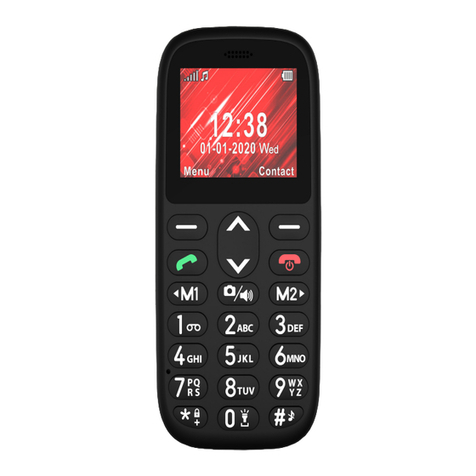
To type words on the keyboard, you will have to find a letter on the keyboard and
press this key repeatedly until the desired character is displayed.
Example: to type letter N, press key 2 times the key 6.
To type capital or small letter, press key to change the Input mode. You can
see the input mode on top on the left.
Quick search
To search for a contact, once in the Phonebook menu, start typing a name. The entered
letters will be automatically put down into the search line and all contacts corresponded
to the search will be shown.
Options
Once in Phonebook, press OK key to see the list of Options:
Call Press “Select” to call the contact
Send SMS To edit and send a text message to a contract
View To view the contact number and its name
Edit Press “Select” to modify the selected entry
Delete contact To suppress a contact
Copy contact To make a copy of the contact in another storage
Mark several Press “Select” to see the list of all contacts.
By pressing OK again, you can mark selected contact or mark
all contacts in order to send a text message, Delete selected
contacts, copy or move in storages
Phonebook Settings
Pref. storage To preset your preferred storage (Phone or SIM or both)
Speed dial To attribute the numbers for speed dial on keys from 2 to 9. To
make a direct speed call to a chosen attributed number from idle
mode, press and hold corresponding key.
Memory status Phone and SIM card memory status
Copy contacts To copy all contacts in another storage
Move contacts To move all your contacts in another storage
Delete all To delete all your contacts
MAKE/ANSWER A CALL…
In idle mode, enter the desired number (use End key to delete the last input.
Press and hold to delete entire number) and press 2 times to start calling. You can
also make a call to a number from the Phonebook. Once in the Phonebook menu, scroll
to choose a contact, then press key 2 times to call.
After the call is connected, you will have the following options:
Hands-free Switch to loudspeaker