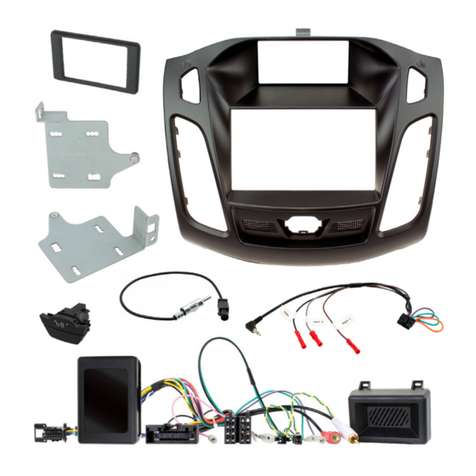
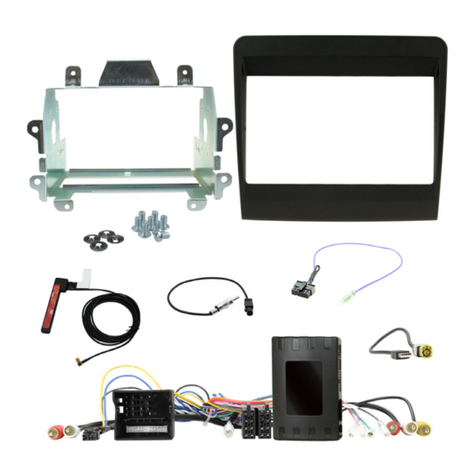
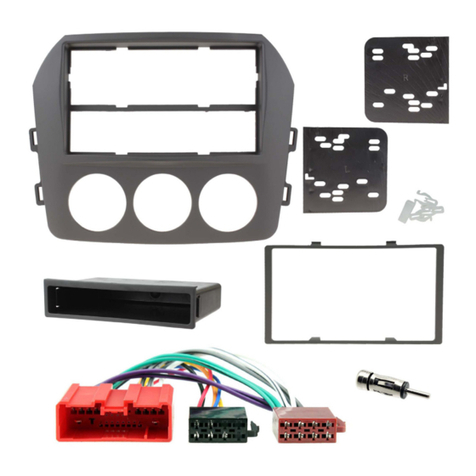
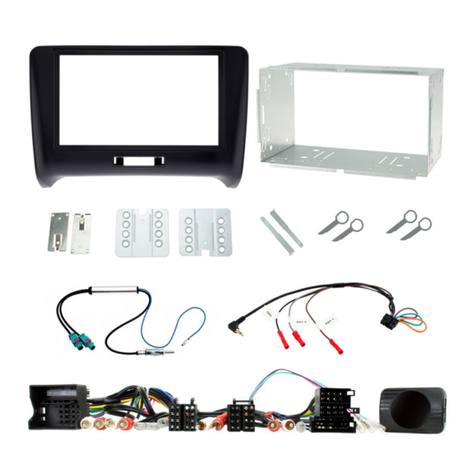
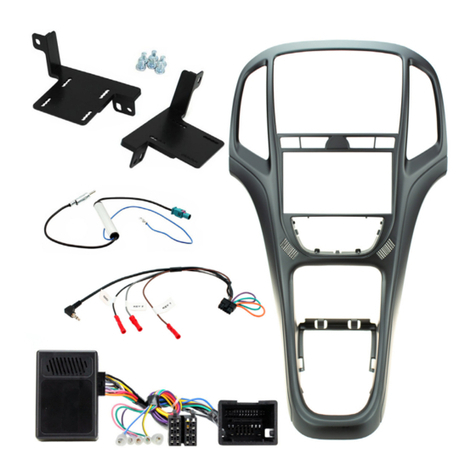
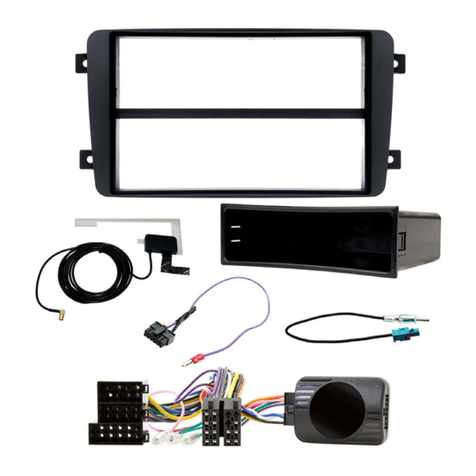
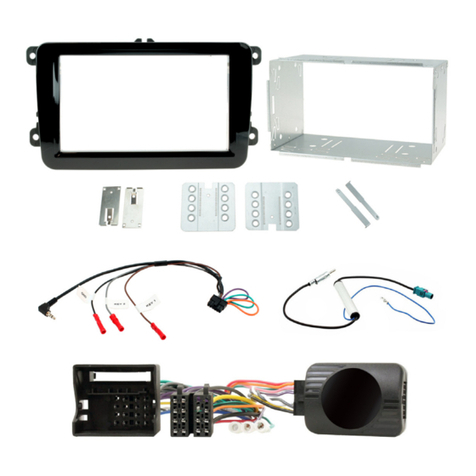
3
www.topvehicletech.com
1. Use a panel removal tool to release the plasc panel which surrounds the speedometer. Once free, pull
forward toward the steering wheel without removing completely.
2. Use the panel removal tool to release the front fascia panel. Starng from the right side which is now
uncovered from the speedometer panel, pry this out following with the le air vent. Take due care when
removing this panel as there are roughly 11x retaining clips holding this in place.
2. With the brackets now aached to the fascia plate, proceed to feed the new stereo in between the
brackets. Adjust in accordance to the front of the fascia panel and screw into place with the provided
screws.
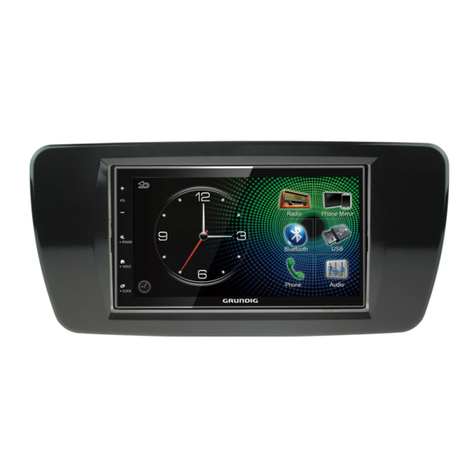
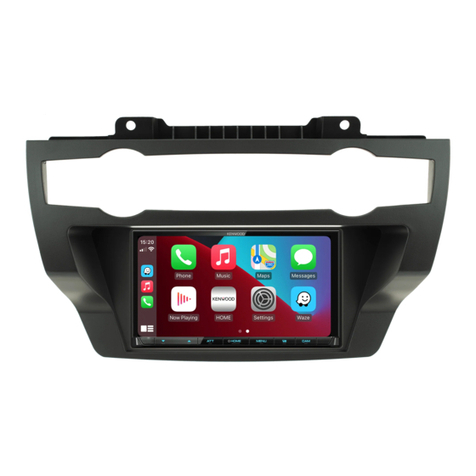
3. Once the “Stereo Installaon” process is complete, push the stereo into the dashboard, and complete
the installaon by placing the original fascia trim over top and reassembling the dashboard in reverse
order.
3. Using a set of radio release keys (or a pick tool), undo the 4x spring clips holding the main head unit into
place and remove it completely whilst disconnecng all of the wiring.
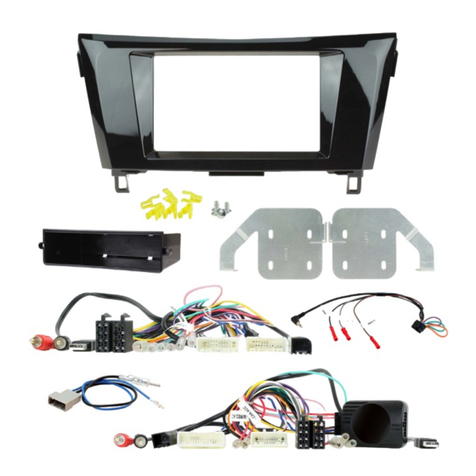
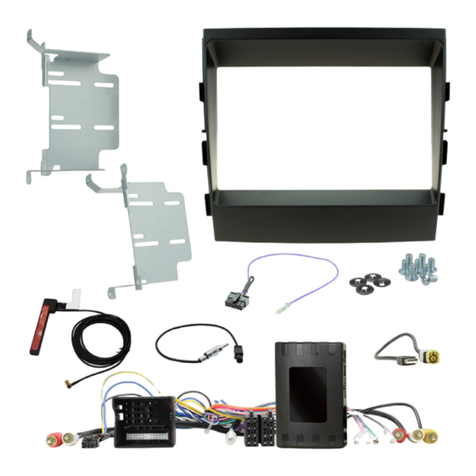
1. Using the 4x phillips screws and spacers within the kit, aach the brackets to the appropriate sides of
the new fascia plate.
6. Aach the FM antenna adapter to the vehicles pre-exisng connecon and the back of new stereo. This
adapter features both single and double housings for whichever connector is needed in the vehicle.
Note: for vehicles that need a source of phantom power, use the addional blue wire and aach it to the
rear of the ISO connector in the locaon of ‘antenna remote’. See the vehicle wiring diagram for accurate
locaon.
2. Take the steering wheel control interface and aach the 14-way steering wheel harness connector to
the relevant side.
STEREO INSTALLATION
3. Make a cut within the orange and purple loops on the back of the patch lead connector. Then proceed
to aach ‘Key 1’ to the light blue ‘SWC Remote’ wire on the stereo. When done, connect the 12-way
connector to the steering wheel control interface.
4. Aach the 4-way camera extension harness to the steering wheel control interface.
5. If the vehicle previously has a DAB antenna, use the DAB antenna adapter within the kit and aach it
between the pre-exisng vehicle connecon and the back of the new stereo to retain this feature.
7. Connect the male yellow RCA to the ‘reverse camera input’ on the back of the new stereo.
1. Take the interface and set the dipswitches accordingly (note that these are default to o):
ON (DOWN) OFF (UP)
DIPSWITCH 1 Pioneer head units All other head units
DIPSWITCH 2 Reverse Camera PAL Reverse Camera NTSC
DIPSWITCH 3 Reset factory sengs (switch) Reset factory sengs
DIPSWITCH 4 Not Used Not Used