manuals.online logo
Brands
  1. Home
  2. •
  3. Brands
  4. •
  5. Toshiba
  6. •
  7. Handset
  8. •
  9. Toshiba Strata CIX DP-5000 series User manual

Toshiba Strata CIX DP-5000 series User manual

Other manuals for Strata CIX DP-5000 series

10

Other Toshiba Handset manuals

Toshiba Strata AirLink User manual

Toshiba

Toshiba Strata AirLink User manual

Toshiba IP5131F-SDL User manual

Toshiba

Toshiba IP5131F-SDL User manual

Toshiba DP5018F-S User manual

Toshiba

Toshiba DP5018F-S User manual

Toshiba Strata AirLink User manual

Toshiba

Toshiba Strata AirLink User manual

Toshiba IP4100 SIP DECT User manual

Toshiba

Toshiba IP4100 SIP DECT User manual

Toshiba DP5032FS-D User manual

Toshiba

Toshiba DP5032FS-D User manual

Toshiba Strata AirLink Integrated Wireless Handset User manual

Toshiba

Toshiba Strata AirLink Integrated Wireless Handset User manual

Toshiba DP5032FS-D User manual

Toshiba

Toshiba DP5032FS-D User manual

Toshiba Strata AirLink User manual

Toshiba

Toshiba Strata AirLink User manual

Popular Handset manuals by other brands

GE 28101EE1 Quick setup guide

GE

GE 28101EE1 Quick setup guide

Kyocera IRIDIUM KI-G100 user guide

Kyocera

Kyocera IRIDIUM KI-G100 user guide

SW Comms ShoreTel 212k quick guide

SW Comms

SW Comms ShoreTel 212k quick guide

iPECS LIP-9020 user guide

iPECS

iPECS LIP-9020 user guide

Polycom KIRK 5020 quick guide

Polycom

Polycom KIRK 5020 quick guide

ASCOM I62 - user manual

ASCOM

ASCOM I62 - user manual

Philips TD6736/BH051P user manual

Philips

Philips TD6736/BH051P user manual

LG-Ericsson LIP-9010 user guide

LG-Ericsson

LG-Ericsson LIP-9010 user guide

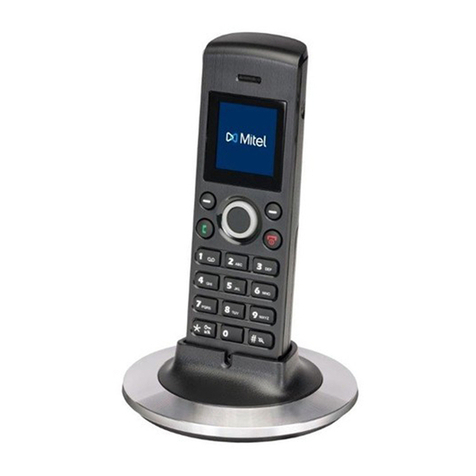
Mitel 112 manual

Mitel

Mitel 112 manual

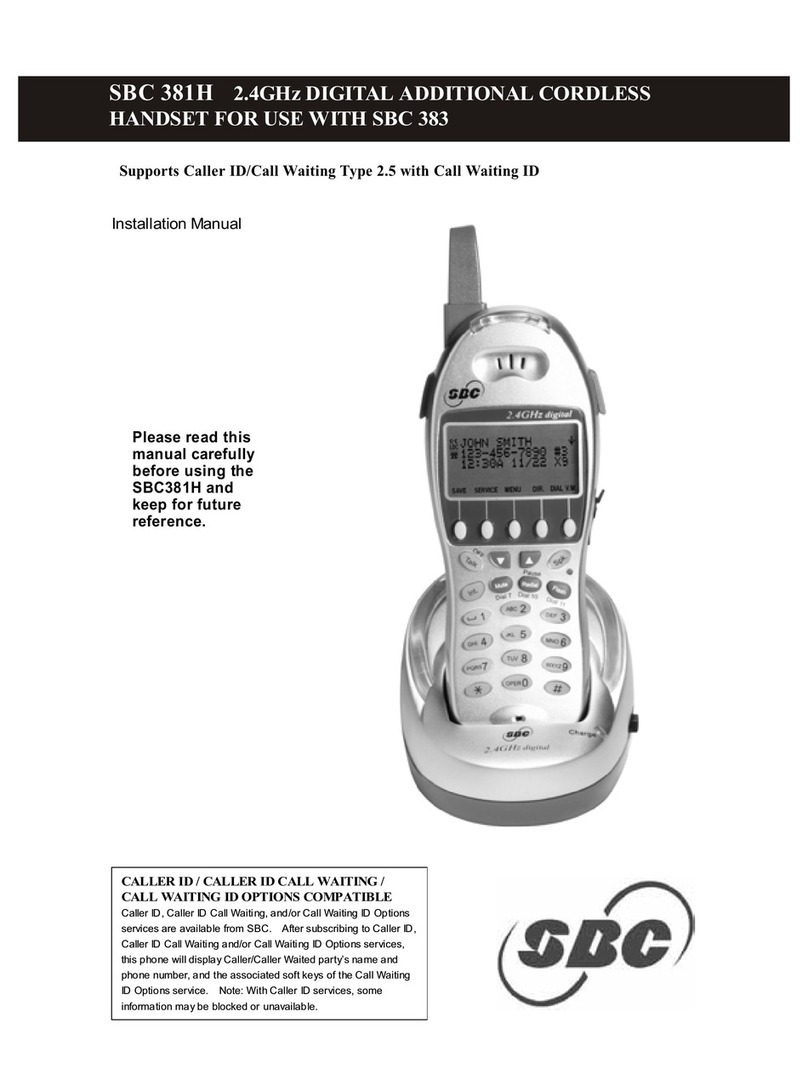
SBC SBC-381H installation manual

SBC

SBC SBC-381H installation manual

Mitel 5602 user guide

Mitel

Mitel 5602 user guide

Swissvoice ePure HD manual

Swissvoice

Swissvoice ePure HD manual

ASCOM d81 Messenger Safety instructions

ASCOM

ASCOM d81 Messenger Safety instructions

SpectraLink 7522 quick start guide

SpectraLink

SpectraLink 7522 quick start guide

Avaya L100 Series Release notes

Avaya

Avaya L100 Series Release notes

GE 27950EE1 user guide

GE

GE 27950EE1 user guide

Mitel OpenPhone OpenPhone 27 user guide

Mitel

Mitel OpenPhone OpenPhone 27 user guide

GE 1583 user guide

GE

GE 1583 user guide

manuals.online logo
manuals.online logoBrands
  • About & Mission
  • Contact us
  • Privacy Policy
  • Terms and Conditions

Copyright 2025 Manuals.Online. All Rights Reserved.

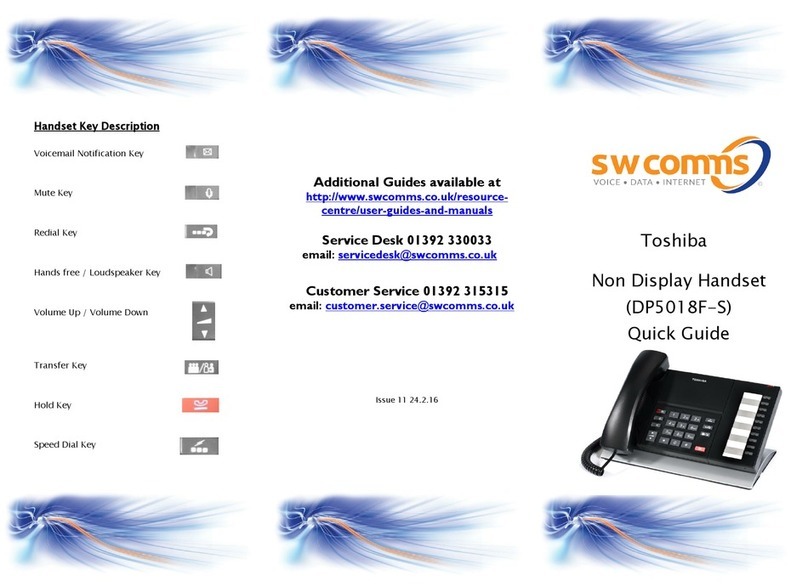
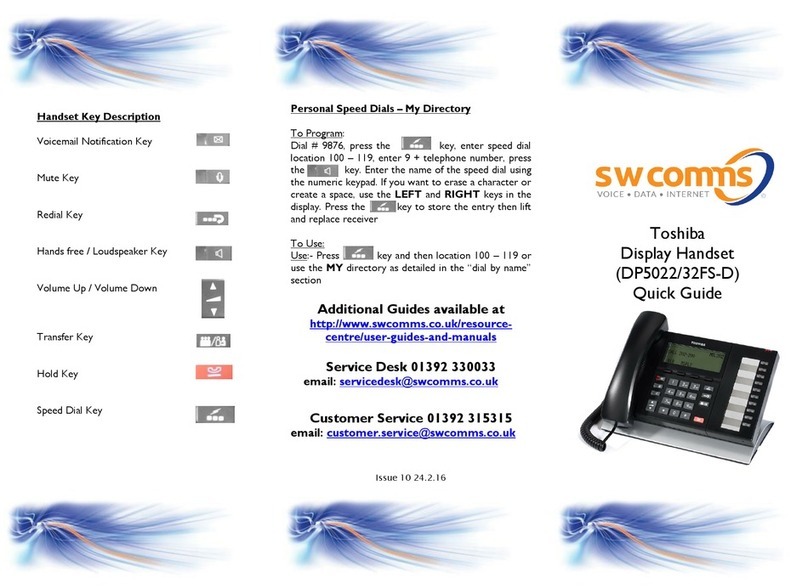
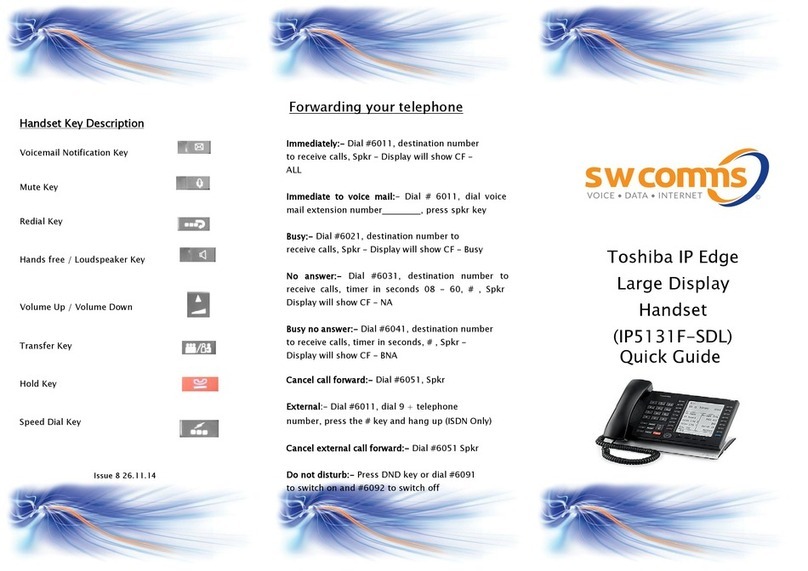
Handset Key Description
Voicemail Notification Key
Mute Key
Redial Key
Hands free / Loudspeaker Key
Volume Up / Volume Down
Transfer Key
Hold Key
Speed Dial Key
Issue 6 20.11.14
Toshiba
Supervisor Handset
Quick Guide
(DP5000 Handsets)
Responding to a help request
The supervisor can accept or deny the agent’s call
by pressing their soft keys in the display. If the
supervisor accepts help –the agent can then choose
to talk to the supervisor keeping the caller on hold,
press Join to conference or return to go back to the
caller.
Call Back
When you have dialed a busy extn, press the ACB
key above key to set an automatic call back on
the extn. Your phone will ring when they are free.
Log In (At beginning of shift)
Press Internal key
Press Log in / out key
Enter Agent number ___________
press #
Enter password ___________ or # if no password
being used
Enter group number _________ followed by # or
press * for all groups
[As a supervisor you have the option in the display
of choosing 1 to take calls and 2 to not take calls]
Log out (At end of shift)
Press Log in / out key
Press OK in the display above the Mode key
Display
Screen will show number of agents logged in out of
a total and queue name
e.g. A 1 / 1 = Agents logged in / total
CW 0 = Number of calls waiting
If agent is a member of more than one group they
can press their scroll key to move the screen across
Unavailable
Press the Unavailable key when going away from
your desk, this will temporarily log you out of the
Group. Press the Unavailable key to re-enter the
group
ACD Pickup
Press this key to answer another agents phone
Wrap up
The agent is put into a wrap up period after they
have finished an ACD call, if they do not require
this time out period they can press their Wrap Up
key to skip it
Basic call handling
Answer a call
lift receiver or press headset switch if using a
headset
Make a call
lift receiver and dial 9 and telephone number or
dial number without lifting receiver for a handsfree
call
Dial by name
Press “Mode” in the display, select the type of
search (E.G. int. = internal directory) then type the
name using the dial pad e.g press the 5 key 3 times
to get the L. Press find to search for name, press
“Call” to call number in display or “Next/Prev” to
search through other names.
Hold a call
Press the fixed key once (System hold or
twice for exclusive hold)
Retrieve a held call
Press the green flashing line key
Transfer a call
Press the key, dial the extension number,
announce call and replace receiver (Or press
headset switch if using as headset)
Retrieve a call
If there is no reply from the extension, press the
green flashing line key to return to the
caller or press underneath Rtrn in the display
Possible Keys Programmed:-
ACD Log in/out
By pressing their internal key and the ACD Login
key the system will prompt the agent to log in to
the group by entering the group number. Key
also used for logging out of the group
ACD Unavailable
The agent needs to press this key when they are
leaving their seat
Help
When an agent requests help, the supervisor’s
phone will ring, they can then select Accept or
Deny by pressing their soft display keys
ACD Monitor
The supervisor can press Spkr / Monitor then
enter agent number followed by #. They can now
hear the conversation through their speaker. To
cancel press Monitor again.
ACD Join
Whilst monitoring a call the supervisor can press
their Join key to intrude / participate in the
conversation.
ACD pickup
By pressing this key the agent can intercept
another call ringing on another ACD agent’s
phone
ACD status
Pressing this key will show details of the agents
logged in
Wrap up
When the agent finishes an ACD call they are put
into a wrap up period, if they press their wrap up
key it will skip this time out period